
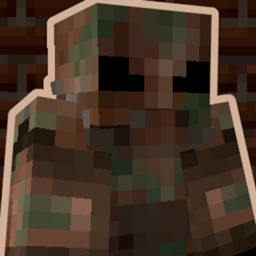
Minecraft 26.1.2 కోసం Power Armor మోడ్
ఫాల్అవుట్ సిరీస్ నుండి ప్రేరణ పొందిన పూర్తిగా పనిచేసే పవర్ ఆర్మర్ సిస్టమ్ను జోడిస్తుంది!
 Fabric
 Forge
Forge NeoForge
 Quilt
QuiltPower Armor మోడ్ గురించి
This datapack introduces a fully functional Power Armor system!
The recipes for all items added by this datapack can be viewed in the recipe book inside the crafting table. Alternativly, all items can also be obtained via the give commands: /function give:[item_name].
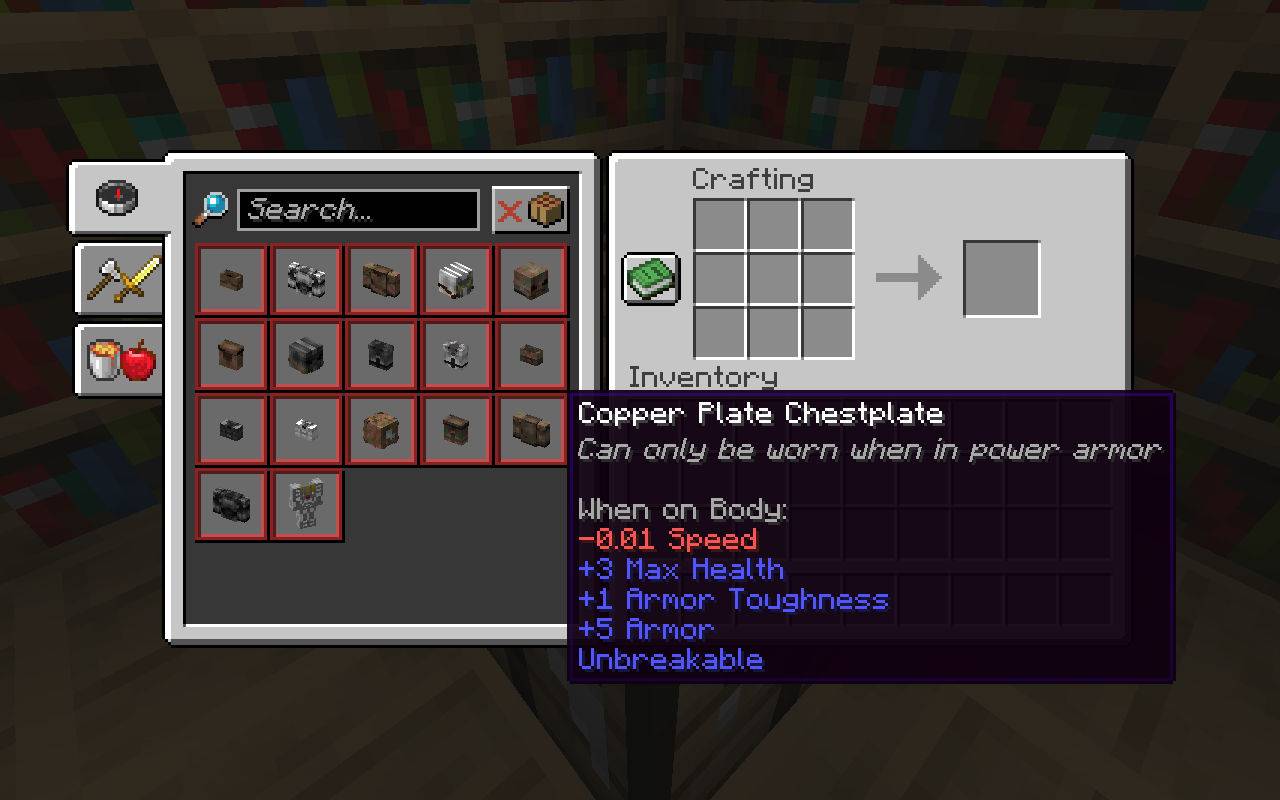
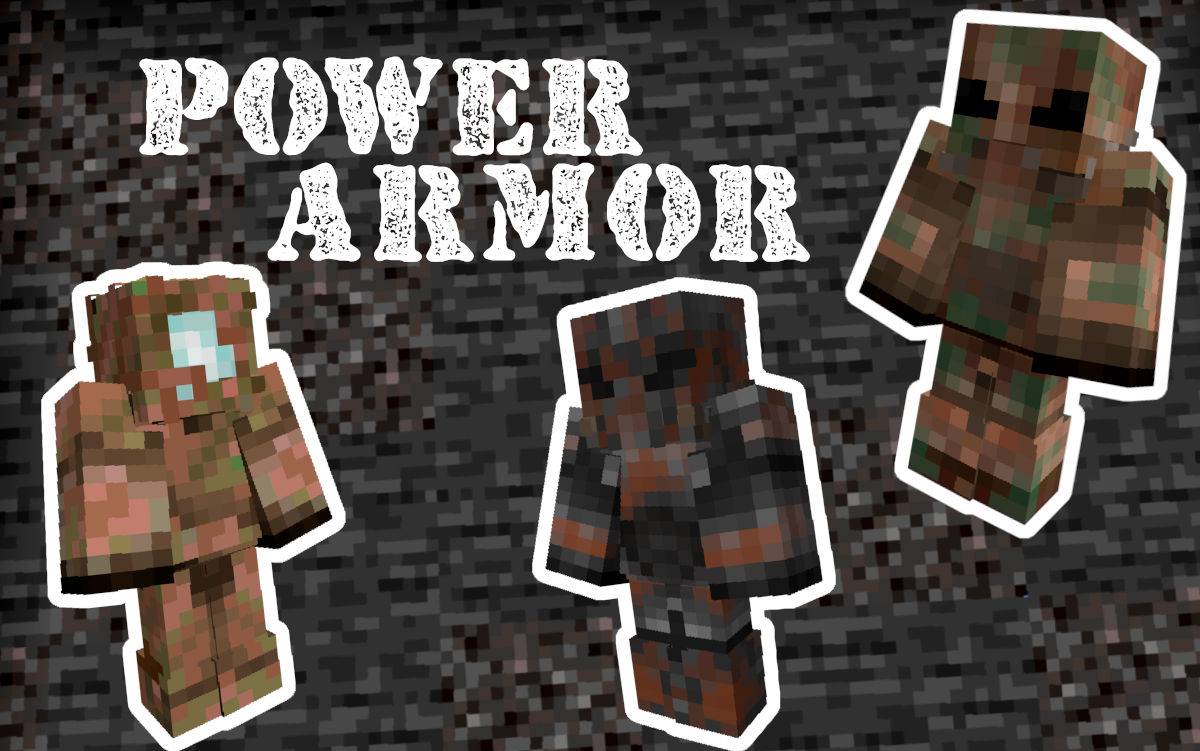
Power Armor is a special type of armor that cannot be worn like traditional armor. Instead, you must first craft a Power Armor Frame and then place it on the ground. Once placed, you will need to power it. Add power to the suit by right-clicking with redstone blocks on the back. Once you do this, you can enter the suit by right-clicking on the back.
To get the most out of Power Armor, you will need to craft individual pieces of power armor. There are multiple different pieces of Power Armor you can craft, some are more powerful than others. Whichever piece you choose to craft, each armor piece you add will further boost your stats. To customize your armor even further, you can add any vanilla or modded armor trims to give your Power Armor extra flair.
When you want to exit the power armor, simply look straight down and sneak. Alternatively, when you die, your power armor will be placed on the spot where you died. Any unused redstone power left in the suit will remain until your next use.
Obviously, this Power Armor system is inspired by the Fallout series of games, with inspiration taken mostly from Fallout 4 and Fallout 76.

Want a Minecraft server? Consider SparkedHost! Use code GAMINGBARN for 25% off!

https://discord.gg/dKMxTjchsg Need help with my datapacks? Found a bug? Want to share some feedback? Join my Discord server! There, I can offer personal help towards any problem you may be having!
Power Armor ఎలా ఇన్స్టాల్ చేయాలి
With Millida Launcher
Install Millida Launcher
The launcher is free: download it at millida.net/launcher and sign in with any nickname.
Click “Install” on this page
The launcher opens and installs the mod for Minecraft 26.1–26.1.2 on Fabric, Forge, NeoForge or Quilt automatically.
Launch the game
A profile with it appears in the launcher: click “Play”.
Manually
Install Fabric, Forge, NeoForge or Quilt
The loader must match the game version of the mod file, for example Minecraft 26.1.2. After installing it, a separate profile appears in your launcher.
Download the file for your version
In the version list above, pick the file power-armor-V1.1.8-data.jar (708 KB) for your game version and loader.
Put it in the mods folder
The folder is inside .minecraft (Windows: %appdata%\.minecraft\mods). If it does not exist, create it.
Launch the loader profile
Open “Mods” in the main menu: Power Armor should be in the list.
వెర్షన్లు
డిపెండెన్సీలతో
| Minecraft | లోడర్ | ఫైల్ | తేదీ | చర్యలు |
|---|---|---|---|---|
| 26.1 | Fabric, Forge, NeoForge, Quilt | power-armor-V1.1.8-data.jar708 KB 1 |
FAQ
Which Minecraft versions does Power Armor work on?
There are files for 26.1.2, 26.1.1, 26.1. The newest is 26.1.2.
Is Power Armor for Forge or Fabric?
There are files for Fabric: 26.1–26.1.2, for Forge: 26.1–26.1.2, for NeoForge: 26.1–26.1.2 and for Quilt: 26.1–26.1.2.
Does Power Armor need other mods?
The author lists no required dependencies: the Fabric, Forge, NeoForge or Quilt loader is enough.
Where can I download Power Armor safely?
On this page: the file power-armor-V1.1.8-data.jar (708 KB) is stored on Millida’s server, with no link shorteners. SHA-1 checksum: 5a2992f36ac2ebd98bb2822575c770f6d6241e14.
సమీక్షలు
Power Armorకు మొదటి రేటింగ్ ఇవ్వండి


