

Minecraft 1.20.1, 1.21.1 కోసం More Useful Copper మోడ్
రాగి కోసం కొత్త ఉపయోగాలు, విగ్రహాలు, జల రెడ్స్టోన్ మరియు అనేక ఇతర సాధనాలు!
 NeoForge
 Fabric
 Forge
ForgeMore Useful Copper మోడ్ గురించి
Update 3.0 NOW AVAILABLE!
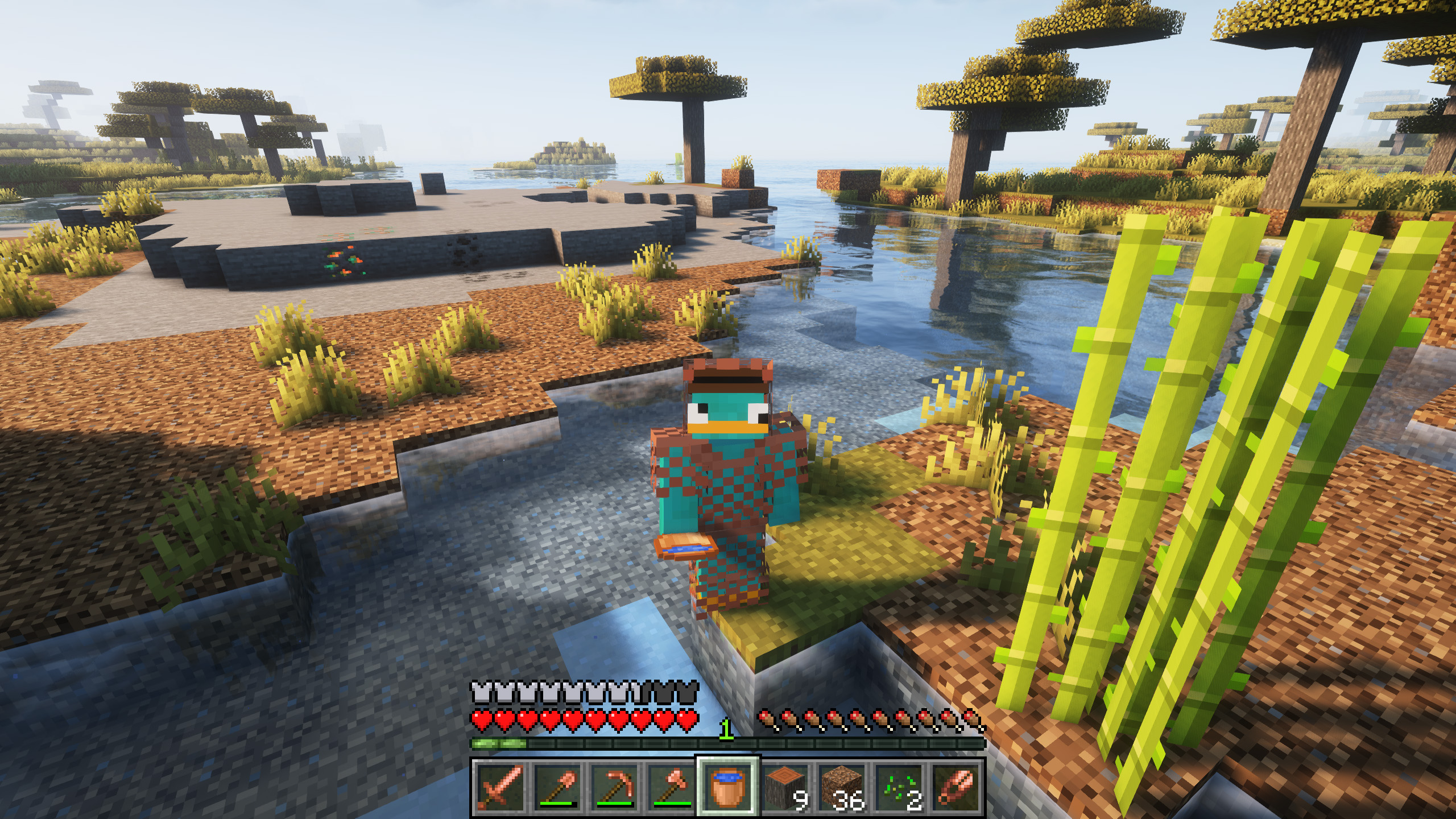
When Minecraft added copper, the whole community had the same opinion, what is its real use? Unfortunately, copper has little use, very little use...
That's why we have decided to give it much more use, adding copper variants to some of the default items, although with the goal of continuing to expand and add unique items.
Among the new features added in version 3.0, we want to highlight the ability to use redstone underwater, with the new copper redstone, or the new statues!

Do you need a server to play with your friends?
For exceptional server hosting services, look no further than BisectHosting. Of course, you can install all the mods or modpacks you want, and their support team is always available to help you.
With the code "Lupin" you will get a 25% discount! Click here!
A fantastic addition for copper lovers! Don't you think copper should have many more uses? We think so too... and that's why we have created this mod, which will allow players to craft a lot of new useful items for their games.

Does it work on servers?
### Sure! Remember that the best way to play with mods and friends is with BisectHosting, and by clicking on this link you can get a 25% discount.
Can this mod be used in modpacks?
### Of course! As long as it is published only on Modrinth or CurseForge. Uploading it to any other platform would be violating our rights and is not allowed at all.
However, we are really grateful if you consider adding it to your Modrinth or CurseForge modpack. If you need any small changes or have any questions, contact us!
More Useful Copper ఎలా ఇన్స్టాల్ చేయాలి
With Millida Launcher
Install Millida Launcher
The launcher is free: download it at millida.net/launcher and sign in with any nickname.
Click “Install” on this page
The launcher opens and installs the mod for Minecraft 1.20–26.1.2 on Fabric, Forge or NeoForge automatically, together with its dependencies: MonoLib.
Launch the game
A profile with it appears in the launcher: click “Play”.
Manually
Install Fabric, Forge or NeoForge
The loader must match the game version of the mod file, for example Minecraft 26.1.2. After installing it, a separate profile appears in your launcher.
Download the file for your version
In the version list above, pick the file more_useful_copper-neoforge-26.1.2-3.0.0.jar (605 KB) for your game version and loader.
Put it in the mods folder
The folder is inside .minecraft (Windows: %appdata%\.minecraft\mods). If it does not exist, create it. Required dependencies go there too: MonoLib.
Launch the loader profile
Open “Mods” in the main menu: More Useful Copper should be in the list.
On a server
A server on Fabric, Forge or NeoForge
The mod only works on a server with the same loader and game version, for example 26.1.2.
File goes into the server’s mods folder
Stop the server, put the mod file into the mods folder and start the server again.
Use the “To server” button
On Millida Hosting, the button at the top of the page uploads the file to your server and restarts it for you.
వెర్షన్లు
డిపెండెన్సీలతో
| Minecraft | లోడర్ | ఫైల్ | తేదీ | చర్యలు |
|---|---|---|---|---|
| 26.1.2 | NeoForge | 26.1.2605 KB | ||
| 26.1.2 | Fabric | 26.1.2853 KB | ||
| 1.21.1 | Fabric, NeoForge | 1.21.11.1 MB 1 | ||
| 1.20.1 | Fabric, Forge | 1.20.11.7 MB | ||
| 1.21.1 | Fabric, NeoForge | 1.21.1323 KB | ||
| 1.21.1 | Forge | 1.21.1183 KB | ||
| 1.20.1 | Fabric, Forge | 1.20.1253 KB | ||
| 1.20.1 | Fabric, Forge | 1.20.1178 KB |
ఇది రన్ అవ్వడానికి కావాల్సినవి
- MonoLibఅవసరం
FAQ
Where can I download More Useful Copper safely?
On this page: the file more_useful_copper-neoforge-26.1.2-3.0.0.jar (605 KB) is stored on Millida’s server, with no link shorteners. SHA-1 checksum: c245475143c5ffde9e07deabd2becc5946222aa4.
సమీక్షలు
More Useful Copperకు మొదటి రేటింగ్ ఇవ్వండి


