
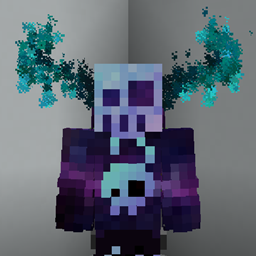
Minecraft 26.3 కోసం MagicParticles మోడ్
సర్వర్ సైడ్ కాస్మెటిక్స్ మోడ్, ఇది నిర్వాహకుడు సాధారణ json ఫైల్లను ఉపయోగించి కస్టమ్ కణాలను సృష్టించడానికి అనుమతిస్తుంది
 Fabric
 Quilt
QuiltMagicParticles మోడ్ గురించి
A fabric server side cosmetics mod, that allows administrator to create custom particles using simple json files
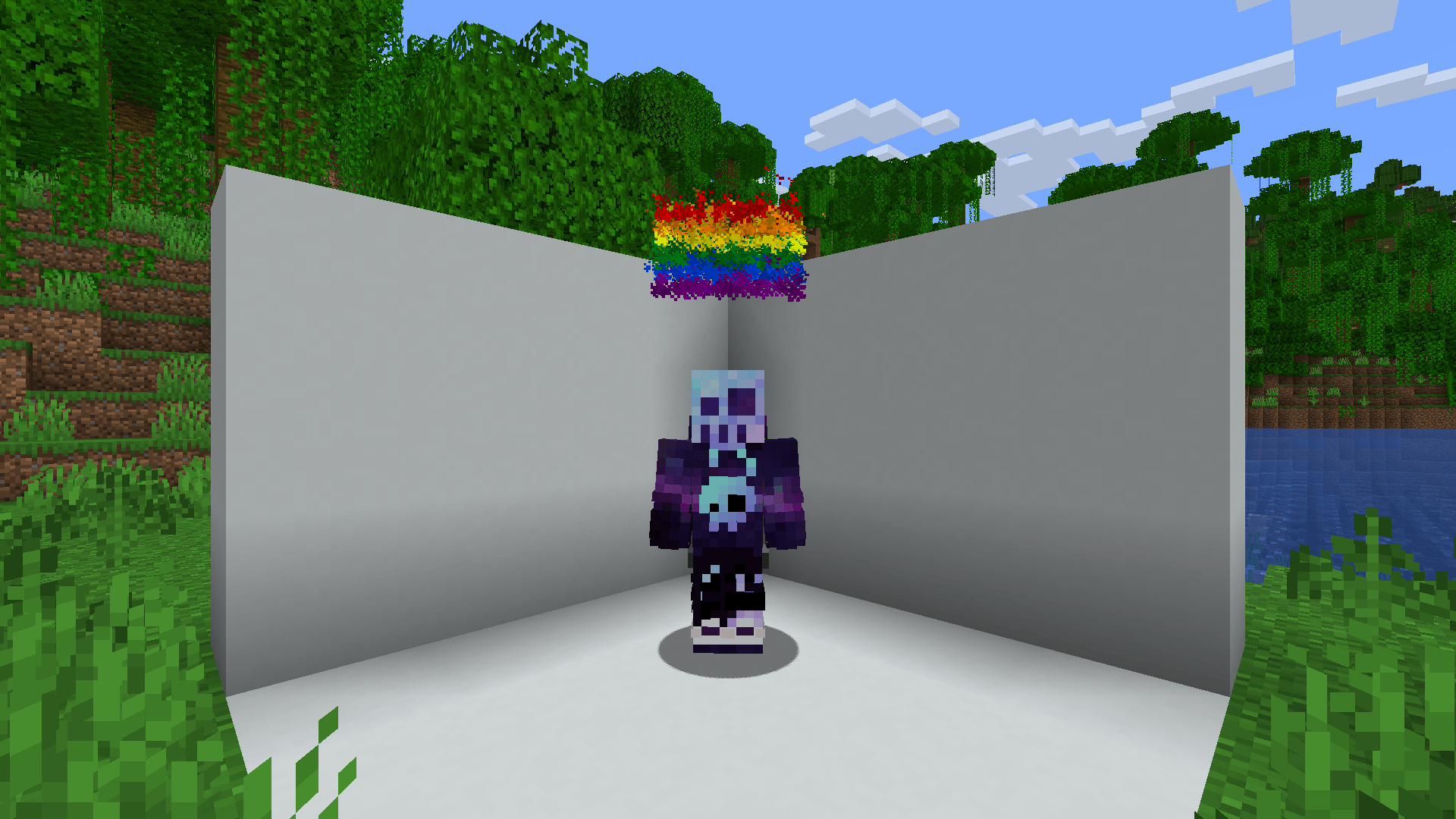
Commands
- /mp - List all available magic particles - magic-particles.root
- /mp set [id] - Set current magic particle - magic-particles.particle
- /mp disable - Disable current magic particle - magic-particles.disable
- /mp reload - Reload magic particles and messages - magic-particles.reload
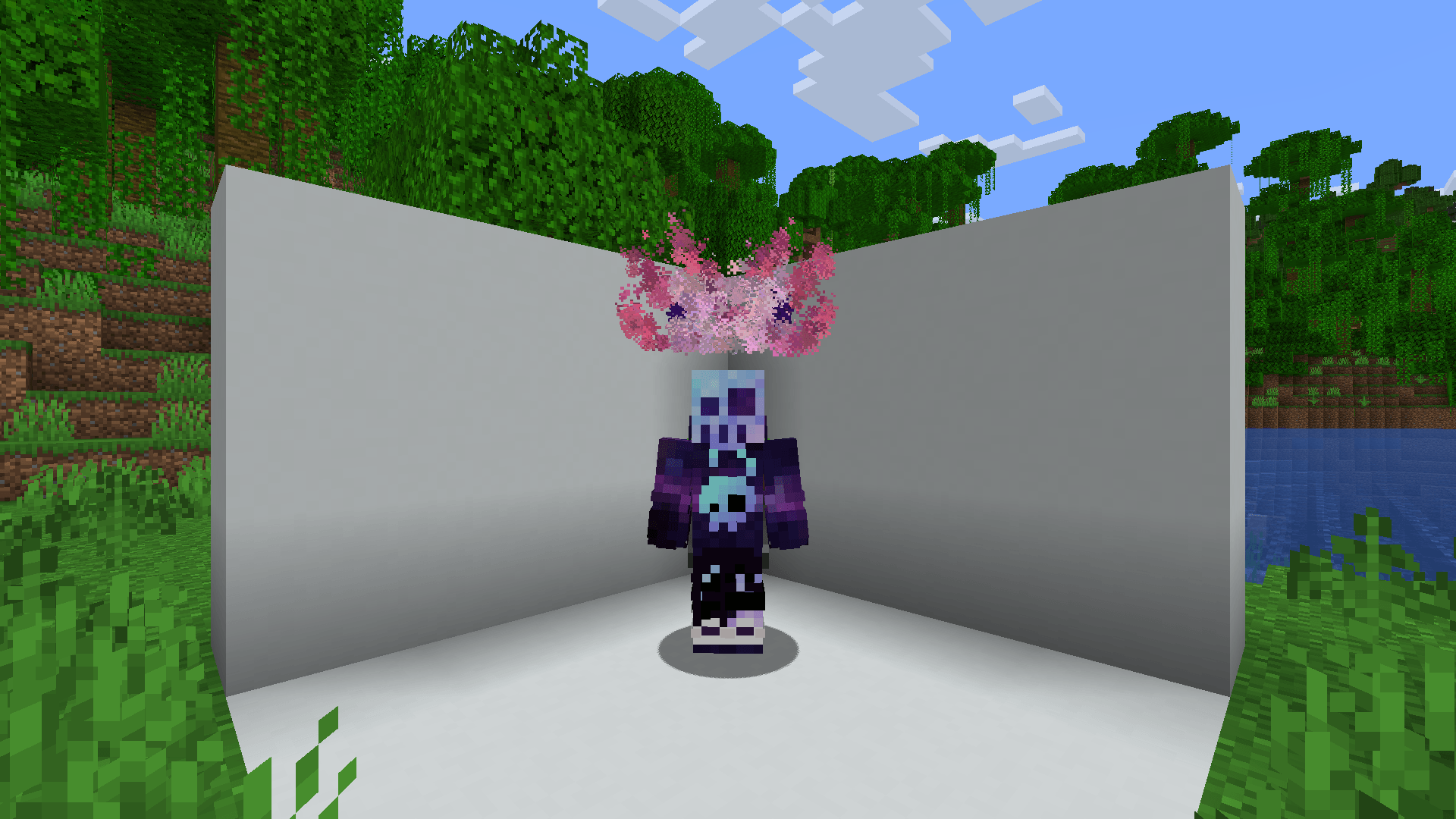
Custom Particles
This mod includes more than 40 default particles, which can be useful example files for understanding the format.
JSON Format
Each magic particle type needs a human friendly name and a list of particles it consists of
Root
{ "name": "Some name", // Human friendly name "particles": [ // Particle definitions ] }
Particle definition
There are currently 3 particle definition types (simple, image and bezier). All of these share a couple of common values in addition to their specialized ones.
Simple
{ "type": "simple", "count": 1, // Amount of particles (optional) "pos": [1.0, 2.0, 0.0], // Offset from origin (affected by rotation) "delta": [0.1, 0.1, 0.1], // Particle area size (optional) "speed": 0, // Particle speed parameter, used by some particle types (optional) "particle_type": { "type": "minecraft:angry_villager" // Particle type: https://minecraft.wiki/w/Particles_(Java_Edition)#Types_of_particles // Some particles types have extra attributes, which need to be specified here }, "anchor": "feet", // The particle origin ["feet"|"eyes"] (optional) "origin": [0.0, 0.5, 0.0], // Offset from origin (optional) "billboard": "fixed" // What rotation axis should affect "pos" ["fixed", "vertical", "horizontal", "center"] (optional) }
Image
{ "type": "image", "image": "drex.png", // Path to the image, the image needs to be in config/magic-particles/images/<image> "size_x": 0.8, // The width of the particle image "size_y": 0.8, // The height of the particle image "pixel_size": 0.6, // The size of each individual particle "pos": [1.0, 2.0, 0.0], // Offset from origin (affected by rotation) "anchor": "feet", // The particle origin ["feet"|"eyes"] (optional) "origin": [0.0, 0.5, 0.0], // Offset from origin (optional) "billboard": "fixed" // What rotation axis should affect "pos" ["fixed", "vertical", "horizontal", "center"] (optional) }
Bezier
(Can't really recommend to use this, creating an image of the desired shape and using the image type is easier)
MagicParticles ఎలా ఇన్స్టాల్ చేయాలి
With Millida Launcher
Install Millida Launcher
The launcher is free: download it at millida.net/launcher and sign in with any nickname.
Click “Install” on this page
The launcher opens and installs the mod for Minecraft 26.3 on Fabric or Quilt automatically.
Launch the game
A profile with it appears in the launcher: click “Play”.
Manually
Install Fabric or Quilt
The loader must match the game version of the mod file, for example Minecraft 26.3. After installing it, a separate profile appears in your launcher.
Download the file for your version
In the version list above, pick the file magic-particles-1.3.2+26.3.jar (416 KB) for your game version and loader.
Put it in the mods folder
The folder is inside .minecraft (Windows: %appdata%\.minecraft\mods). If it does not exist, create it.
Launch the loader profile
Open “Mods” in the main menu: MagicParticles should be in the list.
వెర్షన్లు
డిపెండెన్సీలతో
| Minecraft | లోడర్ | ఫైల్ | తేదీ | చర్యలు |
|---|---|---|---|---|
| 26.3 | Fabric, Quilt | MagicParticles 1.3.2+26.3416 KB 2 |
FAQ
Which Minecraft versions does MagicParticles work on?
Only Minecraft 26.3: there are no files for other versions.
Is MagicParticles for Forge or Fabric?
There are files for Fabric: 26.3 and for Quilt: 26.3. There are no files for Forge or NeoForge: a mod for another loader will not start.
Does MagicParticles need other mods?
The author lists no required dependencies: the Fabric or Quilt loader is enough.
Where can I download MagicParticles safely?
On this page: the file magic-particles-1.3.2+26.3.jar (416 KB) is stored on Millida’s server, with no link shorteners. SHA-1 checksum: 9f96686dc02fa59d90d07afc6d8fff7ebfb8fd1d.
సమీక్షలు
MagicParticlesకు మొదటి రేటింగ్ ఇవ్వండి


