

Minecraft 1.20.1, 1.21.1 కోసం Immersive Hotbar మోడ్
హాట్బార్కు యానిమేషన్లను జోడించి దాన్ని మరింత ఇమ్మర్సివ్గా చేస్తుంది
 Fabric
 NeoForge
 Forge
ForgeImmersive Hotbar
Immersive Hotbar makes Minecraft’s static hotbar feel more responsive by adding animations for picking up and placing items, using tools and weapons, switching slots, and gaining XP.
✨ Features
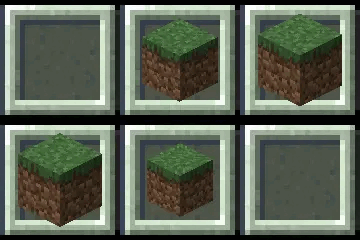
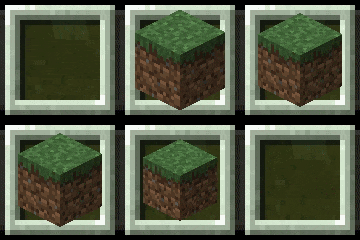
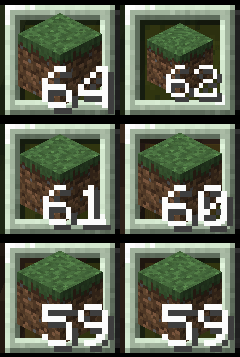
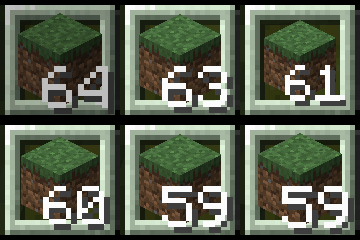
🔄 Animated Hotbar Items: Smooth and bouncy animations when picking up, placing, using, or switching items.
🎯 Smooth Hotbar Scrolling: Smooth, and Bouncy scrolling modes, complete with animated selection transitions and directional item tilting.
💬 Animated Tooltips: Item names smoothly appear, disappear, and transition when switching between items.
🖐️ Smooth Offhand Switching: Items smoothly slide in and out of the offhand slot instead of instantly appearing or disappearing.
✨ Animated XP Bar & Level-Up Effects- Smooth XP bar transitions, animated level numbers, and particles when leveling up.
🎨 Customizable Animations: Fine-tune item scaling, animation styles, bounce intensity, and visual effects to match your preferences.
⚙️ Extensive Configuration: Customize everything through an in-game YACL configuration screen with live previews and detailed setting descriptions.
🧩 Compatibility
Held Item Info, Bedrockify and Item Borders are now supported as of 1.1.0!!
⚒️ Multiloader Progress
Currently supported:
- NeoForge 1.21.1, 1.21.9-1.21.11
- Forge 1.20.1
🎬 Showcase
Smooth Pickup || Bouncy Pickup || Bouncy Placing || Smooth Placing
Animated XP Bar and Levelup Effects:
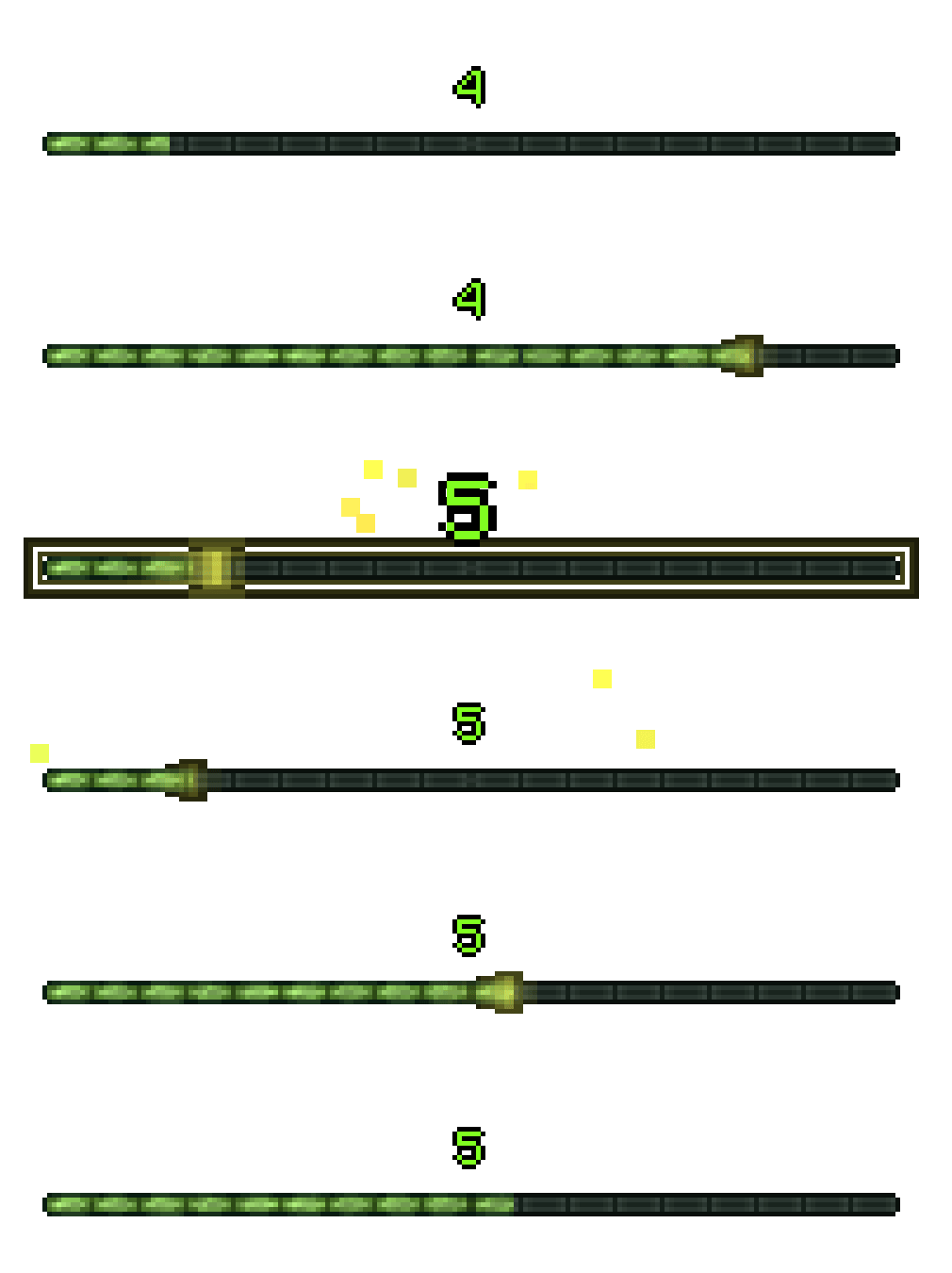
Watch your XP bar smoothly fill as you gain experience, with animated level pulses and a particle explosion when leveling up (every 5 levels).
Smooth & Bouncy Hotbar Scrolling + Animated Tooltips:
Compare Smooth and Bouncy scrolling side by side! Watch as the selected slot transitions between items, with animated selection effects, directional item tilting, and smoothly transitioning item tooltips.
Smooth Offhand Switching:
Items smoothly slide into and out of the offhand slot instead of appearing or disappearing instantly.
Extensive Customization:

Make Immersive Hotbar your own! Fine-tune animations, adjust item scaling, customize tooltips, and tweak visual effects to your liking. With live previews and detailed descriptions, you can see exactly how each setting affects your hotbar.
Immersive Hotbar ఎలా ఇన్స్టాల్ చేయాలి
With Millida Launcher
Install Millida Launcher
The launcher is free: download it at millida.net/launcher and sign in with any nickname.
Click “Install” on this page
The launcher opens and installs the mod for Minecraft 1.20.1–26.3 on Fabric, Forge or NeoForge automatically, together with its dependencies: YetAnotherConfigLib (YACL), Fabric API.
Launch the game
A profile with it appears in the launcher: click “Play”.
Manually
Install Fabric, Forge or NeoForge
The loader must match the game version of the mod file, for example Minecraft 26.3. After installing it, a separate profile appears in your launcher.
Download the file for your version
In the version list above, pick the file immersive-hotbar-1.3.0-26.3.jar (191 KB) for your game version and loader.
Put it in the mods folder
The folder is inside .minecraft (Windows: %appdata%\.minecraft\mods). If it does not exist, create it. Required dependencies go there too: YetAnotherConfigLib (YACL), Fabric API.
Launch the loader profile
Open “Mods” in the main menu: Immersive Hotbar should be in the list.
Immersive Hotbar works on the player’s side only: there is no need to install it on a server.
వెర్షన్లు
డిపెండెన్సీలతో
| Minecraft | లోడర్ | ఫైల్ | తేదీ | చర్యలు |
|---|---|---|---|---|
| 26.3 | Fabric | 26.3191 KB | ||
| 26.2 | Fabric | 26.2191 KB | ||
| 26.1 | Fabric | 26.1191 KB | ||
| 1.21.11 | NeoForge | 1.21.11188 KB | ||
| 1.21.11 | Fabric | 1.21.11191 KB | ||
| 1.21.7 | Fabric | 1.21.7191 KB | ||
| 1.21.5 | Fabric | 1.21.5191 KB | ||
| 1.21.4 | Fabric | 1.21.4191 KB |
ఇది రన్ అవ్వడానికి కావాల్సినవి
- YetAnotherConfigLib (YACL)అవసరం
- Fabric APIఅవసరం
- Mod Menuఐచ్ఛికం
సమీక్షలు
Immersive Hotbarకు మొదటి రేటింగ్ ఇవ్వండి


