

Minecraft 1.20.1, 1.21.1 కోసం Excavated Variants మోడ్
ఖనిజాల యొక్క స్వయంచాలకంగా ఉత్పత్తి చేయబడిన రాతి రూపాంతరాలు
 NeoForge
 Fabric
 Quilt
Quilt Forge
ForgeExcavated Variants
NeoForge version requires: Dynamic Asset Generator
Fabric/Quilt version requires: Dynamic Asset Generator and Fabric API/Quilted Fabric API
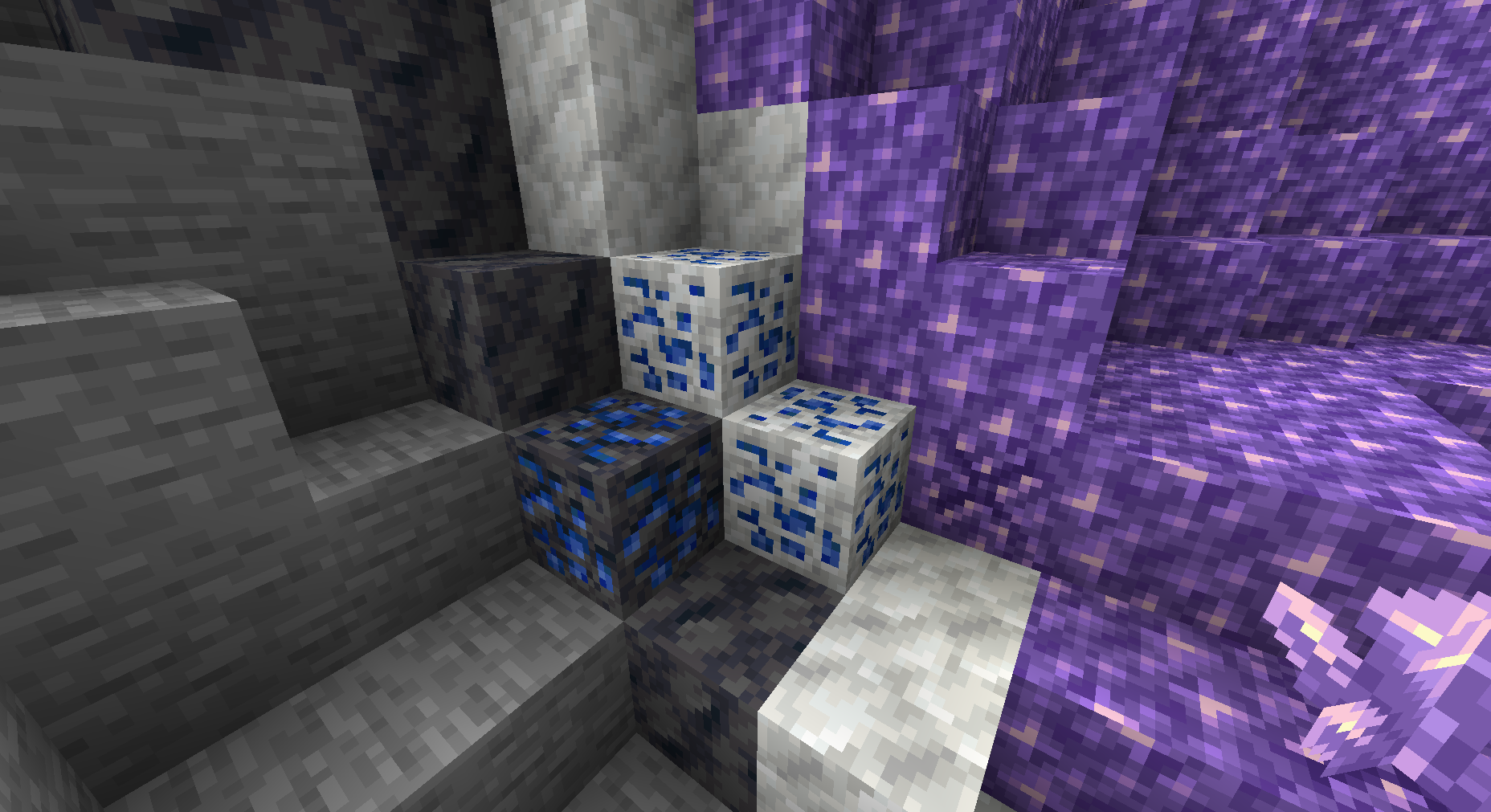
Adds automatically generated variants of ores based on various stones.
Details:
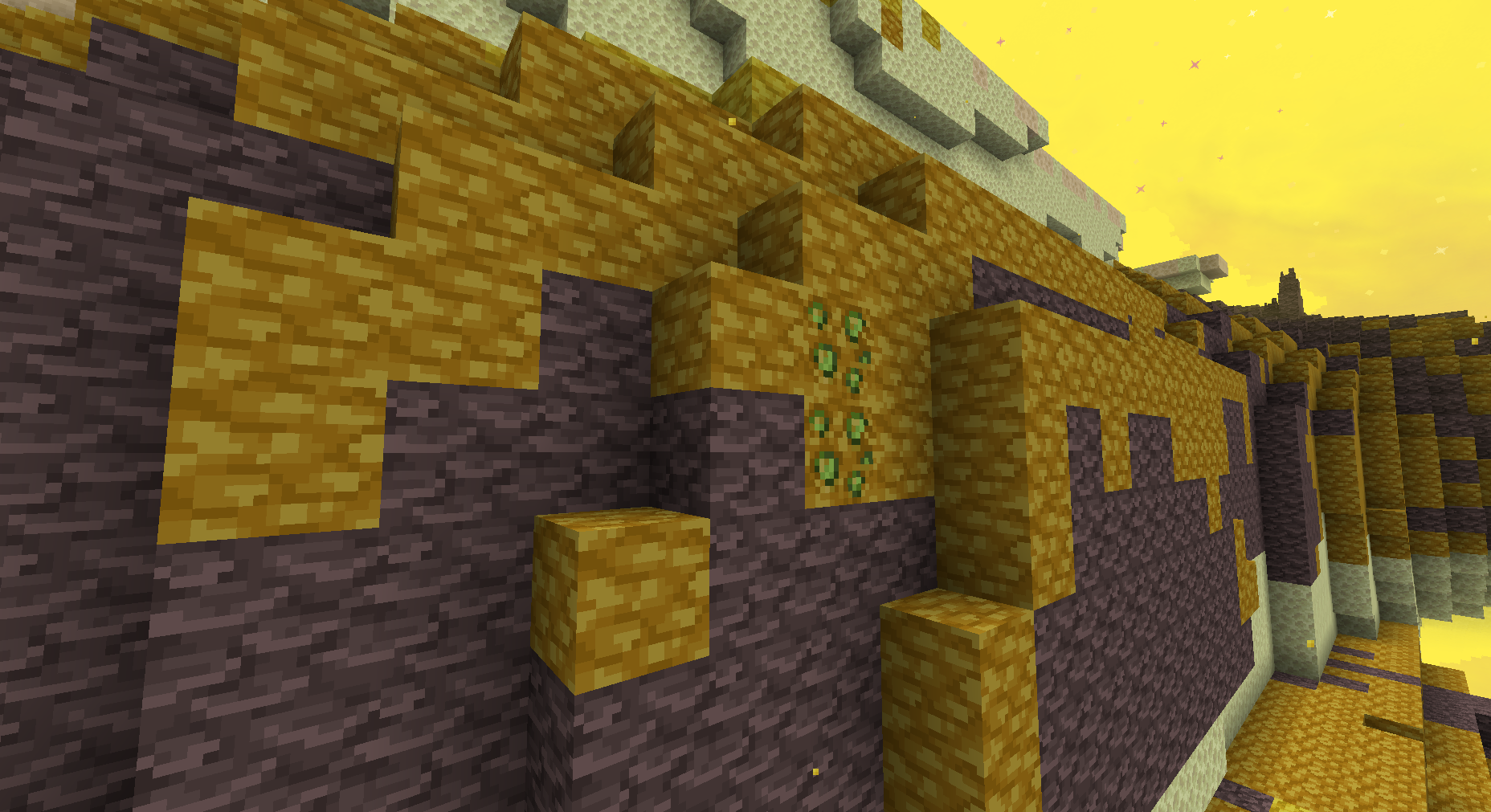
Many mods add new stones or new ores. Excavated Variants automatically adds new ores for each combination of ore and stone variant. Additionally, Excavated Variants attempts to set up world gen for these ore variants. The variants added can be changed in the config file; some mods are built in to the default configuration; others will have to be manually added. See Images tab of Curseforge page for examples of generated ores.
Troubleshooting:
Running into issues? Start here!
- If world or game loading times are slow, try turning on stronger asset and/or data caching in the config for Dynamic Asset Generator.
- Is the game crashing on launch? Do ore textures turn magenta and black? Something may be wrong with your config. Try removing and resetting it.
- Are you missing compatibility for a mod listed below? Delete your configs to reset them to the default.
Compatibility:
Excavated Variants comes with default configs that include ore variants for the following mods, in addition to vanilla stones and ores:
- Quark
- Create
- Oh The Biomes You'll Go
- Tech Reborn
- Immersive Engineering
- Blockus
- Better End
- Better Nether
- Promenade
- Twigs
- Unearthed
- Bewitchment
- Mekanism
- Mystical Agriculture
- And more!
Config Format
The config format is detailed at the README
Excavated Variants ఎలా ఇన్స్టాల్ చేయాలి
With Millida Launcher
Install Millida Launcher
The launcher is free: download it at millida.net/launcher and sign in with any nickname.
Click “Install” on this page
The launcher opens and installs the mod for Minecraft 1.18.2–1.21.1 on Fabric, Forge, NeoForge or Quilt automatically.
Launch the game
A profile with it appears in the launcher: click “Play”.
Manually
Install Fabric, Forge, NeoForge or Quilt
The loader must match the game version of the mod file, for example Minecraft 1.21.1. After installing it, a separate profile appears in your launcher.
Download the file for your version
In the version list above, pick the file excavatedvariants-4.3.1-neoforge.jar (445 KB) for your game version and loader.
Put it in the mods folder
The folder is inside .minecraft (Windows: %appdata%\.minecraft\mods). If it does not exist, create it.
Launch the loader profile
Open “Mods” in the main menu: Excavated Variants should be in the list.
Minecraft 1.21.1 runs on Java 21: with a different Java version the game may close right after launch.
వెర్షన్లు
డిపెండెన్సీలతో
| Minecraft | లోడర్ | ఫైల్ | తేదీ | చర్యలు |
|---|---|---|---|---|
| 1.21.1 | NeoForge | Excavated Variants [NeoForge] v4.3.1445 KB 1 | ||
| 1.21.1 | Fabric, Quilt | Excavated Variants [Fabric/Quilt] v4.3.1450 KB | ||
| 1.20.1 | Quilt | Excavated Variants [Quilt] v3.0.9566 KB | ||
| 1.20.1 | NeoForge, Forge | Excavated Variants [NeoForge] v3.0.9371 KB 1 | ||
| 1.20.2 | NeoForge | Excavated Variants [NeoForge] v4.0.2409 KB | ||
| 1.20.2 | Fabric, Quilt | Excavated Variants [Fabric/Quilt] v4.0.2563 KB | ||
| 1.19 | Quilt | Excavated Variants [Quilt] v0.8.1489 KB | ||
| 1.19 | Forge | Excavated Variants [Forge] v0.8.0285 KB |
సమీక్షలు
Excavated Variantsకు మొదటి రేటింగ్ ఇవ్వండి


