

Minecraft 1.20.1, 1.21.1 కోసం [EMF] Entity Model Features మోడ్
EMF అనేది OptiFine ఫార్మాట్, కస్టమ్ ఎంటిటీ మోడల్ రీప్లేస్మెంట్ మోడ్, ఇది Fabric మరియు Forge కోసం అందుబాటులో ఉంది.
 NeoForge
 Fabric
 Quilt
 Forge
ఎంటిటీ మాడల్ ఫీచర్స్
గురించి
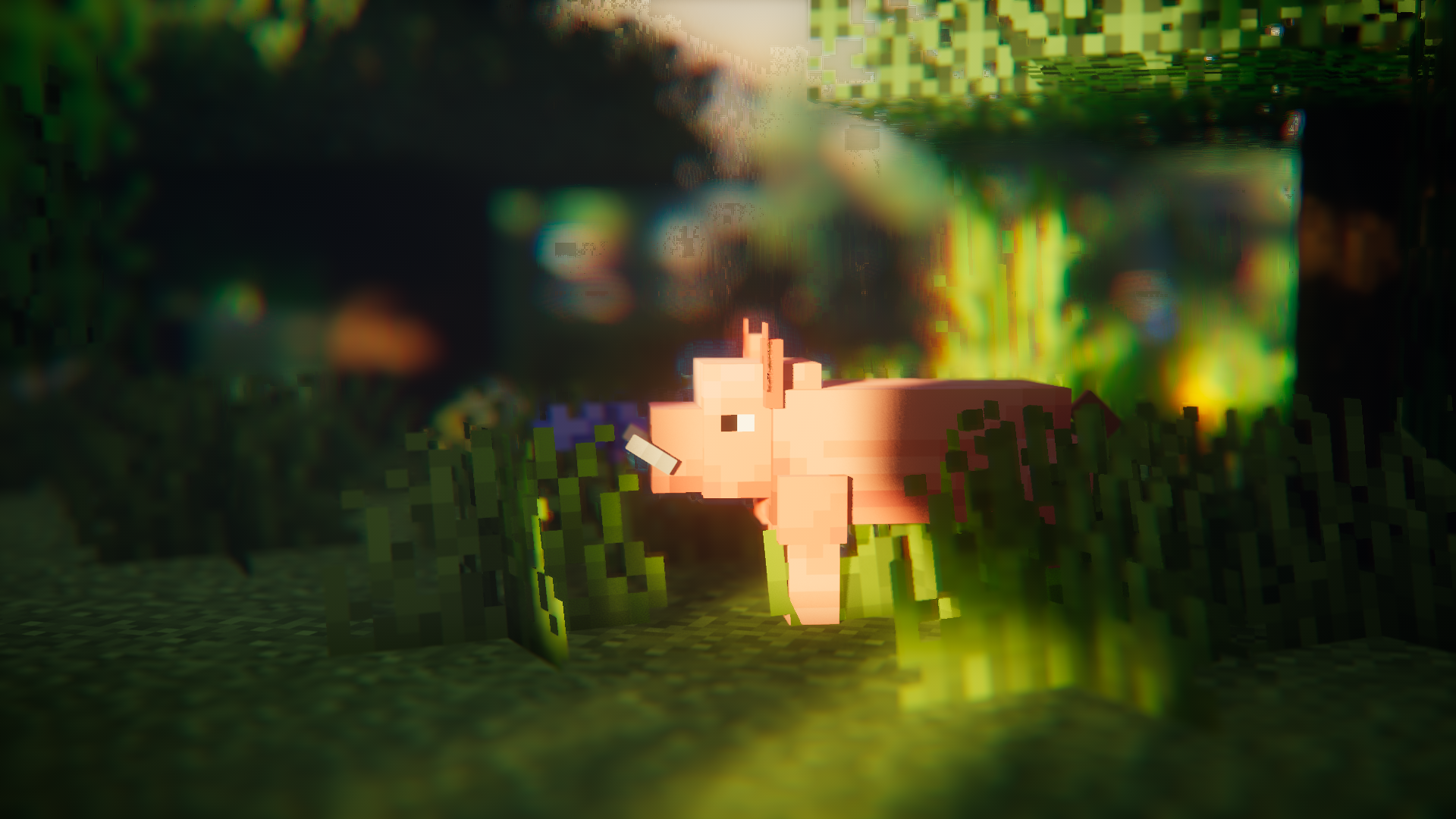
ఎంటిటీ మాడల్ ఫీచర్స్ (EMF) అనేది ఫ్యాబ్రిక్, ఫోర్జ్ మరియు నియోఫోర్జ్ కోసం ఒక మాడ్, ఇది ఆప్టిఫైన్ యొక్క కస్టమ్ ఎంటిటీ మాడల్స్ (CEM) కి మద్దతును జోడిస్తుంది.
CEM రిసోర్స్ ప్యాక్ ఫీచర్లను ఉపయోగించాలనుకునే వారికి, అలాగే సోడియం, కంటిన్యూటీ లేదా ETF వంటి ఆప్టిఫైన్ ప్రత్యామ్నాయ మాడ్లను ఉపయోగించాలనుకునే వారికి ఇది రూపొందించబడింది.

అవసరమైన మాడ్లు
వీలైతే దయచేసి క్రింది మాడ్లను కూడా ఇన్స్టాల్ చేయండి, సోడియం వంటి స్పష్టమైనవి పేర్కొనబడలేదు.
EMF దొరియాన్పిబి యొక్క CEM మరియు ఆప్టిఫైన్ / ఆప్టిఫ్యాబ్రిక్తో అనుకూలించదని చెప్పనవసరం లేదు.

అవసరం
- ఎంటిటీ టెక్స్చర్ ఫీచర్స్ (ETF): EMF నా మరో మాడ్ ETF నుండి అనేక ఫీచర్లను ఉపయోగిస్తుంది, కాబట్టి ఇది అవసరం. (ప్రధానంగా ర్యాండమ్ మాడల్ ఫీచర్కు మద్దతు ఇవ్వడానికి, కాన్ఫిగ్ స్క్రీన్కు, మరియు ఆప్టిఫైన్లో లాగా మాడల్స్లో సెట్ చేసిన టెక్స్చర్లు మారడానికి అనుమతించడానికి ఉపయోగించబడుతుంది)
అత్యంత సిఫార్సు చేయబడింది
- ఎంటిటీ కల్లింగ్: ఈ మాడ్ ఎంటిటీ రెండరింగ్ లాగ్ను తగ్గించడంలో అద్భుతాలు చేస్తుంది, సోడియంలో చేర్చిన ఎంటిటీ కల్లింగ్ కంటే ఎక్కువ చేస్తుంది. ఫ్రెష్ యానిమేషన్స్ వంటి యానిమేషన్ ఎక్కువగా ఉన్న ప్యాక్లను ఉపయోగించినప్పుడు ఇది చాలా ప్రయోజనకరం.
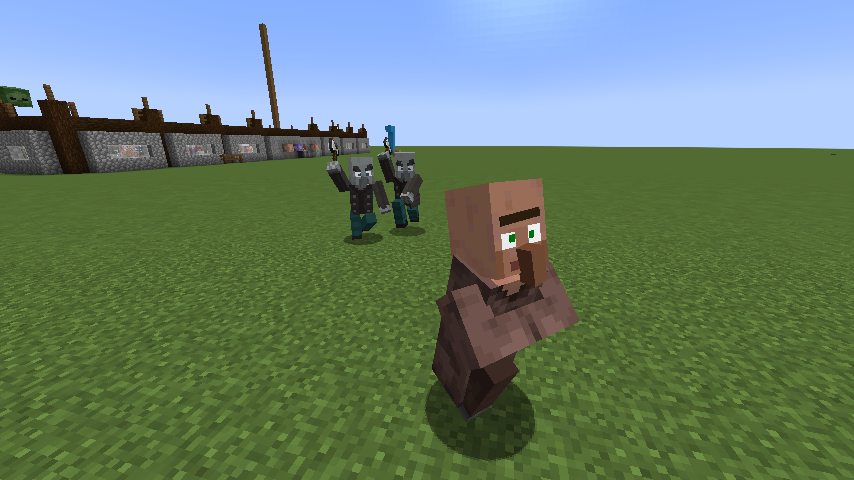
ఫ్రెష్ యానిమేషన్స్?
అవును.
ఇది పనిచేస్తుంది :)
ఫ్రెష్ యానిమేషన్స్ డౌన్లోడ్ చేయండి
ఫీచర్లు & ఆప్టిఫైన్ తేడాలు & తెలిసిన బగ్లు
తాజా ఫీచర్ వివరాల పేజీ : ఫీచర్లు & ఆప్టిఫైన్ తేడాలు
మార్పుల జాబితా
మార్పుల జాబితాను ఇక్కడ చూడవచ్చు.
సహాయం కావాలా లేదా ప్రశ్నలు ఉన్నాయా?
మీరు నా డిస్కార్డ్లో (ఇష్టమైనది) సంప్రదించవచ్చు లేదా GitHubలో ఒక ఇష్యూ తెరవవచ్చు.
[EMF] Entity Model Features ఎలా ఇన్స్టాల్ చేయాలి
With Millida Launcher
Install Millida Launcher
The launcher is free: download it at millida.net/launcher and sign in with any nickname.
Click “Install” on this page
The launcher opens and installs the mod for Minecraft 1.18–26.3 on Fabric, Forge, NeoForge or Quilt automatically, together with its dependencies: [ETF] Entity Texture Features.
Launch the game
A profile with it appears in the launcher: click “Play”.
Manually
Install Fabric, Forge, NeoForge or Quilt
The loader must match the game version of the mod file, for example Minecraft 26.3. After installing it, a separate profile appears in your launcher.
Download the file for your version
In the version list above, pick the file entity_model_features-3.3.12-26.3-neoforge.jar (650 KB) for your game version and loader.
Put it in the mods folder
The folder is inside .minecraft (Windows: %appdata%\.minecraft\mods). If it does not exist, create it. Required dependencies go there too: [ETF] Entity Texture Features.
Launch the loader profile
Open “Mods” in the main menu: [EMF] Entity Model Features should be in the list.
[EMF] Entity Model Features works on the player’s side only: there is no need to install it on a server.
వెర్షన్లు
డిపెండెన్సీలతో
| Minecraft | లోడర్ | ఫైల్ | తేదీ | చర్యలు |
|---|---|---|---|---|
| 26.3 | NeoForge | 26.3650 KB 207 | ||
| 26.3 | Fabric, Quilt | 26.3650 KB 581 | ||
| 26.2 | NeoForge | 26.2650 KB 79 | ||
| 26.2 | Fabric, Quilt | 26.2650 KB 317 | ||
| 26.1.2 | NeoForge | 26.1.2650 KB 22 | ||
| 26.1.2 | Fabric, Quilt | 26.1.2650 KB 85 | ||
| 1.21.10 | NeoForge | 1.21.10655 KB 6 | ||
| 1.21.10 | Forge | 1.21.10833 KB 7 |
ఇది రన్ అవ్వడానికి కావాల్సినవి
దీన్ని అవసరం చేసే కంటెంట్
FAQ
Which Minecraft versions does [EMF] Entity Model Features work on?
There are files for 1.18–26.3, 18 versions in total. The newest is 26.3.
Is [EMF] Entity Model Features for Forge or Fabric?
There are files for Fabric: 1.18–26.3, for Forge: 1.20–1.21.10, for NeoForge: 1.21–26.3 and for Quilt: 1.18–26.3.
What does [EMF] Entity Model Features need to work?
Required: [ETF] Entity Texture Features. Without it the mod will not start: dependencies go into the same mods folder.
Do I need to install [EMF] Entity Model Features on a server?
No. [EMF] Entity Model Features works on the player’s side only: there is no need to install it on a server.
Where can I download [EMF] Entity Model Features safely?
On this page: the file entity_model_features-3.3.12-26.3-neoforge.jar (650 KB) is stored on Millida’s server, with no link shorteners. SHA-1 checksum: b54d176fe7d34a29838ee6b8eeed2f55ed72d0e7.
సమీక్షలు
[EMF] Entity Model Featuresకు మొదటి రేటింగ్ ఇవ్వండి


