

Minecraft 1.20.1, 1.21.1 కోసం Elytra Trims Extensions మోడ్
ఇతర ప్యాక్ల కోసం Elytra Trims జోడింపులు
 Fabric
 NeoForge
 Forge
Elytra Trims Extensions
*Are default trims not enough? Or maybe your favourite mod adds more trims, but not for elytras? Elytra Trims Extensions got you!*

Installation
Install the main mod (Elytra Trims) on your client. Additional trims will be added automatically.

Supported mods
More Armor Trims (Fabric)
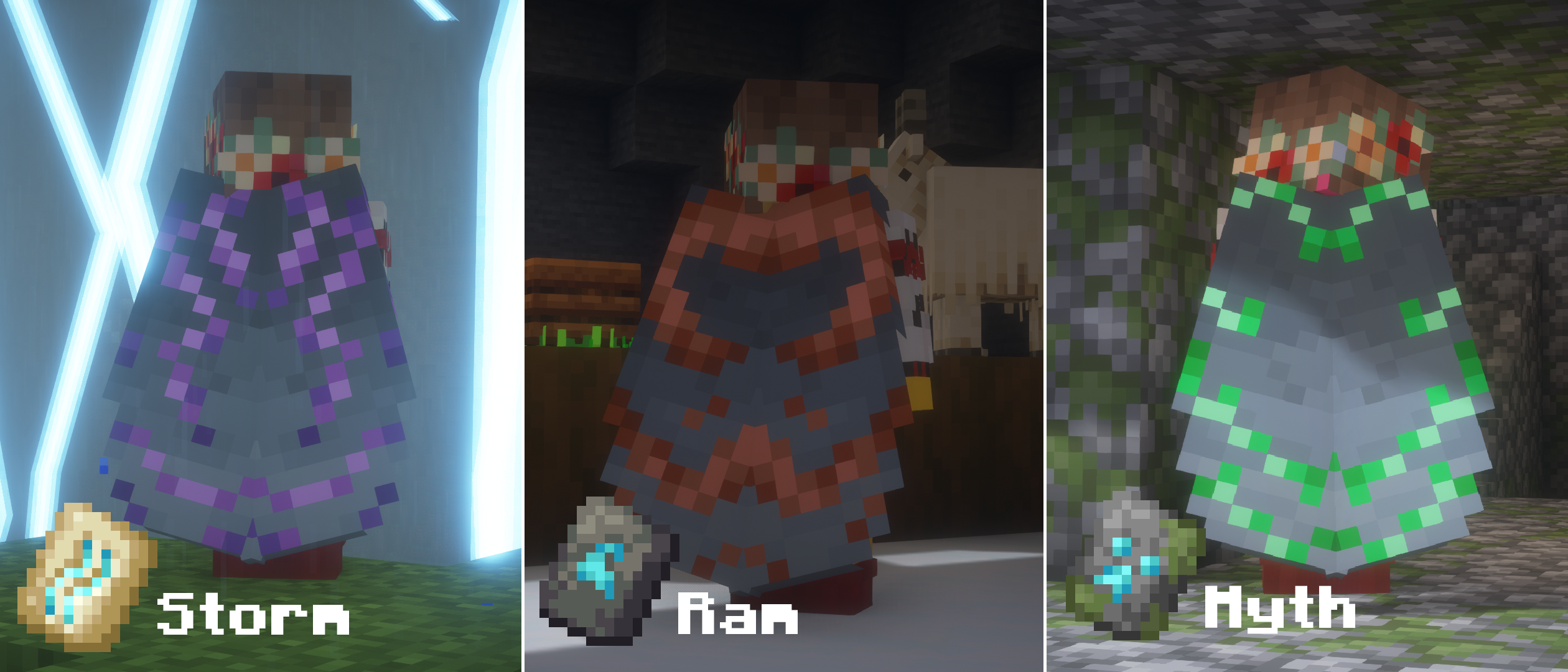
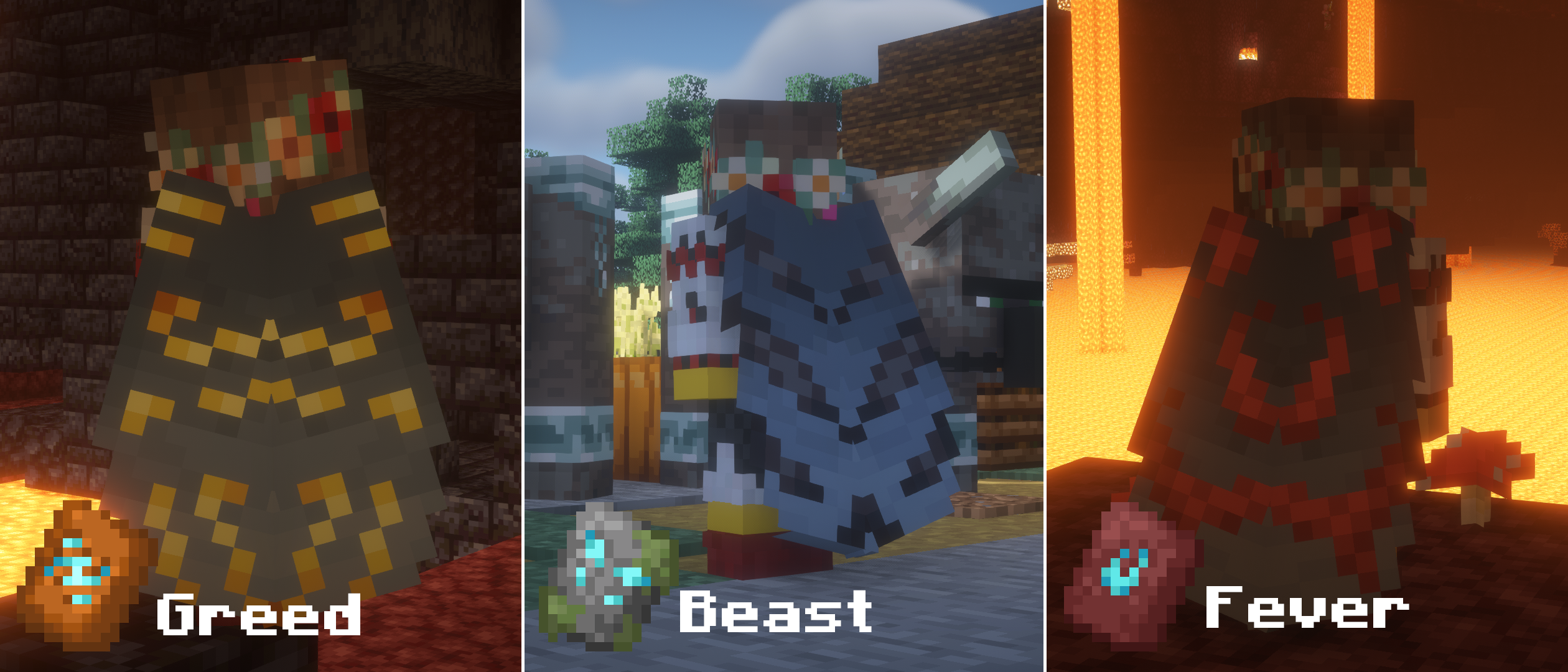
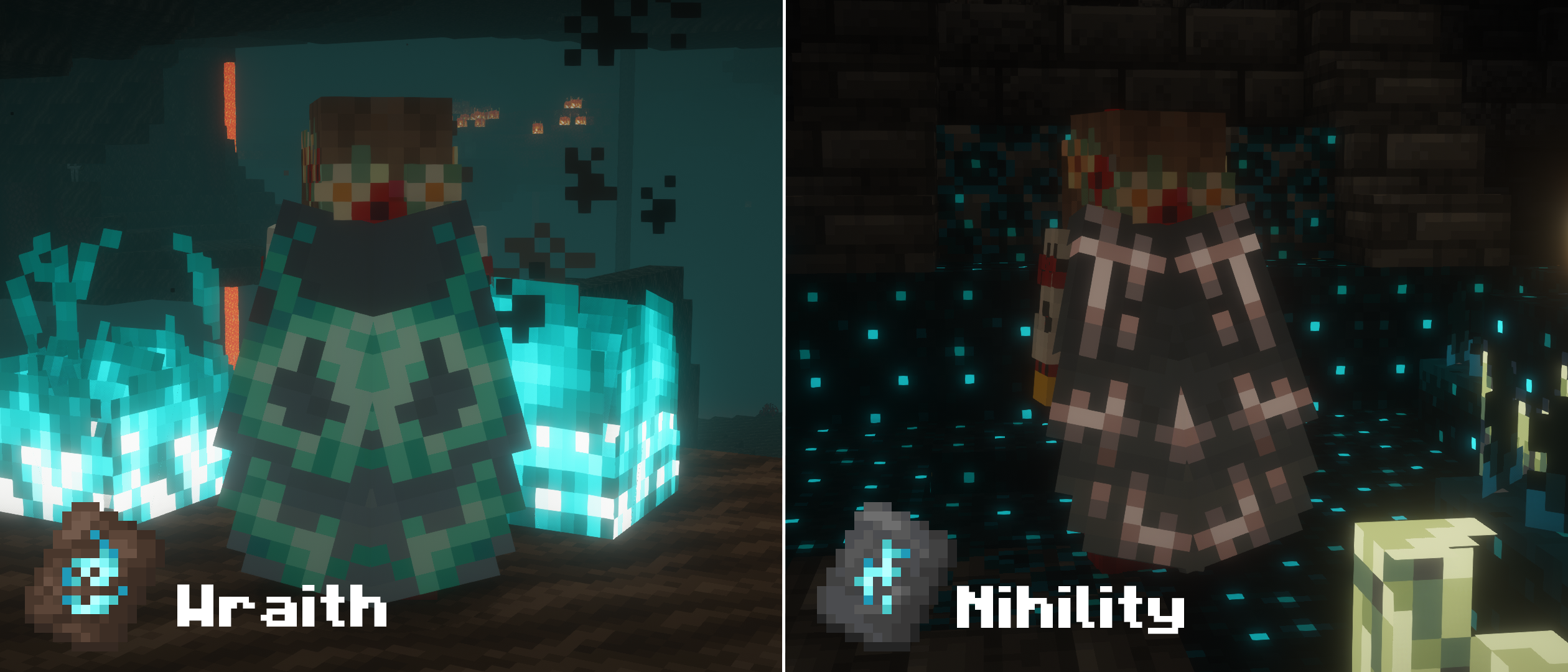
Ancient Aether (Forge)
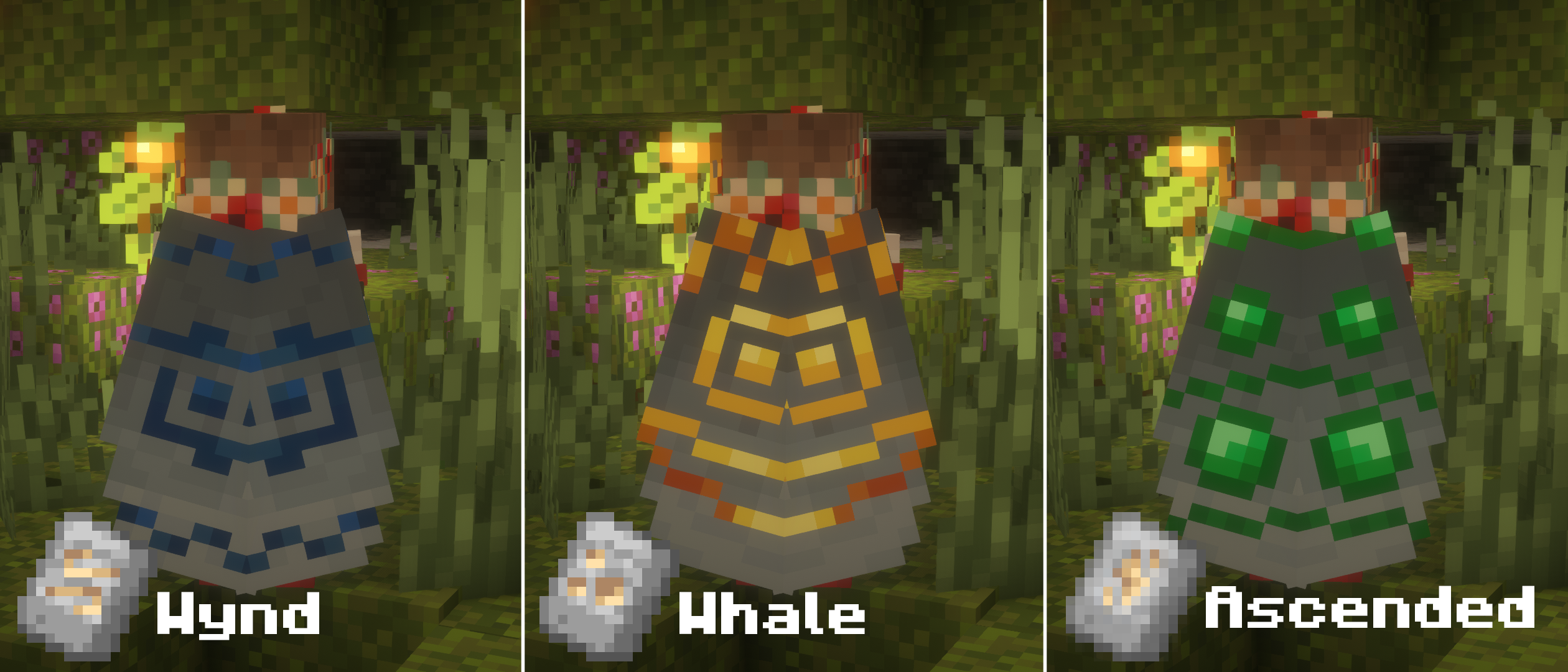
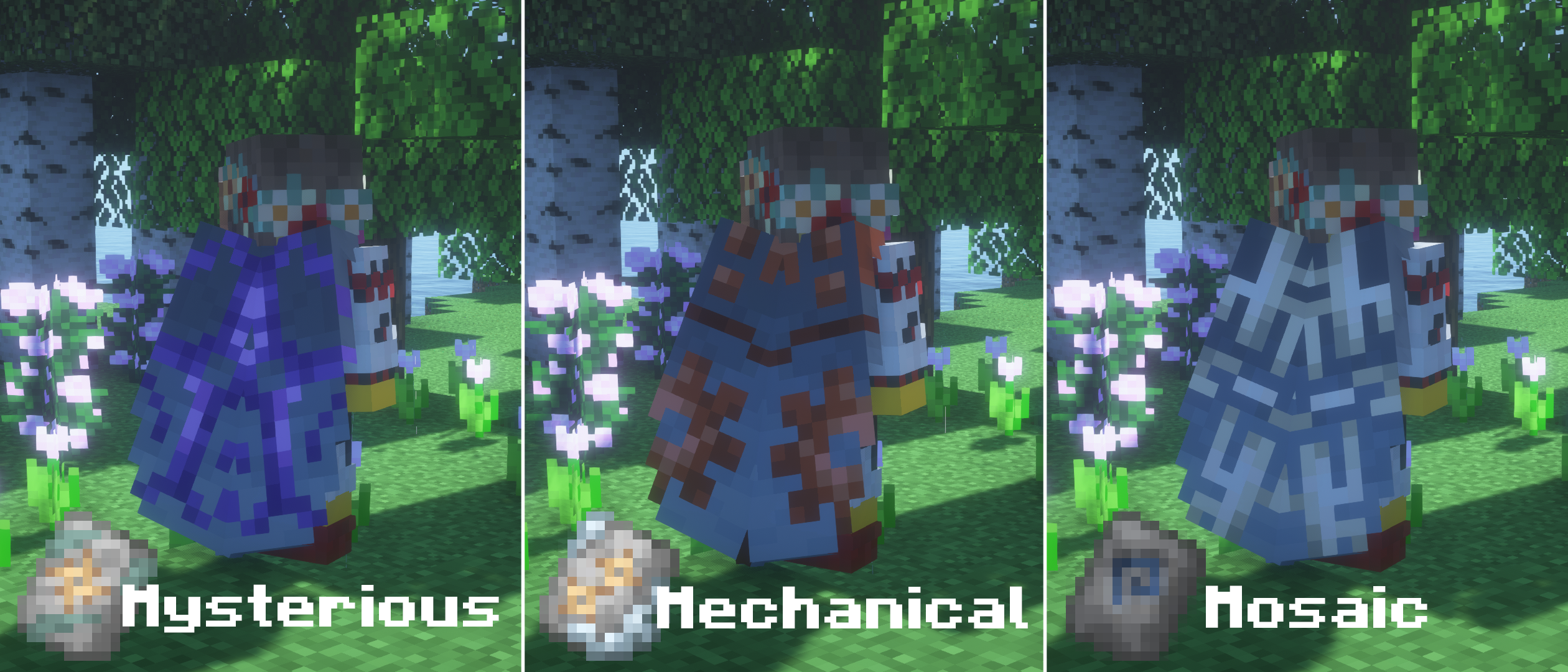
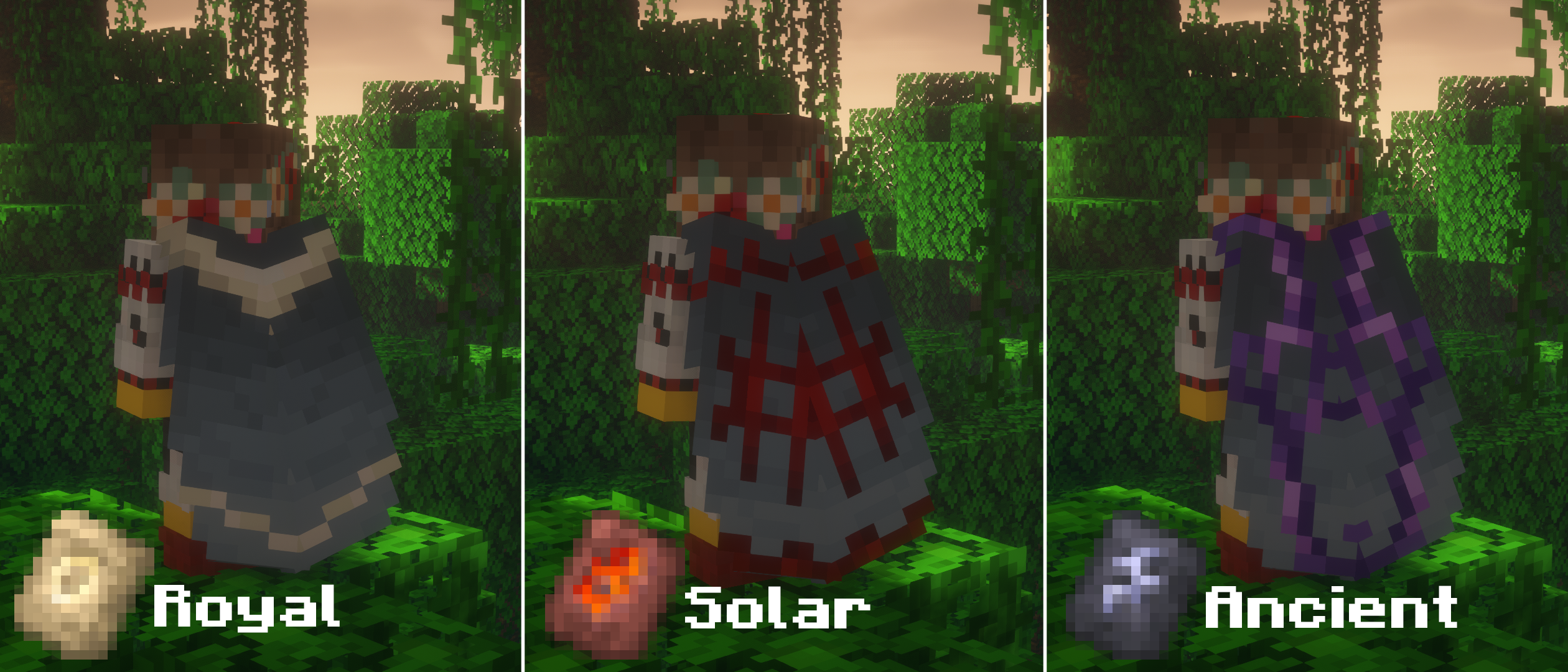
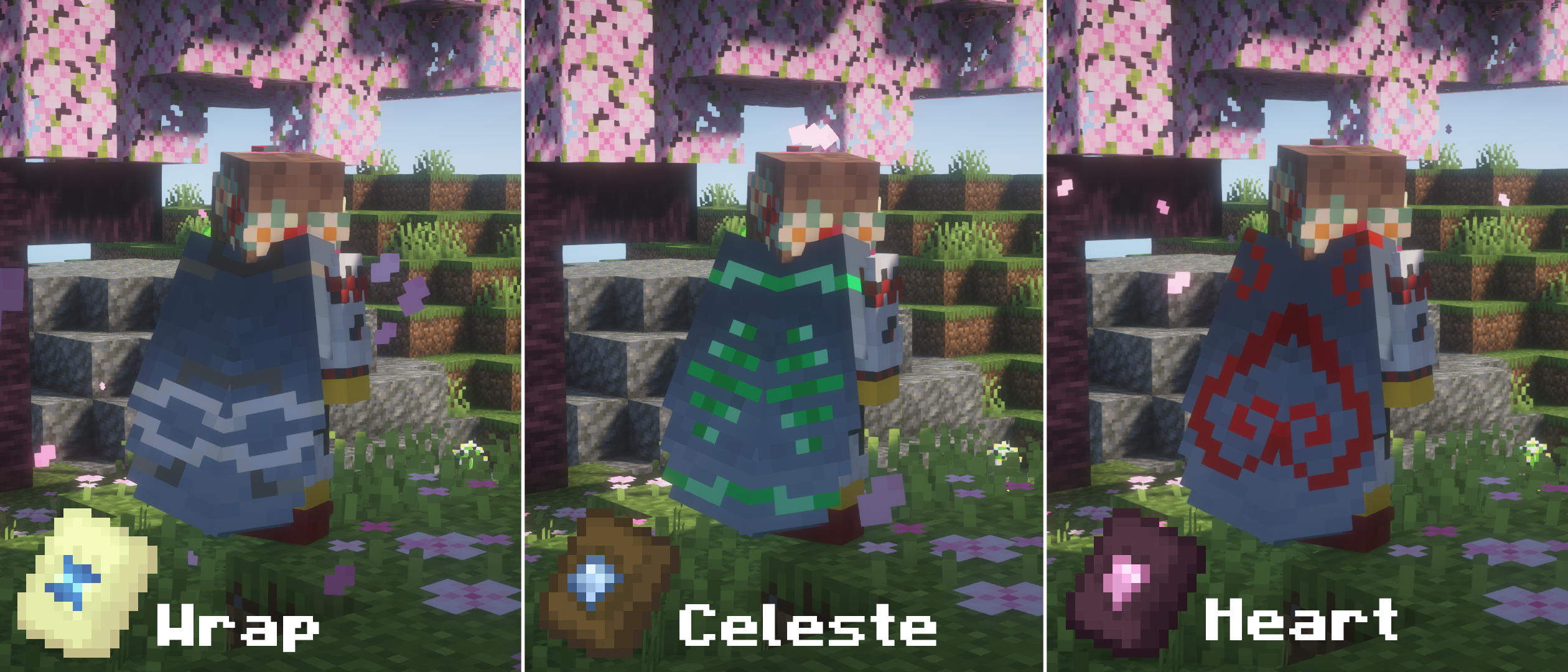
Geode+ (Fabric & Forge)
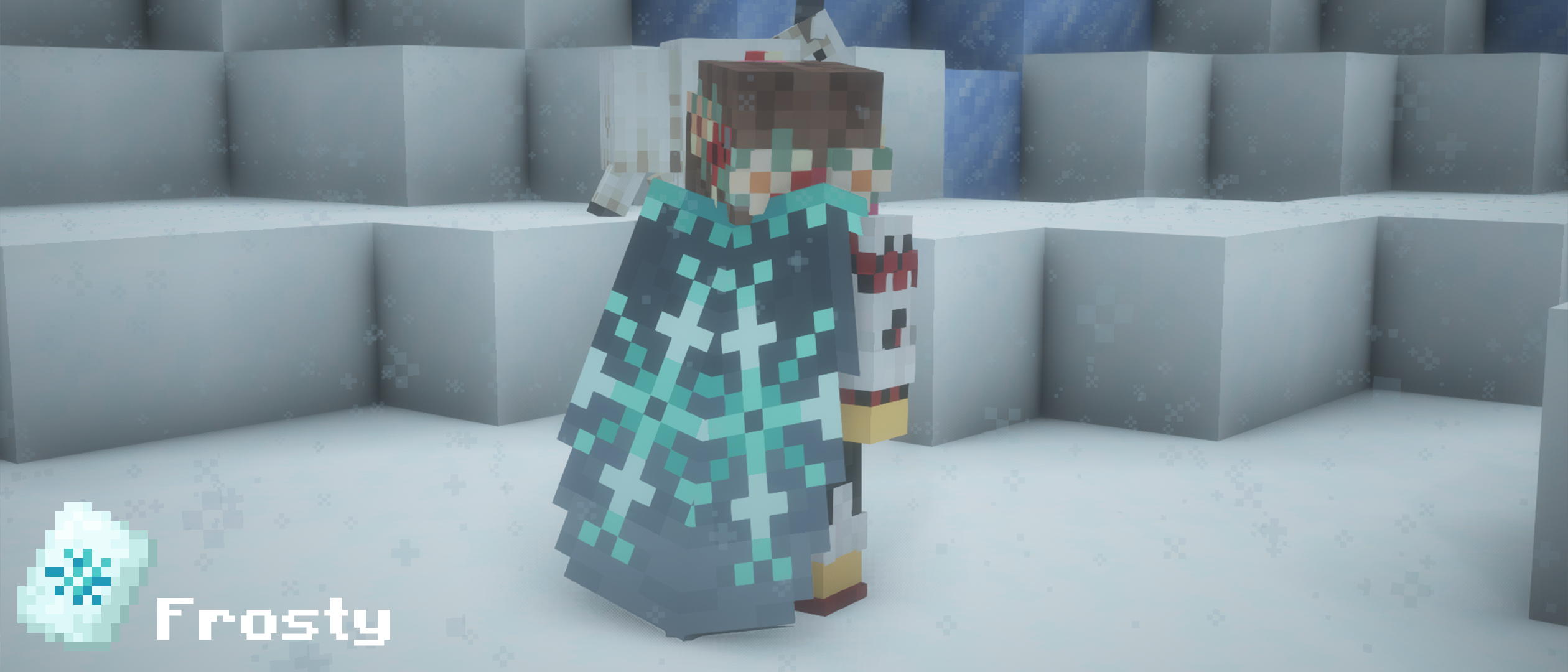
Frostiful (Fabric)
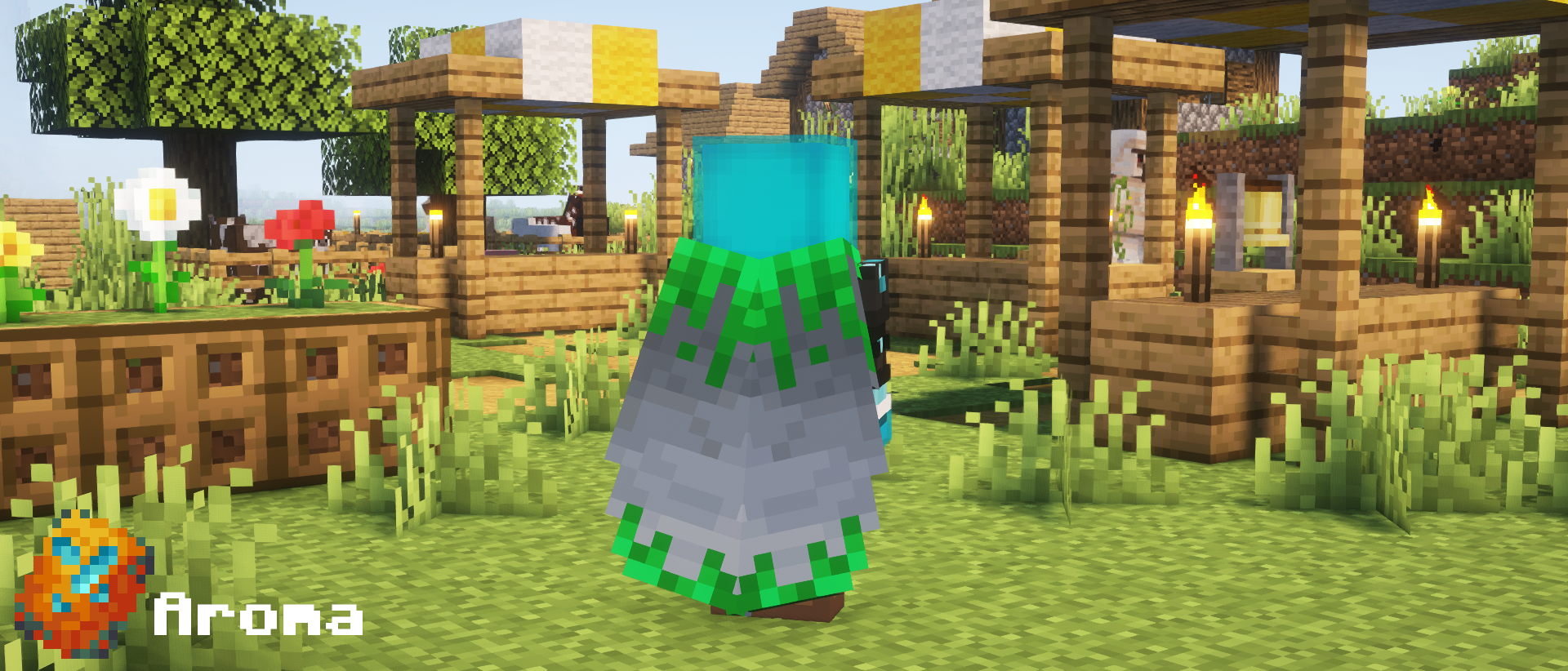
Alex's Caves (Forge)
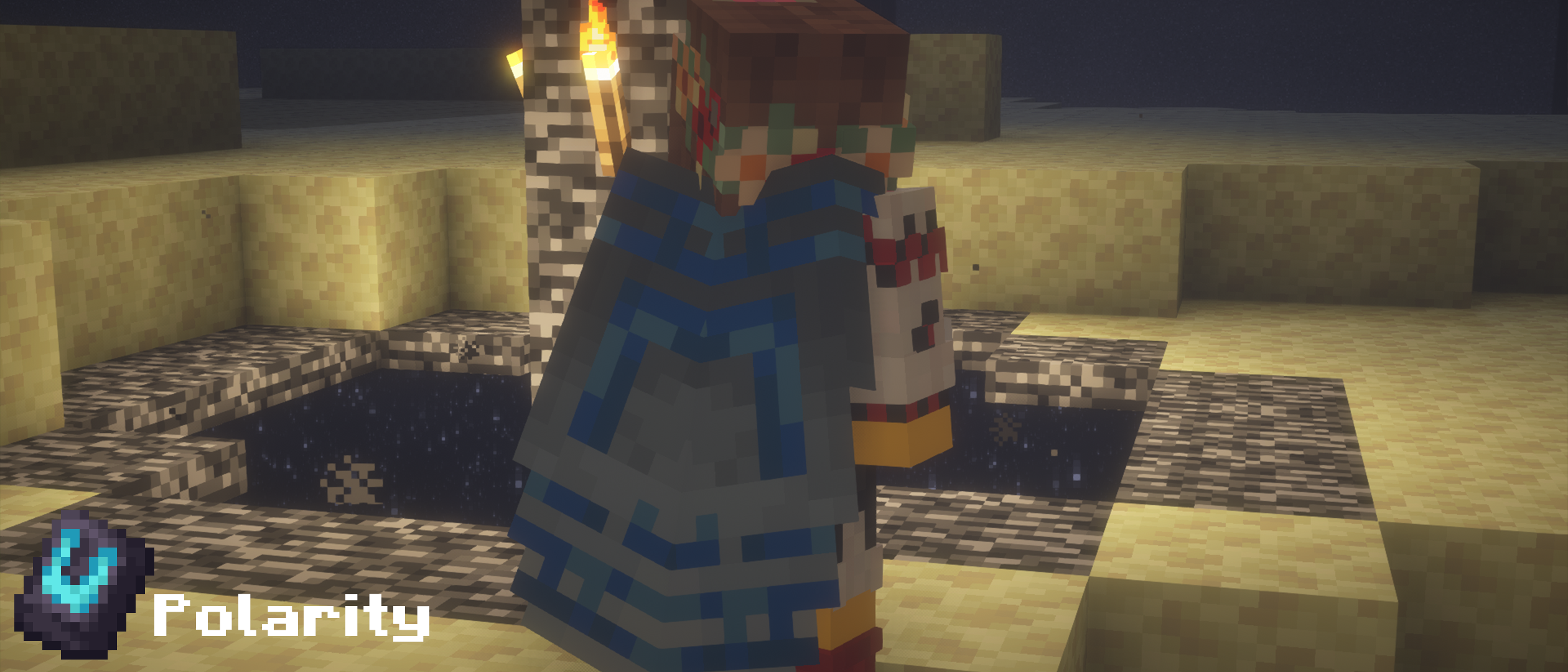
More Sniffer Flowers (Forge)
Support this mod
If you know other mods or datapacks, that add trim patterns, feel free to submit them via a GitHub issue report or send me a message on the discord server!
Elytra Trims Extensions ఎలా ఇన్స్టాల్ చేయాలి
With Millida Launcher
Install Millida Launcher
The launcher is free: download it at millida.net/launcher and sign in with any nickname.
Click “Install” on this page
The launcher opens and installs the mod for Minecraft 1.19.4–1.21.8 on Fabric, Forge or NeoForge automatically, together with its dependencies: Elytra Trims.
Launch the game
A profile with it appears in the launcher: click “Play”.
Manually
Install Fabric, Forge or NeoForge
The loader must match the game version of the mod file, for example Minecraft 1.21.8. After installing it, a separate profile appears in your launcher.
Download the file for your version
In the version list above, pick the file elytratrims-extensions-fabric-3.0.jar (52 KB) for your game version and loader.
Put it in the mods folder
The folder is inside .minecraft (Windows: %appdata%\.minecraft\mods). If it does not exist, create it. Required dependencies go there too: Elytra Trims.
Launch the loader profile
Open “Mods” in the main menu: Elytra Trims Extensions should be in the list.
Elytra Trims Extensions works on the player’s side only: there is no need to install it on a server.
Minecraft 1.21.8 runs on Java 21: with a different Java version the game may close right after launch.
వెర్షన్లు
డిపెండెన్సీలతో
| Minecraft | లోడర్ | ఫైల్ | తేదీ | చర్యలు |
|---|---|---|---|---|
| 1.21.3 | Fabric | 1.21.375.7 KB | ||
| 1.21.3 | NeoForge | 1.21.375.7 KB 1 | ||
| 1.20.6 | Forge | 1.20.675.7 KB 2 | ||
| 1.21.8 | Fabric | 1.21.852.1 KB | ||
| 1.21.8 | NeoForge | 1.21.850.9 KB | ||
| 1.21.1 | NeoForge | 1.21.173.7 KB | ||
| 1.21 | Forge | 1.2173.3 KB | ||
| 1.21.1 | Fabric | 1.21.173.2 KB |
ఇది రన్ అవ్వడానికి కావాల్సినవి
- Elytra Trimsఅవసరం
సమీక్షలు
Elytra Trims Extensionsకు మొదటి రేటింగ్ ఇవ్వండి


