
Minecraft 1.20.1, 1.21.1 కోసం Elemental Craft మోడ్
ElementalCraft అనేది 4 మూలకాలపై ఆధారపడిన మ్యాజిక్ మోడ్: అగ్ని, నీరు, భూమి మరియు గాలి.
 NeoForge
 Forge
ForgeElementalCraft
ElementalCraft అనేది నాలుగు మూలకాలైన అగ్ని, నీరు, భూమి మరియు గాలి ఆధారంగా రూపొందిన మాంత్రిక మోడ్.
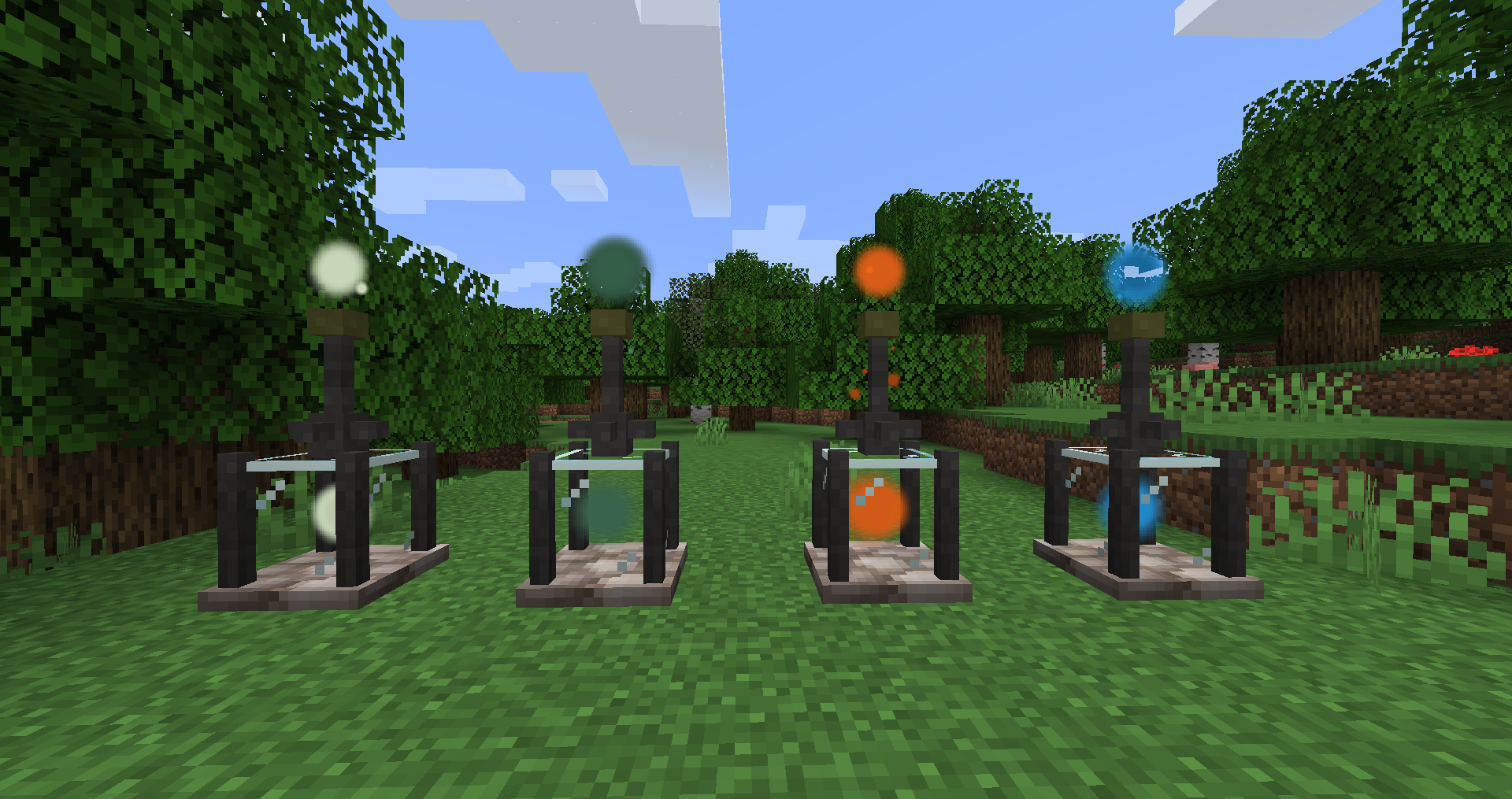
ఈ ప్రాజెక్టులో కొత్త వనరులు ఉన్నాయి: Elements, ఆ మూలకాలను సేకరించే మార్గాలు మరియు వాటిని వివిధ క్రాఫ్ట్ల కోసం ఉపయోగించే విధానాలు: infusion, binding, మొదలైనవి. మీరు ప్రపంచంలో మూలకాలను ప్రసరింపజేయడానికి మరియు పంటల పెరుగుదల, రాయిని లావాగా మార్చడం లేదా ఖనిజాలను తీయడం వంటి వాటిపై పనిచేయడానికి shrines ను కూడా ఉపయోగించవచ్చు. ఇప్పటికే ఉన్న enchantments ను మెరుగుపరచడానికి లేదా సాధనాలకు కొత్త సామర్థ్యాలను జోడించడానికి మీరు infuser ను కూడా ఉపయోగించవచ్చు.
ఈ ప్రాజెక్టు ఇప్పటికీ ప్రారంభ అభివృద్ధి దశలో ఉంది, చాలా ఫీచర్లు మారవచ్చు. ఇది modpacks లో ఆడేందుకు ఉద్దేశించబడింది మరియు datapack (Tags మరియు recipes) మరియు forge config వంటి ఫీచర్లను వీలైనంత వరకు ఉపయోగించడానికి ప్రయత్నిస్తుంది.
మీరు ఇక్కడ ఒక ప్రదర్శన వీడియోను కనుగొనవచ్చు. Spell ప్రదర్శన ఇక్కడ.
సరళమైన ప్రారంభ గైడ్:
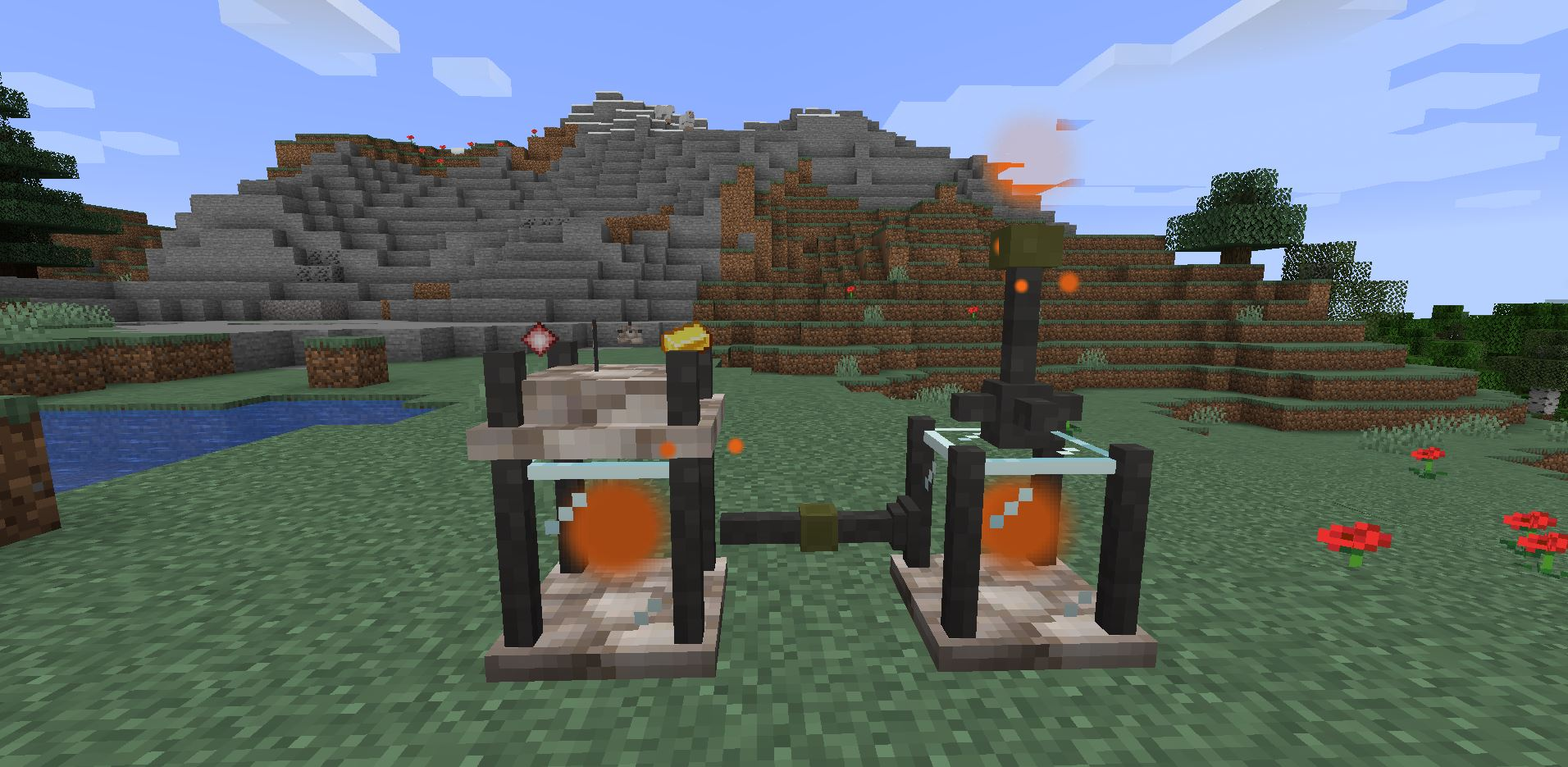
మొదట, ఖనిజం నుండి Inert Crystals ను కనుగొనండి, ఇది మోడ్ యొక్క ప్రారంభ బిందువు, మీరు inert వాటిని బంగారు ముక్కలతో చుట్టూ చుట్టి contained crystals ను క్రాఫ్ట్ చేయాలి. వాటితో రెండు tanks, ఒక extractor, ఒక infuser మరియు కొన్ని pipes ను క్రాఫ్ట్ చేయండి.
ఇవన్నీ మీరు పొందిన తర్వాత అన్వేషించడం ప్రారంభించి ఒక element source ను కనుగొని దాని కింద extractor ను మరియు extractor కింద tank ను ఉంచండి. తర్వాత రెండవ tank ను దగ్గరలో ఉంచి దాని పైన infuser ను ఉంచండి, వాటిని pipes తో కనెక్ట్ చేయండి మరియు extractor యొక్క tank కు కనెక్ట్ అయిన pipe భాగంపై కుడి క్లిక్ చేయండి. ఇప్పుడు మీరు infuser లో ఒక inert crystal ను కుడి క్లిక్ చేయడం ద్వారా ఉంచి ఒక infused crystal ను క్రాఫ్ట్ చేయవచ్చు.
Elemental Craft ఎలా ఇన్స్టాల్ చేయాలి
With Millida Launcher
Install Millida Launcher
The launcher is free: download it at millida.net/launcher and sign in with any nickname.
Click “Install” on this page
The launcher opens and installs the mod for Minecraft 1.16.5–1.21.1 on Forge or NeoForge automatically.
Launch the game
A profile with it appears in the launcher: click “Play”.
Manually
Install Forge or NeoForge
The loader must match the game version of the mod file, for example Minecraft 1.21.1. After installing it, a separate profile appears in your launcher.
Download the file for your version
In the version list above, pick the file elementalcraft-7.1.3.jar (2.8 MB) for your game version and loader.
Put it in the mods folder
The folder is inside .minecraft (Windows: %appdata%\.minecraft\mods). If it does not exist, create it.
Launch the loader profile
Open “Mods” in the main menu: Elemental Craft should be in the list.
Minecraft 1.21.1 runs on Java 21: with a different Java version the game may close right after launch.
వెర్షన్లు
డిపెండెన్సీలతో
| Minecraft | లోడర్ | ఫైల్ | తేదీ | చర్యలు |
|---|---|---|---|---|
| 1.21.1 | NeoForge | elementalcraft-7.1.3.jar2.8 MB | ||
| 1.20.1 | NeoForge, Forge | elementalcraft-1.20.1-6.0.1.jar2.6 MB | ||
| 1.19.2 | Forge | elementalcraft-1.19.2-5.8.5.jar2.5 MB | ||
| 1.19.2 | Forge | elementalcraft-1.19.2-5.3.3.jar2.1 MB | ||
| 1.16.5 | — | elementalcraft-1.16.5-2.7.4.jar1.6 MB |
సమీక్షలు
Elemental Craftకు మొదటి రేటింగ్ ఇవ్వండి


