
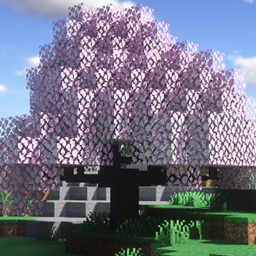
Minecraft 1.21.1, 1.16.5 కోసం Dynamic Trees - Quark మోడ్
Dynamic trees మరియు Quark మధ్య అనుకూలత మోడ్
 NeoForge
 Forge
ForgeDynamic Trees | Quark
అవలోకనం
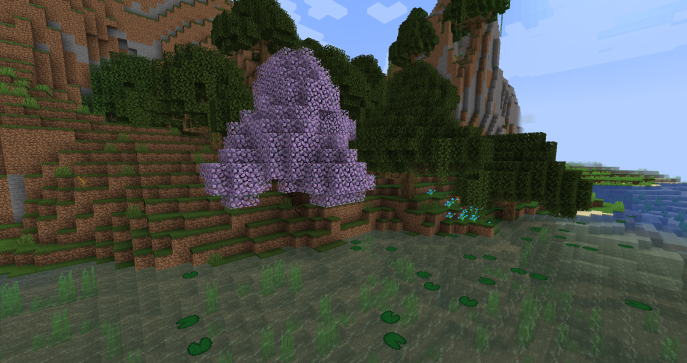
ఈ మోడ్ Quark ను Dynamic Trees తో అనుకూలంగా చేస్తుంది, ఆ మోడ్ జోడించిన చెట్ల యొక్క డైనమిక్గా పెరిగే వెర్షన్లను జోడిస్తుంది మరియు ప్రపంచ ఉత్పత్తి సమయంలో వాటిని పూర్తిగా భర్తీ చేస్తుంది. చెట్లు, వాటి ప్రవర్తన మరియు వాటి ఉత్పత్తిని Tree Packs ఉపయోగించి అనుకూలీకరించవచ్చు మరియు సర్దుబాటు చేయవచ్చు.
ఫీచర్లు
చేర్చిన చెట్లు
(1.20.1)
- Fiery Trumpet
- Frosty Trumpet
- Serene Trumpet
- Sunny Trumpet
- Warm Trumpet
- Ashen Tree
- Glow Shroom (Dynamic Trees + ఇన్స్టాల్ చేసినప్పుడు)
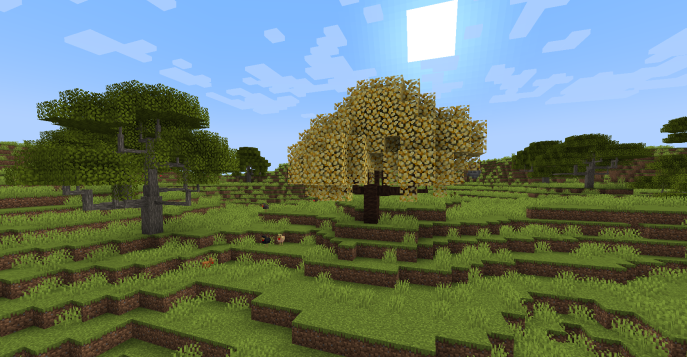
(1.16.5 / 1.18.2)
- Fiery Blossom
- Frosty Blossom
- Serene Blossom
- Sunny Blossom
- Sweet Blossom
- Warm Blossom
(1.12.2)
- Blossoming Tree
- Swamp Oak
Quark's Azalea
(1.18.2)
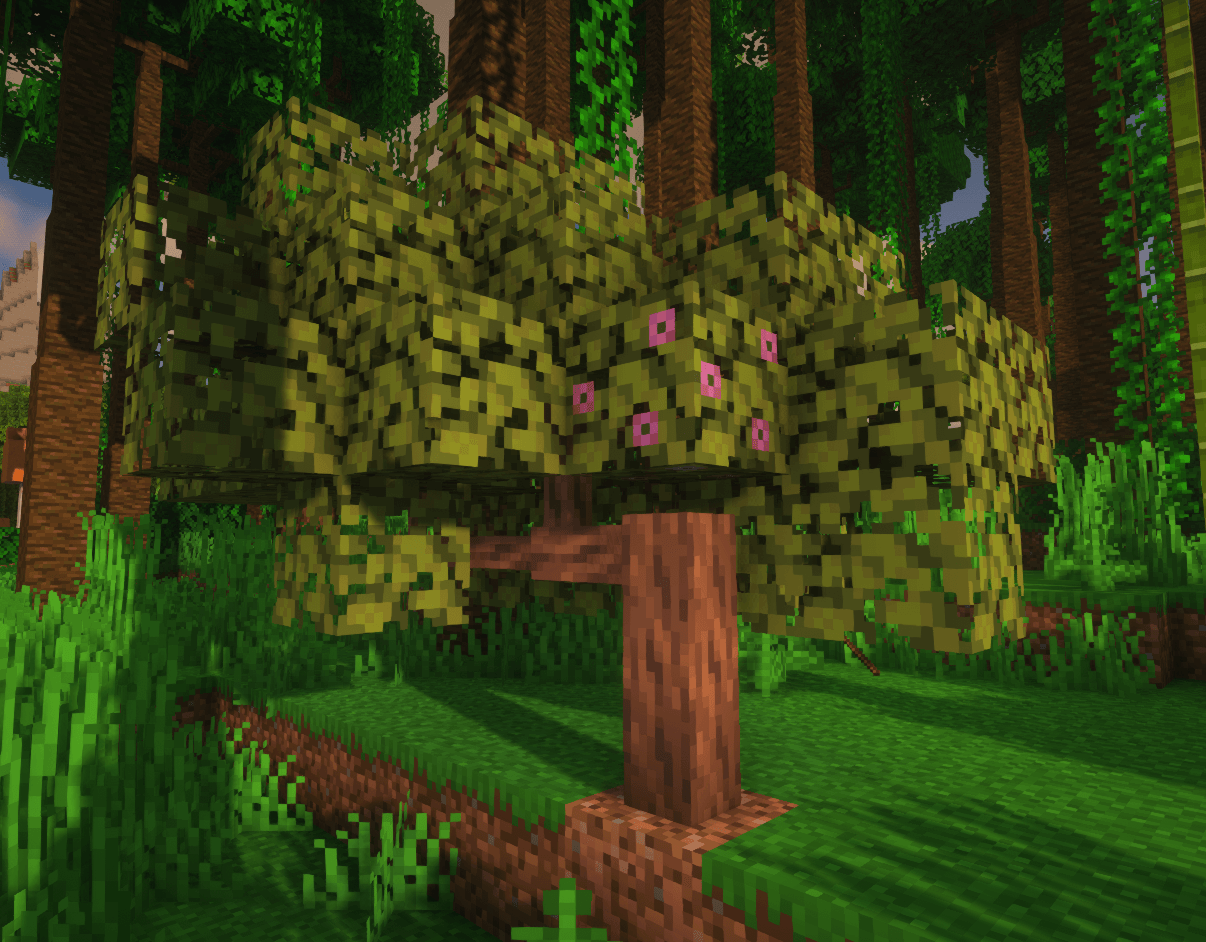
ఈ యాడాన్తో, azalea చెట్లకు Quark's azalea లాగ్లు ఉంటాయి మరియు అవి మరింత ఉపయోగకరంగా ఉండేలా ఎక్కువ లాగ్లను డ్రాప్ చేస్తాయి.
ప్రపంచ ఉత్పత్తి
Dynamic Quark Trees ప్రపంచంలో ఉత్పత్తి అవుతాయి.
ఉత్పత్తి అయ్యే Azalea చెట్లకు కూడా quark's azalea కలప ఉంటుంది. 1.12.2 లో quark's కాన్ఫిగ్ కారణంగా, యాడాన్ స్వంతంగా నాన్-డైనమిక్ చెట్లు ఉత్పత్తి అవ్వడాన్ని నిలిపివేయలేదు. quark సెట్టింగ్లలో blossoming మరియు swamp చెట్లను నిలిపివేయడం ద్వారా ఇది సులభంగా పరిష్కరించవచ్చు.
ఇతర యాడాన్లు
ఇతర మోడ్ల కోసం Dynamic Trees యాడాన్లను Dynamic Trees curseforge పేజీలో కనుగొనవచ్చు.
సూచనలు మరియు అభ్యర్థనలు
అనుకూలత కోసం కొత్త మోడ్ను అభ్యర్థించడానికి దయచేసి ఇక్కడ చేయండి!! https://github.com/orgs/DynamicTreesTeam/discussions/categories/compatibility-addon-suggestions
అవసరాలు
- Dynamic Trees
- Quark
లైసెన్సింగ్ మరియు మోడ్ ప్యాక్లు
మీరు దీన్ని మీకు నచ్చిన ఏ మోడ్ ప్యాక్లోనైనా ఉపయోగించవచ్చు! అడగాల్సిన అవసరం లేదు. ఈ మోడ్కు MIT లైసెన్స్ ఉంది మరియు దీని సోర్స్ github లో పబ్లిక్గా ఉంది.
Dynamic Trees - Quark ఎలా ఇన్స్టాల్ చేయాలి
With Millida Launcher
Install Millida Launcher
The launcher is free: download it at millida.net/launcher and sign in with any nickname.
Click “Install” on this page
The launcher opens and installs the mod for Minecraft 1.16.5–1.21.1 on Forge or NeoForge automatically.
Launch the game
A profile with it appears in the launcher: click “Play”.
Manually
Install Forge or NeoForge
The loader must match the game version of the mod file, for example Minecraft 1.21.1. After installing it, a separate profile appears in your launcher.
Download the file for your version
In the version list above, pick the file dtquark-2.6.1.jar (458 KB) for your game version and loader.
Put it in the mods folder
The folder is inside .minecraft (Windows: %appdata%\.minecraft\mods). If it does not exist, create it.
Launch the loader profile
Open “Mods” in the main menu: Dynamic Trees - Quark should be in the list.
Minecraft 1.21.1 runs on Java 21: with a different Java version the game may close right after launch.
వెర్షన్లు
డిపెండెన్సీలతో
| Minecraft | లోడర్ | ఫైల్ | తేదీ | చర్యలు |
|---|---|---|---|---|
| 1.21.1 | NeoForge | DynamicTreesforQuark-NeoForge-1.21.1 2.6.1458 KB 5 | ||
| 1.19.2 | Forge | DynamicTreesQuark-1.19.2-2.4.1.jar450 KB | ||
| 1.19.2 | Forge | DynamicTreesQuark-1.19.2-2.4.0-Beta1.jar425 KB | ||
| 1.16.5 | — | DynamicTreesQuark-1.16.5-2.0.3.jar45.8 KB |
సమీక్షలు
Dynamic Trees - Quarkకు మొదటి రేటింగ్ ఇవ్వండి


