

 NeoForge
 Fabric
 Quilt
Dream Displays మోడ్ గురించి
Download plugin / mod from Modrinth | CurseForge | GitHub | Discord | Ko-Fi
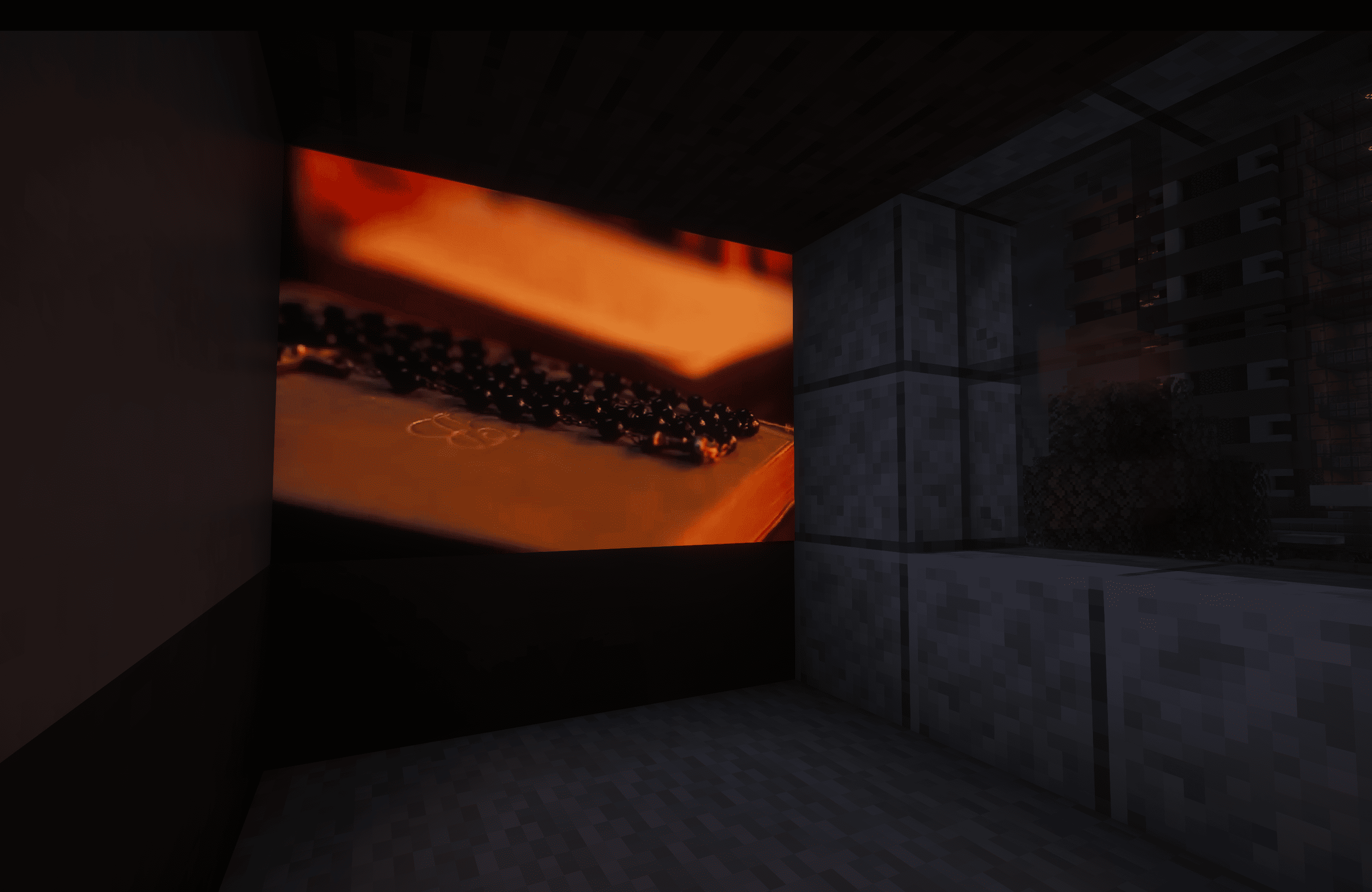
Bring real video playback to Minecraft
Watch videos, livestreams, and more directly on in-game displays — together with your friends.
Create a display, paste a link and that's it!
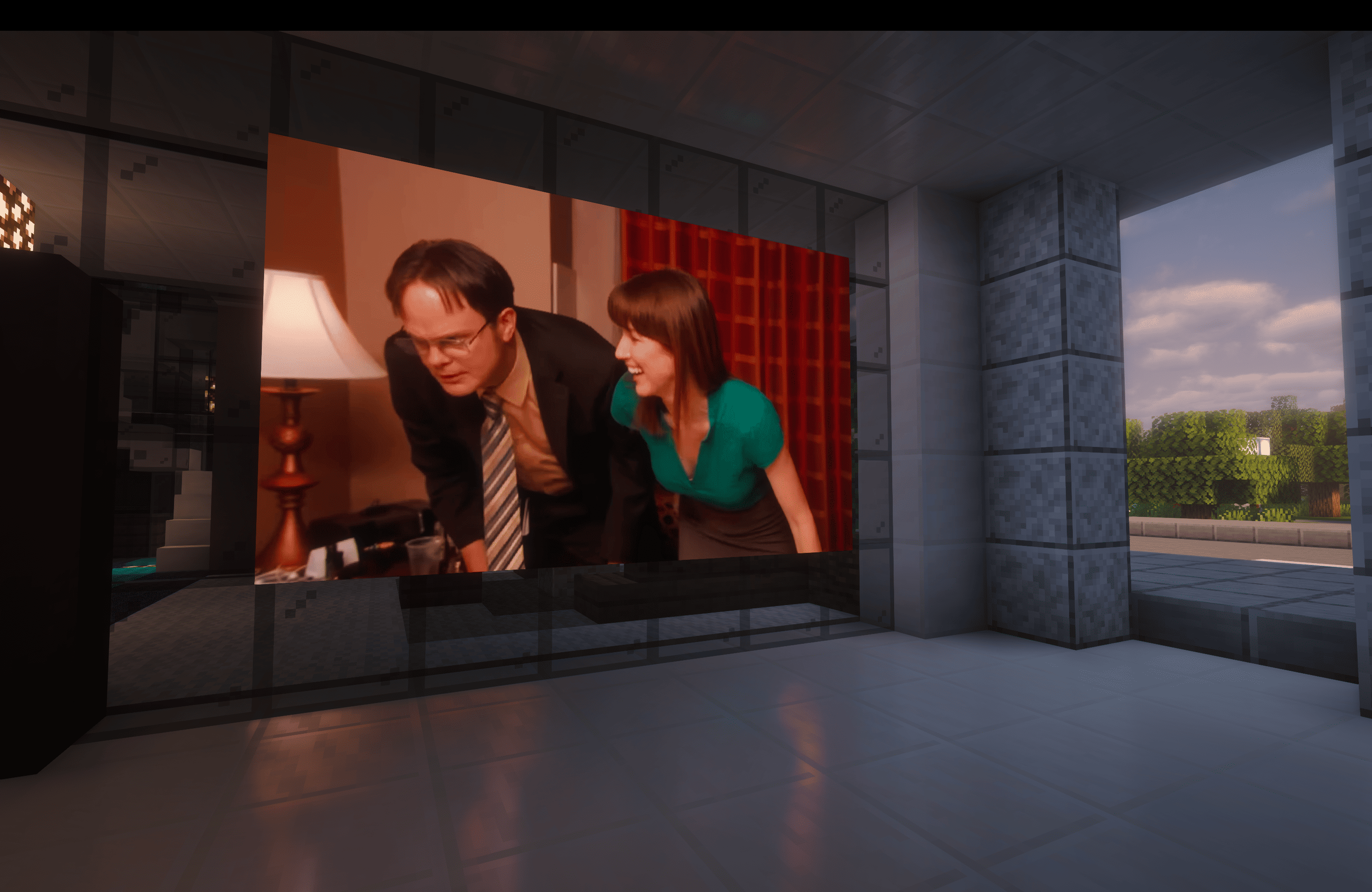
Watch anything
Source What works
YouTube Videos, livestreams, ad-free, up to 4K, multiple audio languages
Twitch Live channels, VODs, clips
Kick Live channels, VODs
Vimeo Public videos, live events
Bilibili Videos, live channels, bungumi
Any video link Direct video files, live streams
Share links Google Drive, Dropbox, Imgur direct links
Pretty much anywhere else Not on the list? Try it anyway
Built for multiplayer
Watch together with your friends with seamless multiplayer synchronization. Choose between local, synchronized, and broadcast playback depending on how you want your displays to behave.
Dream Displays keeps playback synchronized across the server while keeping network usage extremely low.
Made for you
Dream Displays is built to make watching videos in Minecraft feel as natural as possible.
Your experience Your server
Seamless multiplayer playback — with several modes Broad server support — Paper, Folia, Fabric, NeoForge
Powerful media player — search, Picture-in-Picture & more Fullscreen mode — great for events and presentations
Ad-free YouTube — no ads with multiple audio languages Simple config — precise control over displays and playback
Immersive audio — 3D sound, volume up to 200% & more Permissions — fine-grained control with LuckPerms support
Customizable displays — size, brightness & orientation Ultra-low network impact — minimal impact for your traffic
Hardware-accelerated playback — smooth and efficient video decoding Persistent displays — settings survive server restarts and unloading
Get started
Now it's your turn! Build your first display, invite your friends, and make displays a part of your world.
- Install Dream Displays
- Create your first display
- Browse the full wiki
Thanks to @whysumi_official for renders.
Dream Displays ఎలా ఇన్స్టాల్ చేయాలి
Install Millida Launcher
The launcher is free: download it at millida.net/launcher and sign in with any nickname.
Click “Install” on this page
The launcher opens and installs the mod for Minecraft 1.21.11–26.3 on Fabric, NeoForge or Quilt automatically.
Launch the game
A profile with it appears in the launcher: click “Play”.
వెర్షన్లు
డిపెండెన్సీలతో
| Minecraft | లోడర్ | ఫైల్ | తేదీ | చర్యలు |
|---|---|---|---|---|
| 26.3 | NeoForge | Dream Displays 1.10.0 Preview 2 — NeoForge 26.325.1 MB 1 | ||
| 26.3 | Fabric, Quilt | Dream Displays 1.10.0 Preview 2 — Fabric 26.325.1 MB | ||
| 26.2 | NeoForge | Dream Displays 1.9.6 Release — NeoForge 26.225 MB | ||
| 26.2 | Fabric, Quilt | Dream Displays 1.9.6 Release — Fabric 26.225 MB | ||
| 1.21.11 | NeoForge | [NeoForge 1.21.11] Dream Displays 1.4.41.4 MB 1 | ||
| 1.21.11 | Fabric, Quilt | [Fabric 1.21.11] Dream Displays 1.4.41.4 MB 19 |
FAQ
Which Minecraft versions does Dream Displays work on?
There are files for 26.3, 26.2, 1.21.11. The newest is 26.3.
Is Dream Displays for Forge or Fabric?
There are files for Fabric: 1.21.11–26.3, for NeoForge: 1.21.11–26.3 and for Quilt: 1.21.11–26.3. There are no files for Forge: a mod for another loader will not start.
Does Dream Displays need other mods?
The author lists no required dependencies: the Fabric, NeoForge or Quilt loader is enough.
How do I download Dream Displays?
With Millida Launcher: it installs Dream Displays into a modpack by itself, for the right game version and loader. The launcher is free.
సమీక్షలు
Dream Displaysకు మొదటి రేటింగ్ ఇవ్వండి


