

Minecraft 1.12.2 కోసం Dimensional Control మోడ్
అనుకూల డైమెన్షన్లను సృష్టించడానికి ఉపయోగించే సాధనం
Dimensional Control మోడ్ గురించి
Dimensional Control ఇకపై మద్దతు లేదు. కొత్త ఫీచర్లు, బగ్ ఫిక్స్లు మరియు డాక్యుమెంటేషన్/ఉదాహరణలకు అప్డేట్లు వచ్చే అవకాశం చాలా తక్కువ. Topography, Just Enough Dimensions మరియు Random Portals చూడండి. మీకు కావాల్సినవి వాటిలో ఉండవచ్చు!
మీ ప్రపంచాలన్నీ ఒకేలా ఉండటం పట్ల విసిగిపోయారా? అదే విసుగు పుట్టించే డైమెన్షన్లు మళ్లీ మళ్లీ? Dimensional Control అనేది Blood N Bones Gaming టీమ్ సృష్టించిన ఒక సాధనం, ఇది మాడ్ప్యాక్ తయారీదారులకు ఓవర్వరల్డ్పై ఎక్కువ నియంత్రణ ఇవ్వడమే కాకుండా వారి స్వంత అనుకూల డైమెన్షన్లను సృష్టించుకునే సామర్థ్యాన్ని అందిస్తుంది.
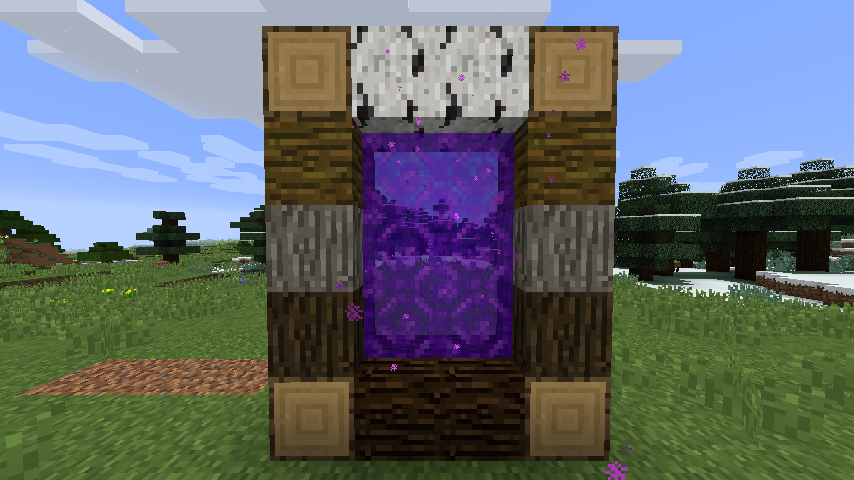
ఈ మాడ్ మీకు ఇవి చేయడానికి అనుమతిస్తుంది:
- బ్లాక్లను భర్తీ చేయండి
- గుహలు, రావైన్లు మరియు నిర్మాణాల వంటి మ్యాప్ జెన్ను నిలిపివేయండి
- బయోమ్ మ్యాప్ జనరేషన్ను కాన్ఫిగర్ చేయండి
- భూభాగ జనరేషన్ను సవరించండి
- మరియు ఇంకా చాలా
COFHCore మరియు BiomeTweaker వంటి ఇతర మాడ్లతో కలిపితే, మీ ప్యాక్లలో ప్రస్తుత అవకాశాలను మించిన స్థాయిలో అనుకూలీకరణ చేయవచ్చు!
BNBGamingLib v2.4.1 లేదా అంతకంటే ఎక్కువ కూడా ఇన్స్టాల్ చేయబడి ఉండాలి.
1.12లోని చాలా ఆప్షన్లకు BNBGamingCore కూడా ఇన్స్టాల్ చేయబడి ఉండాలి.
సమస్యలను నివేదించడానికి దయచేసి పైన ఉన్న issue లింక్ను ఉపయోగించండి. పూర్తి డాక్యుమెంటేషన్ మాడ్తో పాటు అందించబడుతుంది. Minecraft లోడ్ చేసి config/dimensionalcontrol/documentation చూడండి.
1.7.10 వెర్షన్ల కోసం డాక్యుమెంటేషన్ wiki లింక్లో కనుగొనవచ్చు.
FAQ మరియు చర్చ మా Minecraft Forum థ్రెడ్లో అందుబాటులో ఉన్నాయి.
మాకు ఒక Discord సర్వర్ కూడా ఉంది.
మాకు ఒక Twitch App ఛానెల్ కూడా ఉంది.
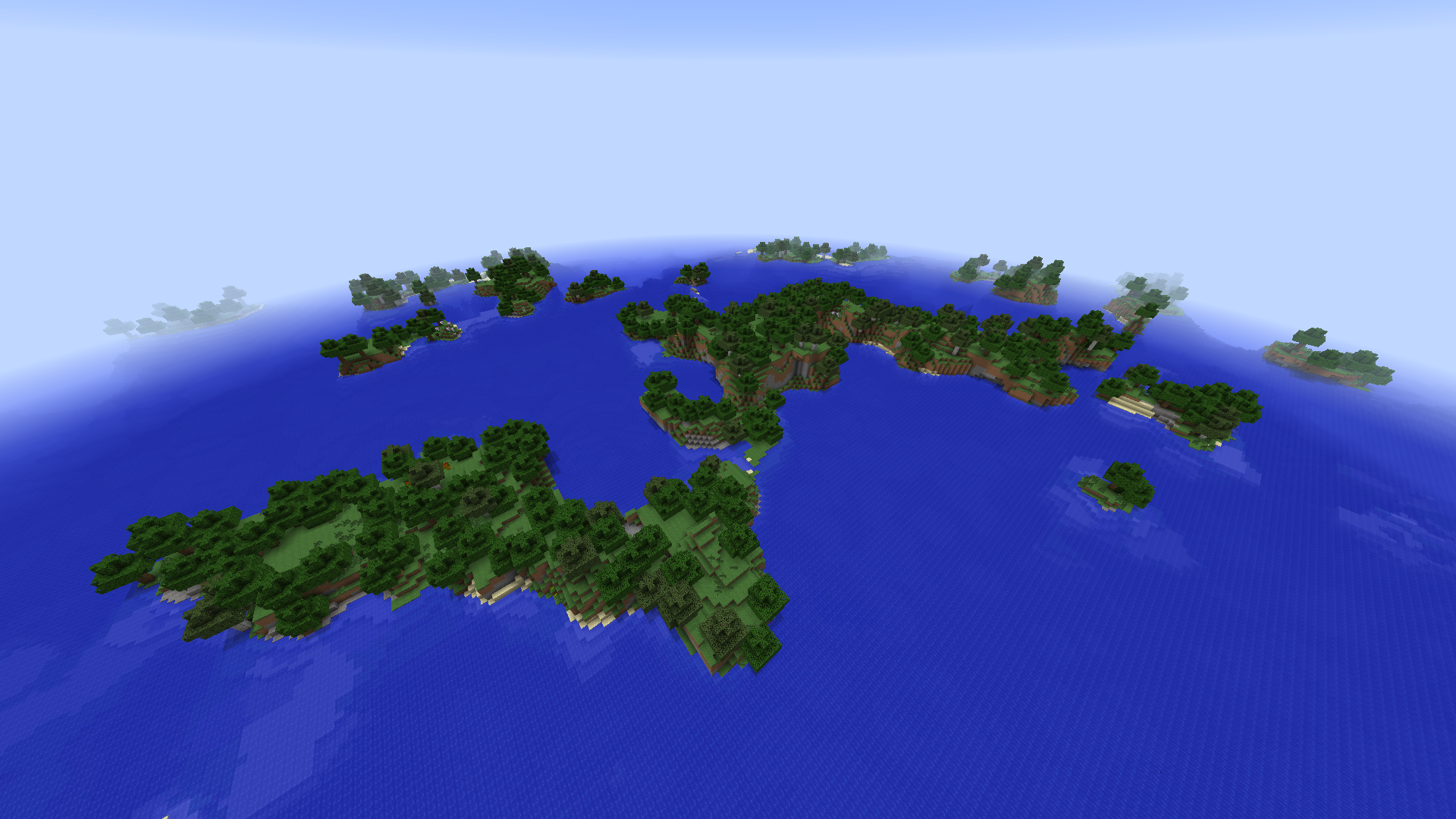
Dimensional Control ఎలా ఇన్స్టాల్ చేయాలి
With Millida Launcher
Install Millida Launcher
The launcher is free: download it at millida.net/launcher and sign in with any nickname.
Click “Install” on this page
The launcher opens and installs the mod for Minecraft 1.12–1.12.2 automatically.
Launch the game
A profile with it appears in the launcher: click “Play”.
Manually
Download the file for your version
In the version list above, pick the file DimensionalControl-1.12.2-2.13.0.jar (334 KB) for your game version.
Put it in the mods folder
The folder is inside .minecraft (Windows: %appdata%\.minecraft\mods). If it does not exist, create it.
Launch the loader profile
Open “Mods” in the main menu: Dimensional Control should be in the list.
Minecraft 1.12.2 runs on Java 8: with a different Java version the game may close right after launch.
వెర్షన్లు
డిపెండెన్సీలతో
| Minecraft | లోడర్ | ఫైల్ | తేదీ | చర్యలు |
|---|---|---|---|---|
| 1.12.1 | — | Dimensional Control 1.12.2-2.13.0334 KB |
FAQ
Which Minecraft versions does Dimensional Control work on?
There are files for 1.12.2, 1.12.1, 1.12. The newest is 1.12.2.
Which Java does Dimensional Control need?
Minecraft 1.12.2 runs on Java 8. If the game closes right after launch, the usual cause is the wrong Java version in the profile settings.
Where can I download Dimensional Control safely?
On this page: the file DimensionalControl-1.12.2-2.13.0.jar (334 KB) is stored on Millida’s server, with no link shorteners. SHA-1 checksum: c37cc10e4c76885a2dc4cabd1e7f5a7e29f79acb.
సమీక్షలు
Dimensional Controlకు మొదటి రేటింగ్ ఇవ్వండి


