

Minecraft 26.3 కోసం Customizable Player Models మోడ్
మీ Minecraft అవతార్ను అనుకూలీకరించండి!
 Forge
Forge Fabric
 NeoForge
Customizable Player Models
Create a custom avatar using the built-in editor.
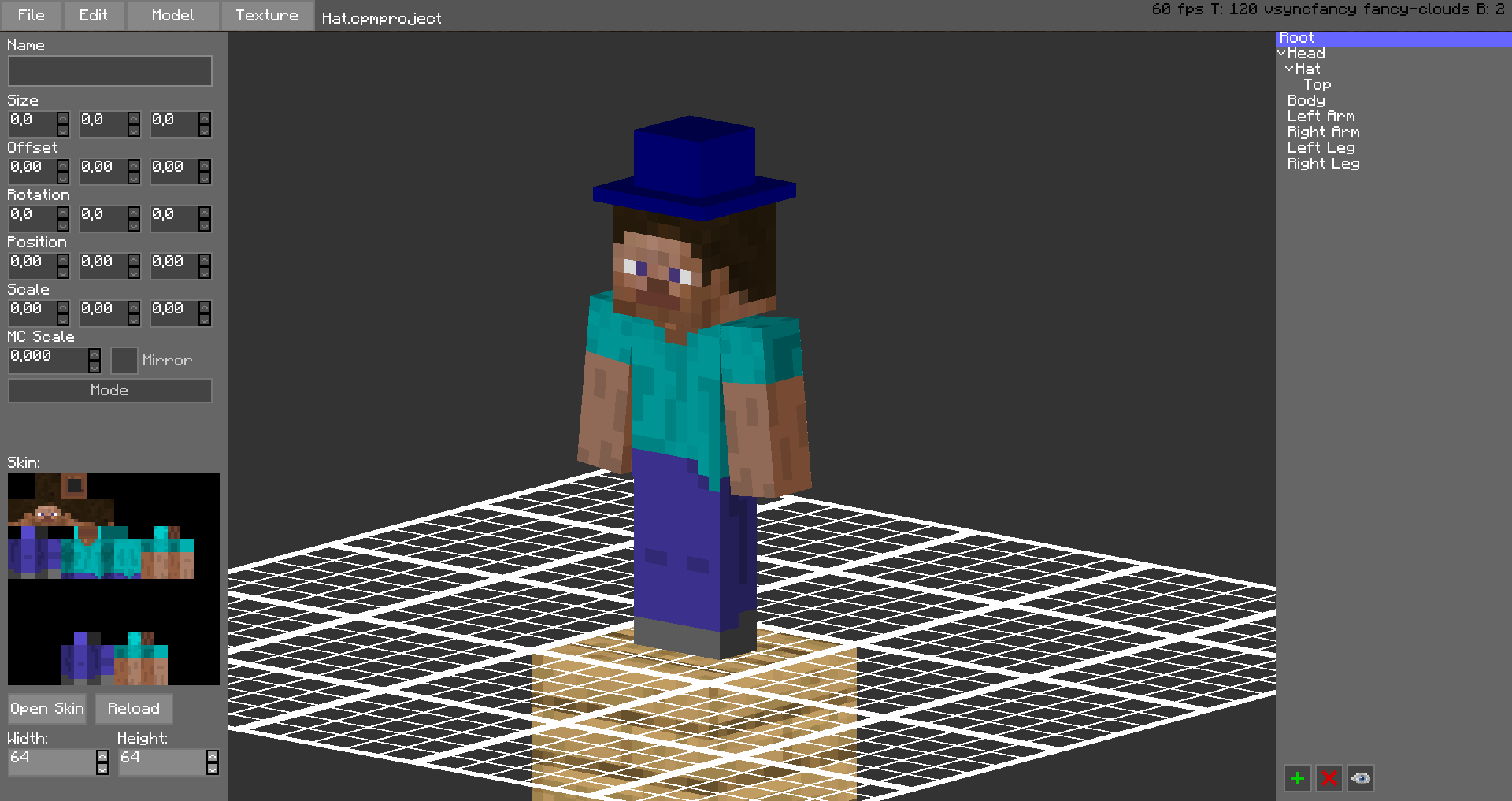
The models are stored in unused space on your Minecraft Skin, or as a Gist on GitHub. Upload the exported image file as your skin to load the custom model. Browse uploaded models on the Models Website.
The additional parts can have custom textures, higher resolution skins can be used (Steve skin from Soartex Fanver - Vanilla) Parts of the normal player model can be hidden or moved around.
You can even make parts of your skin "glow" like a glow squid.
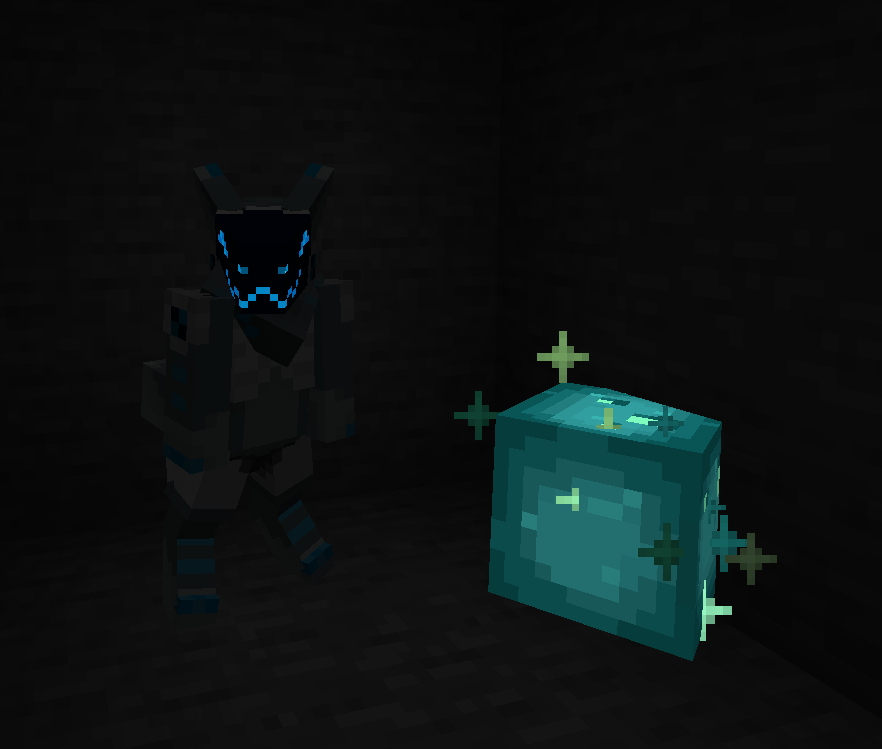
Plugin for Bukkit/Spigot servers for changing skins ingame (not required): https://github.com/tom5454/CustomPlayerModels/releases
Customizable Player Models ఎలా ఇన్స్టాల్ చేయాలి
With Millida Launcher
Install Millida Launcher
The launcher is free: download it at millida.net/launcher and sign in with any nickname.
Click “Install” on this page
The launcher opens and installs the mod for Minecraft 1.8–26.3 on Fabric, Forge or NeoForge automatically.
Launch the game
A profile with it appears in the launcher: click “Play”.
Manually
Install Fabric, Forge or NeoForge
The loader must match the game version of the mod file, for example Minecraft 26.3. After installing it, a separate profile appears in your launcher.
Download the file for your version
In the version list above, pick the file CustomPlayerModelsLexForge-26.3-0.6.27a.jar (2.7 MB) for your game version and loader.
Put it in the mods folder
The folder is inside .minecraft (Windows: %appdata%\.minecraft\mods). If it does not exist, create it.
Launch the loader profile
Open “Mods” in the main menu: Customizable Player Models should be in the list.
On a server
A server on Fabric, Forge or NeoForge
The mod only works on a server with the same loader and game version, for example 26.3.
File goes into the server’s mods folder
Stop the server, put the mod file into the mods folder and start the server again.
Use the “To server” button
On Millida Hosting, the button at the top of the page uploads the file to your server and restarts it for you.
వెర్షన్లు
డిపెండెన్సీలతో
| Minecraft | లోడర్ | ఫైల్ | తేదీ | చర్యలు |
|---|---|---|---|---|
| 26.3 | Forge | 26.32.7 MB 1 | ||
| 26.3 | Fabric | 26.32.7 MB 3 | ||
| 26.3 | NeoForge | 26.32.7 MB | ||
| 26.3 | Fabric | 26.32.7 MB 3 | ||
| 26.3 | NeoForge | 26.32.7 MB | ||
| 26.3 | Fabric | 26.32.7 MB | ||
| 26.3 | NeoForge | 26.32.7 MB | ||
| 26.2 | Fabric | 26.22.7 MB 13 |
సమీక్షలు
Customizable Player Modelsకు మొదటి రేటింగ్ ఇవ్వండి


