

Minecraft 1.19.2 కోసం Creatures and Beasts మోడ్
మీ ప్రపంచాలకు వివిధ స్నేహపూర్వక మరియు శత్రు కొత్త జీవులను జోడిస్తుంది!
- డౌన్లోడ్లు
- 1 డౌన్లోడ్లు
- వ్యూలు
- 16 వ్యూలు
- అప్డేట్ చేయబడింది
- అప్డేట్ చేయబడింది 18.10.2026
- 1.16.3 — 1.19.2
 Forge
Forge
Creatures and Beasts మోడ్ గురించి
మమ్మల్ని మద్దతు ఇవ్వండి

కొత్త కంటెంట్ యొక్క ప్రివ్యూలు మరియు ముందస్తు యాక్సెస్ కోసం!
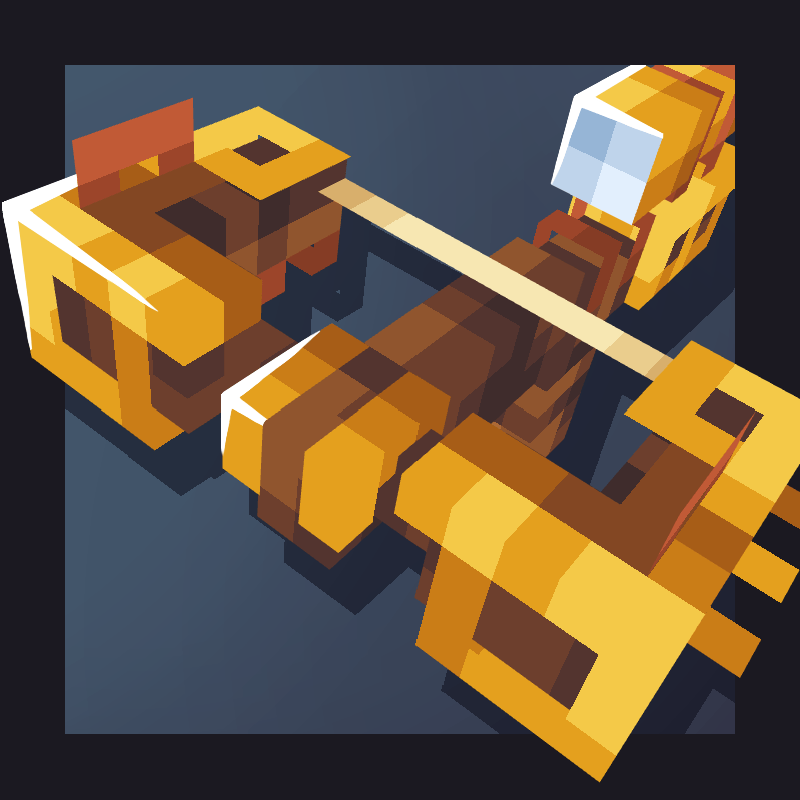
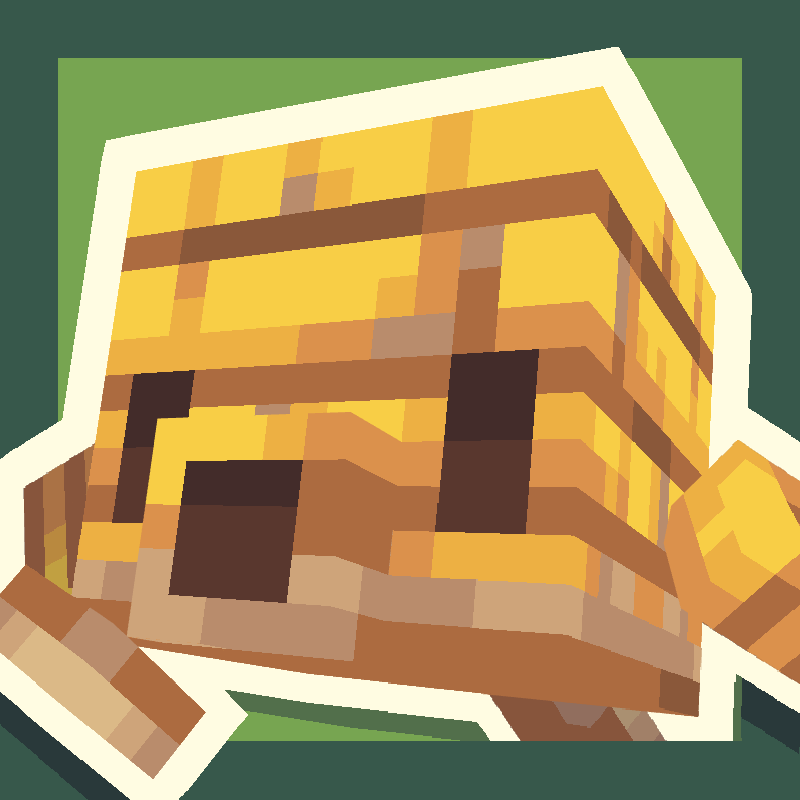
Creatures and Beasts అనేది ఒక ఫాంటసీ జీవుల మోడ్, ఇది ఓవర్వరల్డ్ యొక్క మైదానాల నుండి ఎండ్ యొక్క శూన్యం వరకు ప్రతి బయోమ్ను కొత్త మాబ్లతో నింపుతుంది!

ప్రస్తుత మాబ్లు:
-The little grebe: నదులు మరియు సరస్సులలో నివసించే అందమైన చిన్న పక్షులు. అవి చేపలు తినడానికి ఇష్టపడతాయి మరియు తమ పిల్లలను వాటి వీపుపై మోసుకెళ్తాయి!
-The lizards: అడవులు మరియు ఎడారుల నుండి వచ్చిన ఒక చిన్న స్నేహితుడు. మీరు ఒక విచారంగా ఉన్నదాన్ని కనుగొంటే, దాని ఇష్టమైన స్నాక్ అయిన యాపిల్ ముక్కలతో దాన్ని సంతోషపెట్టవచ్చు. అవి సంగీతాన్ని కూడా ఇష్టపడతాయి!
-The cindershell: ఈ ప్రశాంతమైన అగ్నిపర్వత తాబేళ్లు ఫంగస్ తినడం ద్వారా నెదర్ వేస్ట్లలో తిరుగుతాయి. చంపబడినప్పుడు, అవి తమ షెల్ యొక్క శకలాలను డ్రాప్ చేస్తాయి, ఇవి లావాతో నింపగలిగే కత్తిని తయారు చేస్తాయి. అవి అపరిమిత ఇంధన మూలం కోసం ఒక cinder furnaceతో కూడా అమర్చబడతాయి!
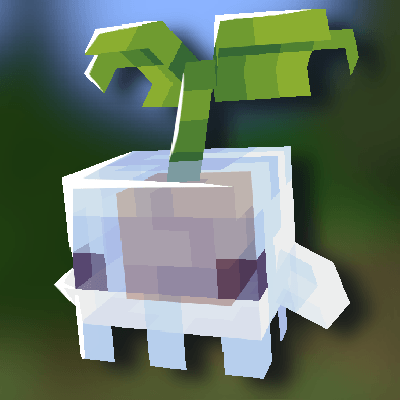
-The sporelings: Sporelings అనేవి నెదర్ మరియు ఓవర్వరల్డ్ అంతటా కనిపించే చిన్న పుట్టగొడుగు జీవులు. అవి మీ గేర్ నుండి ఏవైనా శాపాలను అది ఎక్కువగా పగలకుండా తొలగించడానికి తమ వంతు కృషి చేస్తాయి, మరియు bonemealతో పెంచుకోవచ్చు :D పెంచుకున్నప్పుడు, మీరు sporeling backpackను అమర్చి వాటిపై shift right click చేయడం ద్వారా వాటిని ఎత్తుకోవచ్చు.
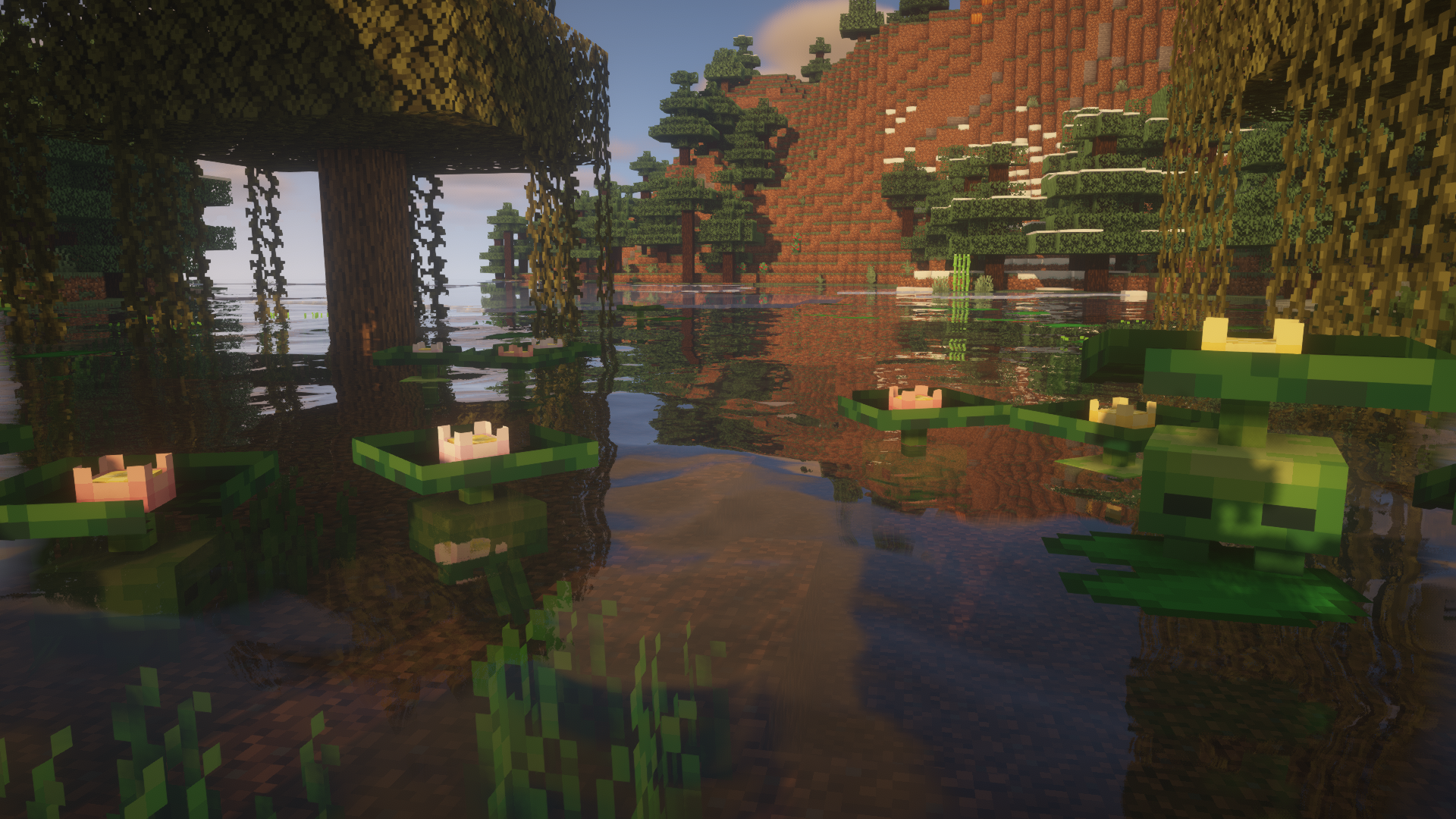
-The lilytad: ఒక సిగ్గుపడే చిన్న చిత్తడి నివాసి జీవి, ఇది నీటిలో దాక్కోవడానికి ఇష్టపడుతుంది, తనను తాను lilypadలా మార్చుకుంటుంది. దాని పువ్వును sheared చేయవచ్చు మరియు 15 నిమిషాల తర్వాత తిరిగి పెరుగుతుంది.
-The minipad: ఇవి lilytads యొక్క axolotl లాంటి ఉపజాతి. రాత్రి సమయంలో, అవి తమ ప్రకాశించే పువ్వులతో చిత్తడి ప్రాంతాలను వెలిగిస్తాయి, వీటిని flower crowns తయారు చేయడానికి ఉపయోగించవచ్చు!
-The yeti: ఈ శక్తివంతమైన జీవులు మంచుతో కూడిన టుండ్రా బయోమ్లలో స్పాన్ అవుతాయి మరియు ఆటగాడు వాటి పిల్లలకు చాలా దగ్గరగా వెళ్లే వరకు తటస్థంగా ఉంటాయి, కానీ మీరు పుచ్చకాయ ముక్కలతో వాటి నమ్మకాన్ని సంపాదించవచ్చు, లేదా బెర్రీలతో వాటిని సంతానోత్పత్తి చేయవచ్చు. ఒక బేబీ yeti ఆటగాడిని నమ్ముతూ పెద్దయ్యేటప్పుడు, అది పెంచుకున్నదిగా మారుతుంది. పెంచుకున్న yetis ఆటగాడిని అనుసరించవు, కానీ వారిని రక్షిస్తాయి.
-The cactem: ఒక పెద్ద నాయకత్వంలోని తెగలలో నివసించే ముళ్లతో కూడిన చిన్న ఎడారి స్నేహితులు. Cactem పెద్దలు డ్రాప్ చేయబడిన totemsను ఎత్తుకుని మీకు విలువైనది లేదా పూర్తిగా పనికిరానిది ఇచ్చి తిరిగి ఇస్తారు.
-The end whale: ఈ దిగ్గజాలు ఎండ్ యొక్క శూన్యంలో తిరుగుతాయి, మరియు chorus fruit మరియు ఒక saddleతో పెంచుకోవచ్చు మరియు సవారీ చేయవచ్చు. కానీ పెంచుకున్న తిమింగలాలు మీరు ఆహారం పట్టుకోకపోతే మిమ్మల్ని అనుసరించవు.
Josh/Joosh - Art HellionGames - Coding Christian9544 and AzureDoom3690 - contributions to the code







Creatures and Beasts ఎలా ఇన్స్టాల్ చేయాలి
With Millida Launcher
Install Millida Launcher
The launcher is free: download it at millida.net/launcher and sign in with any nickname.
Click “Install” on this page
The launcher opens and installs the mod for Minecraft 1.16.3–1.19.2 on Forge automatically.
Launch the game
A profile with it appears in the launcher: click “Play”.
Manually
Install Forge
The loader must match the game version of the mod file, for example Minecraft 1.19.2. After installing it, a separate profile appears in your launcher.
Download the file for your version
In the version list above, pick the file CNB-1.19-1.5.4.jar (1.3 MB) for your game version.
Put it in the mods folder
The folder is inside .minecraft (Windows: %appdata%\.minecraft\mods). If it does not exist, create it.
Launch the loader profile
Open “Mods” in the main menu: Creatures and Beasts should be in the list.
Minecraft 1.19.2 runs on Java 17: with a different Java version the game may close right after launch.
వెర్షన్లు
డిపెండెన్సీలతో
| Minecraft | లోడర్ | ఫైల్ | తేదీ | చర్యలు |
|---|---|---|---|---|
| 1.19.2 | Forge | Creatures and Beasts 1.5.4 for Minecraft 1.19.21.3 MB 1 | ||
| 1.16.3 | — | Creatures and beasts 1.2.7.1558 KB |
FAQ
Which Minecraft versions does Creatures and Beasts work on?
There are files for 1.19.2, 1.16.4, 1.16.3. The newest is 1.19.2.
Is Creatures and Beasts for Forge or Fabric?
Only for Forge: 1.19.2. There are no files for Fabric or NeoForge: a mod for another loader will not start.
Does Creatures and Beasts need other mods?
The author lists no required dependencies: the Forge loader is enough.
Which Java does Creatures and Beasts need?
Minecraft 1.19.2 runs on Java 17. If the game closes right after launch, the usual cause is the wrong Java version in the profile settings.
Where can I download Creatures and Beasts safely?
On this page: the file CNB-1.19-1.5.4.jar (1.3 MB) is stored on Millida’s server, with no link shorteners. SHA-1 checksum: 0941e384d4ecd947bc442d9bcbd5a77dfedc4ddb.
సమీక్షలు
Creatures and Beastsకు మొదటి రేటింగ్ ఇవ్వండి


