

 NeoForge
 Forge

Description
Create:Ratatouille is addon for Create that brings agriculture & food-processing to life-more machines, smarter farming, tastier outputs.
Server support since v1.1
Join our discord: https://discord.gg/nnXVpY5VcE
Also try ours new addon Create Ratatouille Fried Delights
✨ Current Content
Oven (Multiblock) - High-throughput, even-heat cooking for big batches.
Thresher - Gentle grain processing for wheat, with support for rice, corn, and more.
Irrigation Tower - Keeps wide farmland areas hydrated-no more bucket runs.
Spreader - Rapid crop ripening in an area; can also make nearby animals fall in love.
🆕 Version1.3 “Compost!”
New: Compost Tower (Multiblock)
Turn organic leftovers into farming power-automate composting with Create.
Automated Intake/Output - Belt in plant matter; pipe products out.
Outputs
Compost Residue - Base for soil boosts & processing chains; also usable as furnace fuel (burn time configurable).
Compost Tea - Bottled liquid fertilizer for precise boosts (multi-use by default).
Biogas - Fermentation by-product; currently used primarily for burning/heat.
What can you do with compost outputs?
Close the loop - Convert farm waste into Compost Residue.
Boost your fields - Process residue into mulch/soil enhancers for steadier growth.
Power advanced farming - Feed machines like the Spreader for more efficient area growth.
🌐 Localization and Contributors
ru_ru: ovonsame Hardziplay
jp_ja: lupusui
SSWTLZZ69
📌 Roadmap
More machines, farming QoL, kitchen chains, and deeper Create integration. All values are data-driven-tune recipes, speeds, and effects as you like.
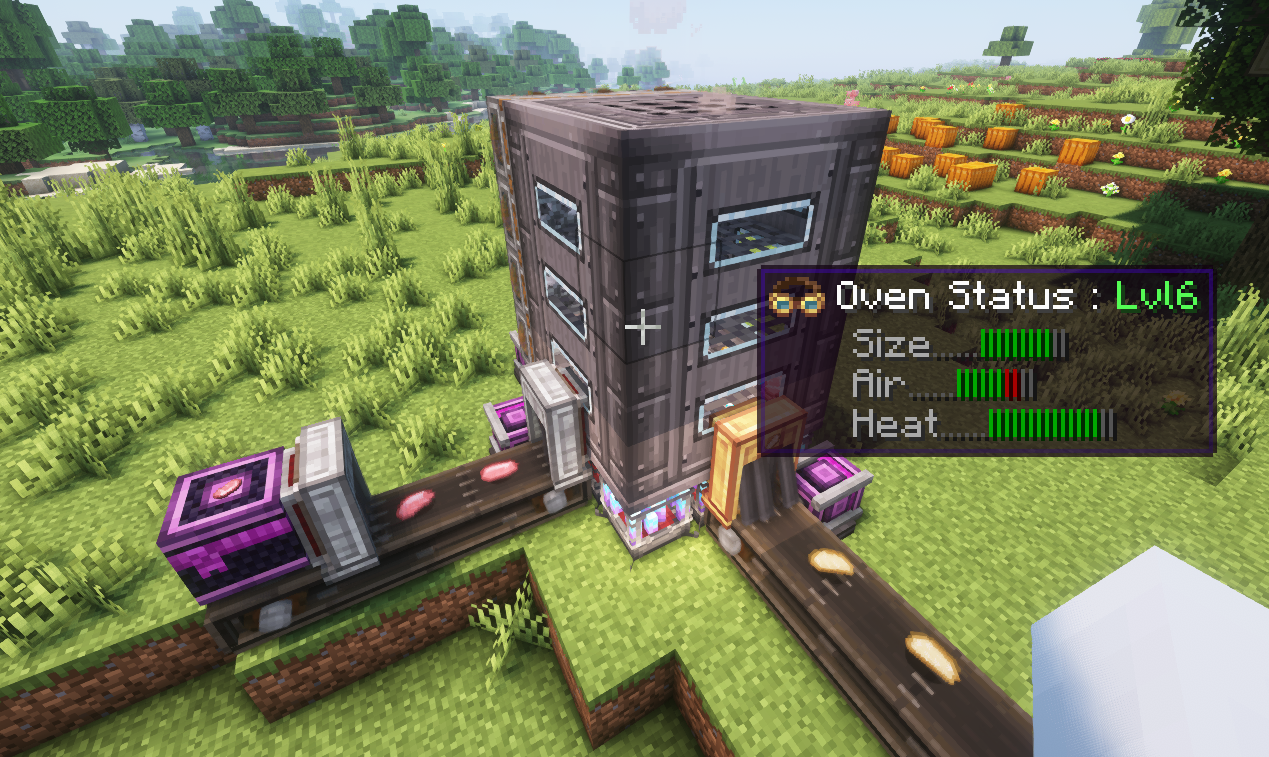
OVEN
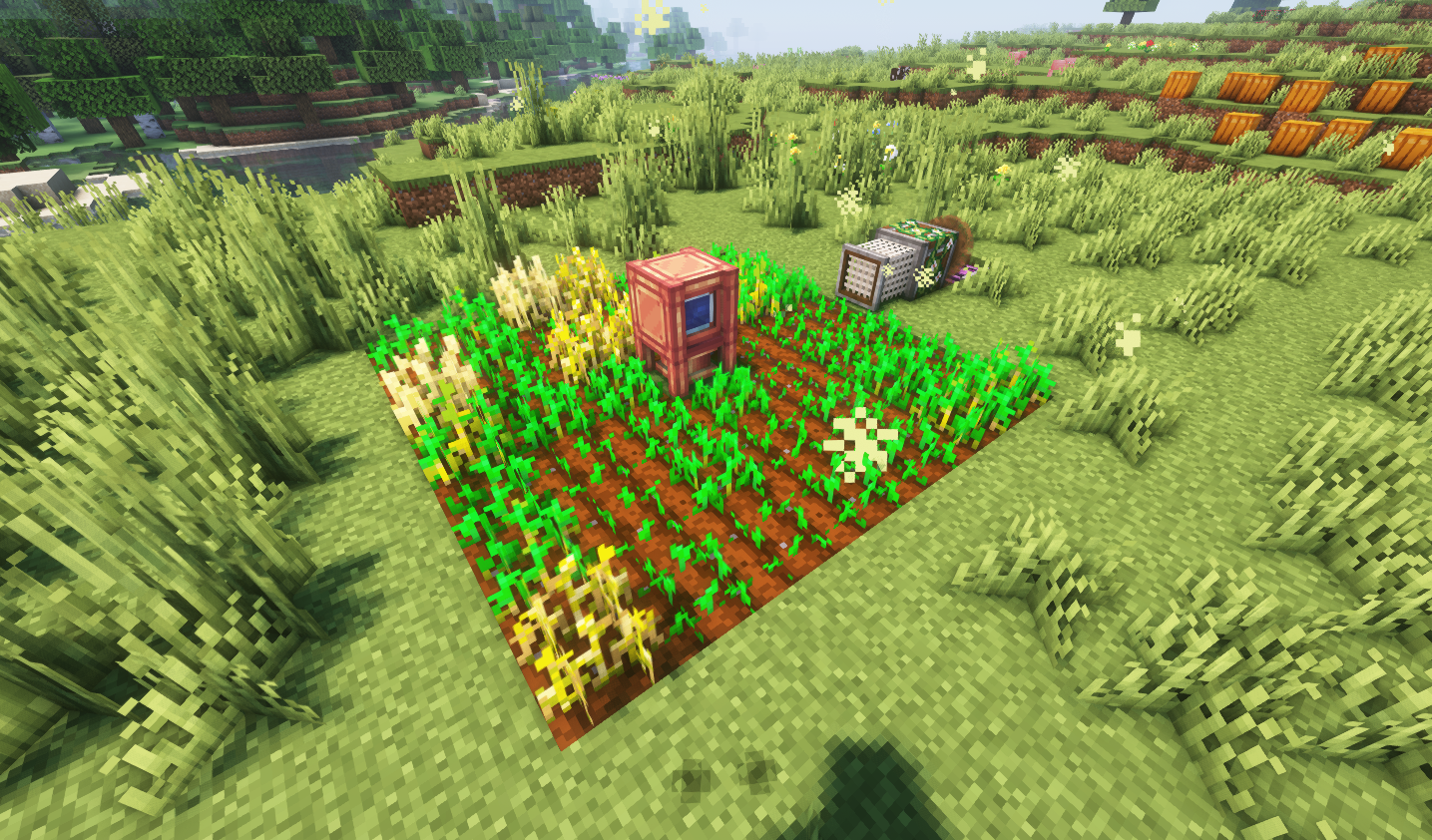
Irrigation Tower & Spreader
Compost Tower
Create: Ratatouille ఎలా ఇన్స్టాల్ చేయాలి
With Millida Launcher
Install Millida Launcher
The launcher is free: download it at millida.net/launcher and sign in with any nickname.
Click “Install” on this page
The launcher opens and installs the mod for Minecraft 1.20.1–1.21.1 on Forge or NeoForge automatically.
Launch the game
A profile with it appears in the launcher: click “Play”.
Manually
Install Forge or NeoForge
The loader must match the game version of the mod file, for example Minecraft 1.21.1. After installing it, a separate profile appears in your launcher.
Download the file for your version
In the version list above, pick the file create_ratatouille-1.21.1-1.4.0.jar (897 KB) for your game version and loader.
Put it in the mods folder
The folder is inside .minecraft (Windows: %appdata%\.minecraft\mods). If it does not exist, create it.
Launch the loader profile
Open “Mods” in the main menu: Create: Ratatouille should be in the list.
Minecraft 1.21.1 runs on Java 21: with a different Java version the game may close right after launch.
వెర్షన్లు
డిపెండెన్సీలతో
| Minecraft | లోడర్ | ఫైల్ | తేదీ | చర్యలు |
|---|---|---|---|---|
| 1.21.1 | NeoForge | create_ratatouille-1.21.1-1.4.0.jar897 KB 14 | ||
| 1.20.1 | Forge | create_ratatouille-1.20.1-1.3.8.jar894 KB 8 |
FAQ
Which Minecraft versions does Create: Ratatouille work on?
There are files for 1.21.1, 1.20.1. The newest is 1.21.1.
Is Create: Ratatouille for Forge or Fabric?
There are files for Forge: 1.20.1 and for NeoForge: 1.21.1. There are no files for Fabric: a mod for another loader will not start.
Does Create: Ratatouille need other mods?
The author lists no required dependencies: the Forge or NeoForge loader is enough.
Which Java does Create: Ratatouille need?
Minecraft 1.21.1 runs on Java 21. If the game closes right after launch, the usual cause is the wrong Java version in the profile settings.
Where can I download Create: Ratatouille safely?
On this page: the file create_ratatouille-1.21.1-1.4.0.jar (897 KB) is stored on Millida’s server, with no link shorteners. SHA-1 checksum: 443f8625eb7df0c56bfef86f8dcc982d295f566c.
సమీక్షలు
Create: Ratatouilleకు మొదటి రేటింగ్ ఇవ్వండి


