
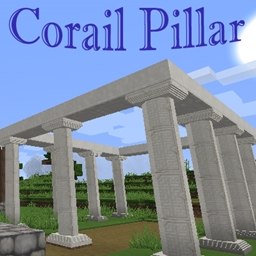
Minecraft 1.21.1, 1.21 కోసం Corail Pillar మోడ్
ప్రధానంగా రాయి మరియు కలప బ్లాక్లను ఉపయోగించి, వనిల్లా టెక్స్చర్లకు (లేదా మీ టెక్స్చర్ ప్యాక్కు) సరిగ్గా సరిపోయే 2 రకాల గుండ్రని స్తంభాకార మరియు విస్తరించగల "సాధారణ" బ్లాక్లను జోడిస్తుంది - MC 1.8.9 నుండి 1.14.3 వరకు
 NeoForge
 Fabric
 Forge
ForgeLinks for 1.12.2
Description
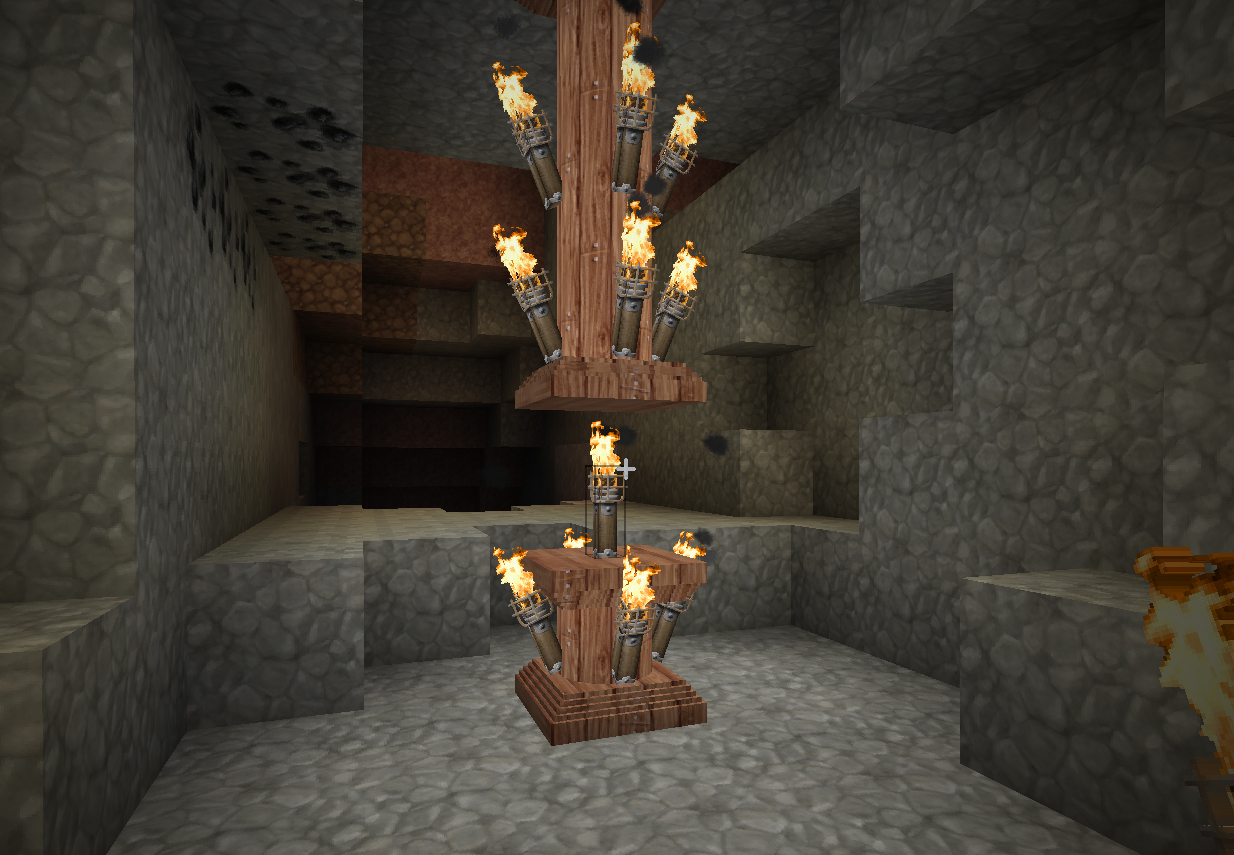
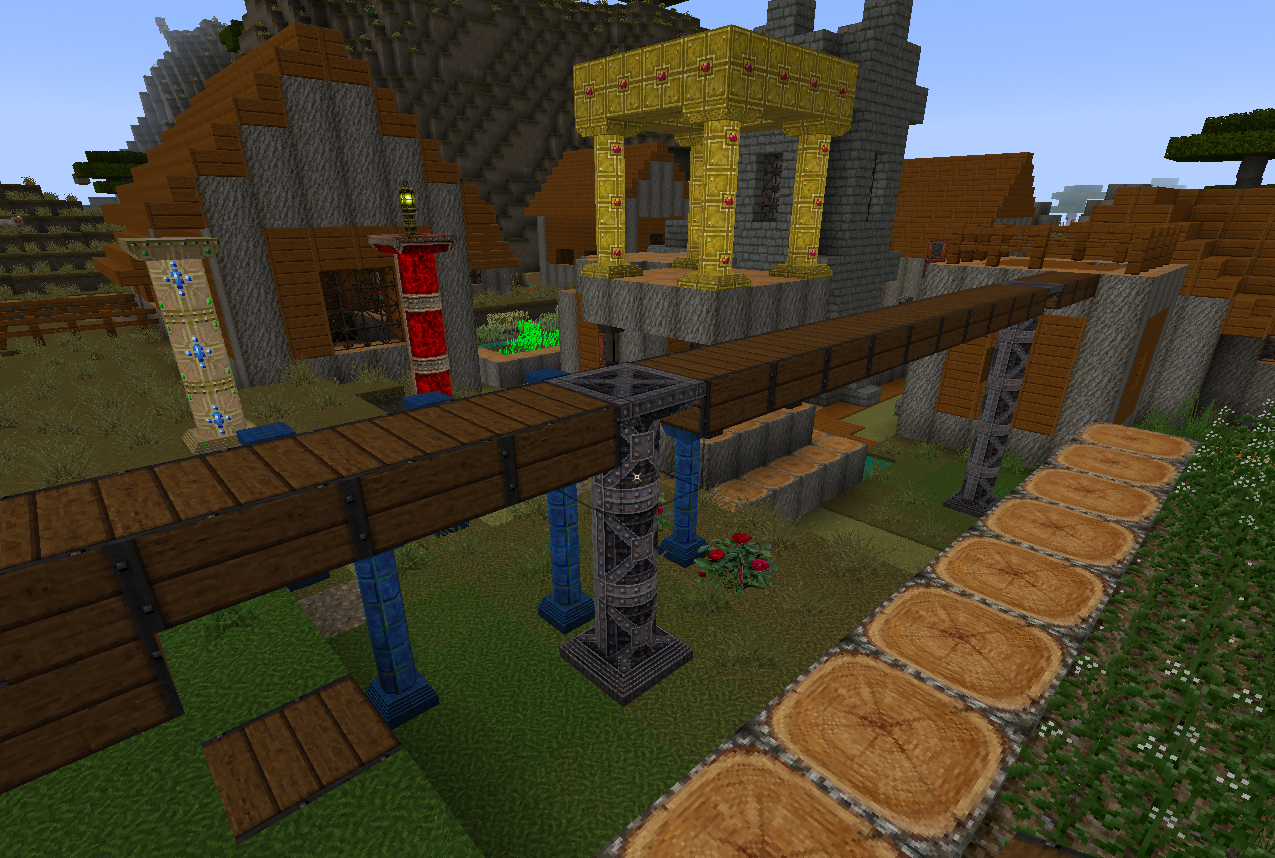
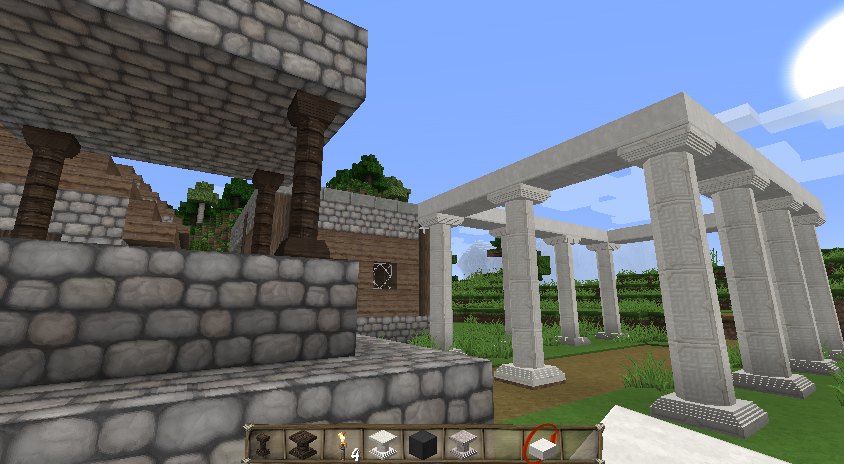
Add 2 kinds of rounded pillar shaped and extensible blocks that perfectly fit to vanilla textures (or your texture pack) using mainly rock and wood blocks (and some fancy in bonus). As a precision, this mod was mainly done for the 1.12.2 version, containing lots of variants in the extensions (see below), and newer versions mainly support the vanilla blocks.
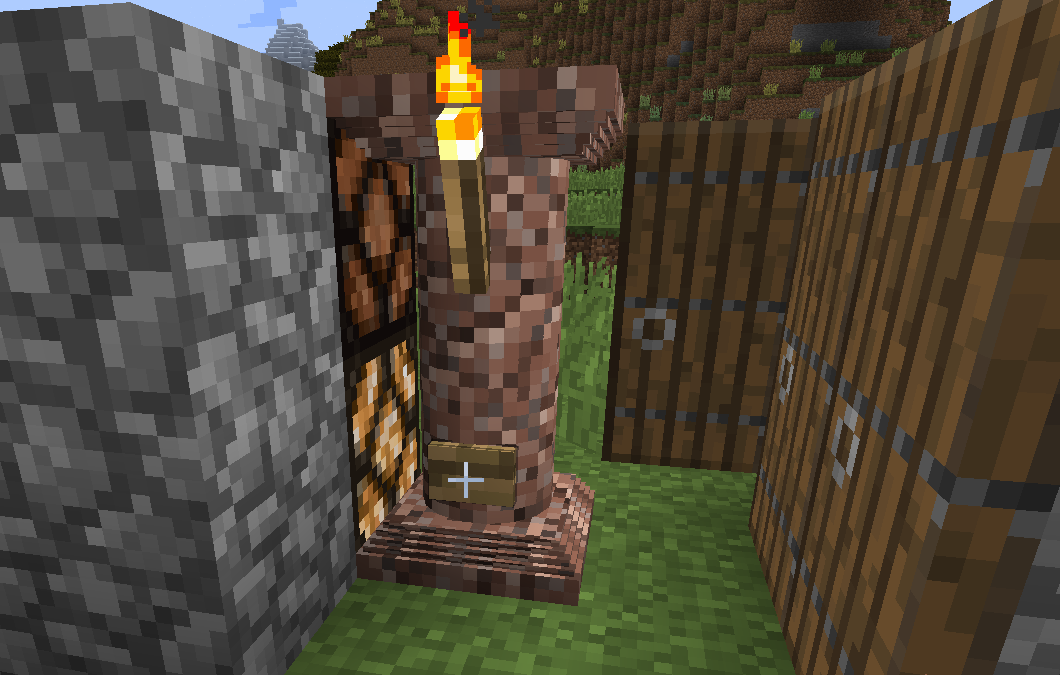
The Recipes
The thin pillar recipe is a vertical line of 3 blocks, in the middle of the crafting box. The middle ingredient is a clay ball (it's a shaped recipe !) NB : before 3.2.0, the recipe was 3 similar blocks, in the middle of the crafting box
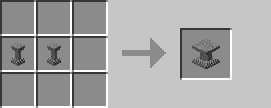
The full pillar recipe is a shapeless recipe of 2 thin pillars (and is reversible)
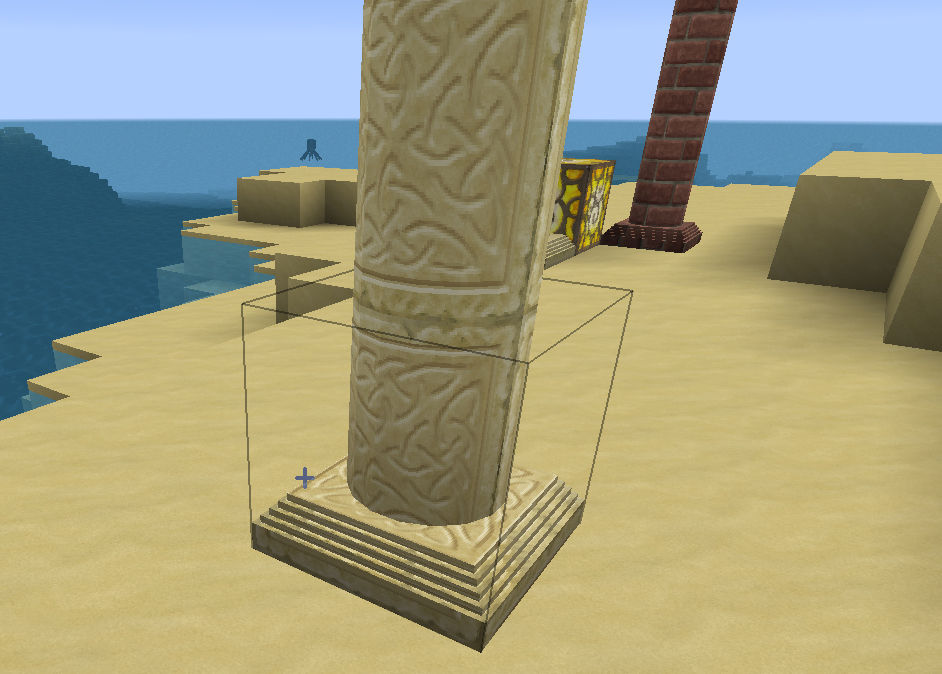
Extensions 1.12.2
There're extensions adding lots of variant of pillars but there're mainly done for the 1.8.9-1.12.2 versions (over 1000 kinds of pillar). QUARK & BOTANIA BOP FORESTRY CHISEL
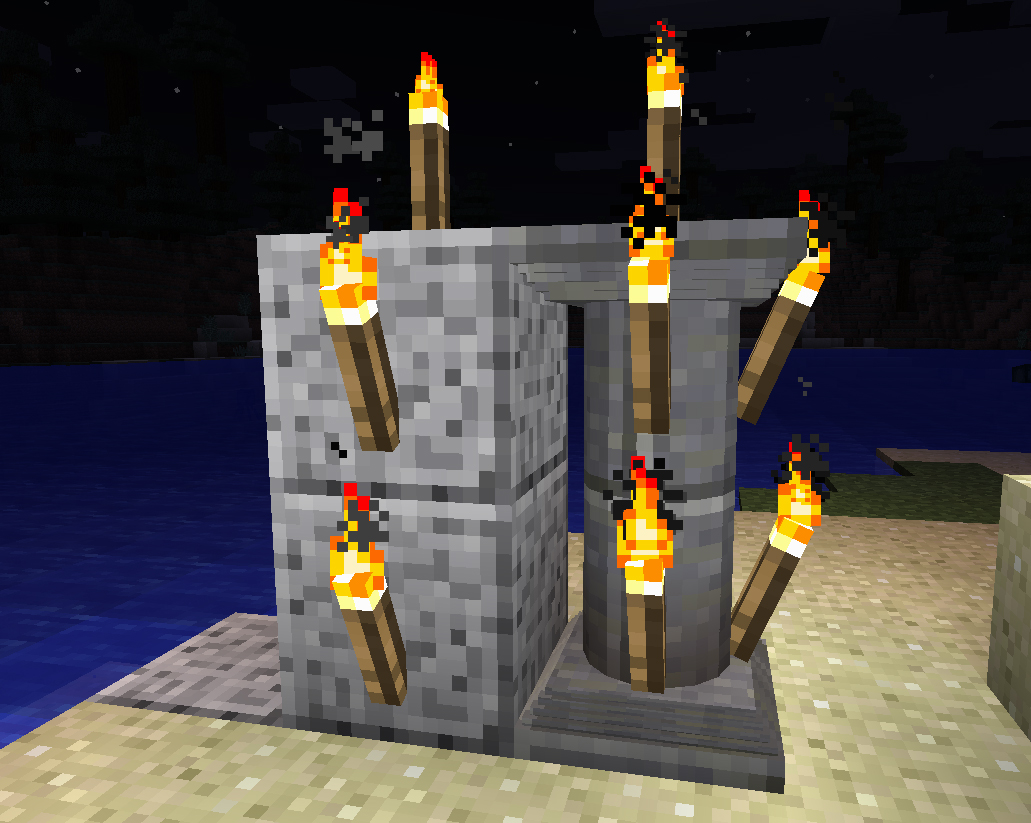
Screenshot
Corail Pillar ఎలా ఇన్స్టాల్ చేయాలి
With Millida Launcher
Install Millida Launcher
The launcher is free: download it at millida.net/launcher and sign in with any nickname.
Click “Install” on this page
The launcher opens and installs the mod for Minecraft 1.14.4–1.21.1 on Fabric, Forge or NeoForge automatically.
Launch the game
A profile with it appears in the launcher: click “Play”.
Manually
Install Fabric, Forge or NeoForge
The loader must match the game version of the mod file, for example Minecraft 1.21.1. After installing it, a separate profile appears in your launcher.
Download the file for your version
In the version list above, pick the file corail_pillar-neoforge-1.21.1-6.4.0.jar (580 KB) for your game version and loader.
Put it in the mods folder
The folder is inside .minecraft (Windows: %appdata%\.minecraft\mods). If it does not exist, create it.
Launch the loader profile
Open “Mods” in the main menu: Corail Pillar should be in the list.
Minecraft 1.21.1 runs on Java 21: with a different Java version the game may close right after launch.
వెర్షన్లు
డిపెండెన్సీలతో
| Minecraft | లోడర్ | ఫైల్ | తేదీ | చర్యలు |
|---|---|---|---|---|
| 1.21 | NeoForge | Corail Pillar 6.4.0 for 1.21.1 [NeoForge]580 KB | ||
| 1.21 | Fabric | Corail Pillar 6.4.1 for 1.21.1 [Fabric]609 KB | ||
| 1.21 | Forge | Corail Pillar 6.4.0 for 1.21.1 [Forge]580 KB | ||
| 1.20.6 | Forge | Corail Pillar 6.3.0 for 1.20.6577 KB | ||
| 1.14.4 | — | Corail Pillar 4.5.1 for 1.14.4389 KB |
FAQ
Which Minecraft versions does Corail Pillar work on?
There are files for 1.21.1, 1.21, 1.20.6, 1.14.4. The newest is 1.21.1.
Is Corail Pillar for Forge or Fabric?
There are files for Fabric: 1.21–1.21.1, for Forge: 1.20.6–1.21.1 and for NeoForge: 1.21–1.21.1.
Does Corail Pillar need other mods?
The author lists no required dependencies: the Fabric, Forge or NeoForge loader is enough.
Which Java does Corail Pillar need?
Minecraft 1.21.1 runs on Java 21. If the game closes right after launch, the usual cause is the wrong Java version in the profile settings.
Where can I download Corail Pillar safely?
On this page: the file corail_pillar-neoforge-1.21.1-6.4.0.jar (580 KB) is stored on Millida’s server, with no link shorteners. SHA-1 checksum: 68ac5405ddf09e9c6d701083fb658c520bd8cc3b.
సమీక్షలు
Corail Pillarకు మొదటి రేటింగ్ ఇవ్వండి


