

Minecraft 1.20.1, 1.21.1 కోసం CC:C Bridge మోడ్
మరిన్ని పెరిఫెరల్స్ ద్వారా CC: Tweaked మరియు Create మధ్య అనుకూలతను జోడిస్తుంది!
 NeoForge
 Forge
 Fabric
CC:C Bridge
CC: Tweaked మరియు Create మధ్య ఎక్కువ పెరిఫెరల్స్ ద్వారా అనుకూలతను జోడిస్తుంది! mc1.19.2, mc1.20.1 & mc1.21.1 కోసం (Neo)Forge మరియు Fabric ద్వారా అందుబాటులో ఉంది.
undefined
Create ఒంటరిగా CC: Tweaked కు కనీస మద్దతు కలిగి ఉన్నప్పటికీ, CC:C Bridge అదనంగా మరిన్ని పెరిఫెరల్ బ్లాకులను జోడిస్తుంది, తద్వారా Create యొక్క మెషీన్లను పర్యవేక్షించడానికి మరియు వాటితో పరస్పరం చర్య జరపడానికి మరిన్ని మార్గాలు అందుతాయి.
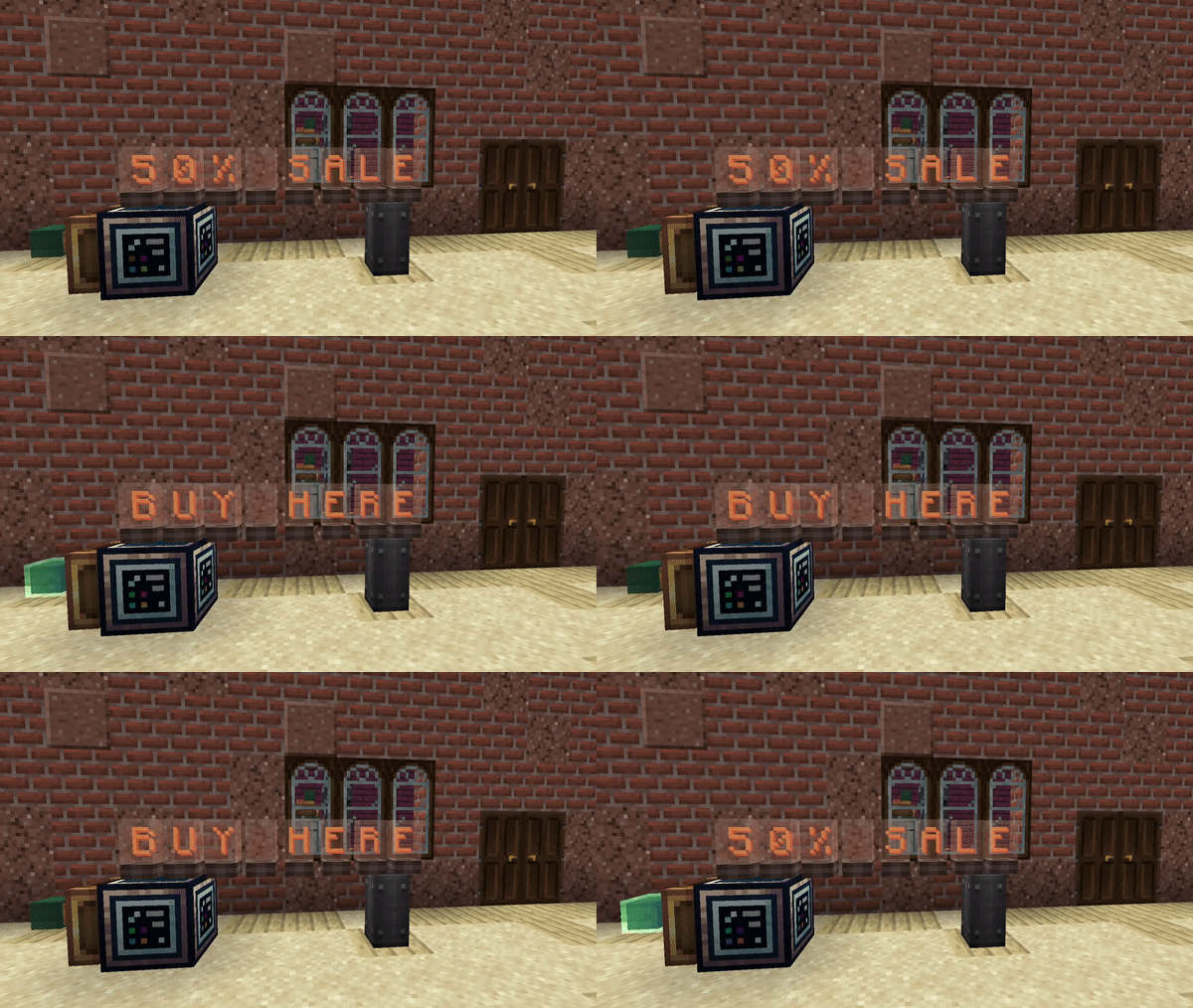
Source- మరియు Target Block ఉపయోగించి, ప్రదర్శించగల సమాచారాన్ని Computer నుండి లేదా Computer వైపు పంపవచ్చు. అంటే ప్రస్తుత Stress Units వంటి సమాచారాన్ని ఖచ్చితంగా చదవవచ్చు మరియు విశ్లేషించవచ్చు, అలాగే Computer నుండి వచ్చే ఇతర సమాచారాన్ని Flip Display, Nixie Tube, Lectern లేదా Sign పై ప్రదర్శించవచ్చు.
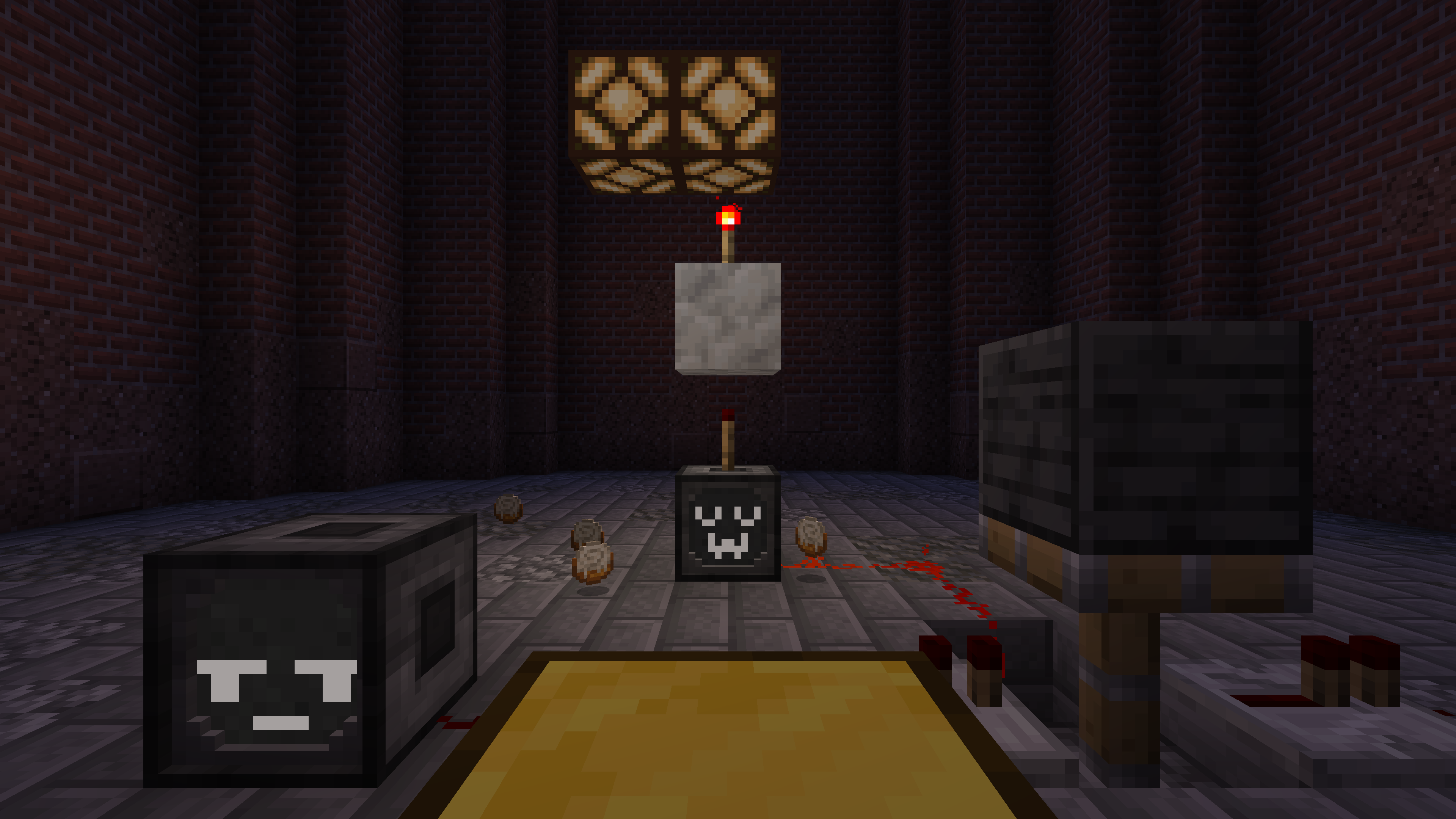
అదనంగా, Animatronic వంటి ఇతర ఆసక్తికరమైన బ్లాకులు జోడించబడ్డాయి, ఇది భావప్రకటనతో కూడిన మరియు సరదా రోబోట్ బొమ్మలను యానిమేట్ చేయడానికి మిమ్మల్ని అనుమతిస్తుంది, లేదా RedRouter, ఇది ఒక సరళమైన మరియు అనంతమైన పొడవైన కేబుల్ ద్వారా రెడ్స్టోన్ సిగ్నల్లను నియంత్రించడానికి అనుమతిస్తుంది.
ఈ బ్లాకులతో, Lua స్క్రిప్ట్ల ద్వారా మీరు ఎప్పుడూ ఖచ్చితంగా మరియు సులభంగా నిర్వహించాలనుకున్న అనేక విషయాలు ఇప్పుడు సాధ్యమవుతాయి!
undefined
డాక్యుమెంటేషన్ మరియు అభిప్రాయం
ప్రారంభకుల కోసం గైడ్లు మరియు API డాక్యుమెంటేషన్ మా వికీలో కనుగొనవచ్చు.
మీరు ఏదైనా బగ్ కనుగొన్నట్లయితే లేదా కొత్త ఫీచర్ కోసం ఆలోచన ఉన్నట్లయితే, GitHub లోని మా Issue Tracker లో కొత్త issue తెరవడానికి సంకోచించకండి!
undefined
CC:C Bridge ఎలా ఇన్స్టాల్ చేయాలి
With Millida Launcher
Install Millida Launcher
The launcher is free: download it at millida.net/launcher and sign in with any nickname.
Click “Install” on this page
The launcher opens and installs the mod for Minecraft 1.20.1–1.21.1 on Fabric, Forge or NeoForge automatically.
Launch the game
A profile with it appears in the launcher: click “Play”.
Manually
Install Fabric, Forge or NeoForge
The loader must match the game version of the mod file, for example Minecraft 1.21.1. After installing it, a separate profile appears in your launcher.
Download the file for your version
In the version list above, pick the file cccbridge-mc1.21.1-v1.7.3-neoforge.jar (479 KB) for your game version and loader.
Put it in the mods folder
The folder is inside .minecraft (Windows: %appdata%\.minecraft\mods). If it does not exist, create it.
Launch the loader profile
Open “Mods” in the main menu: CC:C Bridge should be in the list.
Minecraft 1.21.1 runs on Java 21: with a different Java version the game may close right after launch.
వెర్షన్లు
డిపెండెన్సీలతో
| Minecraft | లోడర్ | ఫైల్ | తేదీ | చర్యలు |
|---|---|---|---|---|
| 1.21.1 | NeoForge | v1.7.3 NeoForge479 KB 2 | ||
| 1.20.1 | NeoForge, Forge | v1.7.1 Forge — [create v6]484 KB | ||
| 1.20.1 | Fabric | v1.7.0 Fabric — [create v5]358 KB |
సమీక్షలు
CC:C Bridgeకు మొదటి రేటింగ్ ఇవ్వండి


