
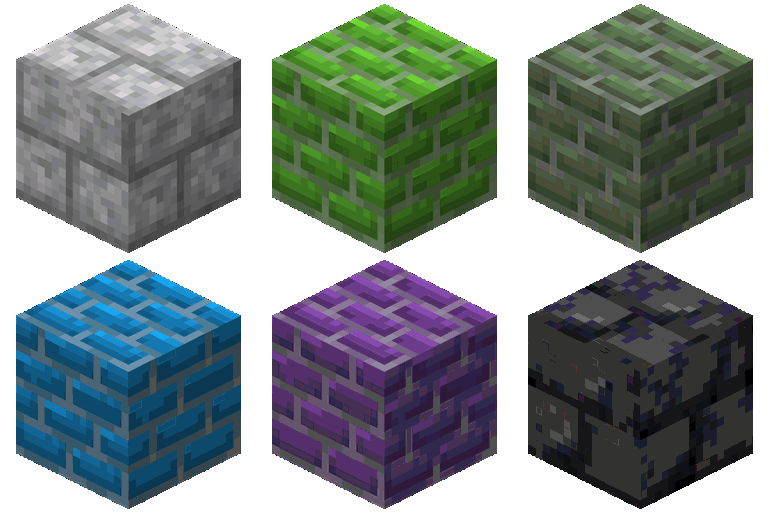
Minecraft 1.16.5, 26.2 కోసం Brick Variety మోడ్
sandstone, basalt, granite, diorite, andesite, terracotta మరియు concrete ఇటుకలు మరియు వాటి వేరియంట్ల వంటి డజన్ల కొద్దీ కొత్త ఇటుకలను ఆటకు జోడిస్తుంది.
 NeoForge
 Fabric
 Forge
ForgeBrick Variety మోడ్ గురించి
Brick Variety: More bricks!
Brick Variety is a Minecraft mod that adds many new types of bricks. You can make bricks from sandstone, basalt, granite, diorite, andesite, terracotta, and concrete. Each type also has stairs, slabs, walls, and more, giving you more ways to build. This mod makes it easier to create detailed and unique structures.
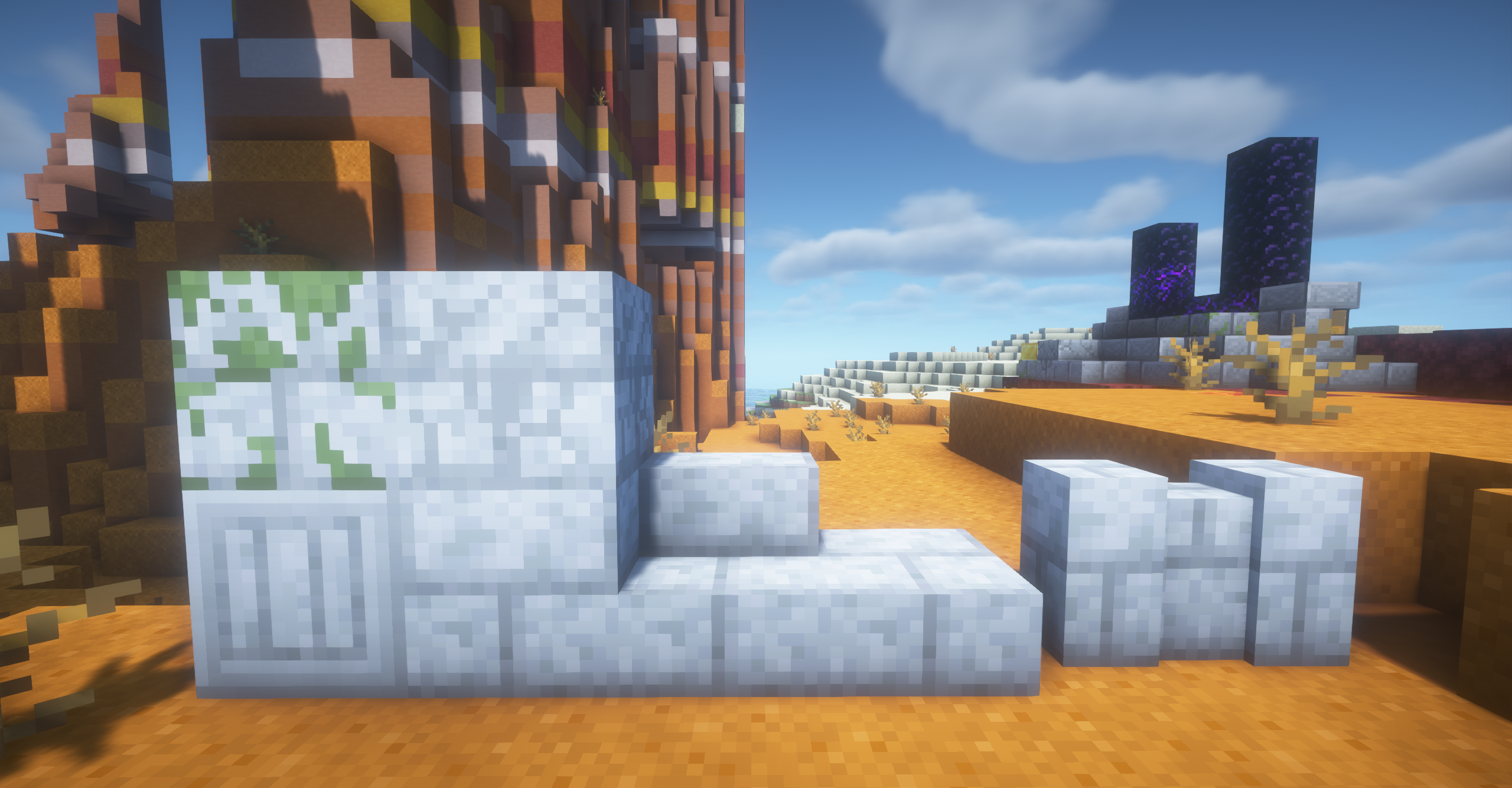
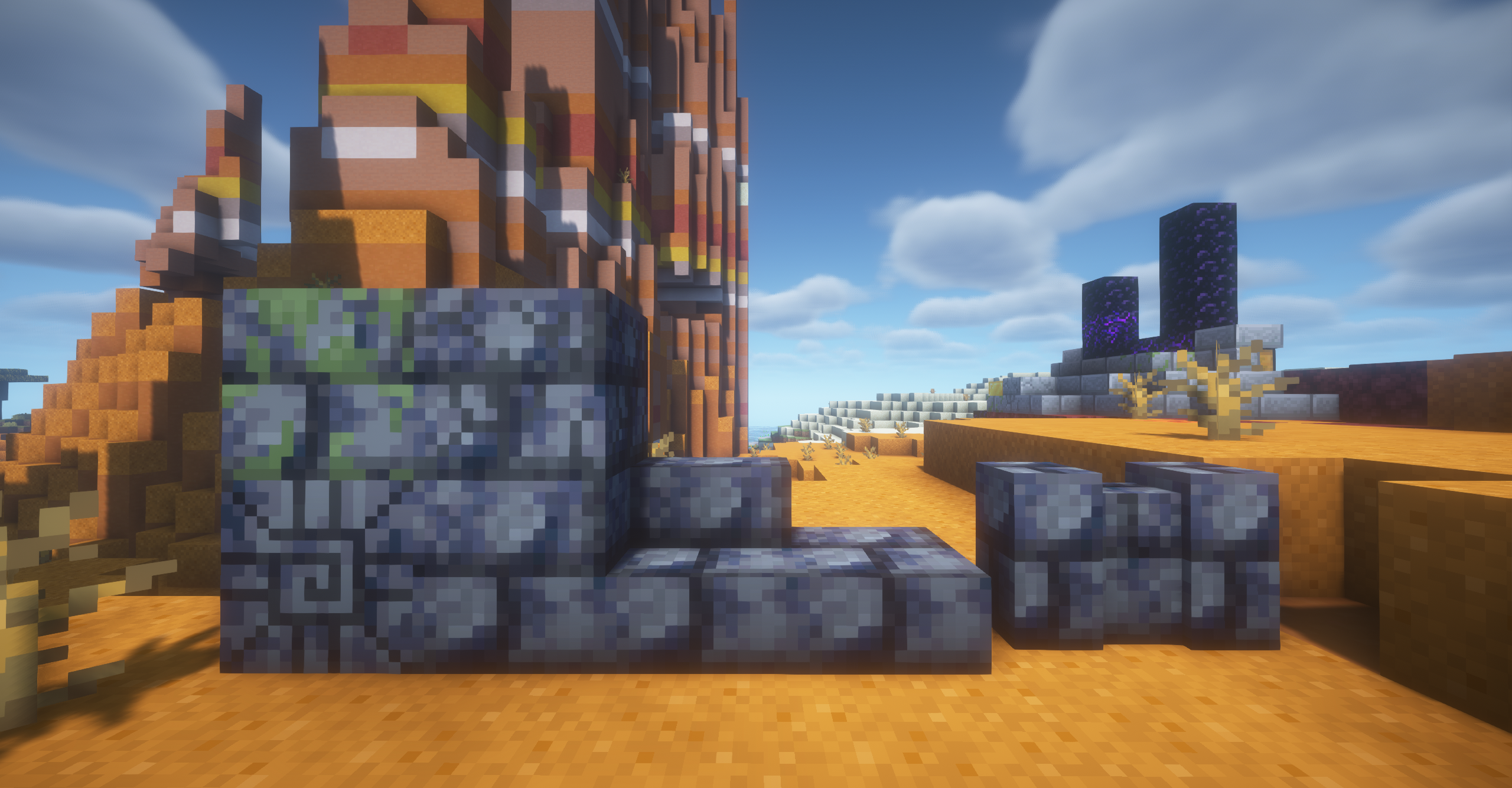
Currently, the mod adds:
- Andesite Bricks and their variants
- Mossy & Cracked Andesite Bricks and their variants
- Granite Bricks and their variants
- Mossy & Cracked Granite Bricks and their variants
- Diorite Bricks and their variants
- Mossy & Cracked Diorite Bricks and their variants
- Basalt Bricks and their variants
- Mossy & Cracked Basalt Bricks and their variants
- Sandstone Bricks and their variants
- Mossy & Cracked Sandstone Bricks and their variants
- All colors of Concrete Bricks and their variants
- All colors of Terracotta Bricks and their variants
- GravelStone blocks and their variants
- Mossy & Cracked Normal Bricks
- The recipes for all the above content.
What's next?
We plan on adding new features (and bricks) to the mod, so stay tuned and follow the project for updates! Until then, happy building!
The fabric version requires the Fabric Api!
Brick Variety ఎలా ఇన్స్టాల్ చేయాలి
With Millida Launcher
Install Millida Launcher
The launcher is free: download it at millida.net/launcher and sign in with any nickname.
Click “Install” on this page
The launcher opens and installs the mod for Minecraft 1.16.5–26.2 on Fabric, Forge or NeoForge automatically.
Launch the game
A profile with it appears in the launcher: click “Play”.
Manually
Install Fabric, Forge or NeoForge
The loader must match the game version of the mod file, for example Minecraft 26.2. After installing it, a separate profile appears in your launcher.
Download the file for your version
In the version list above, pick the file brickvariety-1.1.1-neoforge-26.2.jar (1.0 MB) for your game version and loader.
Put it in the mods folder
The folder is inside .minecraft (Windows: %appdata%\.minecraft\mods). If it does not exist, create it.
Launch the loader profile
Open “Mods” in the main menu: Brick Variety should be in the list.
వెర్షన్లు
డిపెండెన్సీలతో
| Minecraft | లోడర్ | ఫైల్ | తేదీ | చర్యలు |
|---|---|---|---|---|
| 1.21.11 | Fabric | v1.1.1 for Fabric 1.21.111.1 MB | ||
| 26.2 | NeoForge | v1.1.1 for NeoForge 26.21 MB | ||
| 26.2 | Fabric | v1.1.1 for Fabric 26.21.1 MB | ||
| 1.16.5 | Forge | v1.1.1 for Forge 1.16.51.3 MB |
FAQ
Which Minecraft versions does Brick Variety work on?
There are files for 26.2, 1.21.11, 1.16.5. The newest is 26.2.
Is Brick Variety for Forge or Fabric?
There are files for Fabric: 1.21.11–26.2, for Forge: 1.16.5 and for NeoForge: 26.2.
Does Brick Variety need other mods?
The author lists no required dependencies: the Fabric, Forge or NeoForge loader is enough.
How do I download Brick Variety?
With Millida Launcher: it installs Brick Variety into a modpack by itself, for the right game version and loader. The launcher is free.
సమీక్షలు
Brick Varietyకు మొదటి రేటింగ్ ఇవ్వండి


