
Minecraft 26.2 కోసం Awesome Dungeon - Forge మోడ్
ఈ మోడ్ మీ ప్రపంచానికి స్ట్రక్చర్లు/డంజియన్లను జోడిస్తుంది.
- డౌన్లోడ్లు
- 2 డౌన్లోడ్లు
- వ్యూలు
- 11 వ్యూలు
- అప్డేట్ చేయబడింది
- అప్డేట్ చేయబడింది 30.10.2026
- 26.2
 Forge
Forge
పరిచయం :
ఈ మోడ్ మీ ఓవర్వరల్డ్కు వివిధ రకాల నిర్మాణాలు మరియు డంజియన్లను జోడిస్తుంది, మీ అన్వేషణ అనుభవాన్ని సుసంపన్నం చేస్తుంది. ఈ డంజియన్లు మాబ్ స్పానర్లు మరియు లూట్ ఉన్న ఛెస్ట్లతో రూపొందించబడ్డాయి, ఇవి వనరులను మరియు పర్యావరణంతో సంభాషించే అవకాశాలను అందిస్తాయి.
- 🌳 ది జెయింట్ జంగిల్ ట్రీ
- 🏯 అబాండన్డ్ ఓక్ ప్యాలెస్
- 🏰 బెటర్ డిఫాల్ట్ టెంపుల్ జంగిల్
- 🏰 ది స్వాంప్ టెంపుల్
- 🏜️ డెజర్ట్ టెంపుల్ హస్క్
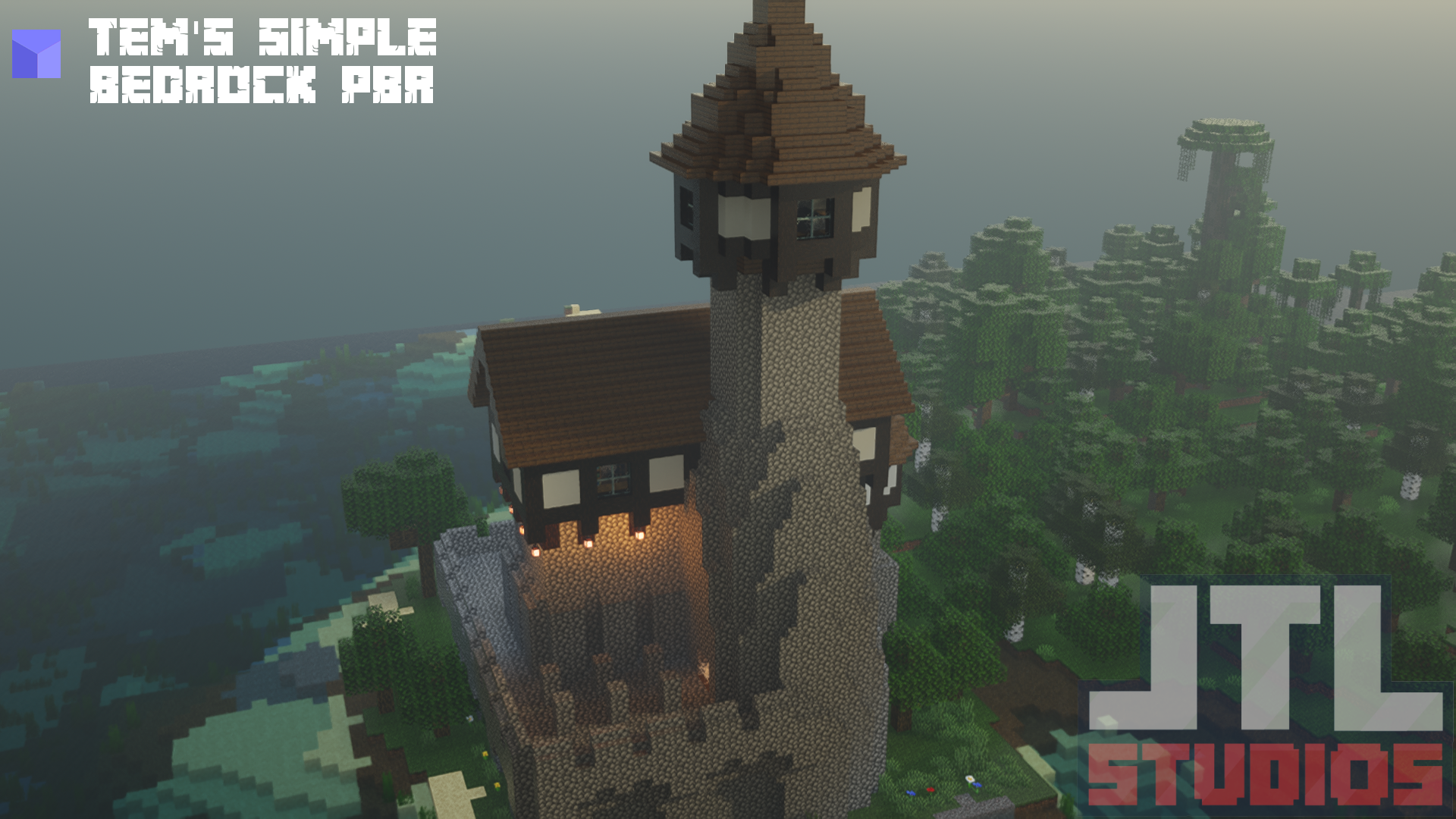
- 🏰 ది జెడ్ థోవర్
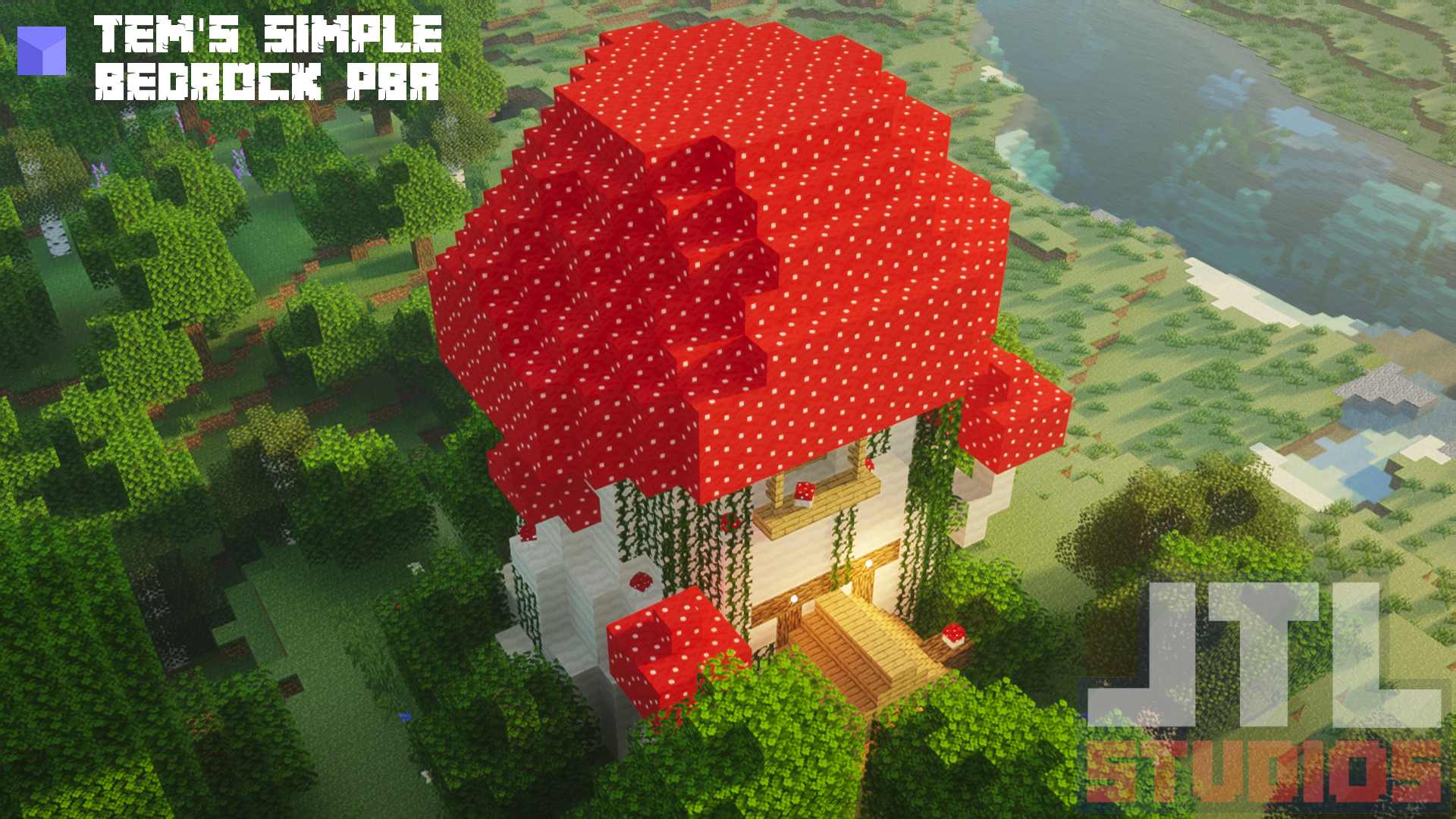
- 🍄 మష్రూమ్ అబాండన్డ్
- 🏚️ ది ఉసిన్
- 🏰 విచ్ కాజిల్
మద్దతు ఉన్న మోడ్ లోడర్లు :
మేము Forge, NeoForge, మరియు Fabric మోడ్ లోడర్లకు వెర్షన్ 1.16.5 నుండి Minecraft యొక్క తాజా విడుదల వరకు చురుకుగా మద్దతు ఇస్తాము. మీకు నచ్చిన మోడ్లోడర్ను కనుగొనడానికి క్రింది లింక్లను అన్వేషించండి:
Fabric వెర్షన్ ఇక్కడ ఉంది [click me🔗]
NeoForge వెర్షన్ ఇక్కడ ఉంది [click me🔗]
అవసరమైన మోడ్లు :
దయచేసి క్రింది మోడ్లను ఇన్స్టాల్ చేయాలని నిర్ధారించుకోండి, ఎందుకంటే ప్రాజెక్ట్ సరిగ్గా పనిచేయడానికి మరియు పూర్తి అనుభవాన్ని అందించడానికి అవి అవసరం.
📦 లైబ్రరీ ఫెర్రెట్
లింక్లు :
మా వనరులను కనుగొనండి మరియు కమ్యూనిటీలో చేరండి:
🔗 లింక్ ట్రీ
🔗 డిస్కార్డ్
🔗 గిథబ్




భాగస్వాములు :
ఈ ప్రాజెక్ట్కు BisectHosting గర్వంగా మద్దతు ఇస్తోంది. నాణ్యత మరియు విశ్వసనీయతతో మీ ప్రాజెక్ట్లను సులభంగా హోస్ట్ చేయడానికి వారి సేవలను చూడండి.
కాల్ టు యాక్షన్ :
ప్రశ్నలు ఉన్నాయా? సహాయం కావాలా? కమ్యూనిటీలో పాల్గొనడానికి మరియు సహకరించడానికి మాతో డిస్కార్డ్లో చేరండి లేదా మా గిథబ్ను సందర్శించండి!
Awesome Dungeon - Forge ఎలా ఇన్స్టాల్ చేయాలి
With Millida Launcher
Install Millida Launcher
The launcher is free: download it at millida.net/launcher and sign in with any nickname.
Click “Install” on this page
The launcher opens and installs the mod for Minecraft 26.2 on Forge automatically.
Launch the game
A profile with it appears in the launcher: click “Play”.
Manually
Install Forge
The loader must match the game version of the mod file, for example Minecraft 26.2. After installing it, a separate profile appears in your launcher.
Download the file for your version
In the version list above, pick the file awesomedungeon-forge-26.2-4.0.0.jar (387 KB) for your game version.
Put it in the mods folder
The folder is inside .minecraft (Windows: %appdata%\.minecraft\mods). If it does not exist, create it.
Launch the loader profile
Open “Mods” in the main menu: Awesome Dungeon - Forge should be in the list.
వెర్షన్లు
డిపెండెన్సీలతో
| Minecraft | లోడర్ | ఫైల్ | తేదీ | చర్యలు |
|---|---|---|---|---|
| 26.2 | Forge | Awesome Dungeon 4.0.0 - Forge 26.2387 KB 2 |
FAQ
Which Minecraft versions does Awesome Dungeon - Forge work on?
Only Minecraft 26.2: there are no files for other versions.
Is Awesome Dungeon - Forge for Forge or Fabric?
Only for Forge: 26.2. There are no files for Fabric or NeoForge: a mod for another loader will not start.
Does Awesome Dungeon - Forge need other mods?
The author lists no required dependencies: the Forge loader is enough.
Where can I download Awesome Dungeon - Forge safely?
On this page: the file awesomedungeon-forge-26.2-4.0.0.jar (387 KB) is stored on Millida’s server, with no link shorteners. SHA-1 checksum: b8dcc7fb74ae4176a7c253b681be6e9e1abfc6fe.
సమీక్షలు
Awesome Dungeon - Forgeకు మొదటి రేటింగ్ ఇవ్వండి


