
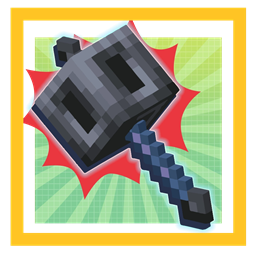
Minecraft 1.21.1, 1.21 కోసం Awesome 3D Mace మోడ్
అద్భుతమైన కొత్త Minecraft mace కోసం ఇప్పుడు 3D రూపాన్ని ఆస్వాదించండి!
 Fabric
 NeoForge
 Forge
ForgeAwesome 3D Mace మోడ్ గురించి
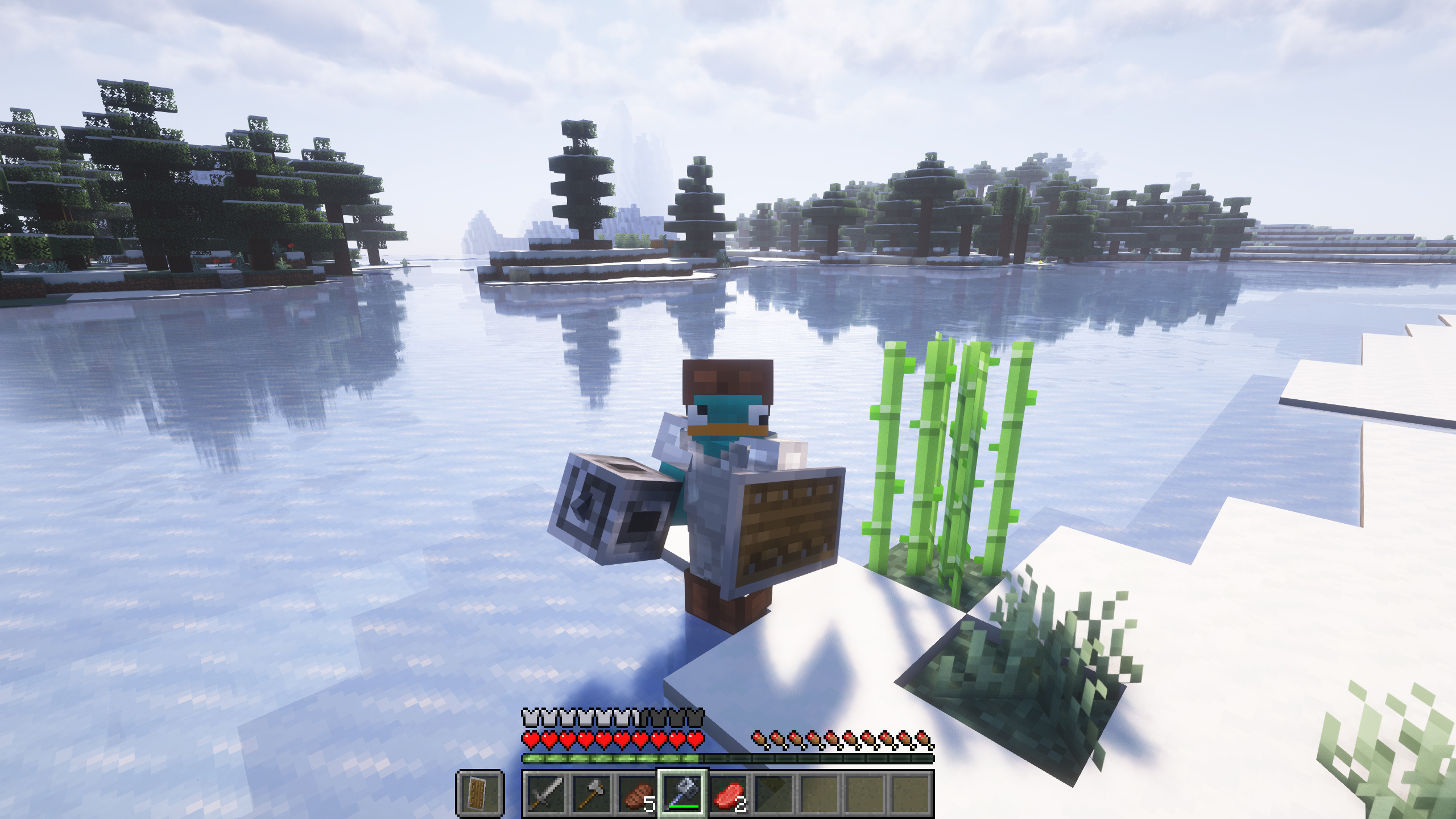
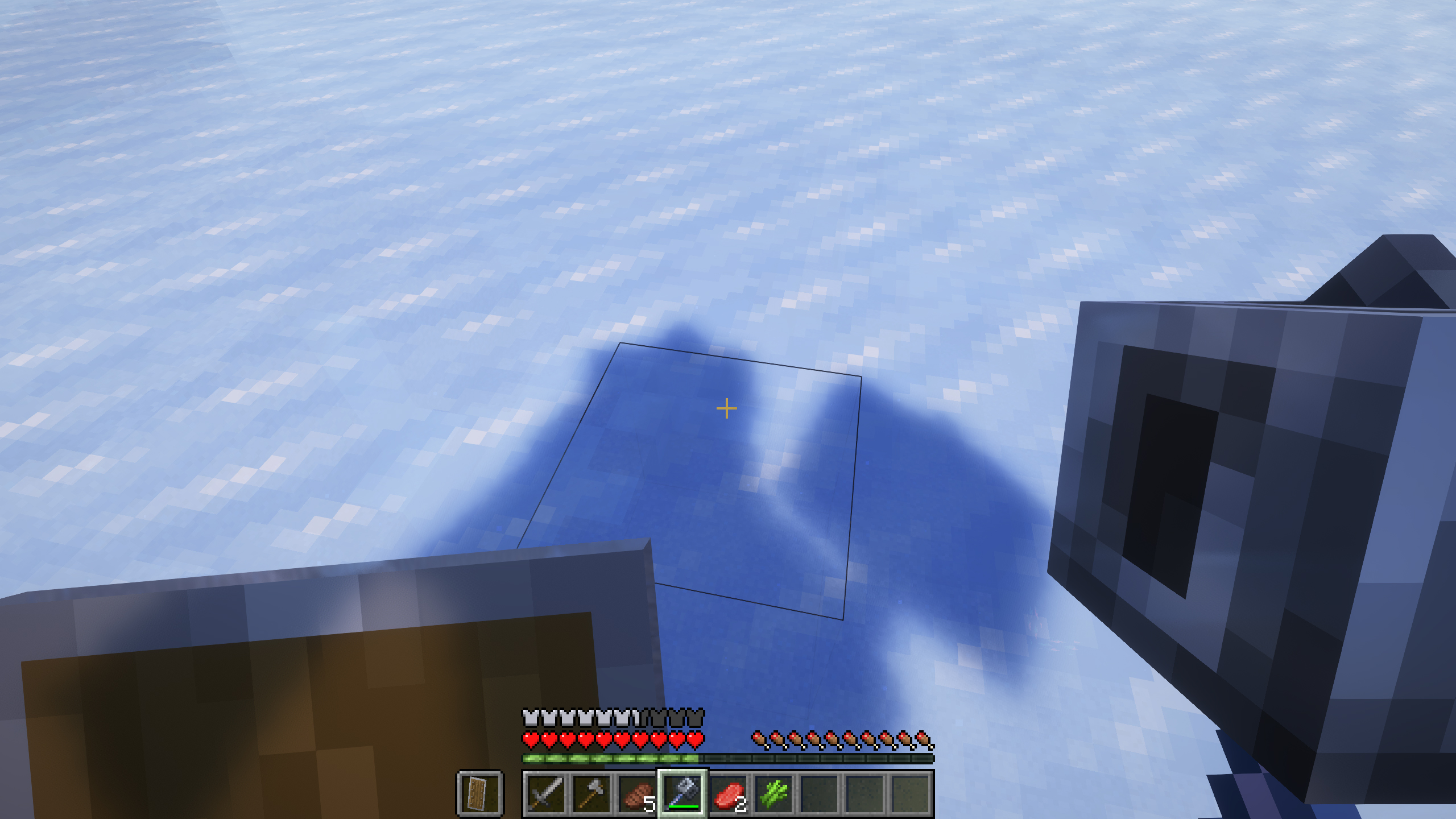
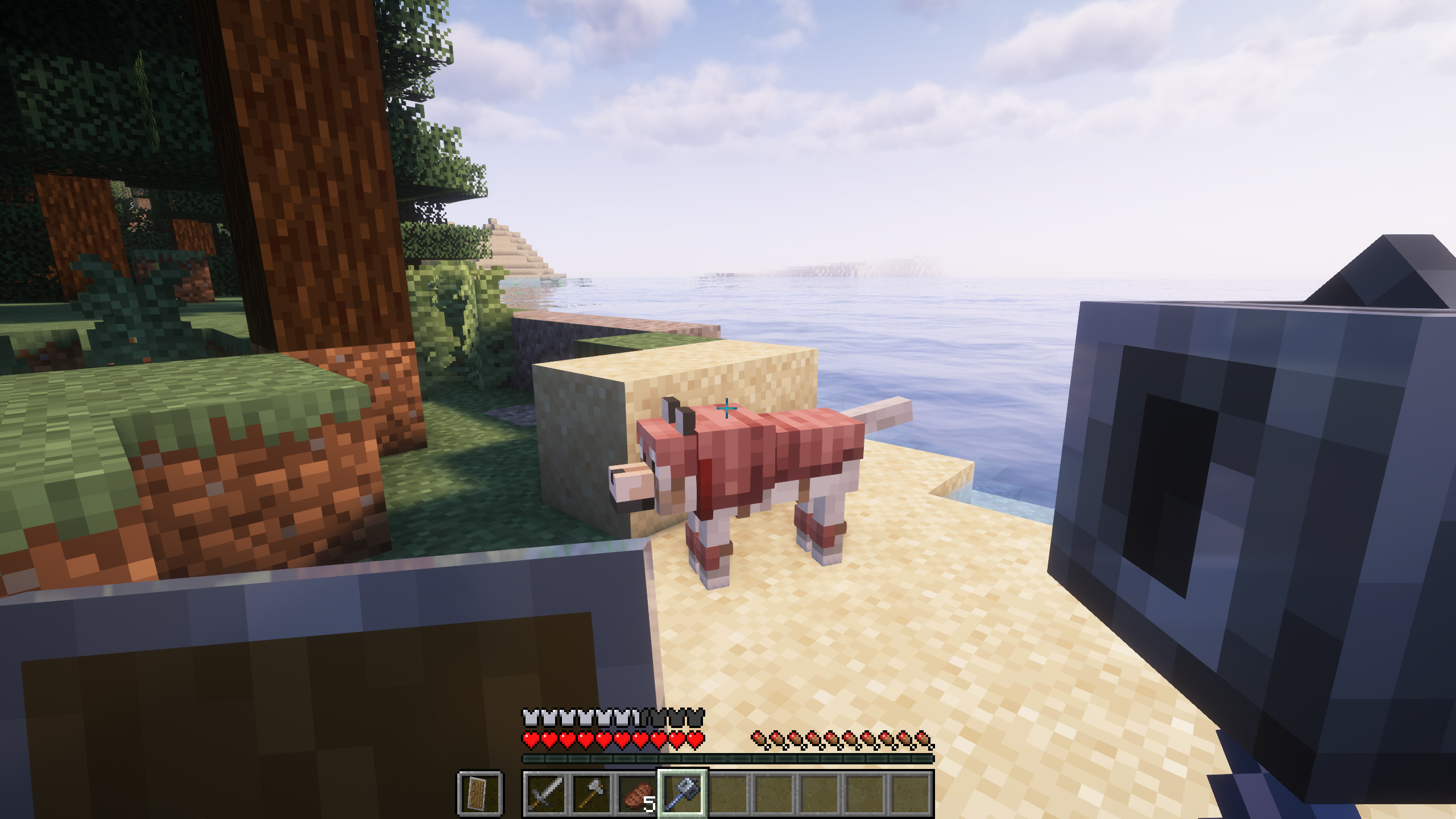
Now the mace will have a new 3D look!
Simply that, Awesome 3D Mace aims to improve the visual aspect of the new mace added by the developers of Minecraft in version 1.21. In our point of view, the original mace is not attractive at all... now we think it looks much better!
Of course, it is compatible with shaders, and our intention is that it is also compatible with other mods that add maces to Minecraft. So if you need any compatibility, please let us know.
We hope the new look of the mace is to your liking!
Awesome 3D Mace is possible thanks to the work of Luavixen and Skatric_ !
Do you need a server to play with your friends?
If you are looking for a server to play any mod or modpack with your friends, Bisect Hosting is your solution! They have the best quality-price Minecraft servers, and if you click on this link you will get a 25% discount, using the code "Lupin".
Don't you think the original look of the mace is a bit bland? Even meaningless? Well, now you will surely like it better, with this awesome 3D look, being true to the vanilla aesthetic, you will be able to give the mace a better look.
Does it work on servers?
Sure! It works perfectly! Remember that the best way to play with mods and friends is with BisectHosting, and by clicking on this link you can get a 25% discount.
Is it compatible with other Mace mods?
The 3D Mace mod now supports custom mace models, anyone can add one for their custom maces, including either using their own model or only providing a texture for the already existing 3D model.
All you need to do is call the dev.foxgirl.mace3d.Mace3D.registerExternalMaceModel method with your custom mace, and it'll immediately start working.
Can this mod be used in modpacks?
Of course! As long as it is published only on Modrinth or CurseForge. Uploading it to any other platform would be violating our rights and is not allowed at all.
However, we are really grateful if you consider adding it to your Modrinth or CurseForge modpack. If you need any small changes or have any questions, contact us!
Can I record a video of this mod and show it on my channel?
Sure, you are free to play this mod or any of our modpacks on your channel and make a video about it, in fact, we would be very grateful for it!
Awesome 3D Mace ఎలా ఇన్స్టాల్ చేయాలి
With Millida Launcher
Install Millida Launcher
The launcher is free: download it at millida.net/launcher and sign in with any nickname.
Click “Install” on this page
The launcher opens and installs the mod for Minecraft 1.21–26.1.2 on Fabric, Forge or NeoForge automatically.
Launch the game
A profile with it appears in the launcher: click “Play”.
Manually
Install Fabric, Forge or NeoForge
The loader must match the game version of the mod file, for example Minecraft 26.1.2. After installing it, a separate profile appears in your launcher.
Download the file for your version
In the version list above, pick the file mace3d-fabric-mc26.1.2-1.2.1.jar (91 KB) for your game version and loader.
Put it in the mods folder
The folder is inside .minecraft (Windows: %appdata%\.minecraft\mods). If it does not exist, create it.
Launch the loader profile
Open “Mods” in the main menu: Awesome 3D Mace should be in the list.
వెర్షన్లు
డిపెండెన్సీలతో
| Minecraft | లోడర్ | ఫైల్ | తేదీ | చర్యలు |
|---|---|---|---|---|
| 26.1 | Fabric | [Fabric] Awesome 3D Mace - MC 26.1.2 - 1.2.190.7 KB 17 | ||
| 26.1 | NeoForge | [NeoForge] Awesome 3D Mace - MC 26.1.2 - 1.2.089.7 KB | ||
| 1.21 | Forge | [Forge] Awesome 3D Mace - MC 1.21.X - 1.1.0242 KB 5 |
FAQ
Is Awesome 3D Mace for Forge or Fabric?
There are files for Fabric: 26.1–26.1.2, for Forge: 1.21–1.21.1 and for NeoForge: 26.1–26.1.2.
Where can I download Awesome 3D Mace safely?
On this page: the file mace3d-fabric-mc26.1.2-1.2.1.jar (91 KB) is stored on Millida’s server, with no link shorteners. SHA-1 checksum: 0fe2787948df1c9287f5e4e9f925d69a2926f31c.
సమీక్షలు
Awesome 3D Maceకు మొదటి రేటింగ్ ఇవ్వండి


