

Minecraft 1.12.2 కోసం Towards Rocket Science Build
ఫ్యాక్టరీ నిర్మించండి, రాకెట్ సైన్స్ పరిశోధించండి, కొత్త గ్రహాలను కనుగొనండి మరియు చంద్రుడిని టెర్రాఫార్మ్ చేయండి!
- డౌన్లోడ్లు
- 5 డౌన్లోడ్లు
- వ్యూలు
- 34 వ్యూలు
- అప్డేట్ చేయబడింది
- అప్డేట్ చేయబడింది 01.11.2026
- 1.12.2
 Forge
Forge
Towards Rocket Science మోడ్ప్యాక్ గురించి
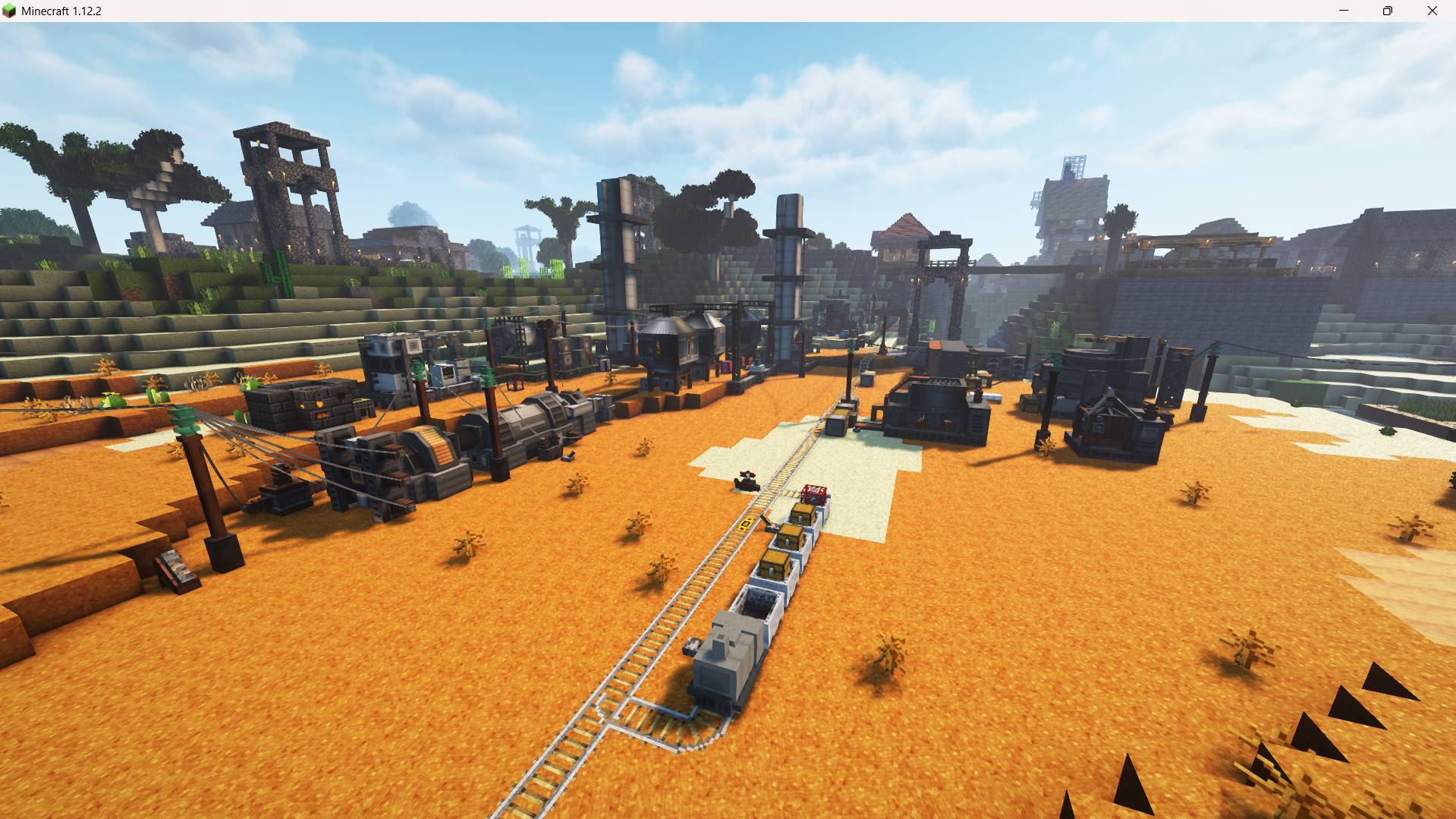
With this modpack you will explore immersive engineering, research and build rockets, travel to other planets and build a space station! Your goal is to terraform the moon - but it will be a long journey...
Recommended seed: "9202807894049704349"
note: Minecolonies is full of bugs but it is enough to use the builder. if he refuses to build, try restart him from the builders hut menu or fire him and hire a new one.
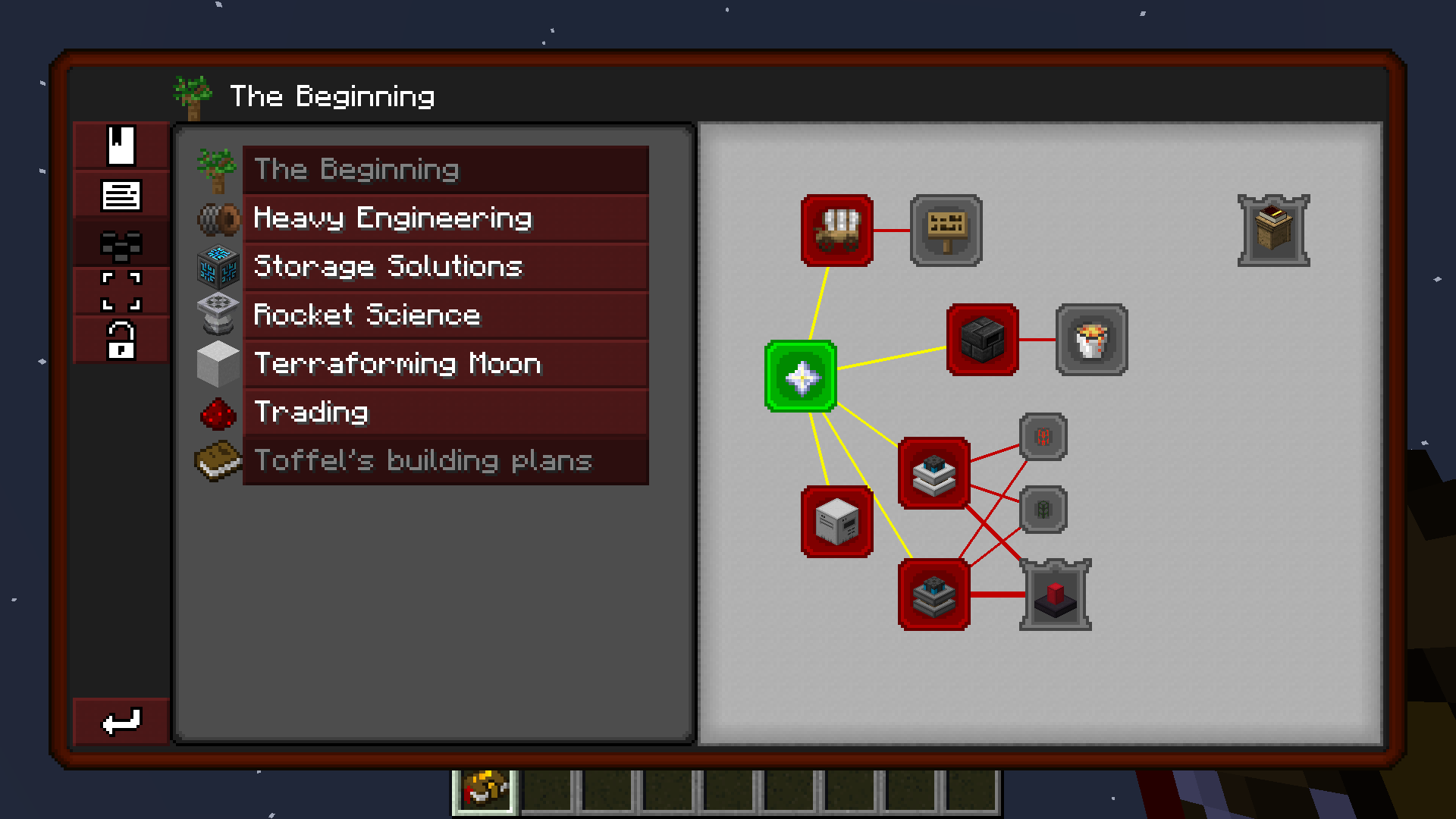
- chapter 1: Minecolonies / tektopia, Buildcraft, TConstruct - basic resource gathering and processing
- chapter 2: Immersive Engineering (and related projects) - mass production and heavy industry, in preparation for chapter 3 & 4
- chapter 2.5: Refined Storage basics
- chapter 3: Basic Rocket Science - satellites, asteroid mining, .... (Advanced Rocketry)
- chapter 4: Advanced Rocket Science - Warp travel, Gas mining, Terraforming (Advanced Rocketry)
Discord link: https://discord.gg/MUvYY5XYek
Main Mods List:
Advanced Rocketry
Immersive Engineering
Immersive Petroleum
Immersive Tech
Refined Storage
Minecolonies 1.12.2 beta
tektopia
Buildcraft
Many quality-improvement mods
Optifine and Shaders
Optifine is always recommended. It will improve visuals with and without shader.
Optifine and shader installation:
- get Optifine from here: OptiFine Downloads (download optifine for 1.12.2)
- run the jar file
- click on "extract"
- move the optifine_MOD.jar to the mods folder
Important: The included shader is modified to turn off in space dimensions and on other planets. Any other shaders will have rendering errors!
When using shaders, go to config/advRocketry and set "overworldSkyOverride" to false in the main config file so you have no sky errors.
Full Planet List:
TON-system:
- Nitra
- Tana ( +Endor (TwilightForest) )
- Hiara
Solar system:
- Earth ( +Moon )
- Polis Massa Field
PAL binary system:
- Mustafar (AR:volcanic)
- Tatooine (dessert-like biomes)
Dagobah system:
- Dagobah (TheBetweenLands)
Coruscant:
- Coruscant (LostCities:all)
- Obo Rin Asteroid Field
- Covey Asteroid Field
Hoth system:
- Planet Hoth (AR:crystalchasms) ( +Little Star )
Yavin Star:
- Yavin (AR:deepswamp)
- Yavin 4 (LostCities:ancient)
- Yavin 8
The dark system:
- Kashyyyk (AR:stormland)
- Trandosha (AR:stormland)
Towards Rocket Science ఎలా ఇన్స్టాల్ చేయాలి
With Millida Launcher
Install Millida Launcher
The launcher is free: download it at millida.net/launcher and sign in with any nickname.
Click “Install” on this page
The launcher opens and installs the modpack for Minecraft 1.12.2 on Forge automatically.
Launch the game
A profile with it appears in the launcher: click “Play”.
Manually
Download the modpack archive
In the version list above, pick the file Towards-Rocket-Science-2.7.7.zip (2.9 MB).
Import it into a launcher
A launcher that supports modpacks (Millida Launcher, Prism) takes the archive via “Add modpack”, then “From file”. No need to unpack it yourself.
Allocate memory
Modpacks need more memory than the plain game: set 4–6 GB in the profile settings.
On a server
Use the “To server” button
On Millida Hosting, the button at the top of the page uploads the file to your server and restarts it for you.
Invite friends: they install the same modpack
To join the server, every player needs the same modpack version.
Minecraft 1.12.2 runs on Java 8: with a different Java version the game may close right after launch.
వెర్షన్లు
డిపెండెన్సీలతో
| Minecraft | లోడర్ | ఫైల్ | తేదీ | చర్యలు |
|---|---|---|---|---|
| 1.12.2 | Forge | Towards-Rocket-Science-2.7.7.zip2.9 MB 5 | ||
| 1.12.2 | Forge | DEV2-TowardsRocketScience-2.4.0-01.zip2 MB |
FAQ
Which Minecraft versions does Towards Rocket Science work on?
Only Minecraft 1.12.2: there are no files for other versions.
Is Towards Rocket Science for Forge or Fabric?
Only for Forge: 1.12.2.
Which Java does Towards Rocket Science need?
Minecraft 1.12.2 runs on Java 8. If the game closes right after launch, the usual cause is the wrong Java version in the profile settings.
Where can I download Towards Rocket Science safely?
On this page: the file Towards-Rocket-Science-2.7.7.zip (2.9 MB) is stored on Millida’s server, with no link shorteners. SHA-1 checksum: 10a0a50e3e3ff18917fa3864271862f0ba3b080d.
సమీక్షలు
Towards Rocket Scienceకు మొదటి రేటింగ్ ఇవ్వండి


