

Minecraft 1.21.8 కోసం DiosesMC - Official Build
దృశ్యపరంగా అందమైన సర్వైవల్ కోసం మైన్క్రాఫ్ట్ పూర్తి మోడ్ప్యాక్
- వ్యూలు
- 31 వ్యూలు
- అప్డేట్ చేయబడింది
- అప్డేట్ చేయబడింది 18.10.2026
- 1.21.8
 Fabric
DiosesMC - Official మోడ్ప్యాక్ గురించి
(English) Exact modpack with the settings used by Vegetta777 + Willyrex on their DIOSESMC.NET server.
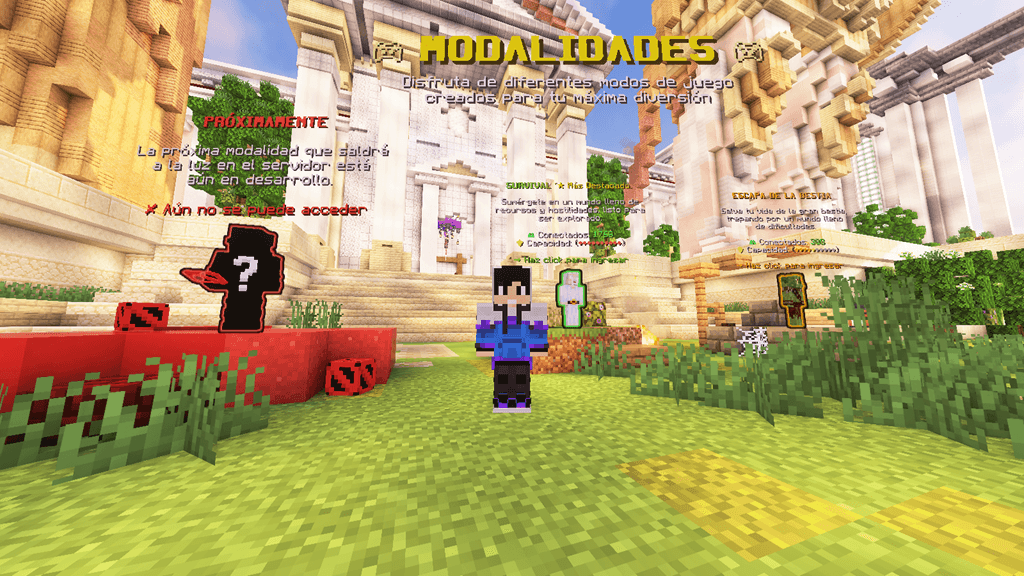
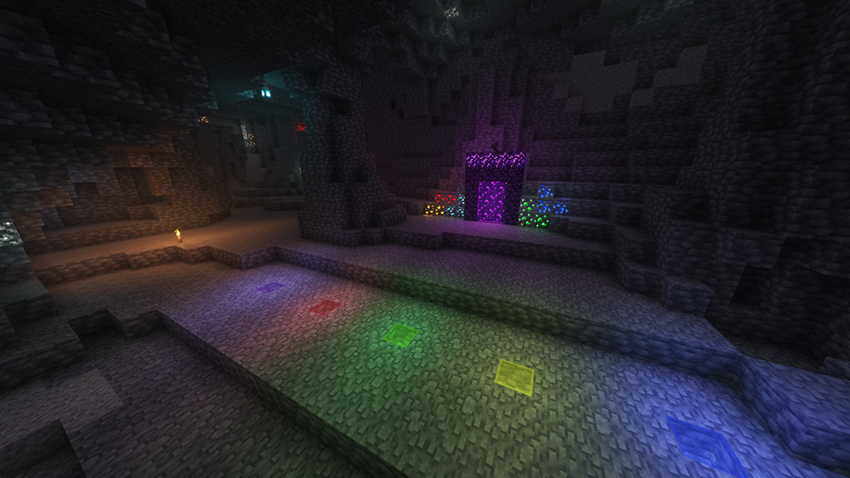
The mods are configured exactly as they like, and the shaders are set to maximum visual quality. If you don't have a good PC, your FPS will be a bit low.
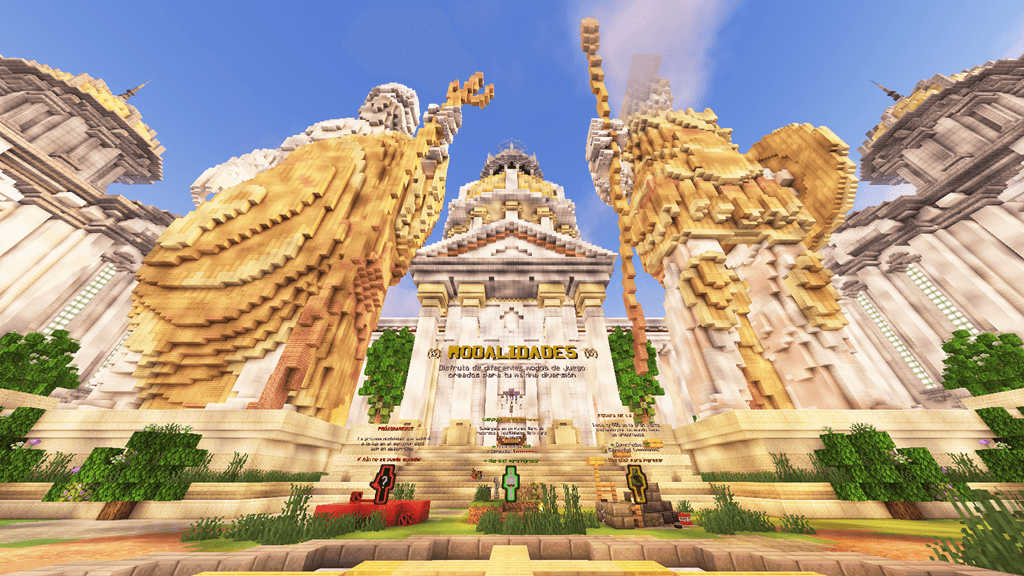
With the H and G keys, you activate night vision, which would be the only "illegal" thing, but ^^
I also made some necessary buttons to make it easier to manage their lands with commands in the chat. (This will be in a future modpack update)
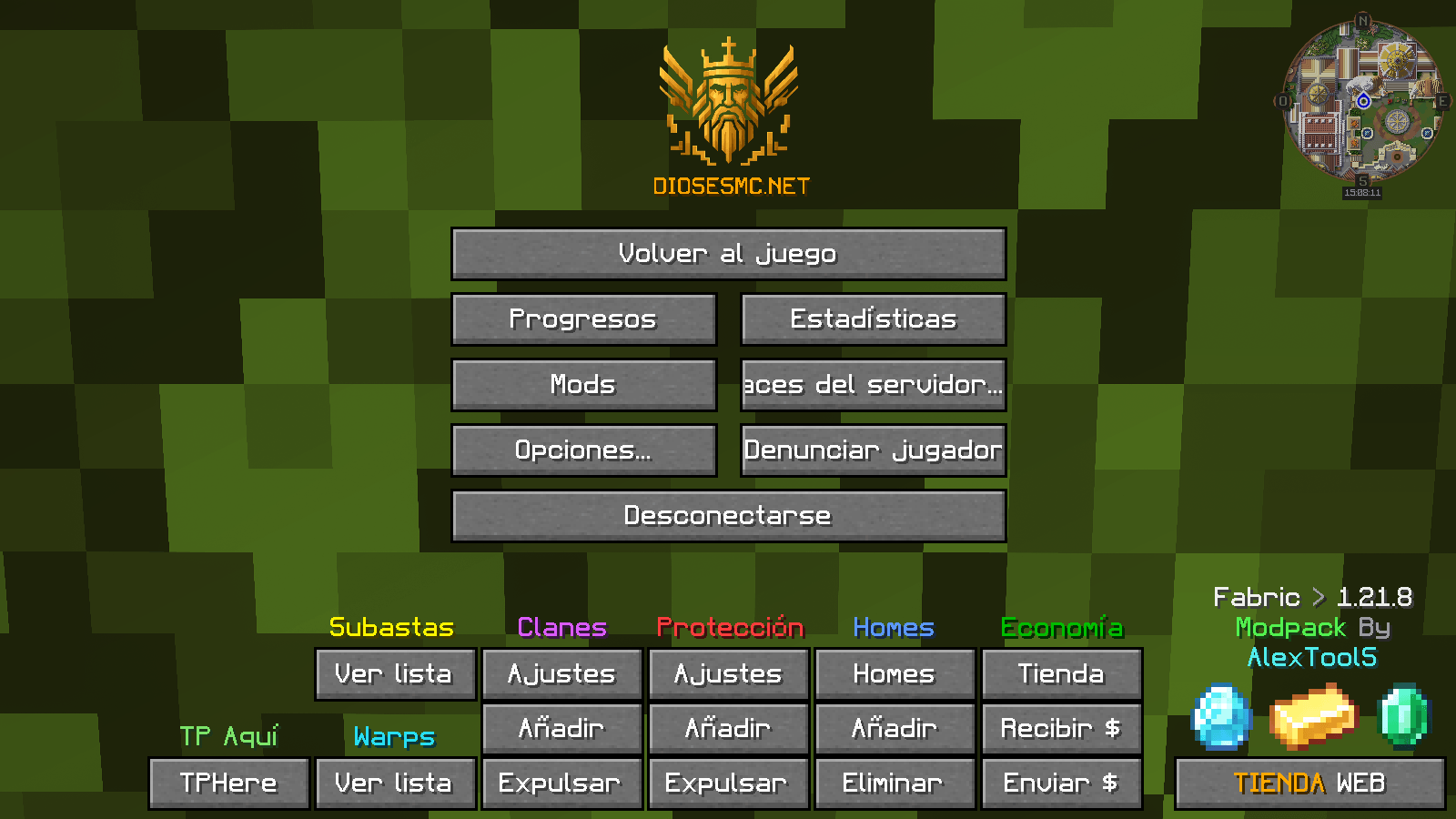
Mod List:
- architectury
- bobby
- chat_head
- chatanimation
- chatsigninghider
- cloth-config
- cinematiczoom
- entityculling
- togglenametags
- holdmyitems
- firitemzoom
- GuiScaleSplitter
- entity_model_features
- entity_texture_features
- fabric-language-kotlin
- fadeless
- ferritecore
- firitemzoom
- fzzy_config
- Gamma-Utils
- ImmediatelyFast
- ImmersiveUI
- InventoryParticles
- iris
- jade
- journeymap
- lithium
- modmenu
- OctoLib
- Perception
- placeholder-api
- sodium
- SubtleEffects
- visuality
- yet_another_config_lib
(All mods are pre-configured)
Shaders:
- ComplementaryUnbound_r5.4 - (Set to Maximum Visual Quality)
Texture Packs:
- Torches Reimagined
- enchant icons
- Font++
- FreshAnimations
- LowOnFire
(I may add improvements or changes to the modpack later)
(Spanish) Modpack exacto con sus configuraciones que utilizan Vegetta777 + Willyrex en su servidor DIOSESMC.NET
Los Mods están configurados tal cual como les gusta a ellos y los Shaders están al Máximo de Calidad Visual y si no tienes un buen PC te van a ir un poco bajos de FPS Con la tecla H y G activas la visión nocturna que seria lo único "ilegal" pero ^^
También hice unos botones necesarios para facilitar la gestión de sus tierras con comandos en el chat. (Esto estará a una próxima Actualización del modpack)
Lista de Mods:
- architectury
- bobby
- chat_head
- chatanimation
- chatsigninghider
- cloth-config
- cinematiczoom
- entityculling
- togglenametags
- holdmyitems
- firitemzoom
- GuiScaleSplitter
- entity_model_features
- entity_texture_features
- fabric-language-kotlin
- fadeless
- ferritecore
- fzzy_config
- Gamma-Utils
- ImmediatelyFast
- ImmersiveUI
- InventoryParticles
- iris
- jade
- journeymap
- lithium
- modmenu
- OctoLib
- Perception
- placeholder-api
- sodium
- SubtleEffects
- visuality
- yet_another_config_lib
(Todos los mods están previamente configurados)
Shaders:
- ComplementaryUnbound_r5.4 - (Configurados a Máxima calidad visual)
Texture Packs:
- Torches Reimagined
- enchant icons
- Font++
- FreshAnimations
- LowOnFire
(Mas adelante podre añadir mejoras o cambios en el modpack)


DiosesMC - Official ఎలా ఇన్స్టాల్ చేయాలి
With Millida Launcher
Install Millida Launcher
The launcher is free: download it at millida.net/launcher and sign in with any nickname.
Click “Install” on this page
The launcher opens and installs the modpack for Minecraft 1.21.8 on Fabric automatically.
Launch the game
A profile with it appears in the launcher: click “Play”.
Manually
Download the modpack archive
In the version list above, pick the file DIOSESMC - Official-v8.zip (32 MB).
Import it into a launcher
A launcher that supports modpacks (Millida Launcher, Prism) takes the archive via “Add modpack”, then “From file”. No need to unpack it yourself.
Allocate memory
Modpacks need more memory than the plain game: set 4–6 GB in the profile settings.
On a server
Use the “To server” button
On Millida Hosting, the button at the top of the page uploads the file to your server and restarts it for you.
Invite friends: they install the same modpack
To join the server, every player needs the same modpack version.
Minecraft 1.21.8 runs on Java 21: with a different Java version the game may close right after launch.
వెర్షన్లు
డిపెండెన్సీలతో
| Minecraft | లోడర్ | ఫైల్ | తేదీ | చర్యలు |
|---|---|---|---|---|
| 1.21.8 | Fabric | DIOSESMC - Official-v8.zip32 MB |
FAQ
Which Minecraft versions does DiosesMC - Official work on?
Only Minecraft 1.21.8: there are no files for other versions.
Is DiosesMC - Official for Forge or Fabric?
Only for Fabric: 1.21.8.
Which Java does DiosesMC - Official need?
Minecraft 1.21.8 runs on Java 21. If the game closes right after launch, the usual cause is the wrong Java version in the profile settings.
Where can I download DiosesMC - Official safely?
On this page: the file DIOSESMC - Official-v8.zip (32 MB) is stored on Millida’s server, with no link shorteners. SHA-1 checksum: 89a0fe587817980fdde38abaf38cd072233024f0.
సమీక్షలు
DiosesMC - Officialకు మొదటి రేటింగ్ ఇవ్వండి


