

Minecraft 1.20.1, 1.19.2 కోసం Crystal Client Build
క్రిస్టల్ PvP కోసం మీ గేమ్ను ఆప్టిమైజ్ చేసే CPVP మాడ్ప్యాక్
- డౌన్లోడ్లు
- 17 డౌన్లోడ్లు
- వ్యూలు
- 178 వ్యూలు
- అప్డేట్ చేయబడింది
- అప్డేట్ చేయబడింది 04.09.2026
- 1.19 — 1.21.11
 Fabric
- క్లయింట్

The Client For Crystal PvP
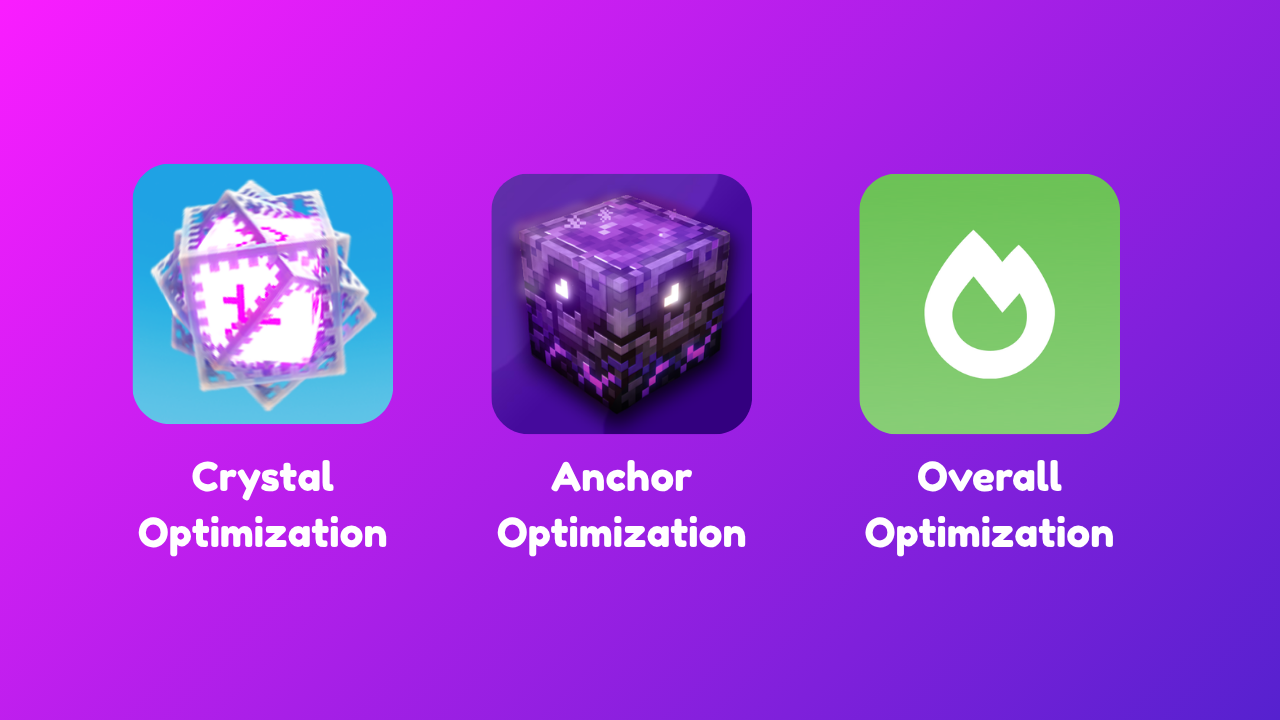
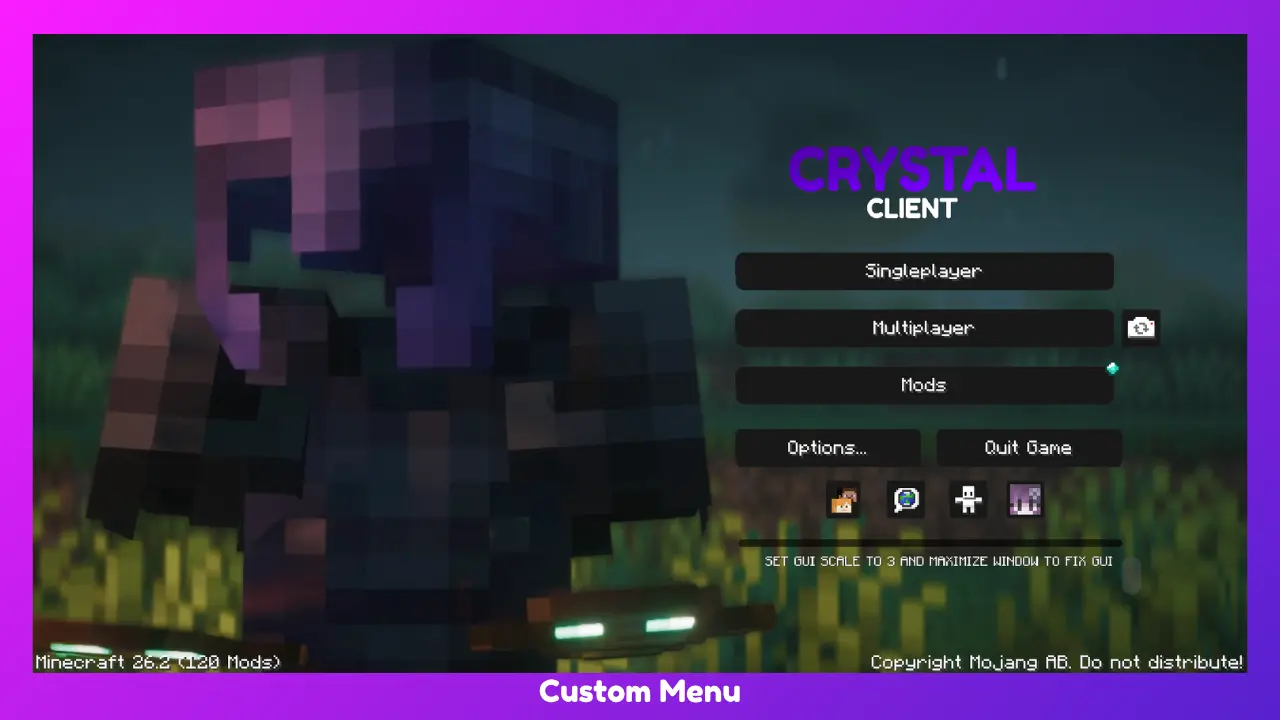
This Modpack/Client is packed with mods to optimize your Crystal PvP experience! Removes those big totems and the explosion texture with the use of a texturepack! It also makes crystals less ping dependent.
You can also use this pack for non Crystal PvP game modes. Enjoy!

For maximum results turn off: View Bobbing, Vsync, Dmage Tilt, FOV Effects, FOV Distortion, Smooth Lighting, Fancy Graphics, Clouds, Etc.
These settings can be found in Accessibility Settings and Video Settings

DISCLAIMER: FEATURES SUCH AS THE LOW FIRE AND NO EXPLOSION TEXTURE WILL HAVE TO BE MANUALLY ACTIVATED VIA THE RESOURCE PACK SETTINGS.
To access cosmectics press rshift (while ingame)
Patreon Members Shoutout
- Leopold
Join The Patreon To Get a Shoutout!!
Crystal Client ఎలా ఇన్స్టాల్ చేయాలి
With Millida Launcher
Install Millida Launcher
The launcher is free: download it at millida.net/launcher and sign in with any nickname.
Click “Install” on this page
The launcher opens and installs the modpack for Minecraft 1.19–1.21.11 on Fabric automatically.
Launch the game
A profile with it appears in the launcher: click “Play”.
Manually
Download the modpack archive
In the version list above, pick the file Crystal Client 1.21.11 1.0.1.mrpack (5.4 MB).
Import it into a launcher
A launcher that supports modpacks (Millida Launcher, Prism) takes the archive via “Add modpack”, then “From file”. No need to unpack it yourself.
Allocate memory
Modpacks need more memory than the plain game: set 4–6 GB in the profile settings.
Minecraft 1.21.11 runs on Java 21: with a different Java version the game may close right after launch.
వెర్షన్లు
డిపెండెన్సీలతో
| Minecraft | లోడర్ | ఫైల్ | చర్యలు |
|---|---|---|---|
| 1.21.11 | Fabric | 1.21.115.4 MB 13 | |
| 1.21 | Fabric | 1.213.7 MB | |
| 1.20.1 | Fabric | 1.20.187.8 MB | |
| 1.19.2 | Fabric | 1.19.291 MB |
ఇది రన్ అవ్వడానికి కావాల్సినవి
- Dependencyఇప్పటికే చేర్చబడింది
- Shulker Box Tooltipఇప్పటికే చేర్చబడింది
- More Cullingఇప్పటికే చేర్చబడింది
- Dependencyఇప్పటికే చేర్చబడింది
- Cloth Config APIఇప్పటికే చేర్చబడింది
- Sodiumఇప్పటికే చేర్చబడింది
- [ETF] Entity Texture Featuresఇప్పటికే చేర్చబడింది
- Fullbright UBఇప్పటికే చేర్చబడింది
- Dependencyఇప్పటికే చేర్చబడింది
- Carpetఇప్పటికే చేర్చబడింది
- Clumpsఇప్పటికే చేర్చబడింది
- MidnightLibఇప్పటికే చేర్చబడింది
- Dependencyఇప్పటికే చేర్చబడింది
- Essential Modఇప్పటికే చేర్చబడింది
- Dependencyఇప్పటికే చేర్చబడింది
- Architectury APIఇప్పటికే చేర్చబడింది
- Custom Crosshair Modఇప్పటికే చేర్చబడింది
- Dependencyఇప్పటికే చేర్చబడింది
- Dependencyఇప్పటికే చేర్చబడింది
- FerriteCoreఇప్పటికే చేర్చబడింది
- Dependencyఇప్పటికే చేర్చబడింది
- Controllingఇప్పటికే చేర్చబడింది
- Dependencyఇప్పటికే చేర్చబడింది
సమీక్షలు
Crystal Clientకు మొదటి రేటింగ్ ఇవ్వండి


