

Minecraft 26.0.02 కోసం Texture Pack Showcase Map
ప్రతి టెక్స్చర్ను స్పష్టంగా మరియు అందంగా ప్రదర్శించడానికి రూపొందించిన ప్రొఫెషనల్ టెక్స్చర్ ప్యాక్ షోకేస్ మ్యాప్. తమ రిసోర్స్ ప్యాక్లను వ్యవస్థీకృతంగా మరియు ఆకట్టుకునే విధంగా ప్రదర్శించాలనుకునే సృష్టికర్తలకు పరిపూర్ణం.
Texture Pack Showcase Map మ్యాప్ గురించి
Texture Pack Showcase Map is a specially designed world created to professionally present Minecraft resource and texture packs.
This map provides a clean, well-organized environment where every block, item, and texture can be viewed clearly under ideal lighting and layout conditions.
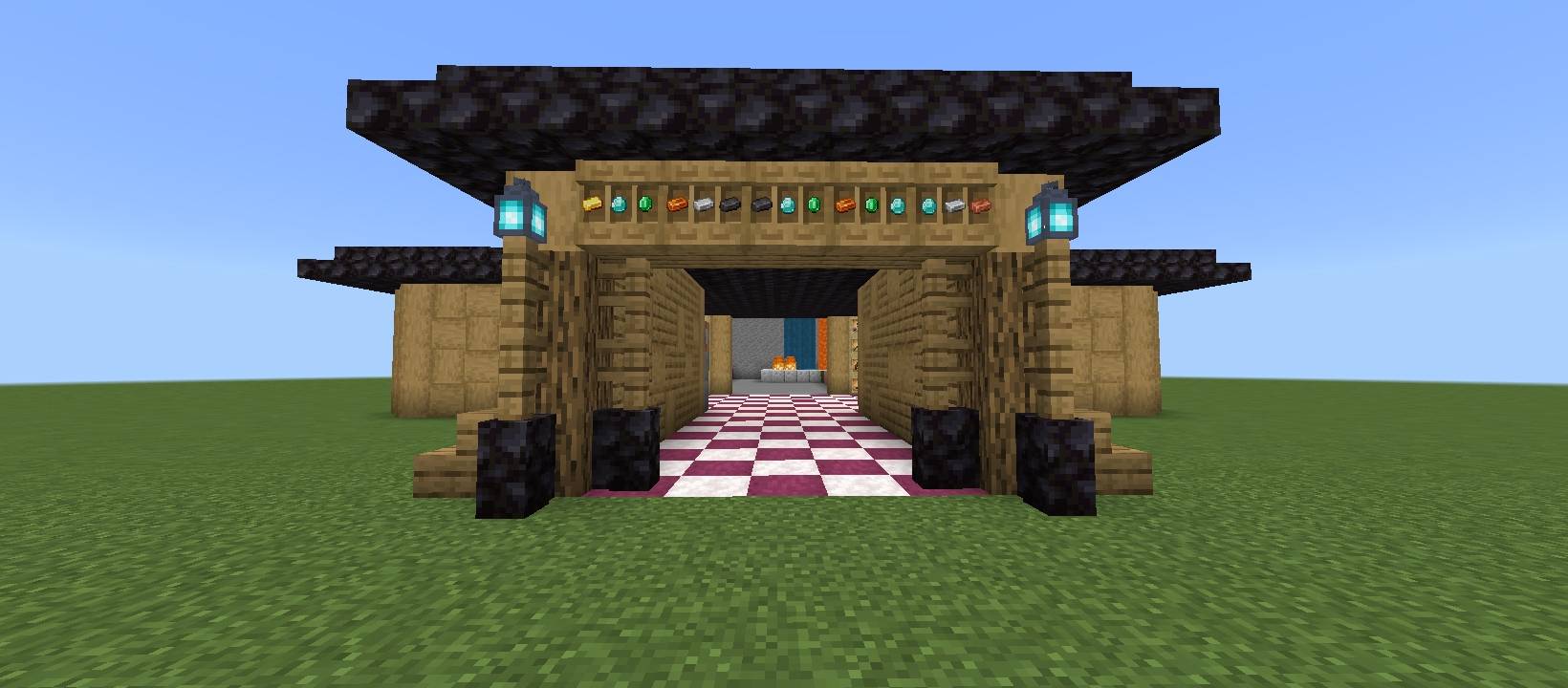
✨ Features:
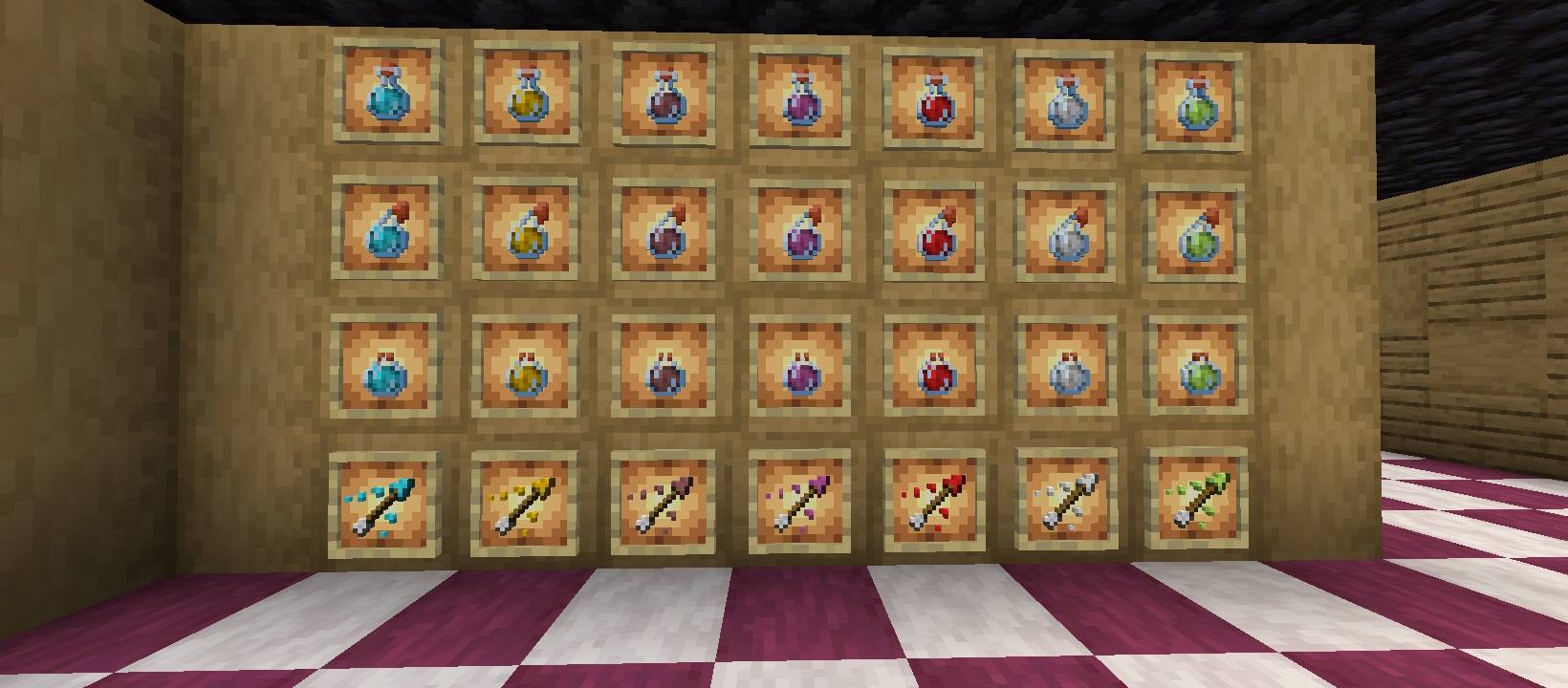
📦 Block display sections (Overworld blocks organized properly)
💎 Ores and special block comparison zones
🌞 Perfect lighting for accurate texture viewing
🎥 Ideal for screenshots and YouTube showcases
📱 Optimized for smooth performance (Minecraft Bedrock)
Whether you're a texture pack creator or a content creator, this map helps you present your pack in the most professional way possible.
Perfect for:
Texture pack previews
Showcase videos
Before/after comparisons
Portfolio presentation
Texture Pack Showcase Map ఎలా ఇన్స్టాల్ చేయాలి
With Millida Launcher
Install Millida Launcher
The launcher is free: download it at millida.net/launcher and sign in with any nickname.
Click “Install” on this page
The launcher opens and installs the map for Minecraft 1.21.124–26.0.02 automatically.
Launch the game
A profile with it appears in the launcher: click “Play”.
Manually
Download the map archive
Pick the file Texture pack Showcase Map.mcworld (74 KB).
Unpack it into the saves folder
The world folder (with level.dat inside) must sit directly in .minecraft/saves.
Open the world
“Singleplayer”: the map will be in your world list.
On a server
Replace the world folder
Stop the server and put the map folder in place of world (or set its name in level-name).
Use the “To server” button
On Millida Hosting, the button at the top of the page uploads the file to your server and restarts it for you.
వెర్షన్లు
డిపెండెన్సీలతో
| Minecraft | లోడర్ | ఫైల్ | తేదీ | చర్యలు |
|---|---|---|---|---|
| 1.21.124 | — | Texture pack Showcase Map.mcworld74.3 KB |
FAQ
Which Minecraft versions does Texture Pack Showcase Map work on?
There are files for 26.0.02, 26.0, 1.21.132, 1.21.131, 1.21.130, 1.21.124. The newest is 26.0.02.
Where can I download Texture Pack Showcase Map safely?
On this page: the file Texture pack Showcase Map.mcworld (74 KB) is stored on Millida’s server, with no link shorteners. SHA-1 checksum: 902ffed355788ee0ea785438b505706d63189ae0.
సమీక్షలు
Texture Pack Showcase Mapకు మొదటి రేటింగ్ ఇవ్వండి



