
Minecraft 1.20.1, 1.21.1 కోసం Space Station Survival మ్యాప్
నేలపై ఎలా జీవించాలో మనకు తెలుసు, కానీ అంతరిక్షంలో ఎలా?
Space Station Survival మ్యాప్ గురించి
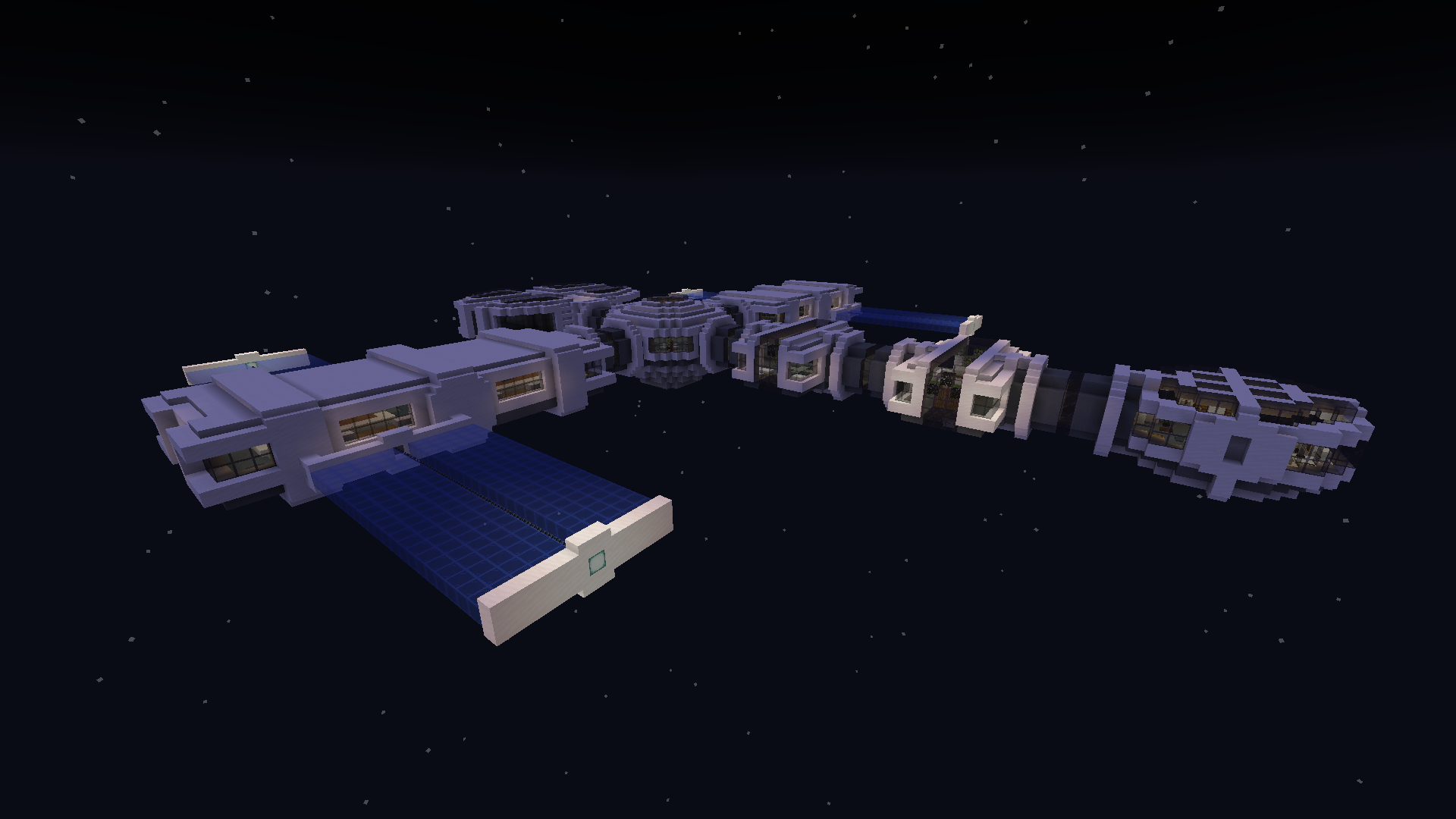
Surviving on land is no longer a challenging task for Minecrafters, but what about living in space? Let’s try it out in this map! The story begins when your space station’s systems suddenly went offline and stopped working. While the pilot is working on it, you have lots of time to survive on the limited space you’re given.
Your main goals will be to set up a food system and keep it going, complete the challenges, customize your room, and get your hands on a set of collectibles from the custom traders! You can find out more about the challenges at the start of the map as well. Have fun!
Space Station Survival ఎలా ఇన్స్టాల్ చేయాలి
With Millida Launcher
Install Millida Launcher
The launcher is free: download it at millida.net/launcher and sign in with any nickname.
Click “Install” on this page
The launcher opens and installs the map for Minecraft 1.18.1–1.21.5 automatically.
Launch the game
A profile with it appears in the launcher: click “Play”.
On a server
Replace the world folder
Stop the server and put the map folder in place of world (or set its name in level-name).
Use the “To server” button
On Millida Hosting, the button at the top of the page uploads the file to your server and restarts it for you.
వెర్షన్లు
డిపెండెన్సీలతో
| Minecraft | లోడర్ | ఫైల్ | తేదీ | చర్యలు |
|---|---|---|---|---|
| 1.19.3 | — | Space Station Survival.zip1.3 MB |
FAQ
Which Minecraft versions does Space Station Survival work on?
There are files for 1.18.1–1.21.5, 20 versions in total. The newest is 1.21.5.
సమీక్షలు
Space Station Survivalకు మొదటి రేటింగ్ ఇవ్వండి



