

Minecraft 1.21.120 కోసం Single Player & Multiplayer Hard Maze Map
సింగిల్ ప్లేయర్ మరియు మల్టీప్లేయర్ రెండింటికీ మద్దతిచ్చే కష్టమైన మరియు సరదా మేజ్ మ్యాప్, ప్రతిసారీ ఆడినప్పుడు సరదాగా ఉంటుంది!
Single Player & Multiplayer Hard Maze Map మ్యాప్ గురించి
EXTREME MAZE CHALLENGE - FOR TRUE EXPLORERS
Welcome to the Extreme Maze Challenge, a fully detailed and immersive maze designed for players who love exploration, logic, and patience. Every turn in this maze has a purpose - some paths help you, others confuse you. Keep your focus and use your mind to reach the final point.
Map Features:
- Beautiful Lobby: A calm and stylish area to begin your journey, plan strategies, or wait for others.
- Detailed Maze Design: Realistic paths, perfect wall structure, and a balanced layout to test your focus.
- Hidden Shortcuts: Some corners may lead to special paths - stay alert and explore carefully.
- Multiplayer Support: You can play with friends, but in some sessions, minor bugs may occur. Simply return to the lobby and restart if needed.
- Smooth Performance: Optimized for lag-free and glitch-free gameplay on most devices.
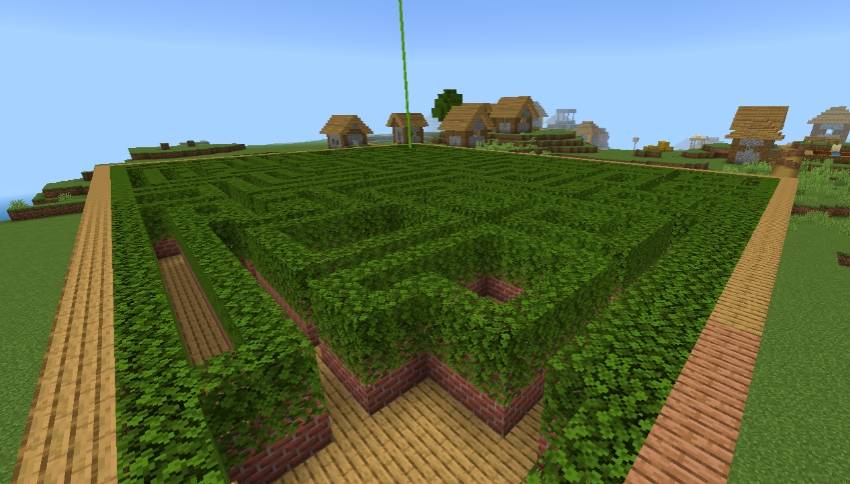
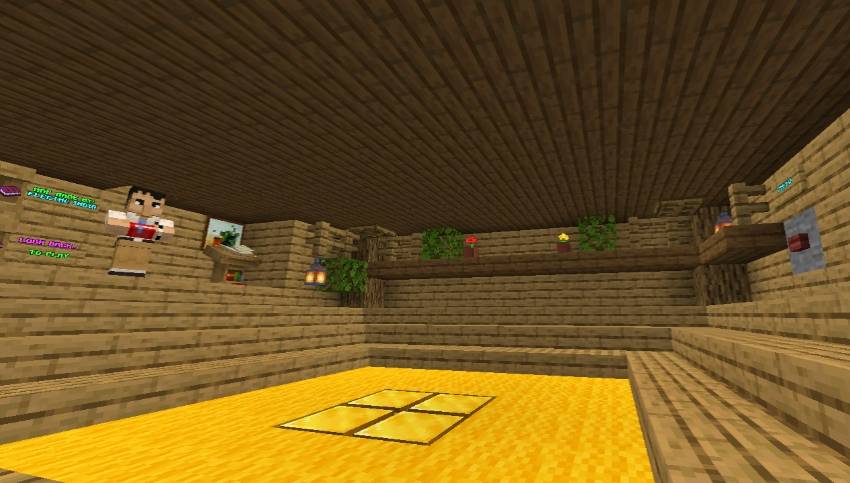
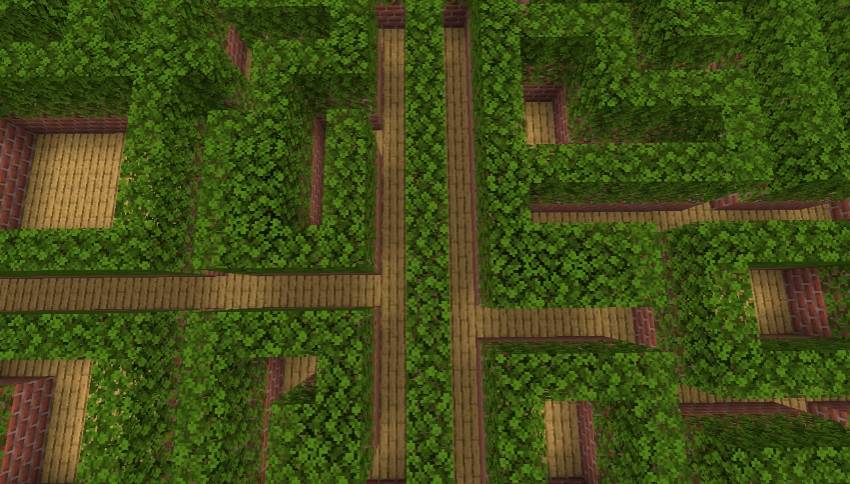
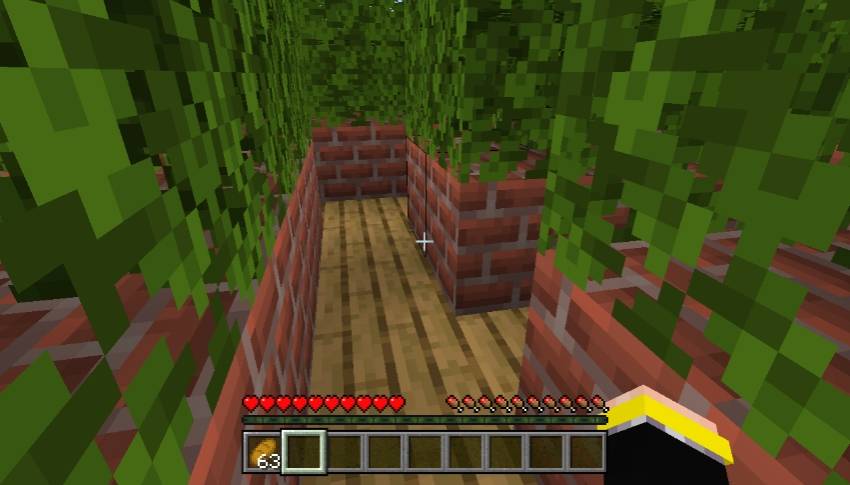
Highlights:
- Night & Day Mode: You can experience the maze in both light and dark modes for extra challenge and atmosphere.
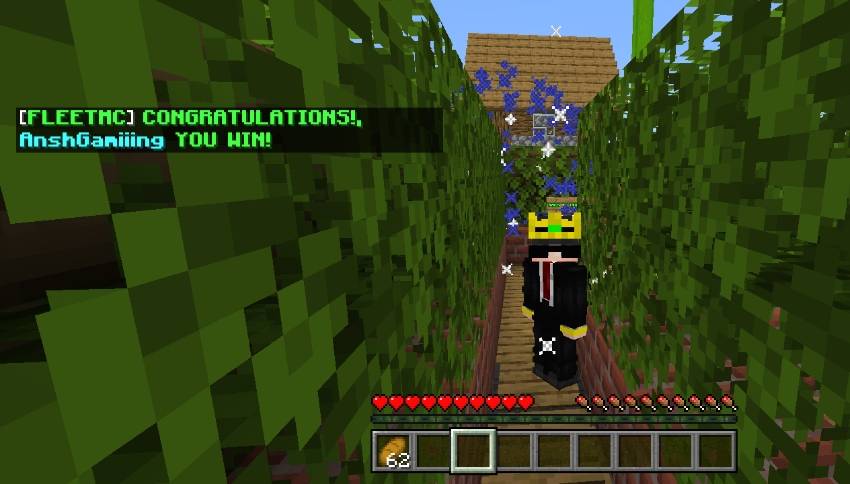
- Laser End Point: To complete the maze, you must reach and touch the laser at the end.
- No F5 or Cheats: The map is built for pure challenge - no mode change, no skipping. Play fair and experience the real thrill.
- Replay Value: Every run feels new as you learn, adapt, and find faster paths.
Challenge Rules:
- Do not use commands, F5, or creative mode.
- If you get stuck or face any issue, go back to the lobby and restart the maze.
- Multiplayer is allowed - if bugs occur, return to the lobby before restarting the session.
Final Challenge: Can you finish the maze without breaking a single rule? Find the laser, reach the exit, and prove your patience and focus.
Scroll down to download the map and begin your Extreme Maze Challenge.
Single Player & Multiplayer Hard Maze Map ఎలా ఇన్స్టాల్ చేయాలి
With Millida Launcher
Install Millida Launcher
The launcher is free: download it at millida.net/launcher and sign in with any nickname.
Click “Install” on this page
The launcher opens and installs the map for Minecraft 1.21.100–1.21.120 automatically.
Launch the game
A profile with it appears in the launcher: click “Play”.
Manually
Download the map archive
Pick the file FleetMc Maze Map.mcworld (1.1 MB).
Unpack it into the saves folder
The world folder (with level.dat inside) must sit directly in .minecraft/saves.
Open the world
“Singleplayer”: the map will be in your world list.
On a server
Replace the world folder
Stop the server and put the map folder in place of world (or set its name in level-name).
Use the “To server” button
On Millida Hosting, the button at the top of the page uploads the file to your server and restarts it for you.
వెర్షన్లు
డిపెండెన్సీలతో
| Minecraft | లోడర్ | ఫైల్ | తేదీ | చర్యలు |
|---|---|---|---|---|
| 1.21.114 | — | FleetMc Maze Map.mcworld1.1 MB |
FAQ
Which Minecraft versions does Single Player & Multiplayer Hard Maze Map work on?
There are files for 1.21.120, 1.21.114, 1.21.111, 1.21.101, 1.21.100. The newest is 1.21.120.
Where can I download Single Player & Multiplayer Hard Maze Map safely?
On this page: the file FleetMc Maze Map.mcworld (1.1 MB) is stored on Millida’s server, with no link shorteners. SHA-1 checksum: ae4107b8a5774839d5473ca3ab43f80082e99a83.
సమీక్షలు
Single Player & Multiplayer Hard Maze Mapకు మొదటి రేటింగ్ ఇవ్వండి



