
About
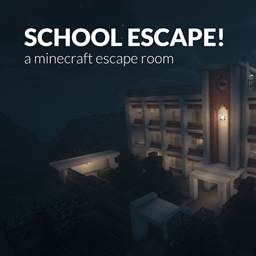
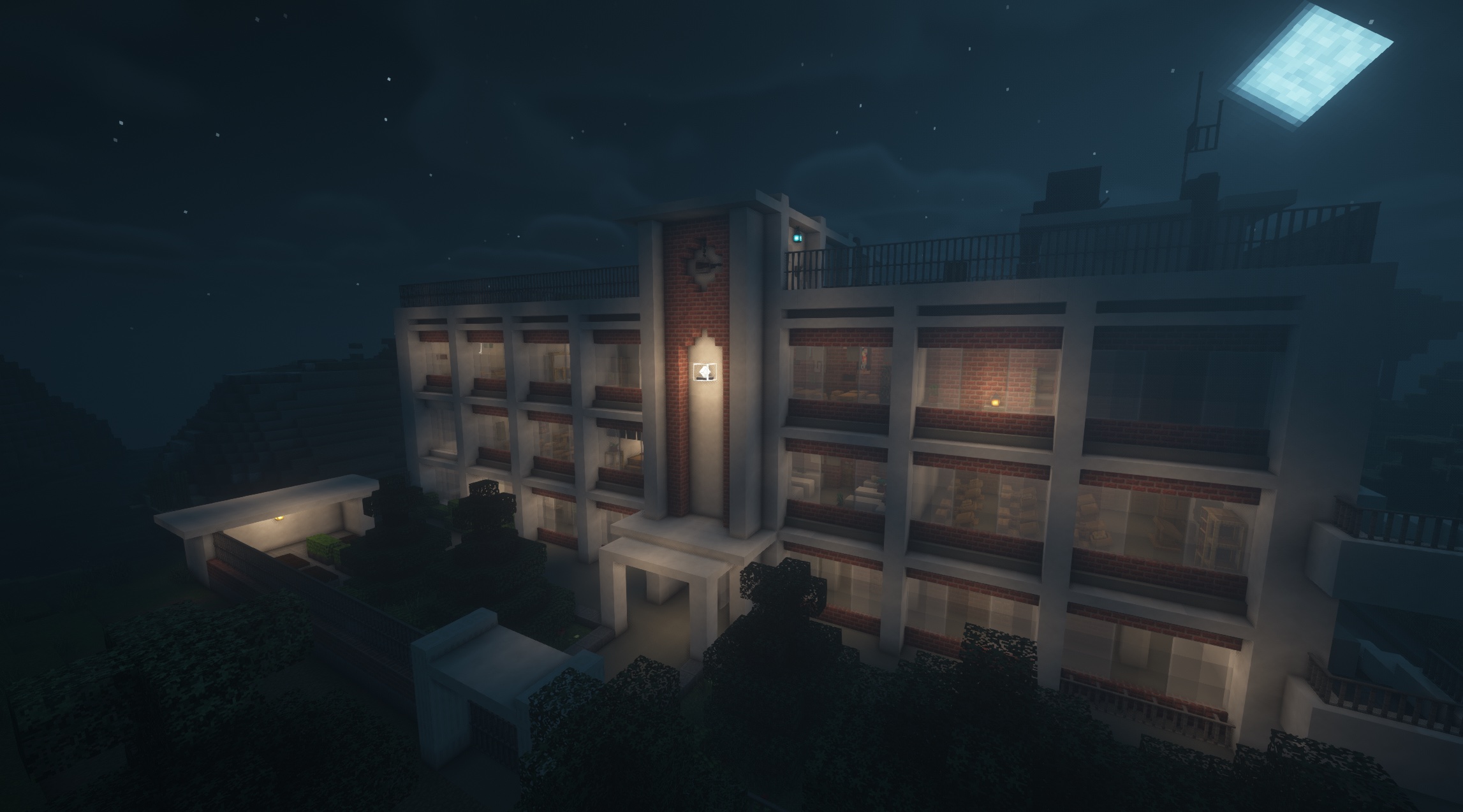
School Escape! is a single player "escape room" inspired adventure map, where your goal is to solve a series of puzzles in order to escape from a school building. The map does not require any specific knowledge other than the basic minecraft mechanics, and does not feature any enemies nor combat challenges, it's all about solving puzzles and riddles
Requirements
Required:
Minecraft Java edition, version >= 1.16.5
Suggested:
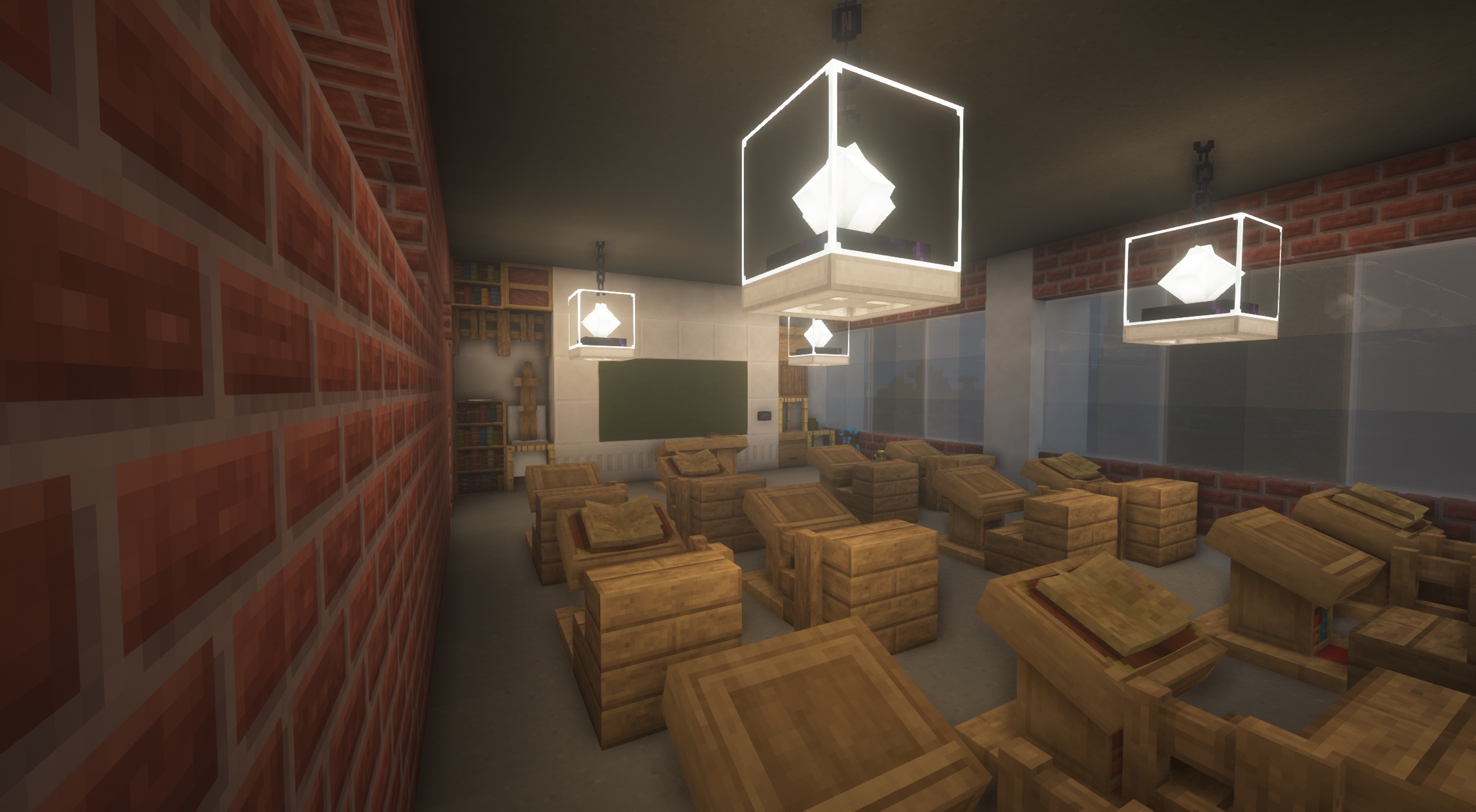
Lithos texture pack (mainly for eye candy and immersion, the map has been built on top of this)
Optifine (suggested)
Rules
Play in adventure mode
Brightness set to 50%
Command blocks must be enabled
Use either Lithos texture pack (link above) or vanilla
Hints
Read every book
Think logically, there is no pure trial and error
Check your advancements if you are stuck
Location of the pieces of paper (try to find them yourself first!):
Maintenance room
Abandoned room
Study room
Infirmary
Classroom
Rooftop 1
Rooftop 2
Rooftop corridor
School Escape! ఎలా ఇన్స్టాల్ చేయాలి
With Millida Launcher
Install Millida Launcher
The launcher is free: download it at millida.net/launcher and sign in with any nickname.
Click “Install” on this page
The launcher opens and installs the map for Minecraft 1.16.5 automatically.
Launch the game
A profile with it appears in the launcher: click “Play”.
Manually
Download the map archive
Pick the file SchoolEscape.zip (5.2 MB).
Unpack it into the saves folder
The world folder (with level.dat inside) must sit directly in .minecraft/saves.
Open the world
“Singleplayer”: the map will be in your world list.
On a server
Replace the world folder
Stop the server and put the map folder in place of world (or set its name in level-name).
Use the “To server” button
On Millida Hosting, the button at the top of the page uploads the file to your server and restarts it for you.
వెర్షన్లు
డిపెండెన్సీలతో
| Minecraft | లోడర్ | ఫైల్ | తేదీ | చర్యలు |
|---|---|---|---|---|
| 1.16.5 | — | SchoolEscape.zip5.2 MB 3 |
FAQ
Which Minecraft versions does School Escape! work on?
Only Minecraft 1.16.5: there are no files for other versions.
Where can I download School Escape! safely?
On this page: the file SchoolEscape.zip (5.2 MB) is stored on Millida’s server, with no link shorteners. SHA-1 checksum: 68a41ce504e7f5bccb27710160ffe88616662ab8.
సమీక్షలు
School Escape!కు మొదటి రేటింగ్ ఇవ్వండి



