
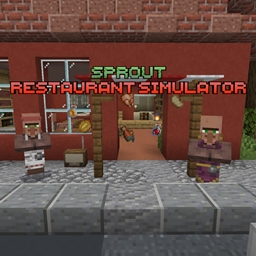
Minecraft 1.21.94 కోసం Restaurant Simulator Sprout మ్యాప్
మీరు కంప్యూటర్ ద్వారా ఆహారాన్ని ఆర్డర్ చేయాలి, కస్టమర్ల నుండి ఆర్డర్లు తీసుకోవాలి, ఆహారం వండాలి, మరియు కంప్యూటర్ ద్వారా వస్తువులను కొనుగోలు చేయడం ద్వారా మీ రెస్టారెంట్ను అప్గ్రేడ్ చేయాలి. ఇదే మీ ప్రధాన లక్ష్యం. మీకు అడ్డంకులు కలిగించే లేదా సహాయపడే ఈవెంట్లు క్రమానుగతంగా జరుగుతుంటాయి.
Restaurant Simulator Sprout మ్యాప్ గురించి
In the restaurant simulator Sprout, you arrive by bus at an old but still-standing roadside restaurant, lost among the woods and shrubs. Nearby is a small village whose residents once adored this place. However, the previous owner, an elderly restaurant owner, has died, and the business has fallen into decline. Now it's up to you to restore the establishment to its former glory, develop the restaurant, acquire new recipes, and gradually transform this abandoned place into a thriving one.
The map features:
•Language changer: Russian and English
•4 cooking methods + dishwashing
•3 periodic events
•Easter eggs
•Radio with music
•Computer for shopping
•Landscape: road, forest, mountain, restaurant
###Educational text and pictures
----You can find potatoes at the beginning under the stairs or order them from a computer!!!
• To start, enter through the main doors.
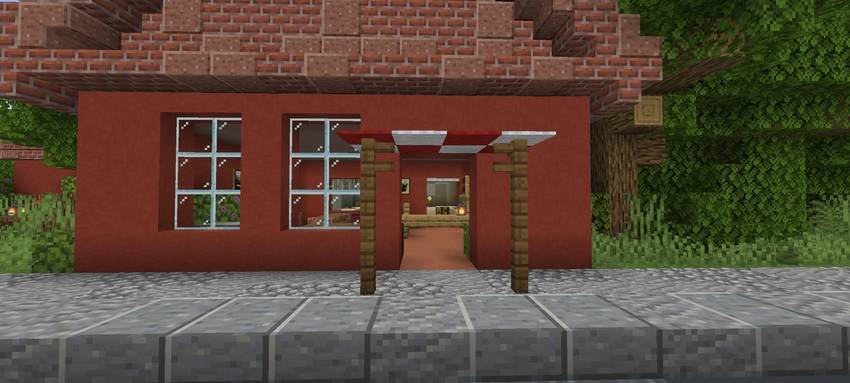
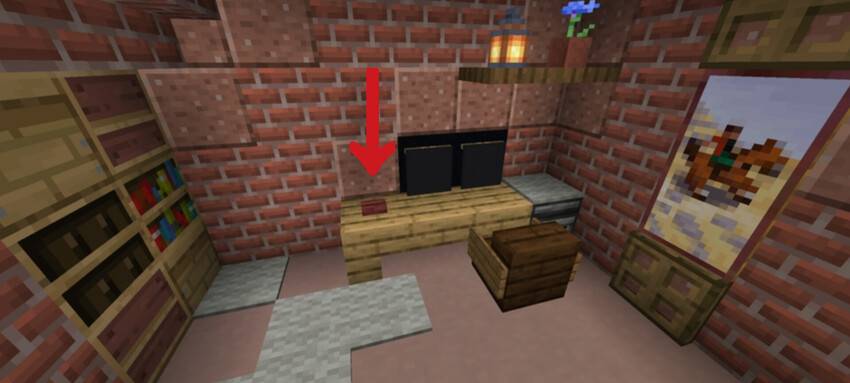
• All the food, upgrade, advertising and recipes you need to buy it at the computer. To enter the computer, go up to the second floor and press the red button.
• To buy products, you need to select them in the app "Shop" Select all the products you need, go to your desktop and click on the delivery app and choose to order for free or for ten dollars.
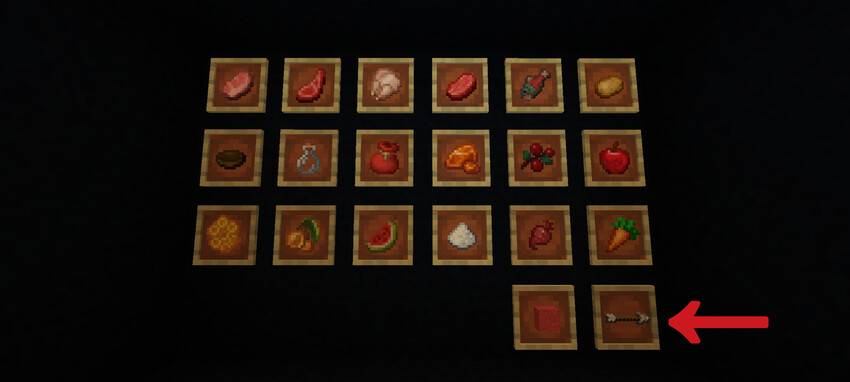
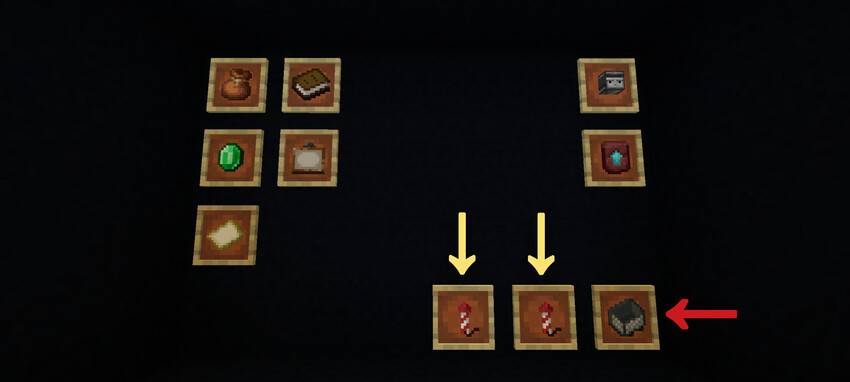
• All other recipes, advertising, and upgrades are purchased in their apps.
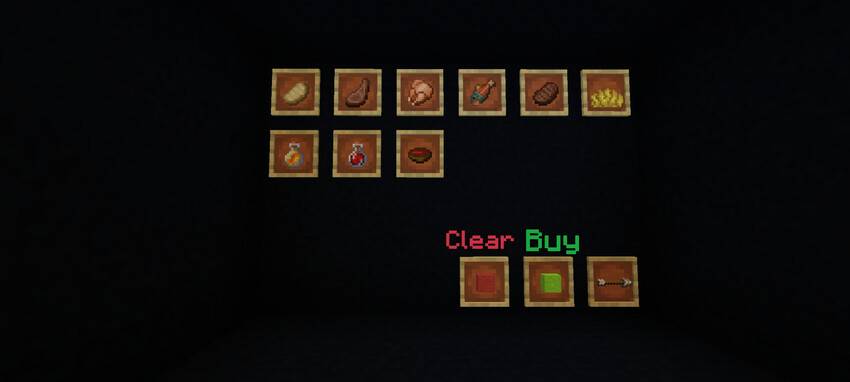
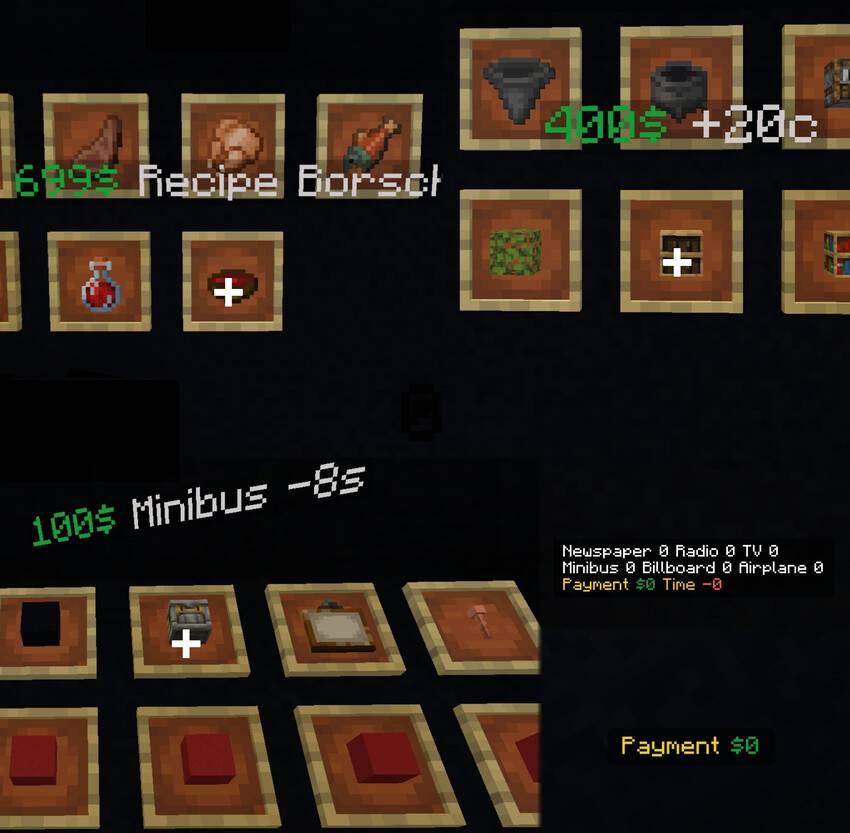
•To find out the price and what you're buying, hover your cross and finger over the item in the frame. (Be sure to enable player nicknames in the settings!!!)
• When the truck arrives, collect all your purchases and click on button to have the truck return to the company.
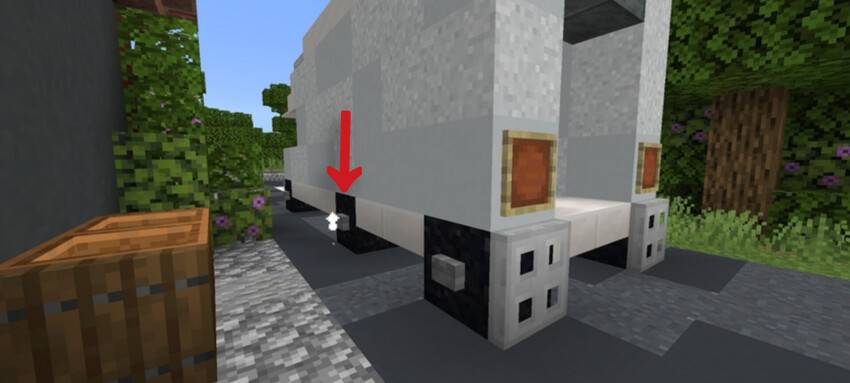
• Important! When exiting the game, always press the button as shown in the picture. After pressing it, the red skull lights up, and wait until it turns blue. Only then can you exit. This button disables mechanisms that could break in the game.
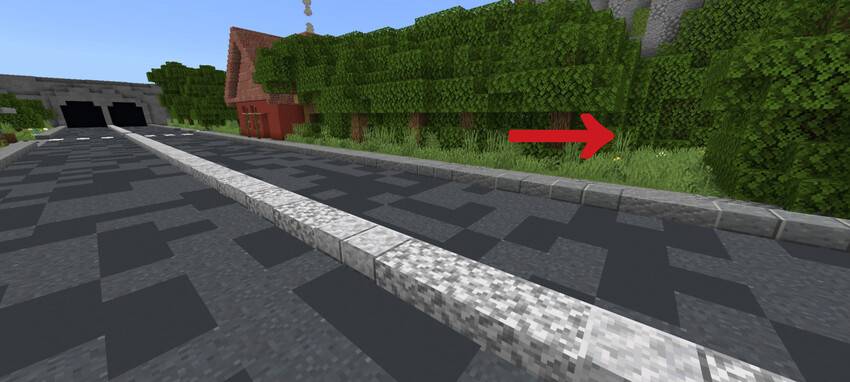
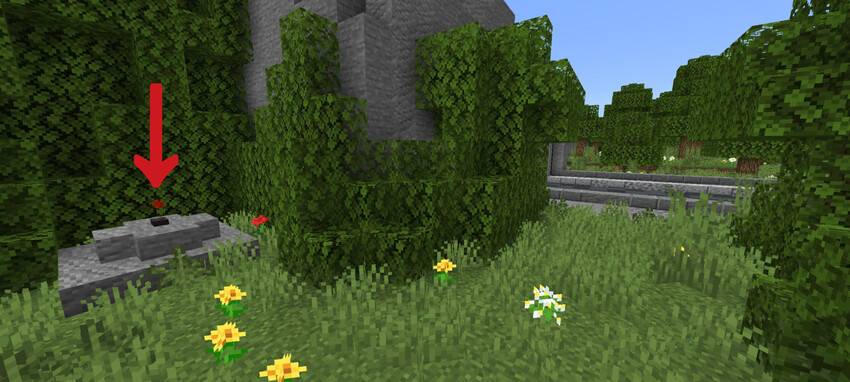
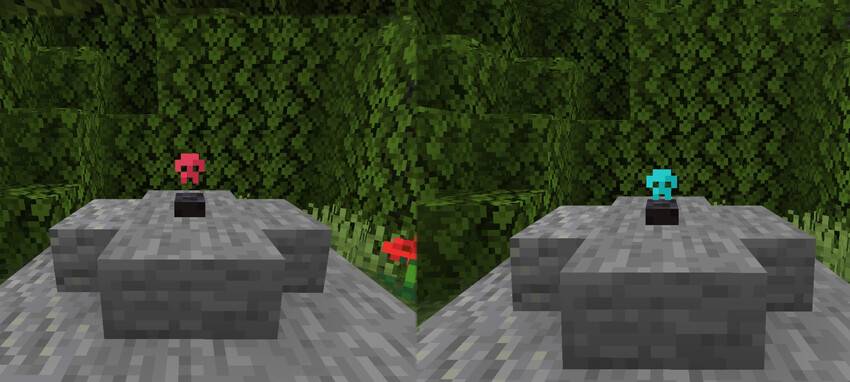
I really hope that you will figure out how to play :)
Restaurant Simulator Sprout ఎలా ఇన్స్టాల్ చేయాలి
With Millida Launcher
Install Millida Launcher
The launcher is free: download it at millida.net/launcher and sign in with any nickname.
Click “Install” on this page
The launcher opens and installs the map for Minecraft 1.21.94 automatically.
Launch the game
A profile with it appears in the launcher: click “Play”.
Manually
Download the map archive
Pick the file Restaurant.mcworld (17 MB).
Unpack it into the saves folder
The world folder (with level.dat inside) must sit directly in .minecraft/saves.
Open the world
“Singleplayer”: the map will be in your world list.
On a server
Replace the world folder
Stop the server and put the map folder in place of world (or set its name in level-name).
Use the “To server” button
On Millida Hosting, the button at the top of the page uploads the file to your server and restarts it for you.
వెర్షన్లు
డిపెండెన్సీలతో
| Minecraft | లోడర్ | ఫైల్ | తేదీ | చర్యలు |
|---|---|---|---|---|
| 1.21.94 | — | Restaurant.mcworld17.3 MB |
FAQ
Which Minecraft versions does Restaurant Simulator Sprout work on?
Only Minecraft 1.21.94: there are no files for other versions.
Where can I download Restaurant Simulator Sprout safely?
On this page: the file Restaurant.mcworld (17 MB) is stored on Millida’s server, with no link shorteners. SHA-1 checksum: ff63a7c73f308237773a55f80329549dc0e387eb.
సమీక్షలు
Restaurant Simulator Sproutకు మొదటి రేటింగ్ ఇవ్వండి



