
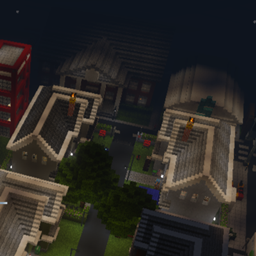
Minecraft 1.21, 1.21.100 కోసం Relic City మ్యాప్
Relic Cityకు స్వాగతం! ఇది చాలా దుకాణాలు, రెస్టారెంట్లు మరియు చేయవలసిన పనులతో కూడిన మధ్యస్థ-పెద్ద నగరం.
Relic City మ్యాప్ గురించి
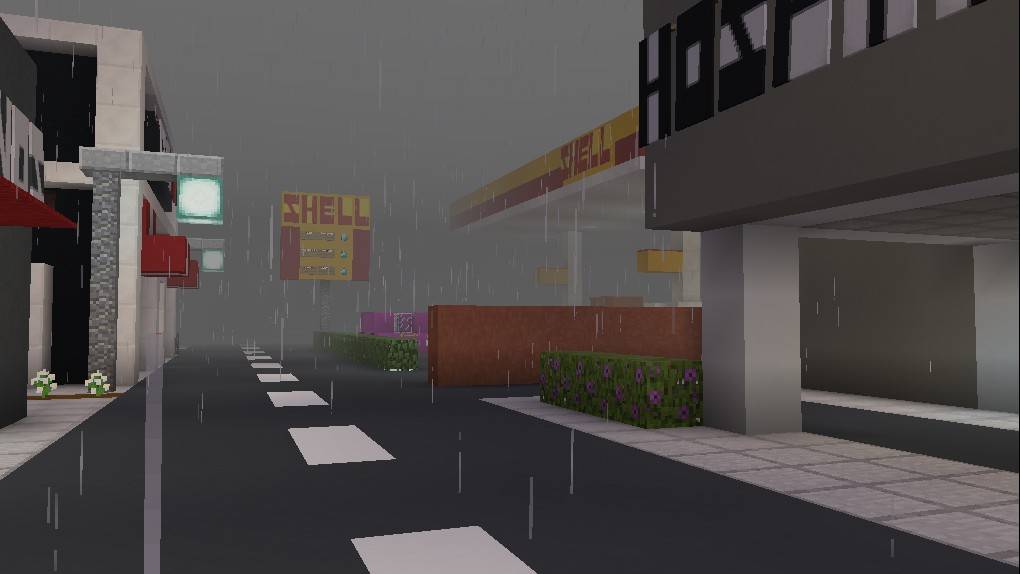
Welcome to Relic City! It's a medium-large city with many stores, restaurants, and things to do. It's been worked on for about 3 years now, and it's not quite complete so if you have any suggestions for what to build and where, please leave a comment!
Relic City ఎలా ఇన్స్టాల్ చేయాలి
With Millida Launcher
Install Millida Launcher
The launcher is free: download it at millida.net/launcher and sign in with any nickname.
Click “Install” on this page
The launcher opens and installs the map for Minecraft 1.21–1.21.100 automatically.
Launch the game
A profile with it appears in the launcher: click “Play”.
On a server
Replace the world folder
Stop the server and put the map folder in place of world (or set its name in level-name).
Use the “To server” button
On Millida Hosting, the button at the top of the page uploads the file to your server and restarts it for you.
వెర్షన్లు
డిపెండెన్సీలతో
| Minecraft | లోడర్ | ఫైల్ | తేదీ | చర్యలు |
|---|---|---|---|---|
| 1.21.30 | — | Relic City (1).mcworld53.9 MB |
FAQ
Which Minecraft versions does Relic City work on?
There are files for 1.21–1.21.100, 25 versions in total. The newest is 1.21.100.
How do I download Relic City?
With Millida Launcher: it installs Relic City into a modpack by itself, for the right game version and loader. The launcher is free.
సమీక్షలు
Relic Cityకు మొదటి రేటింగ్ ఇవ్వండి



