
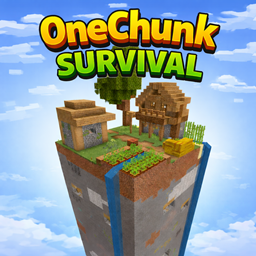
Introduction
Can you survive when the entire world is only one chunk?
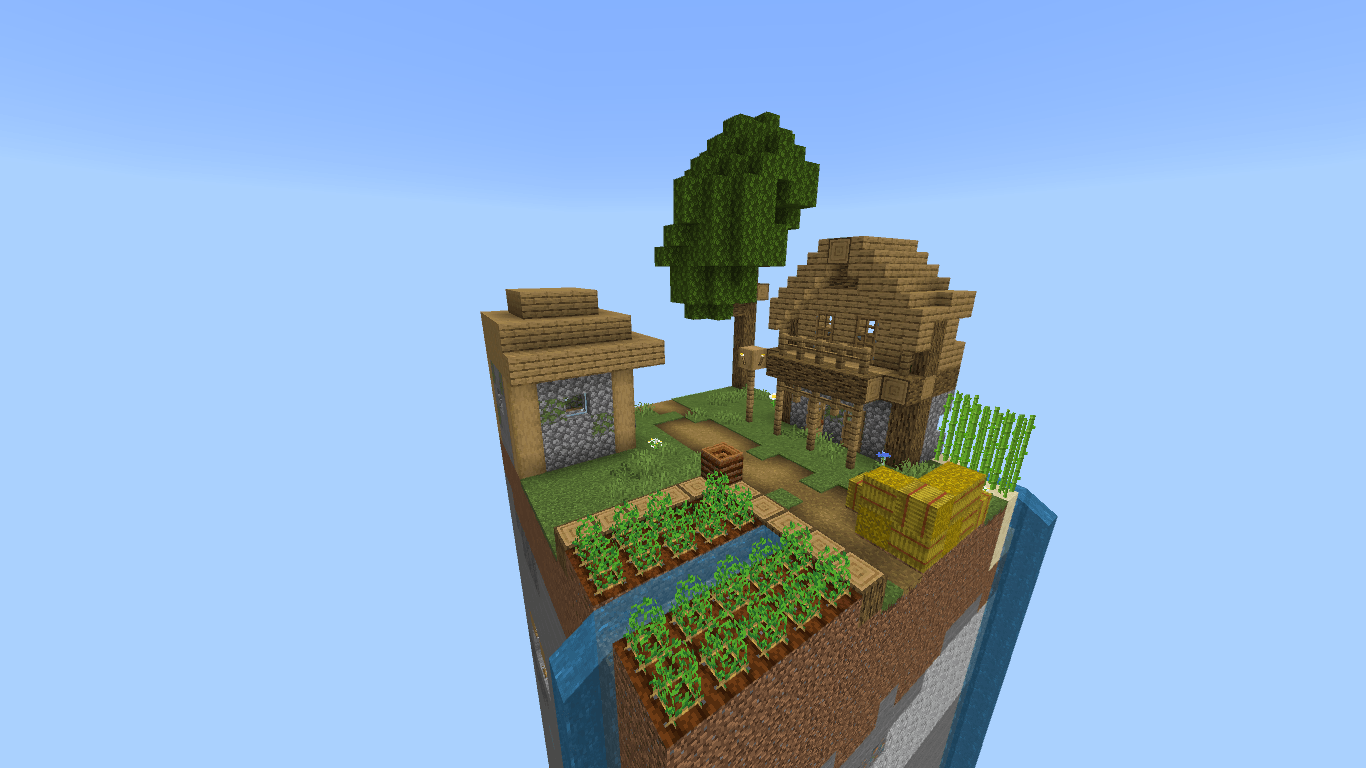
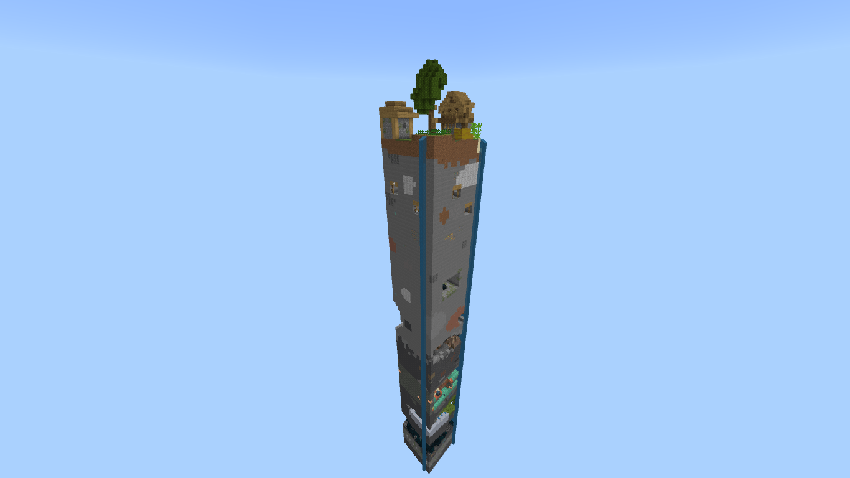
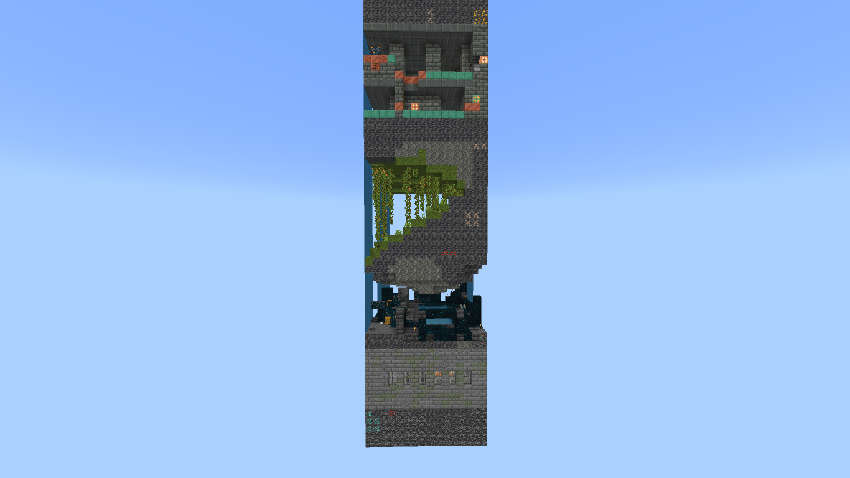
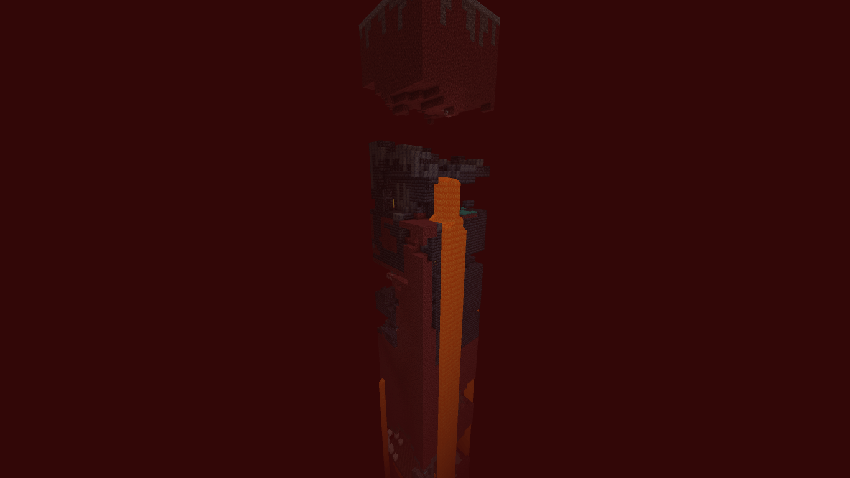
Welcome to One Chunk Survival, a hardcore-style survival map for Minecraft: Bedrock Edition, where everything happens inside a single 16×16 chunk even in the Nether and The End with custom arena. No infinite exploration. No running away. Just pure survival, strategy, and creativity.
World Features
- Only ONE chunk (16×16 blocks)
- Full Survival gameplay
- No mods or experimental features required
- Works on singleplayer & multiplayer
- Vanilla-friendly
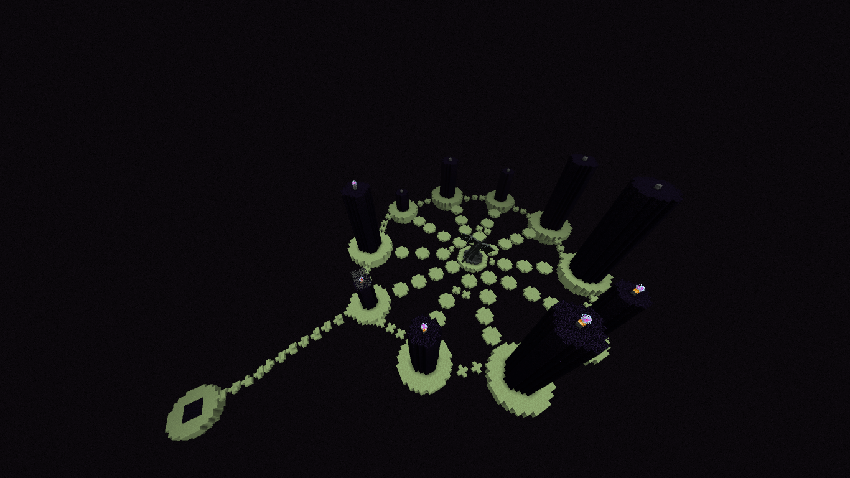
- Nether and End Dimension Upgraded
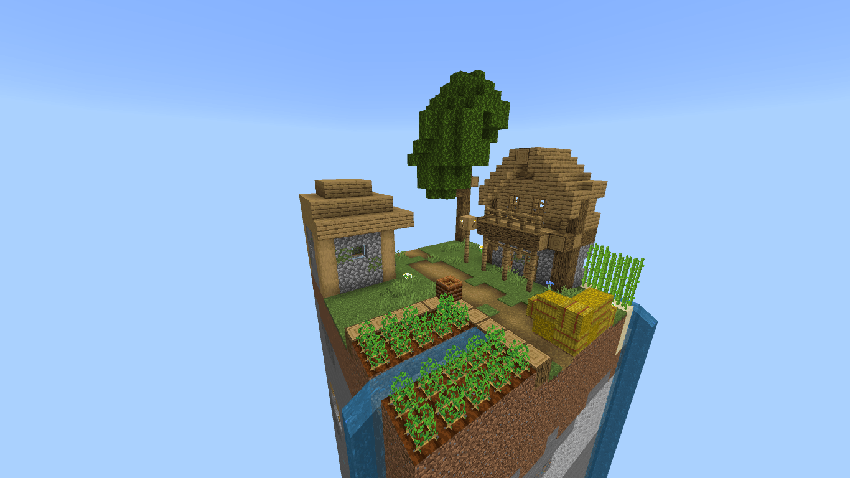
Everything you need to survive has been carefully packed into a single chunk from underground resources to surface challenges.
What Can You Do?
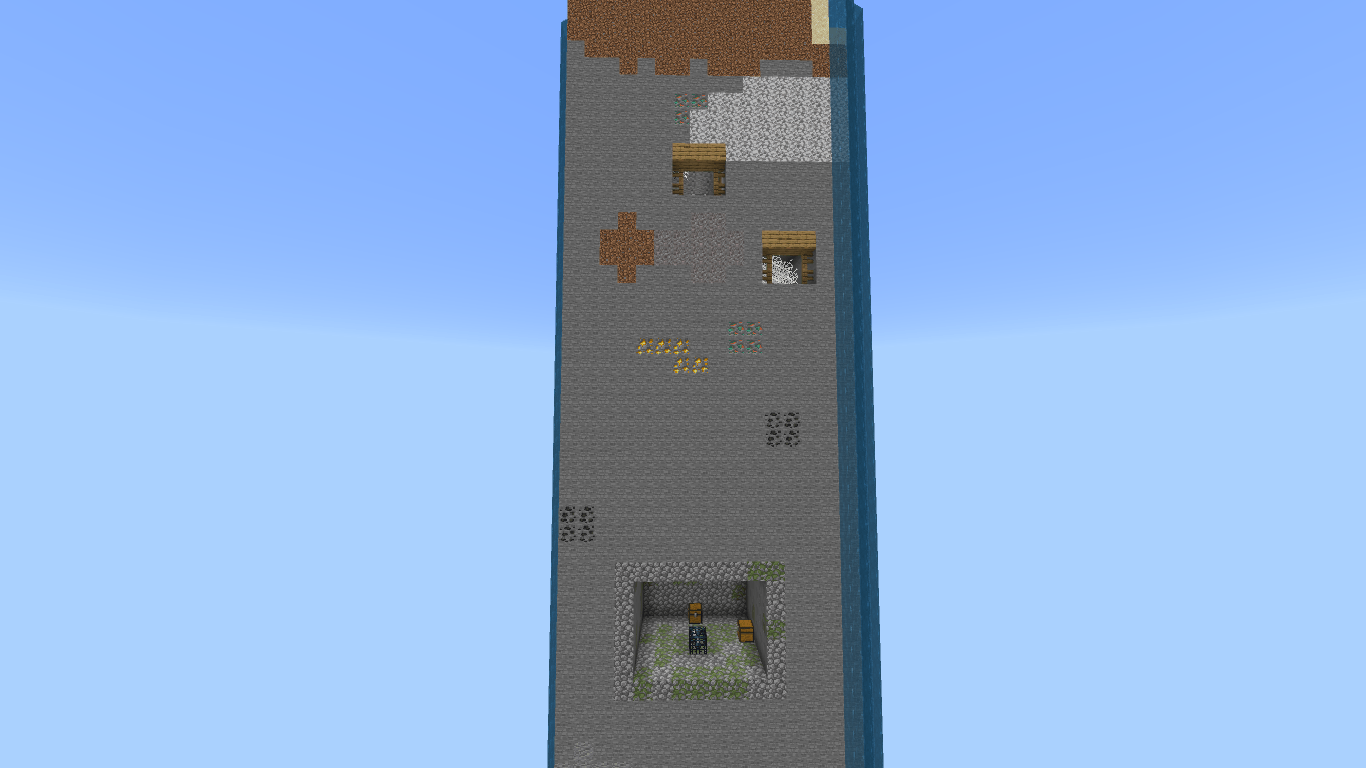
- Mine resources vertically instead of horizontally
- Build farms in tight, optimized spaces
- Progress through survival with limited terrain
- Challenge yourself to beat the game with extreme constraints
- Test your creativity and efficiency like never before
- This map turns Minecraft into a resource-management puzzle.
- Test your skills in The End
Important Rules (Recommended)
- Do NOT use creative mode
- Play honestly for the intended experience
Perfect for:
- Survival challenge lovers
- Content creators
- Speedrunners & grinders
Installation
Download the map
Open the .mcworld file
Minecraft will import the world automatically
Start playing that’s it
Screenshots
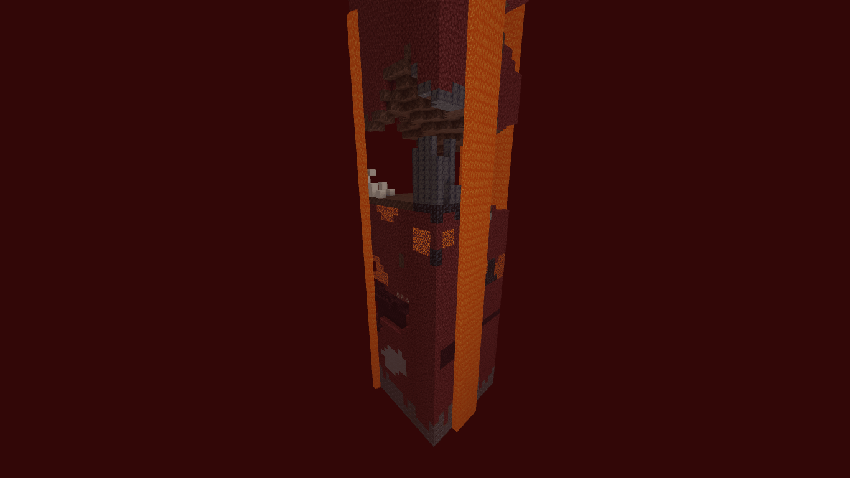
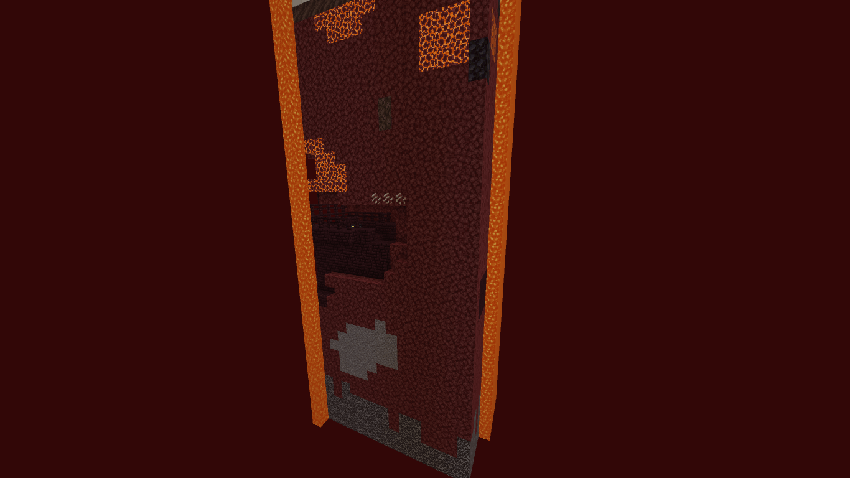
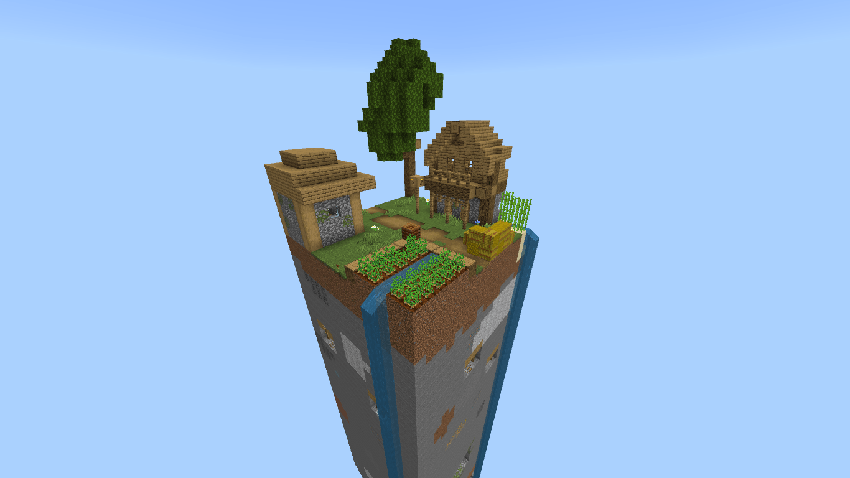
Updates & Support
- Bug fixes and improvements may come in future updates
- Feedback and suggestions are welcome
- If you enjoy the map, consider leaving a review
Thanks for checking out the map your support really means a lot!
If you want it more chill, more hype, or more professional, I can tune it perfectly.
Download now and see how far you can survive in just ONE CHUNK.
OneChunk - Survival ఎలా ఇన్స్టాల్ చేయాలి
With Millida Launcher
Install Millida Launcher
The launcher is free: download it at millida.net/launcher and sign in with any nickname.
Click “Install” on this page
The launcher opens and installs the map for Minecraft 1.21.131–1.21.132 automatically.
Launch the game
A profile with it appears in the launcher: click “Play”.
Manually
Download the map archive
Pick the file OneChunk - Survival.mcworld (514 KB).
Unpack it into the saves folder
The world folder (with level.dat inside) must sit directly in .minecraft/saves.
Open the world
“Singleplayer”: the map will be in your world list.
On a server
Replace the world folder
Stop the server and put the map folder in place of world (or set its name in level-name).
Use the “To server” button
On Millida Hosting, the button at the top of the page uploads the file to your server and restarts it for you.
వెర్షన్లు
డిపెండెన్సీలతో
| Minecraft | లోడర్ | ఫైల్ | తేదీ | చర్యలు |
|---|---|---|---|---|
| 1.21.131 | — | OneChunk - Survival514 KB 1 |
FAQ
Which Minecraft versions does OneChunk - Survival work on?
There are files for 1.21.132, 1.21.131. The newest is 1.21.132.
Where can I download OneChunk - Survival safely?
On this page: the file OneChunk - Survival.mcworld (514 KB) is stored on Millida’s server, with no link shorteners. SHA-1 checksum: 25ddc694411c53292433331fcec4cb6f90f4970a.
సమీక్షలు
OneChunk - Survivalకు మొదటి రేటింగ్ ఇవ్వండి



