

⭐ One Block
A Complete One Block Experience for Bedrock Edition

About this Map
I’m excited to finally share this One Block map with everyone. This project took around 8 months of work, testing and improvements.
The goal was to recreate the classic Java Edition One Block experience for Bedrock players with smooth gameplay and proper progression.
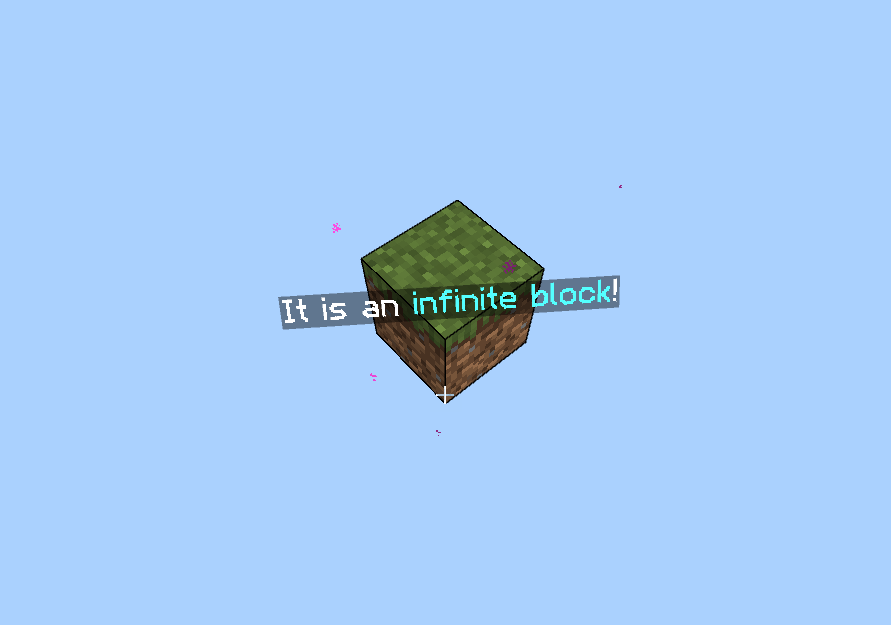
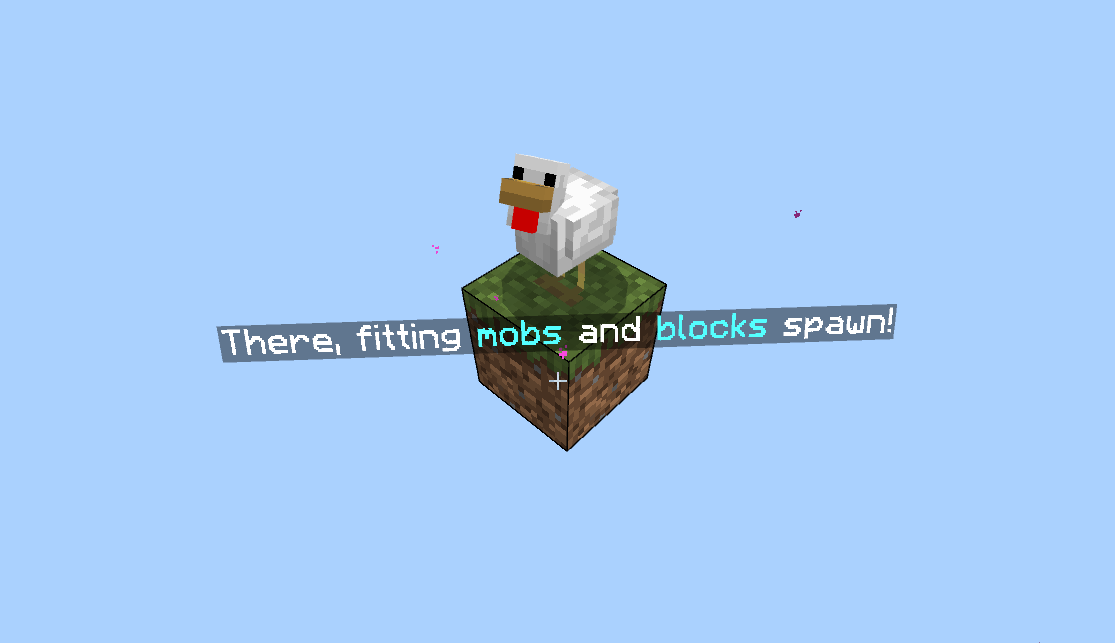
You start with a single block floating in the sky. Breaking that block slowly expands the world and unlocks new blocks, mobs and structures.
Each level brings something new — keeping the gameplay fresh and exciting.

🎬 Gameplay / Trailer

🌍 Map Features
This map contains multiple levels, each with its own unique theme. As you progress, you will explore caves, biomes, structures and even other dimensions.
It can be played solo or with friends, making it perfect for both casual and multiplayer gameplay.

📊 Levels
- Plains
- Underground
- Deep Cave
- Snowy & Wilderness
- Desert
- Jungle
- Barren Lands
- Ocean
- Pale Garden
- Swamp & Cherry
- Mansion
- Nether
- Trail Ruins
- Ancient City
- Stronghold
- Infinite (not really a level)

⚠️ Warning
- Do not use: /kill
- Do not use: /scoreboard
Using these commands may break the map progression.

🌐 Community
| Join our Discord Server
| |Follow on Instagram

Terms & Conditions
- Personal Use Only – You may use or modify the map for personal gameplay but cannot redistribute it.
- Content Creation – Videos are allowed but must include official links: ModBay | CurseForge | MCPEDL
- No Reposting – Do not upload this map to other sites.
- Servers & Realms – Allowed without permission.
- No Commercial Use – Selling this content is not allowed.
By using this content, you agree to these terms.
⬇️ Download Java Edition Version
Download One Block for Java Edition
One Block ఎలా ఇన్స్టాల్ చేయాలి
With Millida Launcher
Install Millida Launcher
The launcher is free: download it at millida.net/launcher and sign in with any nickname.
Click “Install” on this page
The launcher opens and installs the map for Minecraft 26.50 automatically.
Launch the game
A profile with it appears in the launcher: click “Play”.
On a server
Replace the world folder
Stop the server and put the map folder in place of world (or set its name in level-name).
Use the “To server” button
On Millida Hosting, the button at the top of the page uploads the file to your server and restarts it for you.
వెర్షన్లు
డిపెండెన్సీలతో
| Minecraft | లోడర్ | ఫైల్ | తేదీ | చర్యలు |
|---|---|---|---|---|
| 26.50 | — | One Block (Wilderness Bound!) v-1.7.28.3 MB 56 |
సమీక్షలు
One Blockకు మొదటి రేటింగ్ ఇవ్వండి



