Overview
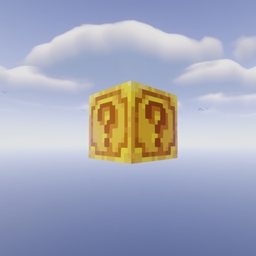
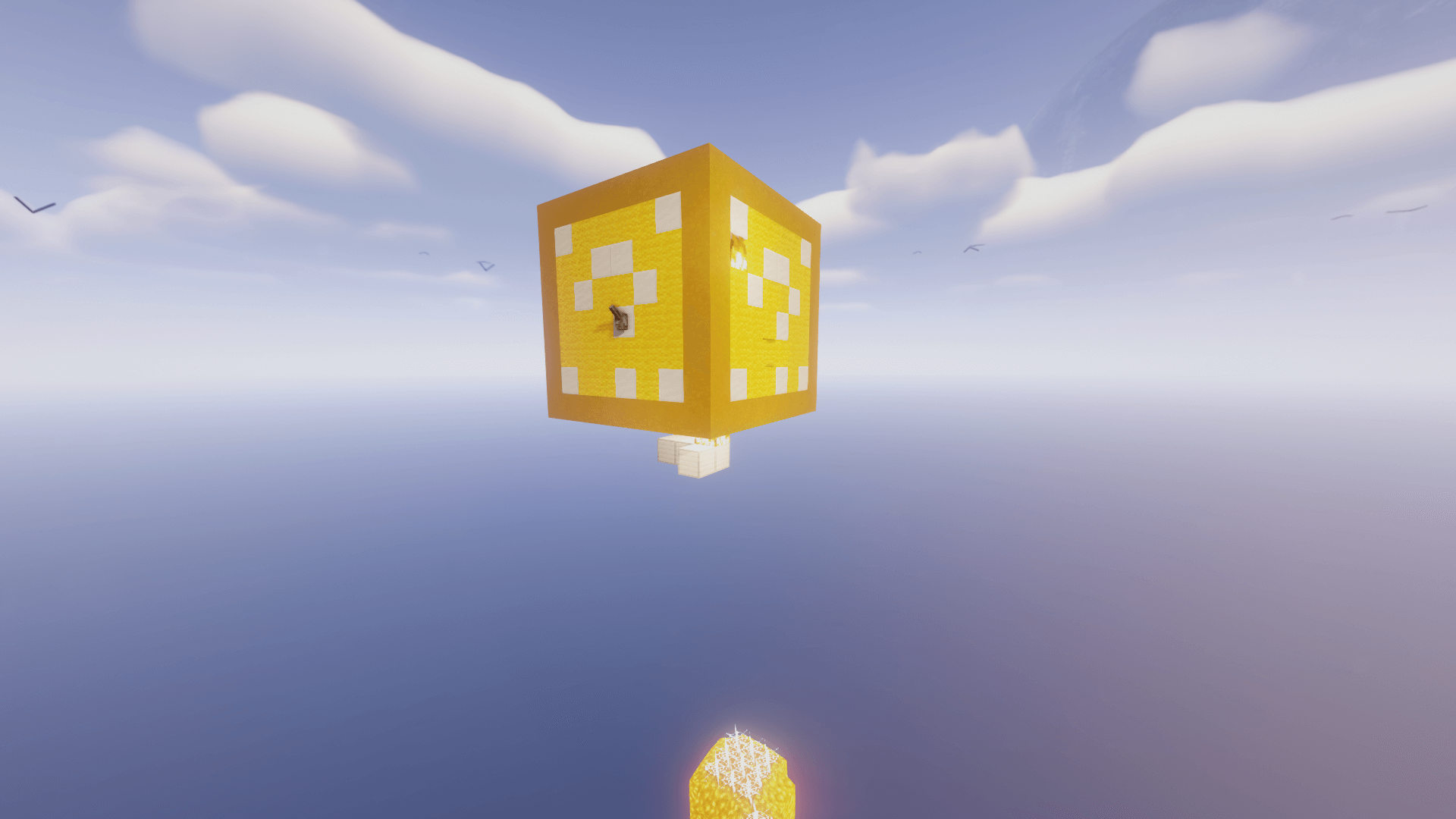
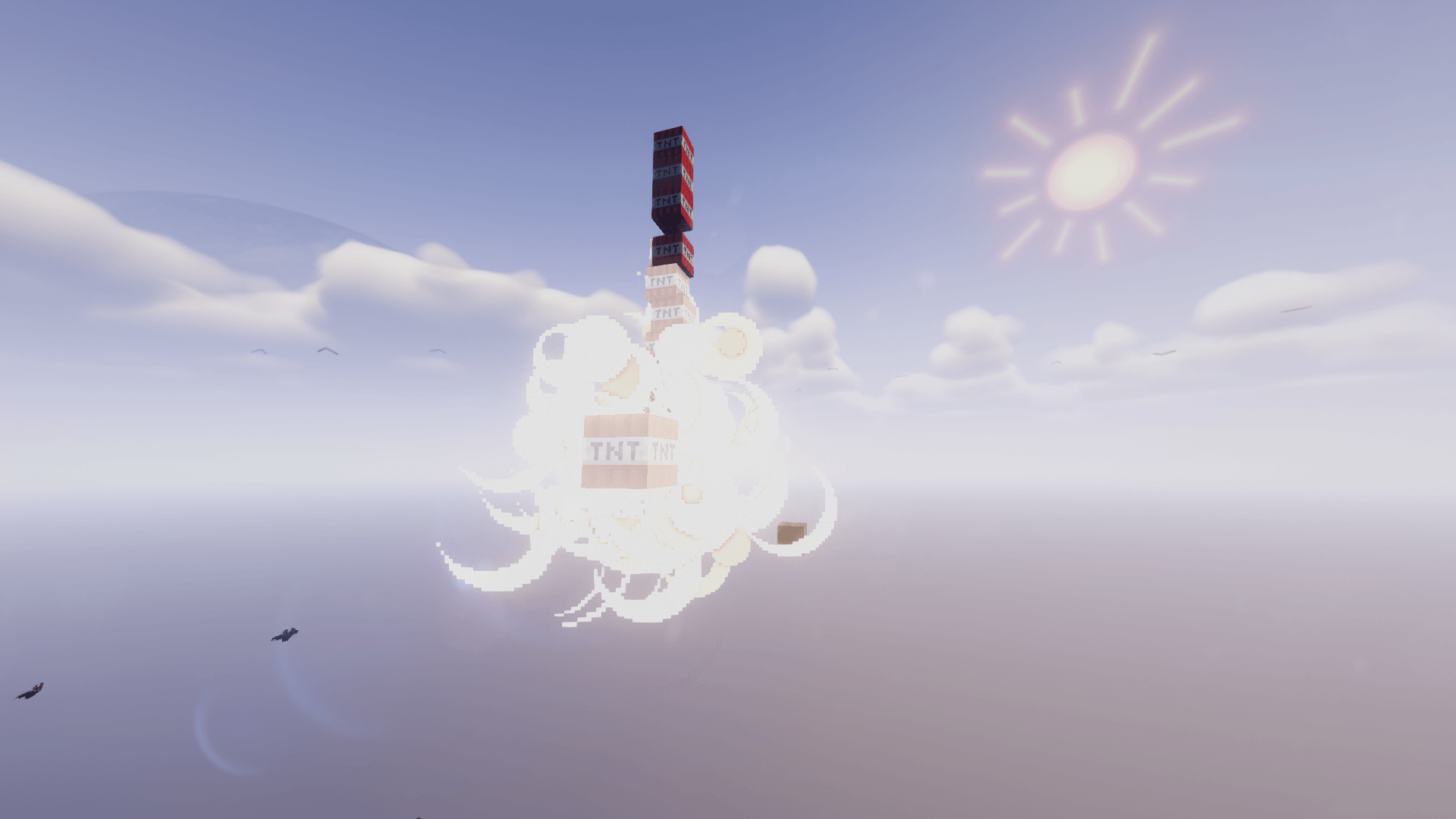
Lucky Block Challenge OneBlock is a map that features the classic single floating lucky block in the middle of the void.
Important
This map was made for the Lucky Block Challenge Modpack, we highly recommended you use it with the Modpack.
Lucky Block Challenge OneBlock ఎలా ఇన్స్టాల్ చేయాలి
With Millida Launcher
Install Millida Launcher
The launcher is free: download it at millida.net/launcher and sign in with any nickname.
Click “Install” on this page
The launcher opens and installs the map for Minecraft 1.21.1 automatically.
Launch the game
A profile with it appears in the launcher: click “Play”.
On a server
Replace the world folder
Stop the server and put the map folder in place of world (or set its name in level-name).
Use the “To server” button
On Millida Hosting, the button at the top of the page uploads the file to your server and restarts it for you.
వెర్షన్లు
డిపెండెన్సీలతో
| Minecraft | లోడర్ | ఫైల్ | తేదీ | చర్యలు |
|---|---|---|---|---|
| 1.21.1 | — | Lucky Block Challenge OneBlock [1.0.1]3.9 MB 7 |
FAQ
Which Minecraft versions does Lucky Block Challenge OneBlock work on?
Only Minecraft 1.21.1: there are no files for other versions.
How do I download Lucky Block Challenge OneBlock?
With Millida Launcher: it installs Lucky Block Challenge OneBlock into a modpack by itself, for the right game version and loader. The launcher is free.
సమీక్షలు
Lucky Block Challenge OneBlockకు మొదటి రేటింగ్ ఇవ్వండి