
Minecraft 26.0.02 కోసం Hardcore Survival మ్యాప్
ప్రారంభ-గేమ్ శ్రమను దాటవేయండి! సురక్షితమైన బేస్, అవసరమైన వనరులు మరియు మీ సర్వైవల్ ప్రయాణాన్ని ప్రారంభించడానికి ప్రాథమిక ఫార్మ్లతో కూడిన పరిపూర్ణ హార్డ్కోర్ స్టార్టర్ వరల్డ్
Hardcore Survival మ్యాప్ గురించి
Project Overview
Starting a new Hardcore world can be the most dangerous part of the game. This Hardcore Starter World is designed for players who want to jump straight into the action with a solid foundation. Everything in this world was gathered and built manually in Survival mode-no cheats or Creative mode were used.
Features & Content
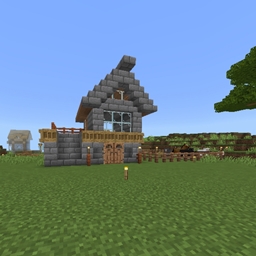
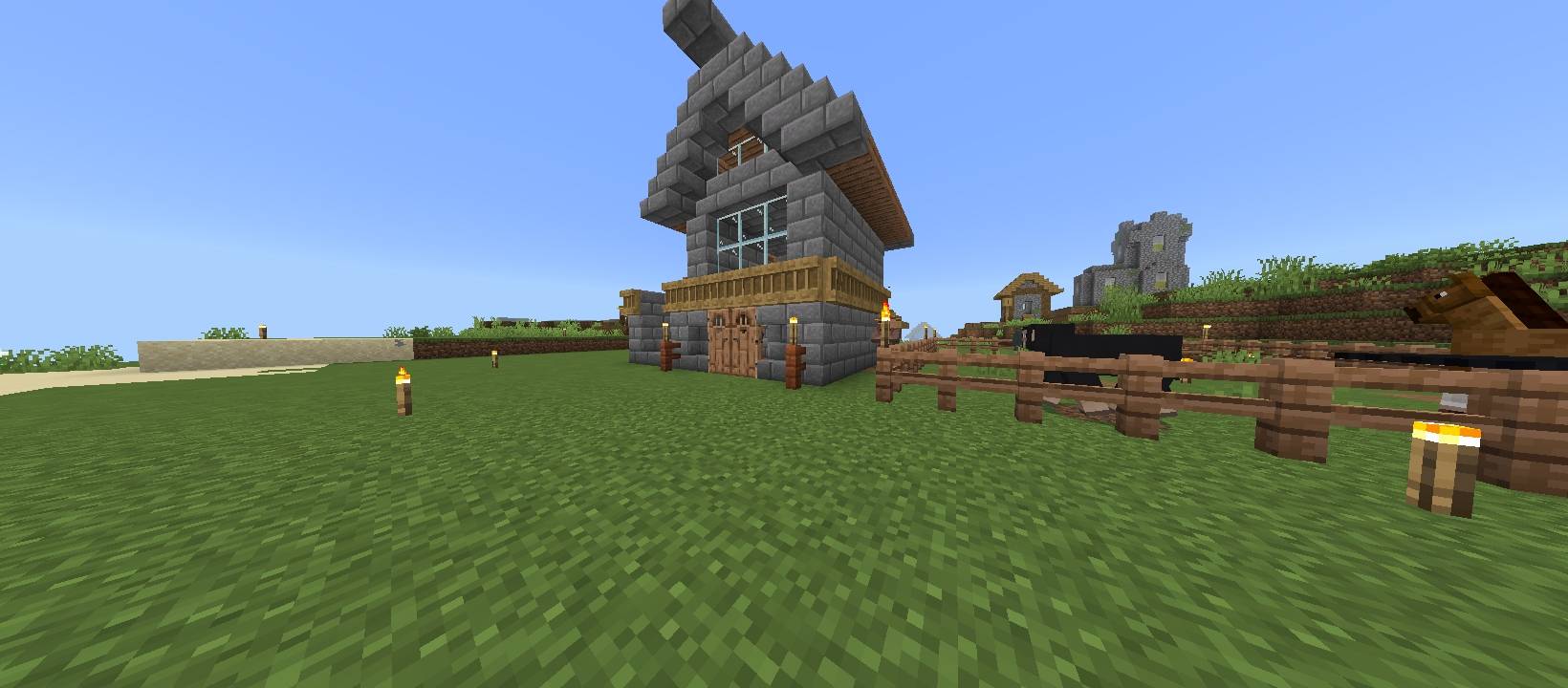
The Starter Hub: A cozy, well-lit base to
keep you safe from mobs during the first few nights.
Essential Resources: Chests stocked with basic iron tools, coal, and building materials to save you time.
Food & Agriculture: A small-scale wheat and animal farm to ensure you never run out of hunger bars.
Safe Perimeter: The immediate area around the spawn and base has been cleared and lit to prevent unexpected creeper surprises.
Hardcore Survival ఎలా ఇన్స్టాల్ చేయాలి
With Millida Launcher
Install Millida Launcher
The launcher is free: download it at millida.net/launcher and sign in with any nickname.
Click “Install” on this page
The launcher opens and installs the map for Minecraft 1.21.131–26.0.02 automatically.
Launch the game
A profile with it appears in the launcher: click “Play”.
Manually
Download the map archive
Pick the file Hardcore_Survival_world.mcworld (7.7 MB).
Unpack it into the saves folder
The world folder (with level.dat inside) must sit directly in .minecraft/saves.
Open the world
“Singleplayer”: the map will be in your world list.
On a server
Replace the world folder
Stop the server and put the map folder in place of world (or set its name in level-name).
Use the “To server” button
On Millida Hosting, the button at the top of the page uploads the file to your server and restarts it for you.
వెర్షన్లు
డిపెండెన్సీలతో
| Minecraft | లోడర్ | ఫైల్ | తేదీ | చర్యలు |
|---|---|---|---|---|
| 1.21.131 | — | Hardcore_Survival_world.mcworld7.7 MB |
FAQ
Which Minecraft versions does Hardcore Survival work on?
There are files for 26.0.02, 26.0, 1.21.132, 1.21.131. The newest is 26.0.02.
Where can I download Hardcore Survival safely?
On this page: the file Hardcore_Survival_world.mcworld (7.7 MB) is stored on Millida’s server, with no link shorteners. SHA-1 checksum: 4947fca4d5b2cd999867be3eacf7cd1a037f0871.
సమీక్షలు
Hardcore Survivalకు మొదటి రేటింగ్ ఇవ్వండి



