
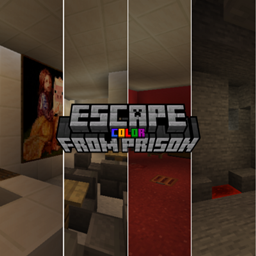
Minecraft 1.21.11 కోసం ESCAPE FROM PRISON - COLOR మ్యాప్
మీరు ఎప్పుడైనా రంగుల జైలును చూశారా? 🌈
ESCAPE FROM PRISON - COLOR మ్యాప్ గురించి
~ DESCRIPTION ~
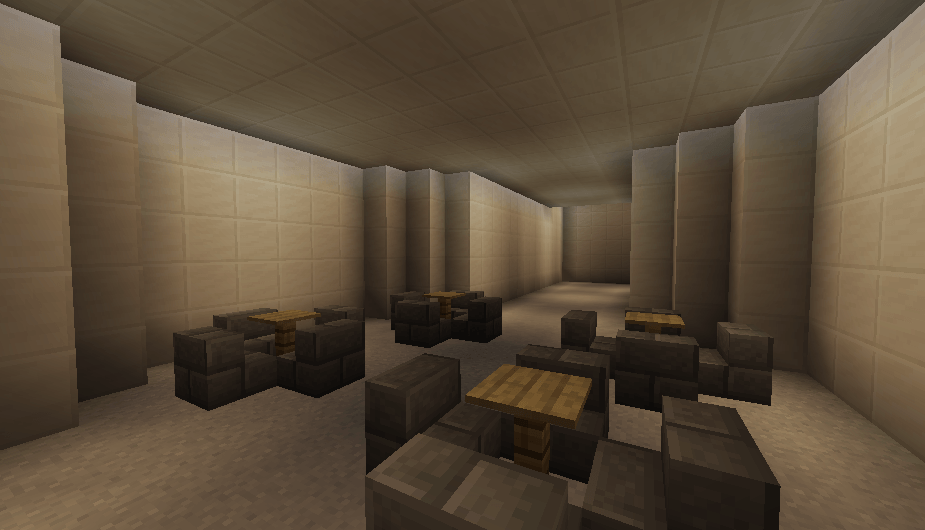
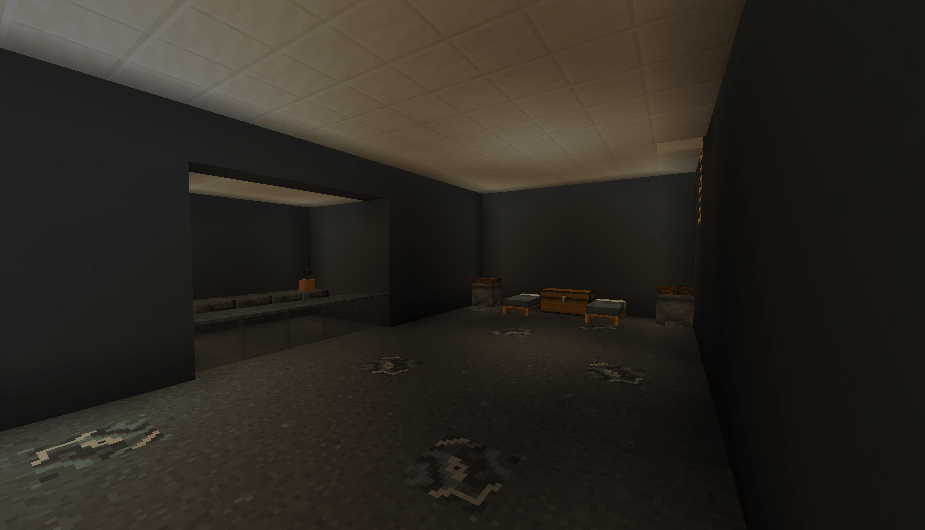
'ESCAPE FROM PRiSON - COLOR' is a puzzle map whose aim is to escape from prison, as the name suggests. You have to go through various challenges and colourful areas. Enjoy the map and have fun 🙂
~ OTHER MAPS ~
ESCAPE FROM PRISON
BARRIER PUZZLE
THE PUZZLE
~ FOLLOW ME ~
ESCAPE FROM PRISON - COLOR ఎలా ఇన్స్టాల్ చేయాలి
With Millida Launcher
Install Millida Launcher
The launcher is free: download it at millida.net/launcher and sign in with any nickname.
Click “Install” on this page
The launcher opens and installs the map for Minecraft 1.21.11 automatically.
Launch the game
A profile with it appears in the launcher: click “Play”.
Manually
Download the map archive
Pick the file ESCAPE FROM PRISON - COLOR.zip (2.2 MB).
Unpack it into the saves folder
The world folder (with level.dat inside) must sit directly in .minecraft/saves.
Open the world
“Singleplayer”: the map will be in your world list.
On a server
Replace the world folder
Stop the server and put the map folder in place of world (or set its name in level-name).
Use the “To server” button
On Millida Hosting, the button at the top of the page uploads the file to your server and restarts it for you.
వెర్షన్లు
డిపెండెన్సీలతో
| Minecraft | లోడర్ | ఫైల్ | తేదీ | చర్యలు |
|---|---|---|---|---|
| 1.21.11 | — | ESCAPE FROM PRISON - COLOR v1.62.2 MB 3 |
సమీక్షలు
ESCAPE FROM PRISON - COLORకు మొదటి రేటింగ్ ఇవ్వండి



