
Minecraft 26.40 కోసం Daybreak: Operation Aurora (BETA!) మ్యాప్
Daybreak అనేది Patient Zero తర్వాత 8 సంవత్సరాల తర్వాత జరిగే పోస్ట్ అపోకలిప్టిక్ సర్వైవల్ అడ్వెంచర్ మ్యాప్. ప్రదేశాలను అన్లాక్ చేసి అన్వేషించండి, ప్రమాదకర ప్రాంతాల్లోకి దిగండి, కథను కలిపి అర్థం చేసుకోండి, మరియు మరెన్నో!
Daybreak: Operation Aurora (BETA!) మ్యాప్ గురించి
Daybreak is a post apocalyptic survival adventure map that takes place 8 years after Patient Zero. Unlock and explore locations, dive into dangerous zones, piece together the story, and many more!
Trailer
Update Information
This update serves as the official beta test for the upcoming major expansion, Daybreak: Operation Aurora, introducing the long-awaited Sector Borealis alongside combat adjustments, new gear, and exclusive content.
[Beta Version]
❤│Support

❤ Support Knighty!
Donator/Supporter Perks
• Starter Bundle (Weapons, Armor)
• Gacha 10 Pull
• Exclusive Player Trail (Donator)
Member Perks
POTATO
• Starter Bundle (Weapons, Armor, Trading Items)
• Gacha 20 Pull
• Exclusive Player Trail (POTATO member)
POISONOUS POTATO
• Starter Bundle (Weapons, Armor, Trading Items, Experience Books)
• Exclusive Player Trails (POISONOUS POTATO member)
• Gacha 30 Pull
• Get your name in the map
📢 If you do support Knighty, please indicate your Minecraft username so we can add your perks. (Note: Perks will apply every update and will be permanent)
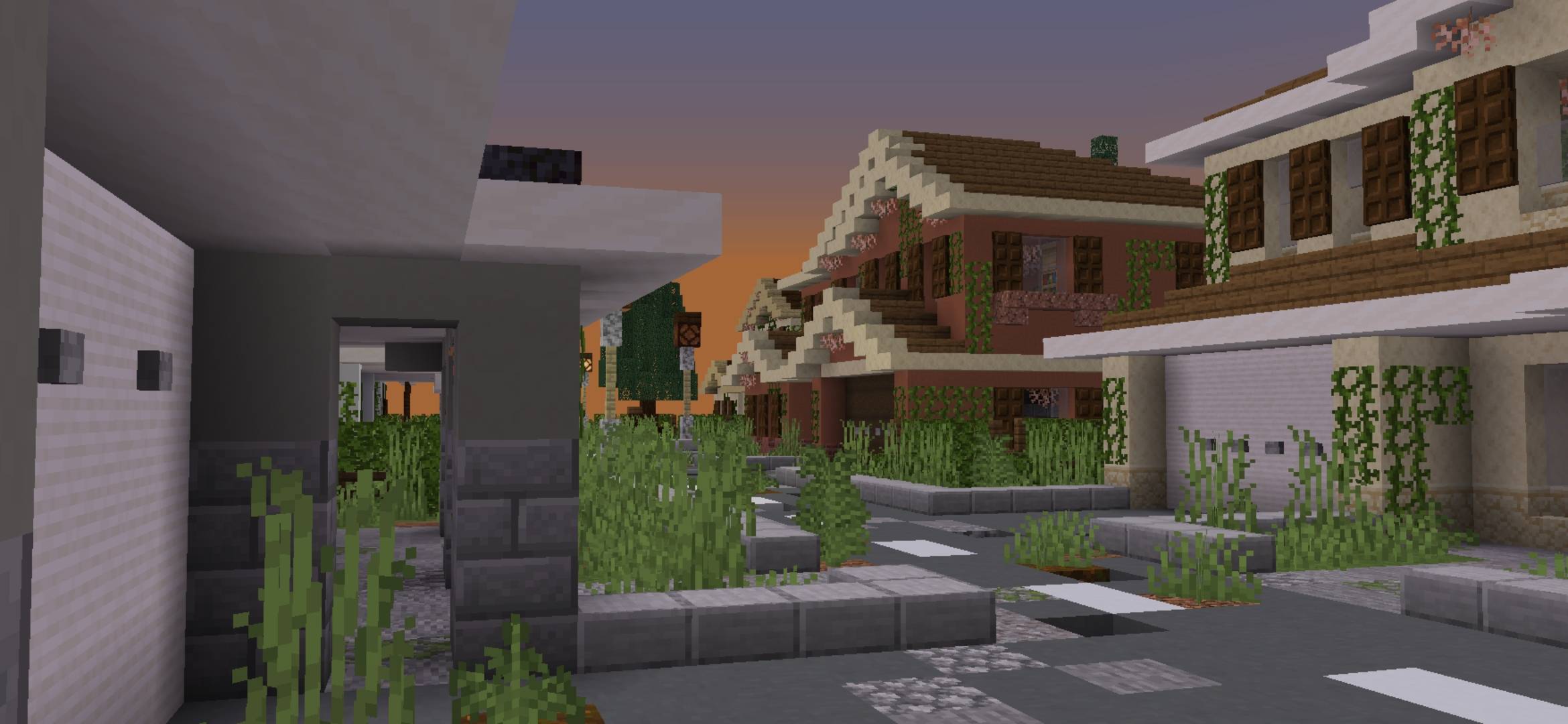
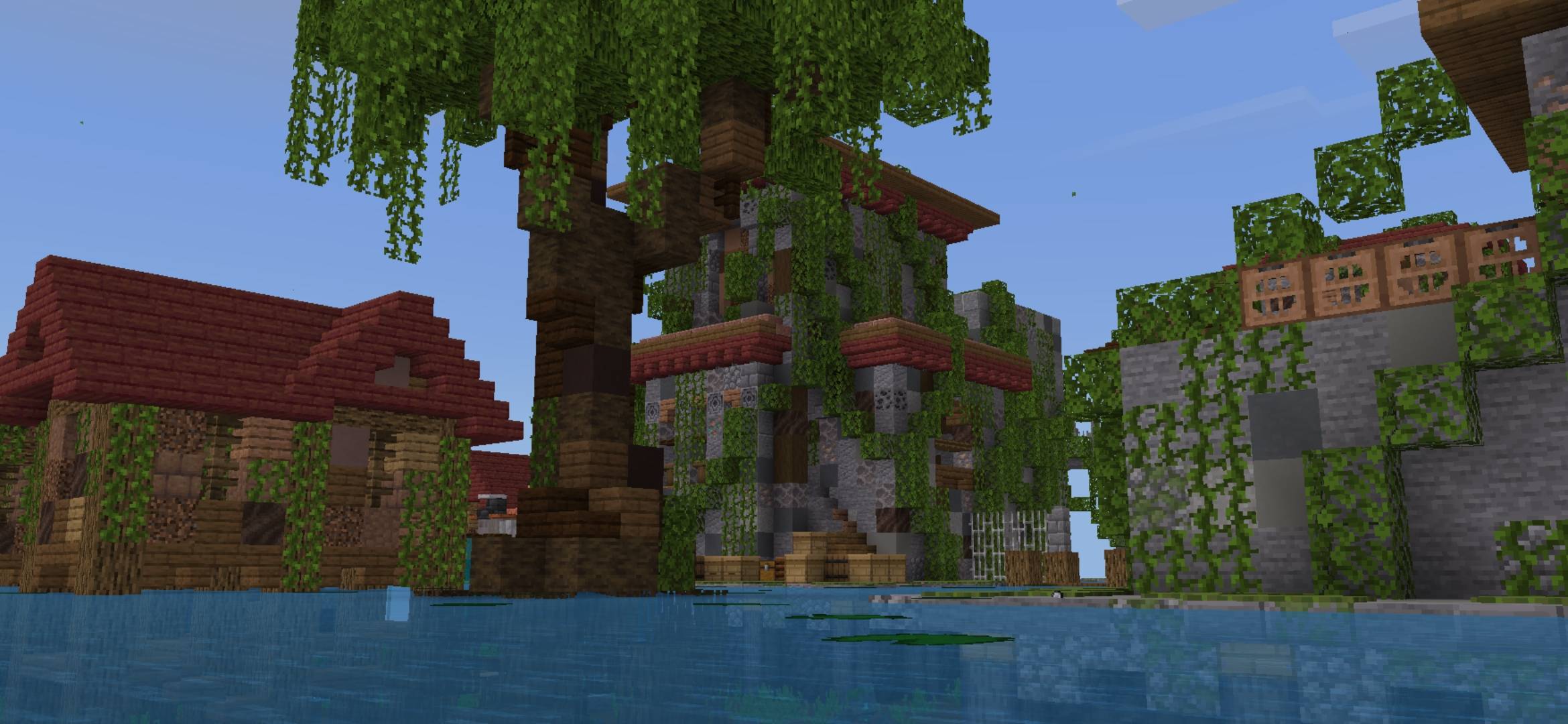
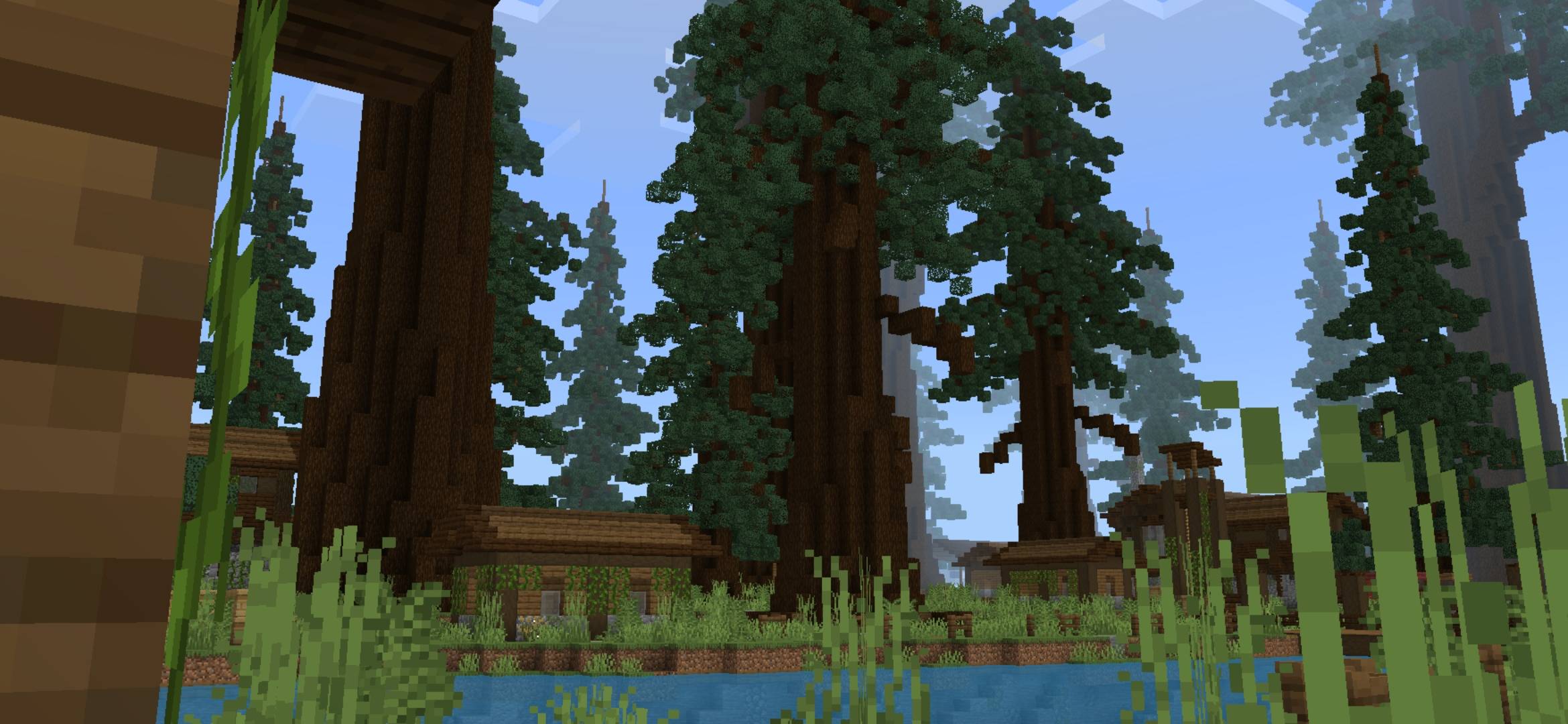
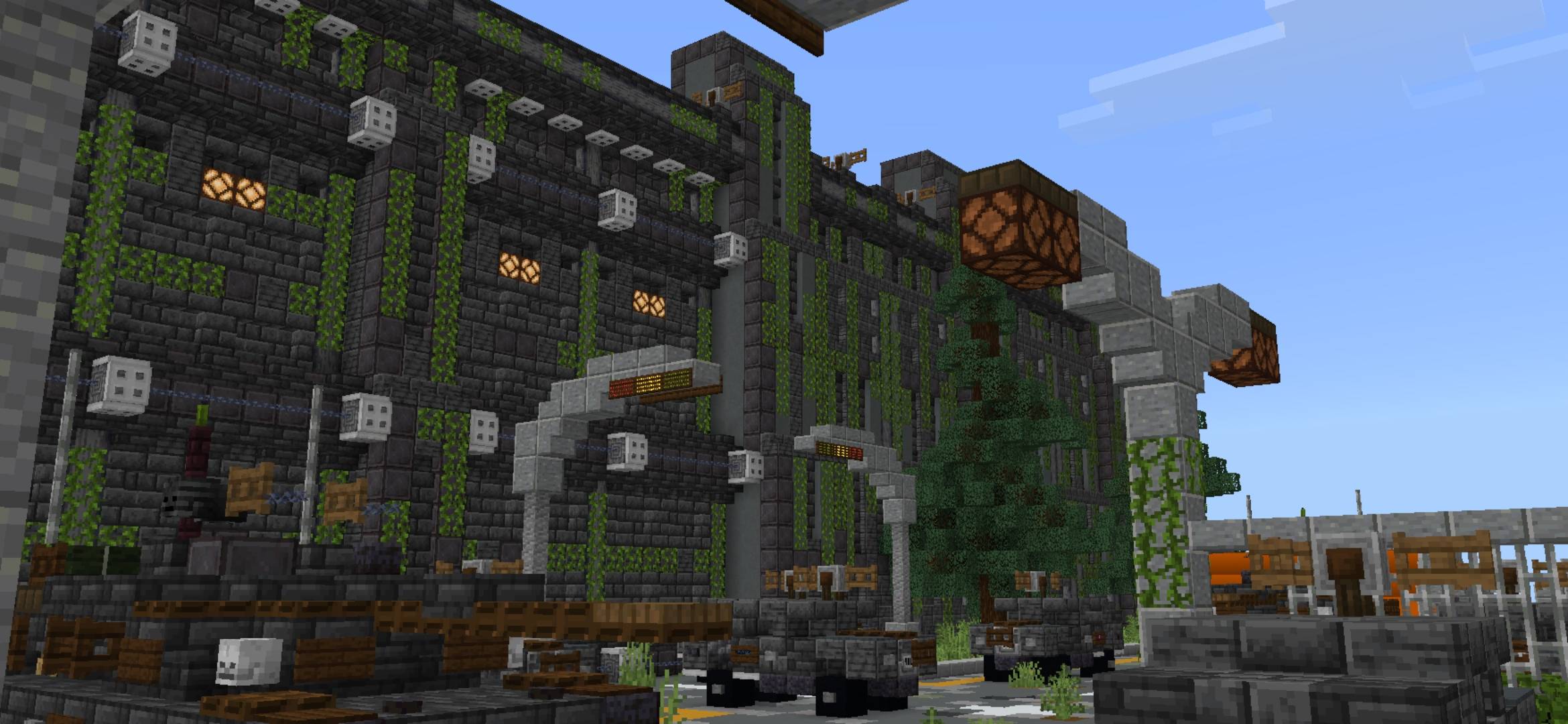
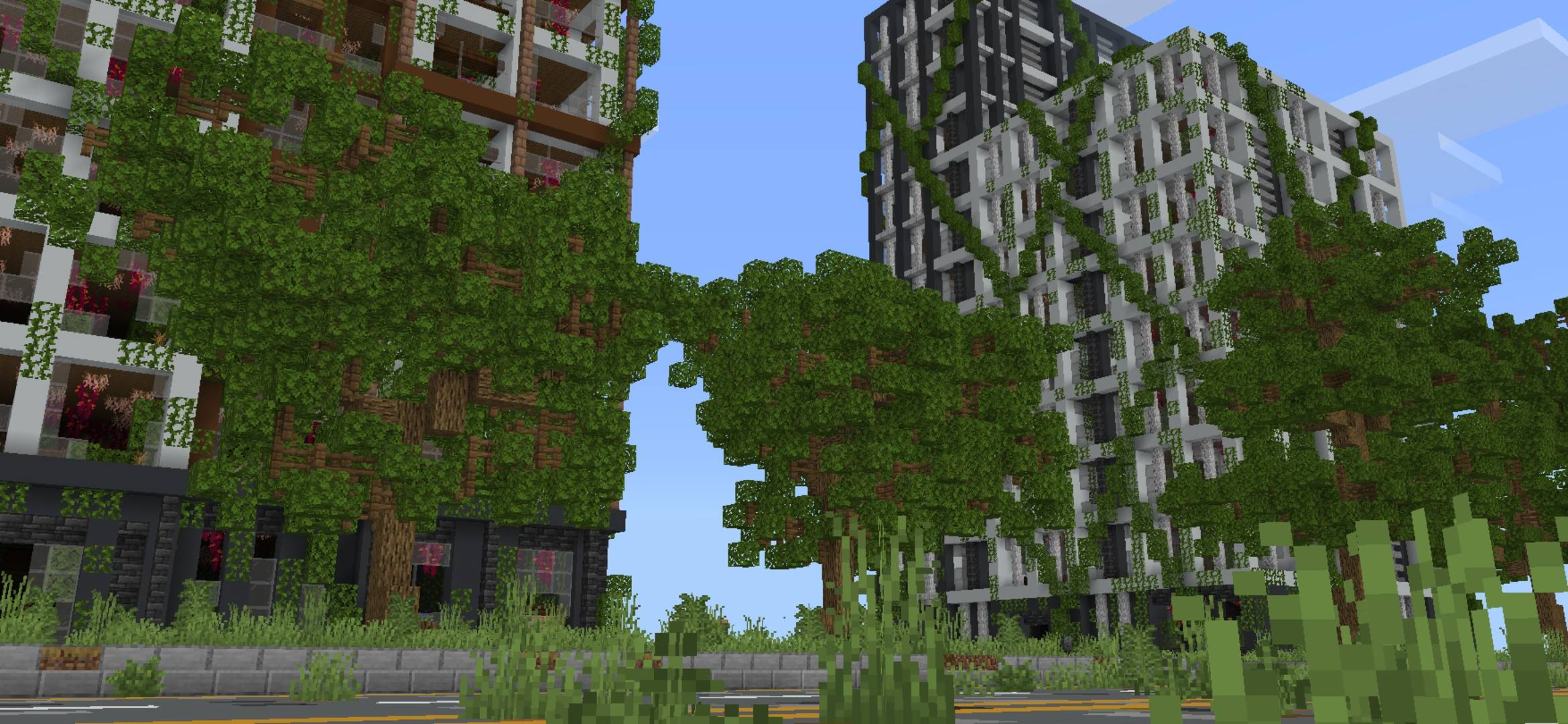
Screenshots






👥│Community



👥 Join the Discord server!
Daybreak continues because of you.
Usage Policy
• You are NOT allowed to publish the map anywhere else and claim it as your own.
• You are NOT allowed to edit and publish the map as your own
• You are NOT allowed to monetize, sell, or profit from the map in any way (Except showcasing it on social media e.g. YouTube, Tiktok, Twitch, etc.)
• You are NOT allowed to use your own links when putting the download link of the map in your video descriptions.
• You are allowed to edit the map for personal use or to play with friends.
• When putting a download link in video descriptions/showcases, please follow this format (or something close to it):
Map used: Daybreak
Download: (MCPEDL or CurseForge link)
⚠️ Failure to comply will result in your content being taken down.
Latest Beneath Deepslate Video (DevTalk)
Other Links
CurseForge
MCPEDL
Below Bedrock Studios
Daybreak: Operation Aurora (BETA!) ఎలా ఇన్స్టాల్ చేయాలి
With Millida Launcher
Install Millida Launcher
The launcher is free: download it at millida.net/launcher and sign in with any nickname.
Click “Install” on this page
The launcher opens and installs the map for Minecraft 26.40 automatically.
Launch the game
A profile with it appears in the launcher: click “Play”.
On a server
Replace the world folder
Stop the server and put the map folder in place of world (or set its name in level-name).
Use the “To server” button
On Millida Hosting, the button at the top of the page uploads the file to your server and restarts it for you.
వెర్షన్లు
డిపెండెన్సీలతో
| Minecraft | లోడర్ | ఫైల్ | తేదీ | చర్యలు |
|---|---|---|---|---|
| 26.40 | — | Daybreak: Operation Aurora [August BETA]8.1 MB |
FAQ
Which Minecraft versions does Daybreak: Operation Aurora (BETA!) work on?
Only Minecraft 26.40: there are no files for other versions.
How do I download Daybreak: Operation Aurora (BETA!)?
With Millida Launcher: it installs Daybreak: Operation Aurora (BETA!) into a modpack by itself, for the right game version and loader. The launcher is free.
సమీక్షలు
Daybreak: Operation Aurora (BETA!)కు మొదటి రేటింగ్ ఇవ్వండి



