

Minecraft 1.16.2 కోసం Caveblock Classic మ్యాప్
మీ సూపర్ భూగర్భ బేస్ను నిర్మించండి! Oneblock సృష్టికర్త నుండి మ్యాప్! (Caveblock అధికారిక ప్రయోగాత్మక విడుదల 1.17 తర్వాత వస్తుంది! కొత్త కేవ్ జనరేషన్తో కూడా!)
Caveblock Classic మ్యాప్ గురించి
ATTENTION! CAVEBLOCK IS NO LONGER OUR PRIORITY OF DEVELOPMENT AND THIS PROJECT IS OUTDATED
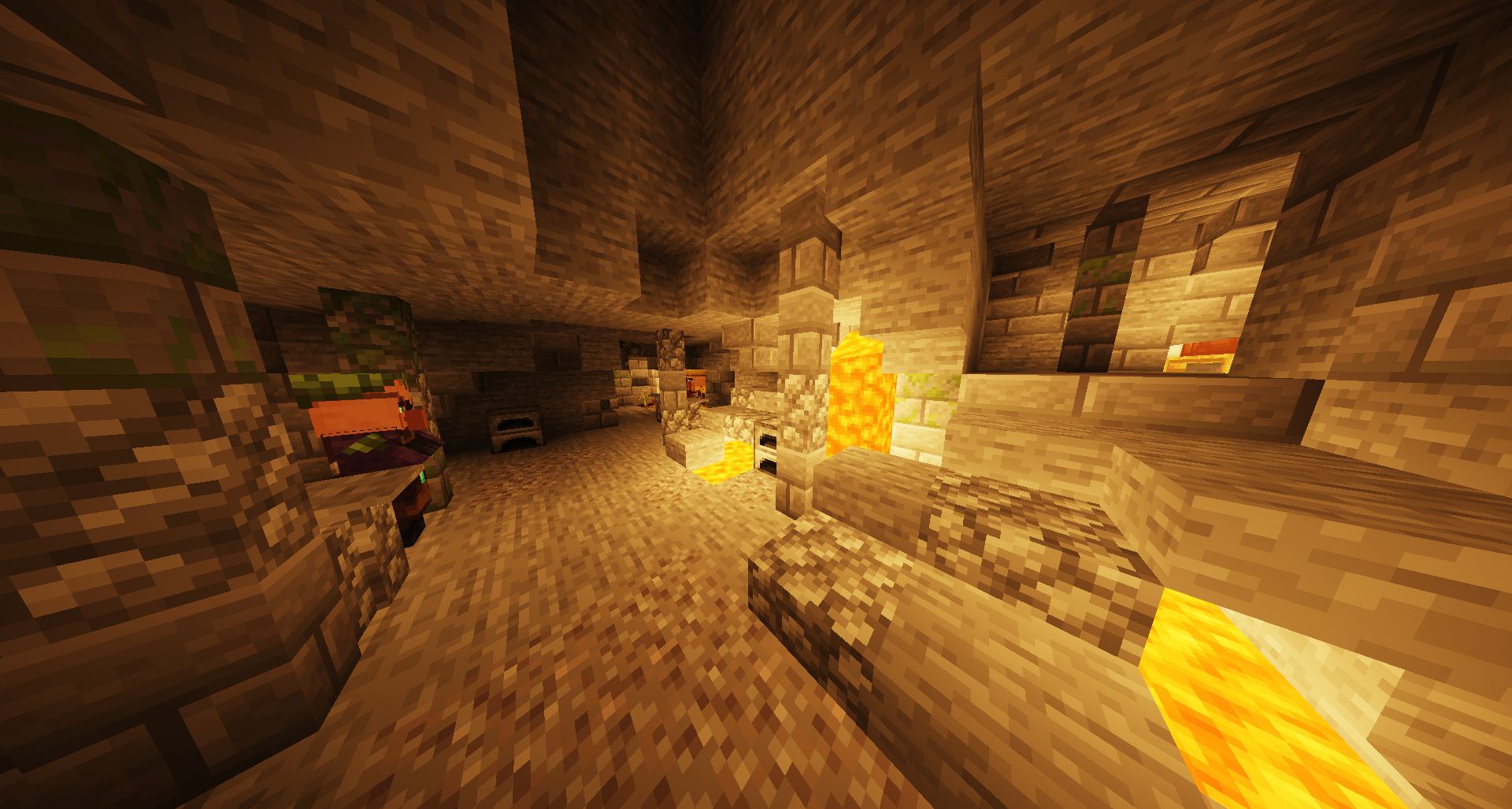
Welcome to the underground madness! Build your underground base, find camps and save the villagers! Minecraft survival map inspired by stoneblock modpack. Map - exclusive only on the Curse Forge
Extra
Survival map, only caves and dungeons, including starting chest with extra cave and one starter villager. All bugs and errors please report on the our discord server.
💥BETA update💥
- end
- dungeons , prisons
- advancements
- spawn
- details
Twitter: @Crepteam | Crepteam account | news, leaks, informations @CrepikCZ | Models, textures, leaks
Created by Crepteam
Caveblock Classic ఎలా ఇన్స్టాల్ చేయాలి
With Millida Launcher
Install Millida Launcher
The launcher is free: download it at millida.net/launcher and sign in with any nickname.
Click “Install” on this page
The launcher opens and installs the map for Minecraft 1.16.2 automatically.
Launch the game
A profile with it appears in the launcher: click “Play”.
Manually
Download the map archive
Pick the file Caveblock BETA 0.9.zip (11 MB).
Unpack it into the saves folder
The world folder (with level.dat inside) must sit directly in .minecraft/saves.
Open the world
“Singleplayer”: the map will be in your world list.
On a server
Replace the world folder
Stop the server and put the map folder in place of world (or set its name in level-name).
Use the “To server” button
On Millida Hosting, the button at the top of the page uploads the file to your server and restarts it for you.
వెర్షన్లు
డిపెండెన్సీలతో
| Minecraft | లోడర్ | ఫైల్ | తేదీ | చర్యలు |
|---|---|---|---|---|
| 1.16.2 | — | Caveblock BETA 0.910.5 MB |
FAQ
Which Minecraft versions does Caveblock Classic work on?
Only Minecraft 1.16.2: there are no files for other versions.
Where can I download Caveblock Classic safely?
On this page: the file Caveblock BETA 0.9.zip (11 MB) is stored on Millida’s server, with no link shorteners. SHA-1 checksum: 4f23573d37fe9a4d8eddee0ae2f09cf11d7f2901.
సమీక్షలు
Caveblock Classicకు మొదటి రేటింగ్ ఇవ్వండి



