
Minecraft 1.21, 26.40 కోసం Added Adventures మ్యాప్
A challenging combat game with RPG and PVP components.
Added Adventures మ్యాప్ గురించి
Introduction
Added Adventures is a fighting game centered around playable kits. In your journey with these kits, you will be exposed to monsters, bosses, other kits, etc. It is recommended that you bring a few friends with you, as this game heavily encourages communication and teamwork. It also has a PVP system with plenty of unique maps and objectives, where you can hone your skills against friends.
Kits
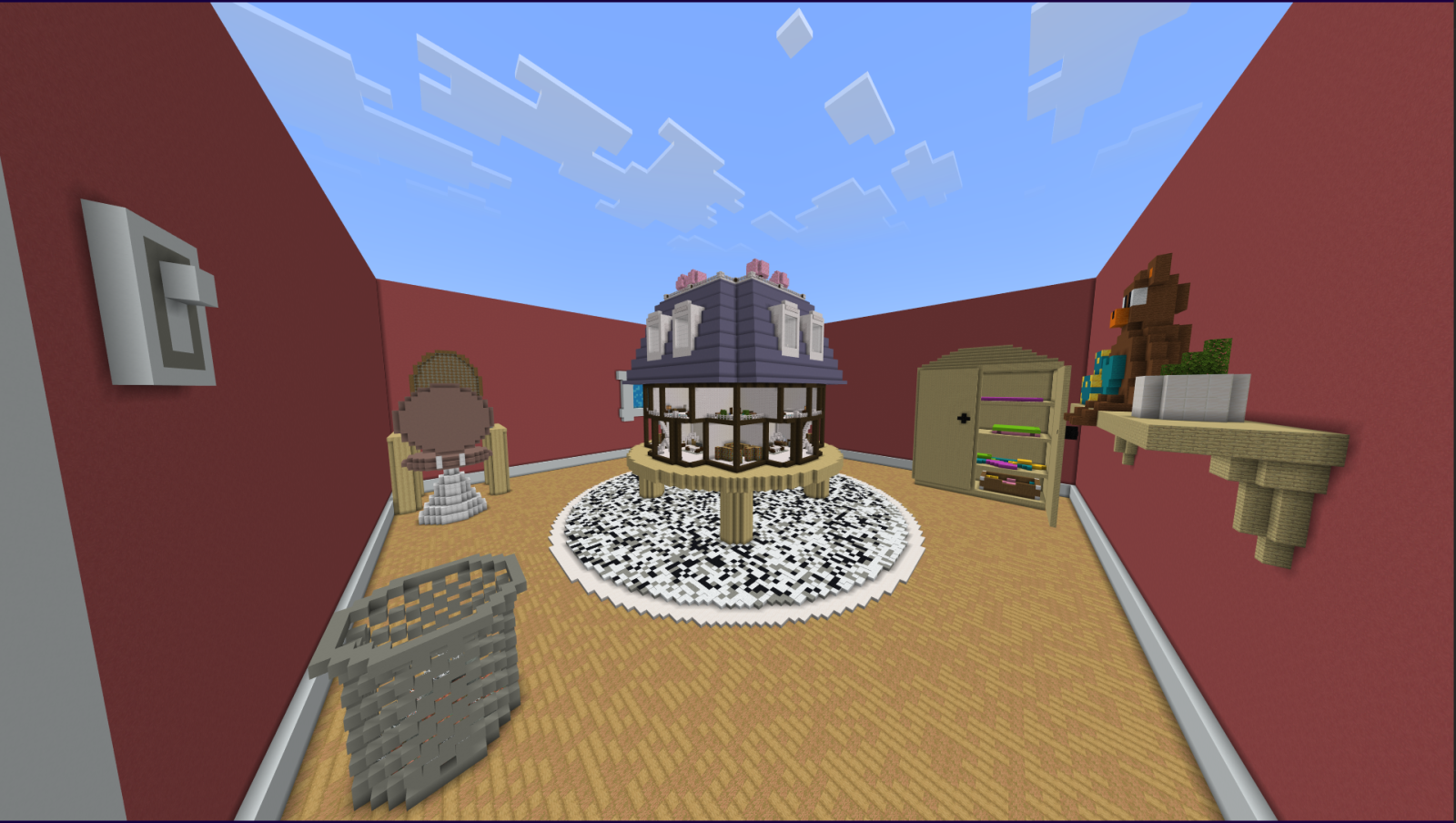
The kits are what some might consider the classes for this game. Each of them are unique and have their own strengths and weaknesses. Some of which even have special abilities, effects, animations, items, etc. There are several batches of these said kits, and a full batch typically consists of five kits. Each batch is unique in their own way, with some being more powerful than others, and others requiring more dexterity to unveil their full potential.
A good example of kits with a high skill ceiling are the Lost kits. Lost kits are obscure, otherworldly kits that each have special abilities and an ultimate. They are known as the Magician, Aqua, Hothead, Mechanic, and lastly, the Wind Bringer. On top of that, each Lost kit also has their own dimension and companion kit to be discovered that adds to their depth and overall power.
The Tower
There is a massive tower at spawn owned by a cryptic NPC named Spooky Man. He tries to get players to fight through his spooky floors with only the most basic kits (since that's all he was able to afford). As you climb through, however, Spooky Man begins to reveal his true intentions...
Side Notes
- Different game modes recommend different amounts of players. For the best experience, play with 2-6 players.
- The game will require a little bit of reading to fully understand, especially with the more complex kits.
- If something glitches out or you are lost, '/function reset' will fix it.
- There's lots to discuss when it comes to balance and the overall design some of the kits and game modes, or the game in general. Feel free to make suggestions!
- A Discord server for this game is available. Feel free to join if you have any questions or would like to know more.
Added Adventures ఎలా ఇన్స్టాల్ చేయాలి
With Millida Launcher
Install Millida Launcher
The launcher is free: download it at millida.net/launcher and sign in with any nickname.
Click “Install” on this page
The launcher opens and installs the map for Minecraft 1.21–26.40 automatically.
Launch the game
A profile with it appears in the launcher: click “Play”.
Manually
Download the map archive
Pick the file Added Adventures.mcworld (8.7 MB).
Unpack it into the saves folder
The world folder (with level.dat inside) must sit directly in .minecraft/saves.
Open the world
“Singleplayer”: the map will be in your world list.
On a server
Replace the world folder
Stop the server and put the map folder in place of world (or set its name in level-name).
Use the “To server” button
On Millida Hosting, the button at the top of the page uploads the file to your server and restarts it for you.
వెర్షన్లు
డిపెండెన్సీలతో
| Minecraft | లోడర్ | ఫైల్ | తేదీ | చర్యలు |
|---|---|---|---|---|
| 1.21.30 | — | Added Adventures.mcworld8.7 MB |
FAQ
Which Minecraft versions does Added Adventures work on?
There are files for 1.21–26.40, 46 versions in total. The newest is 26.40.
Where can I download Added Adventures safely?
On this page: the file Added Adventures.mcworld (8.7 MB) is stored on Millida’s server, with no link shorteners. SHA-1 checksum: a963b94c5f504e53049bfd35dcf05fa26b46d49f.
సమీక్షలు
Added Adventuresకు మొదటి రేటింగ్ ఇవ్వండి



