

Minecraft 1.20.1, 1.21.1 కోసం Tidal Towns డేటా ప్యాక్
అలలపై తేలియాడే గ్రామాన్ని ఏర్పరచడానికి అనేక కొయ్య ముక్కలు సేకరించబడ్డాయి.
- డౌన్లోడ్లు
- 58 డౌన్లోడ్లు
- వ్యూలు
- 240 వ్యూలు
- అప్డేట్ చేయబడింది
- అప్డేట్ చేయబడింది 26.09.2026
- 1.19 — 26.3
 డేటా ప్యాక్
- క్లయింట్ మరియు సర్వర్
Tidal Towns డేటా ప్యాక్ గురించి
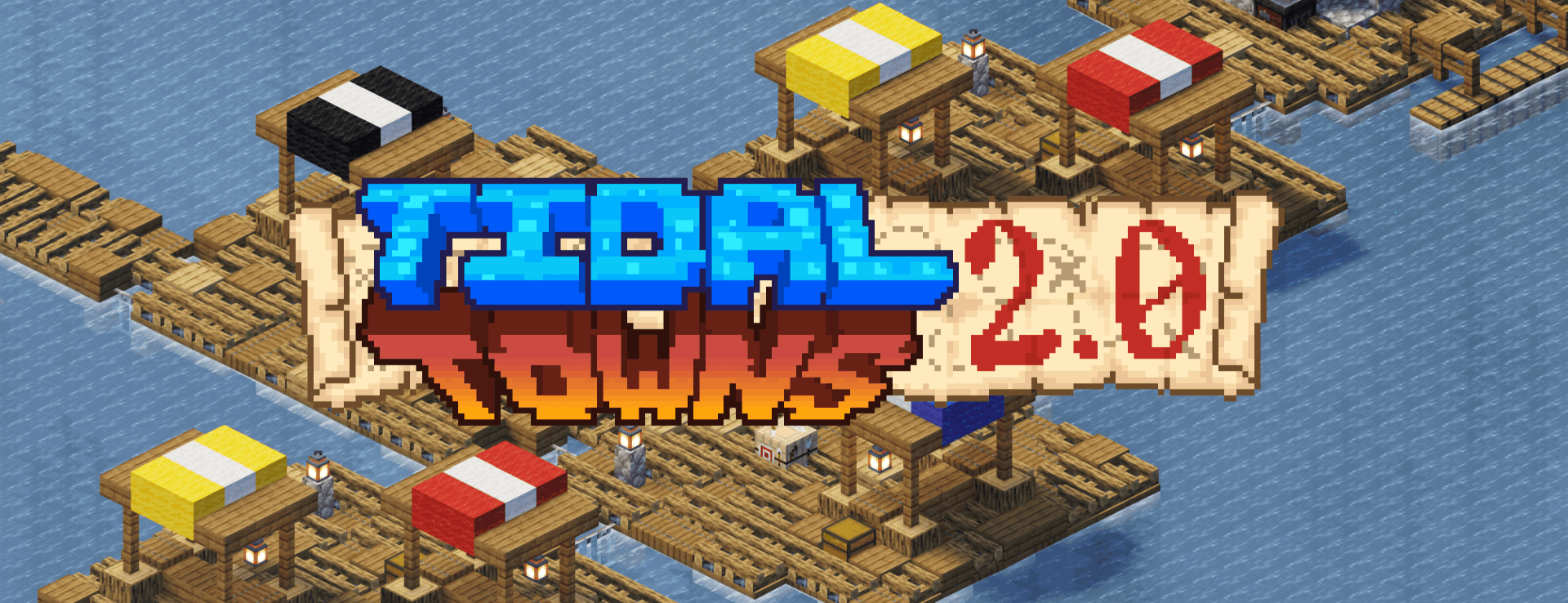
These crafty villagers have embarked on a new voyage: sailing the seas. You can now find ocean villages throughout the seas. They have maps, farms, houses, and even a blacksmith on these Tidal Towns.
Generates in the vanilla deep_ocean.
How do I find one?
- Explore the ocean or use the command /locate structure joshie:ocean_village.
Where do I find one?
- Generates in the vanilla deep_ocean.
Can I use this on my server?
- The structure uses vanilla blocks, so server owners can install the datapack and vanilla clients will be able to join fine.
Can I use this in my modpack/video/world/server?
- You are more than welcome to use Tidal Towns in any of these contexts.

Tidal Towns ఎలా ఇన్స్టాల్ చేయాలి
With Millida Launcher
Install Millida Launcher
The launcher is free: download it at millida.net/launcher and sign in with any nickname.
Click “Install” on this page
The launcher opens and installs the data pack for Minecraft 1.19–26.3 automatically.
Launch the game
A profile with it appears in the launcher: click “Play”.
Manually
Download the archive
Pick the file tidal_towns_2.0_1.20-26.3.zip (326 KB) for your game version.
New world: “Data Packs”
When creating a world, click “Data Packs”, drag the archive into the window, then move it to “Selected”.
Existing world: the datapacks folder
Put the archive into saves/<world>/datapacks and type /reload in game.
On a server
Archive goes into the server world’s datapacks
The world/datapacks folder on the server; players do not need to install anything.
Reload the data
Type /reload in the server console or restart the server.
Use the “To server” button
On Millida Hosting, the button at the top of the page uploads the file to your server and restarts it for you.
వెర్షన్లు
డిపెండెన్సీలతో
| Minecraft | లోడర్ | ఫైల్ | తేదీ | చర్యలు |
|---|---|---|---|---|
| 26.3 | డేటా ప్యాక్ | 26.3326 KB 58 | ||
| 1.21.1 | డేటా ప్యాక్ | 1.21.154.9 KB | — | |
| 1.21 | డేటా ప్యాక్ | 1.2154.9 KB | — | |
| 1.20.4 | డేటా ప్యాక్ | 1.20.455 KB | — | |
| 1.20.1 | డేటా ప్యాక్ | 1.20.155 KB | — | |
| 1.19.2 | డేటా ప్యాక్ | 1.19.236 KB | — |
దీన్ని అవసరం చేసే కంటెంట్
FAQ
Which Minecraft versions does Tidal Towns work on?
There are files for 1.19–26.3, 29 versions in total. The newest is 26.3.
Does Tidal Towns work on a server?
Yes: the data pack goes into the datapacks folder of the server world, and players do not need to install anything.
Where can I download Tidal Towns safely?
On this page: the file tidal_towns_2.0_1.20-26.3.zip (326 KB) is stored on Millida’s server, with no link shorteners. SHA-1 checksum: bf1312865a43bb78e2e785d22890e44f047322c2.
సమీక్షలు
Tidal Townsకు మొదటి రేటింగ్ ఇవ్వండి


