

 డేటా ప్యాక్
Dream's Compass
This datapack or mod allows you to enjoy the game of speedrunner vs hunters.
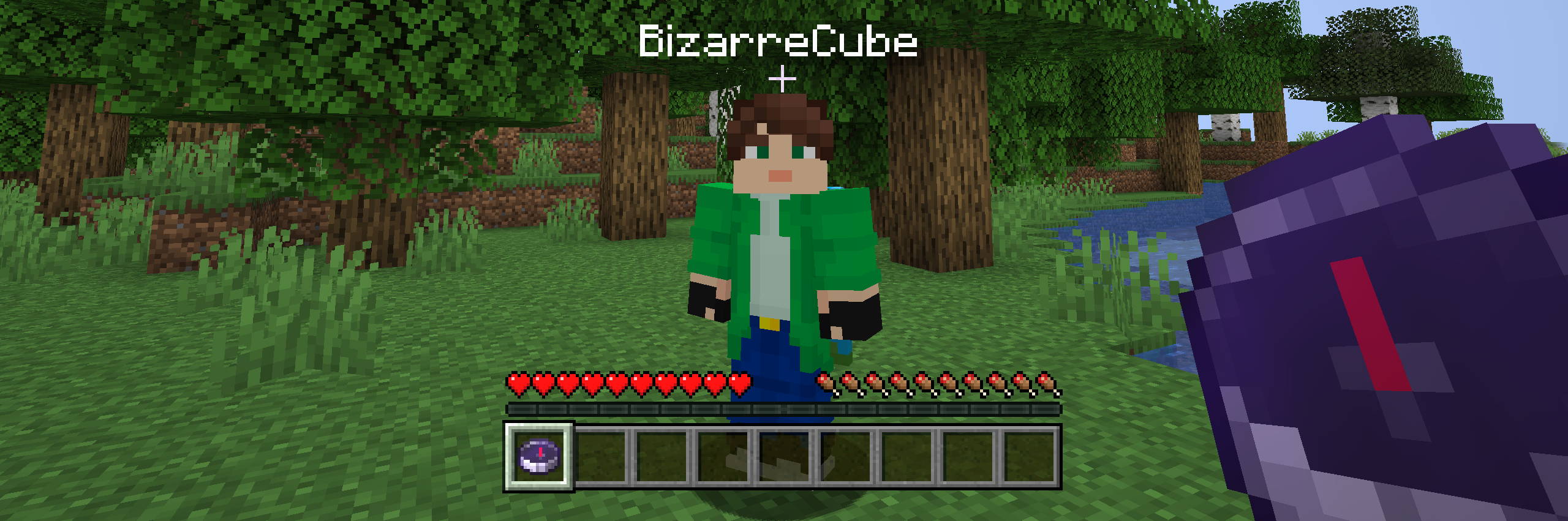
How to use
In order to start the game, the speedrunner needs to write the command below and then all compasses created in the game will point to the speedrunner.
--- If you want to start the game with compasses right away, you can use this command and then all hunters will be given compasses.
The compass by default points to the speedrunner, even if he has moved to another dimension. This is done in order to hide from hunters where the speedrunner is. In order for hunters to understand that the speedrunner has moved, you need to use a special command. After that, if the speedrunner ends up in another dimension, the compass will begin to rotate in different directions.
To disable this feature you need to use this command.

Dependencies
- Fabric loader requires Fabric API

Dream's Compass ఎలా ఇన్స్టాల్ చేయాలి
With Millida Launcher
Install Millida Launcher
The launcher is free: download it at millida.net/launcher and sign in with any nickname.
Click “Install” on this page
The launcher opens and installs the data pack for Minecraft 1.19.4–26.3 automatically.
Launch the game
A profile with it appears in the launcher: click “Play”.
Manually
Download the archive
Pick the file Dreams-Compass-1.5.3.zip (66 KB) for your game version.
New world: “Data Packs”
When creating a world, click “Data Packs”, drag the archive into the window, then move it to “Selected”.
Existing world: the datapacks folder
Put the archive into saves/<world>/datapacks and type /reload in game.
On a server
Archive goes into the server world’s datapacks
The world/datapacks folder on the server; players do not need to install anything.
Reload the data
Type /reload in the server console or restart the server.
Use the “To server” button
On Millida Hosting, the button at the top of the page uploads the file to your server and restarts it for you.
వెర్షన్లు
డిపెండెన్సీలతో
| Minecraft | లోడర్ | ఫైల్ | తేదీ | చర్యలు |
|---|---|---|---|---|
| 26.3 | డేటా ప్యాక్ | 26.366.2 KB | ||
| 1.21.11 | డేటా ప్యాక్ | 1.21.1165.1 KB | ||
| 1.21 | డేటా ప్యాక్ | 1.2165.1 KB | ||
| 1.20.1 | డేటా ప్యాక్ | 1.20.162.2 KB | ||
| 26.2 | డేటా ప్యాక్ | 26.265.1 KB | — | |
| 26.1 | డేటా ప్యాక్ | 26.165.1 KB | — |
సమీక్షలు
Dream's Compassకు మొదటి రేటింగ్ ఇవ్వండి


