

StoneTombs యాడాన్ గురించి
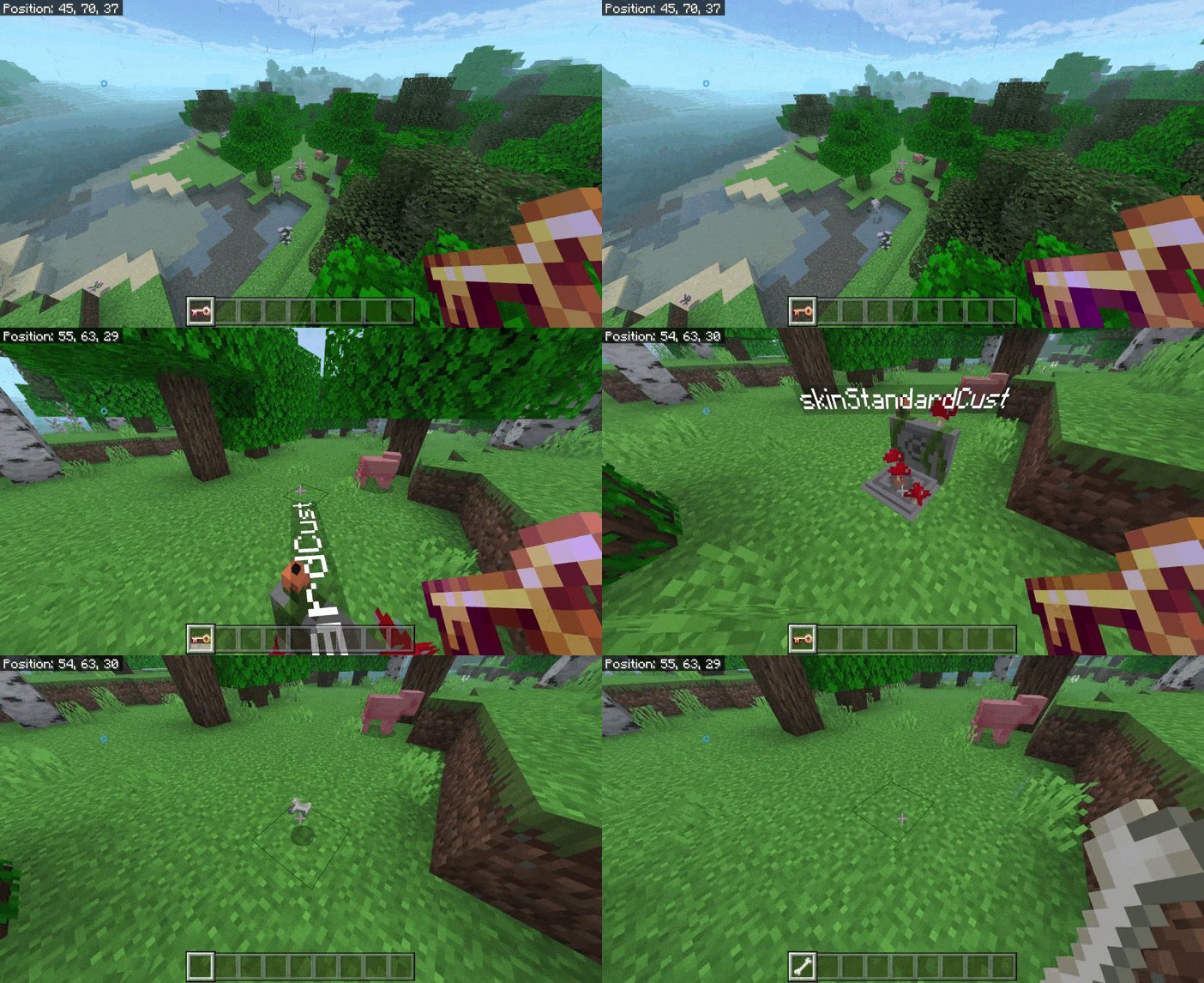
Adds a grave system with configurable behavior: controlled item recovery, grave access configuration, automatic recovery of armor and held items, as well as visual improvements with 17 gravestone models and 15 name colors.
StoneTombs ఎలా ఇన్స్టాల్ చేయాలి
Download the file
Click “Download” and save the file StoneTombs V2.0.mcaddon (955 KB).
Open it in Minecraft
The game opens a .mcpack or .mcaddon file by itself: the pack appears in storage.
Enable the pack in a world
World settings, then “Resource Packs” or “Behavior Packs”, then “Activate”.
వెర్షన్లు
| Minecraft | లోడర్ | ఫైల్ | తేదీ | చర్యలు |
|---|---|---|---|---|
| 1.19 | — | 1.0.0955 KB |
FAQ
Which Minecraft versions does StoneTombs work on?
Only Minecraft 1.19: there are no files for other versions.
Where can I download StoneTombs safely?
On this page: the file StoneTombs V2.0.mcaddon (955 KB) is stored on Millida’s server, with no link shorteners. SHA-1 checksum: 35f7cbd437771f9492486cae14b1cd3d188b08c0.
సమీక్షలు
StoneTombsకు మొదటి రేటింగ్ ఇవ్వండి
