
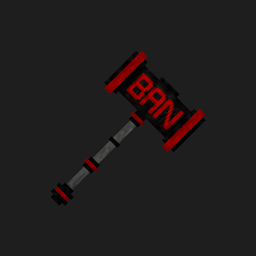
Minecraft 26.10 కోసం Bedrock Banhammer యాడాన్
ప్రపంచాలు మరియు సర్వర్ల కోసం బాన్హామర్ ఉపయోగించడం సులభం మరియు క్రమం తప్పకుండా అప్డేట్లు అందుతాయి
Activation
- activate cheats in the world
- activate the addon in the world
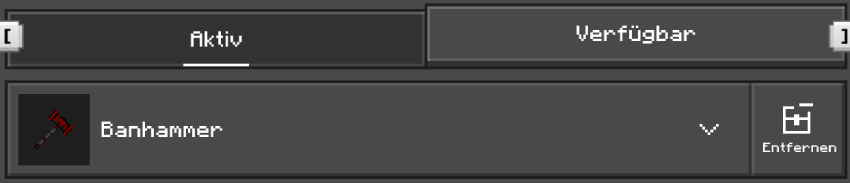
- You are now ready and can now go into the world
The add-on does not require beta APIs
id ban
If a player gets banned, there's the option to log into another account and unban themselves that way. The new ID ban feature is now available for this purpose. If the add-on detects that the same ID on the ban list is trying to join, the name will automatically be banned via the main account. This doesn't apply to admins.
commands
/ban <name> <reason> <sec> <min> <hours> <days>
The player will be banned for 1 second, 2 minutes, 3 hours, and 4 days. If no time is specified, or if 0 seconds, 0 minutes, 0 hours, and 0 days are entered, the player will be permanently banned.

/pardon <name>
Upon execution, the player is automatically pardoned and can rejoin

/c-kick <name> <reason>
The command kicks a player from the server

/id <name>
displays the ID of a player

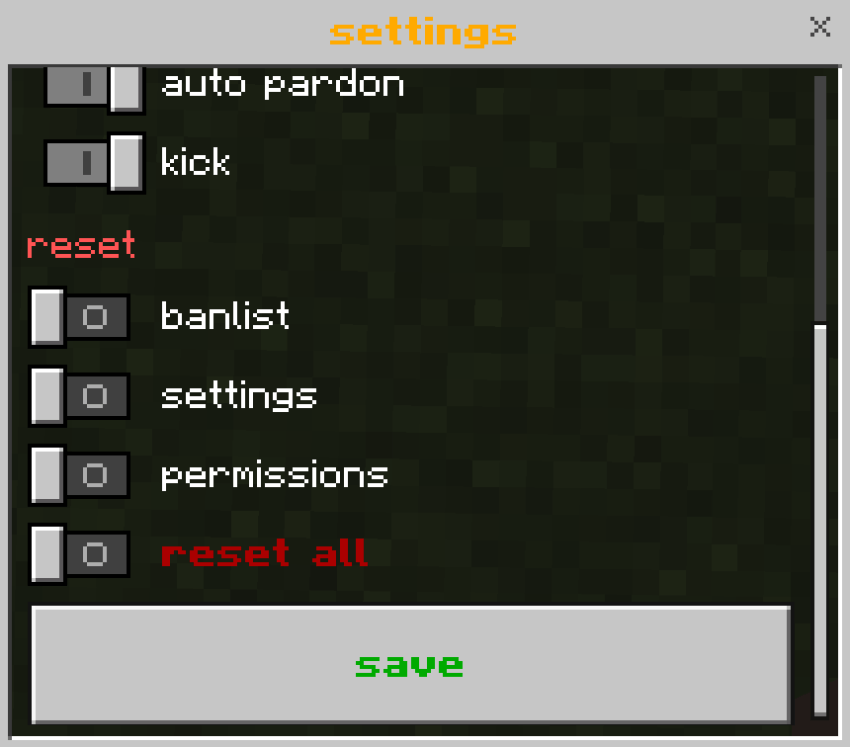
settings
- Enter "/ban-control" in chat

- Click on the settings button

- Here you can adjust various settings, but don't forget to press save at the end.
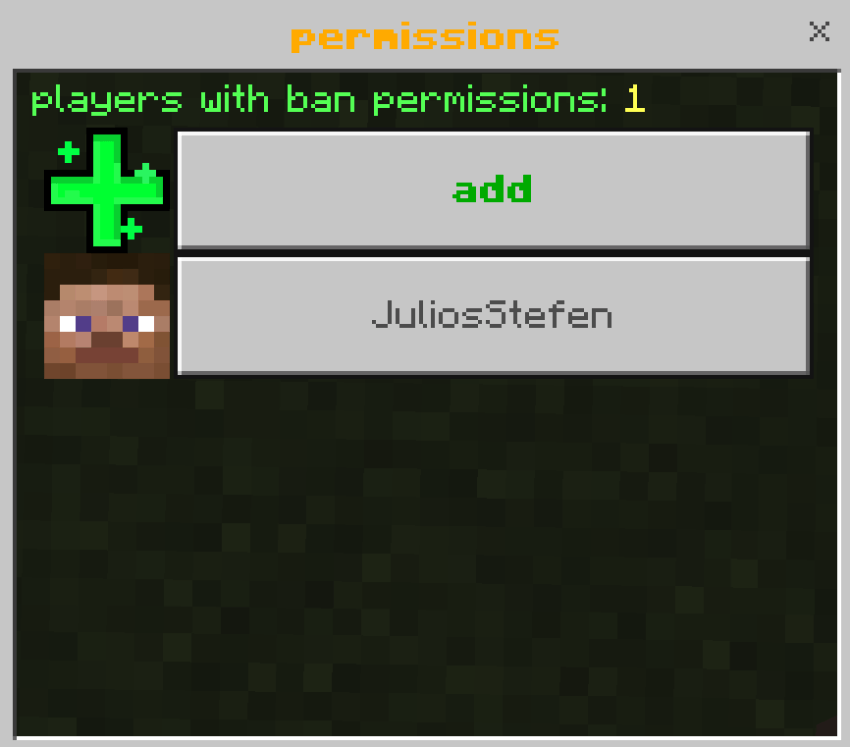
permissions
To edit rights, you need permission to manage rights, or you need to be an operator.
- Enter "/ban-control" in chat
- Click on the permissions button

- Here, rights can now be managed and added.
banlist
To edit rights, you need permission to manage rights, or you need to be an operator.
- Enter "/ban-control" in chat
- Click on the banlist button

- Here, rights can now be managed and added.
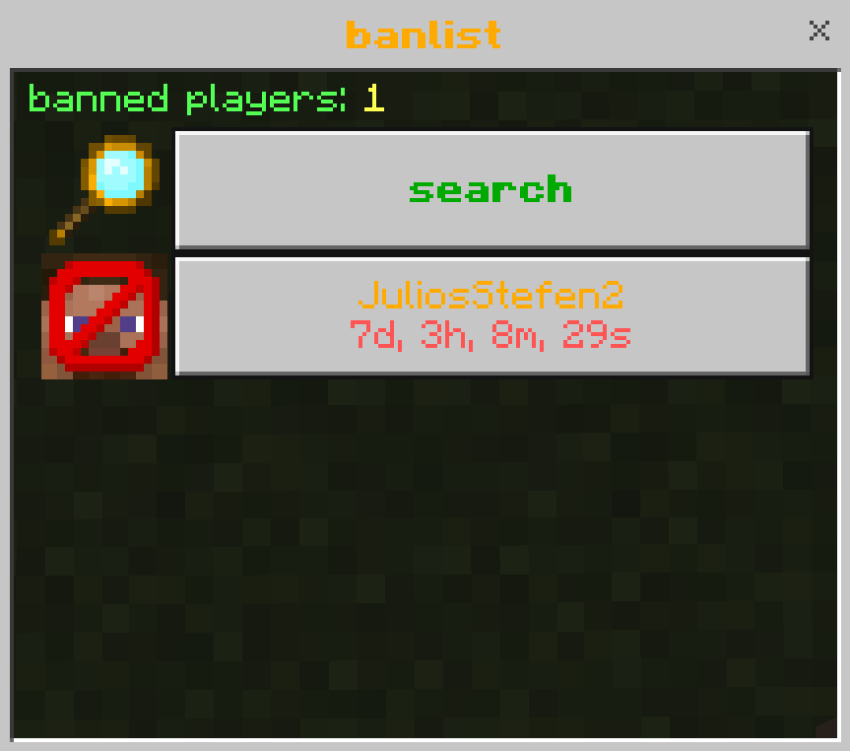
search function from the banlist
- Click on the search button

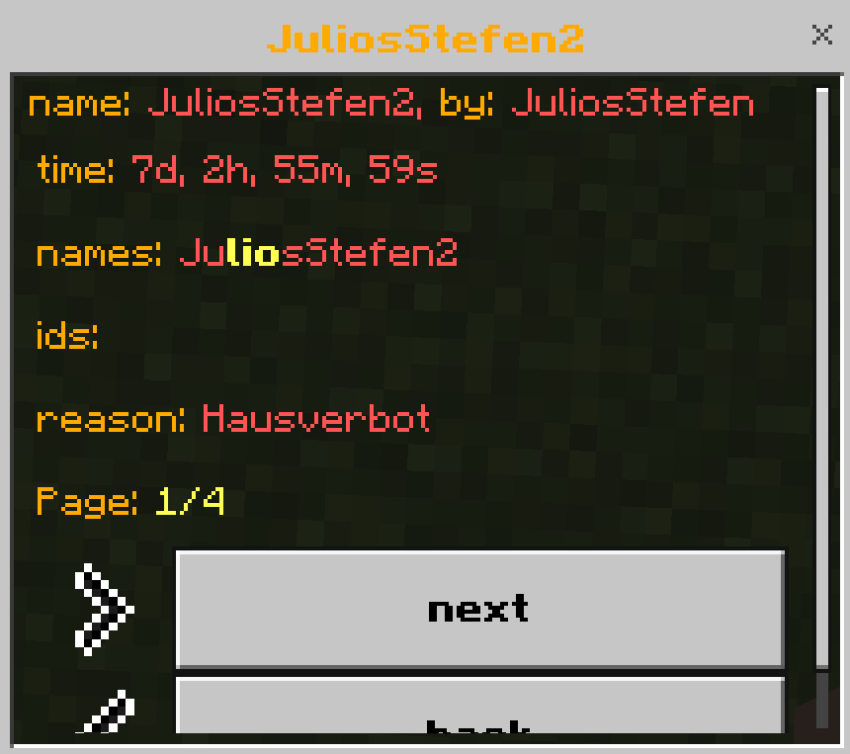
- Next, enter a term like "lio" that contains a name, and you will be shown all bans containing "lio". All terms containing this information are highlighted in yellow.
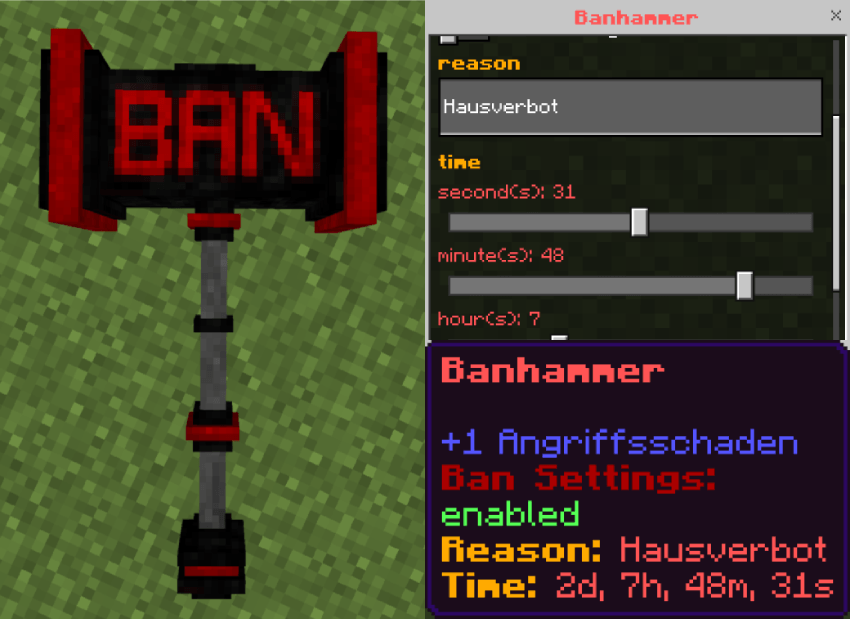
banhammer
If you hit an entity with the banhammer, it will be deleted-no drops, no kills, just deleted. However, if you hit a player with it, they will be banned for 24 hours by default. You can adjust the ban reason and duration by right-clicking.
వెర్షన్లు
| Minecraft | లోడర్ | ఫైల్ | తేదీ | చర్యలు |
|---|---|---|---|---|
| 26.0.02 | — | Banhammer v3.1.1391 KB |
సమీక్షలు
Bedrock Banhammerకు మొదటి రేటింగ్ ఇవ్వండి
