

Translucent GUI Resurs pak za Minecraft 1.20.1, 1.21.1
Čini pozadinu interfejsa providnom.
- preuzimanja
- 49 preuzimanja
- pregleda
- 273 pregleda
- Ažurirano
- Ažurirano 28.09.2026
- 1.20 — 26.3
 Vanila igra
- Klijent
Translucent GUI
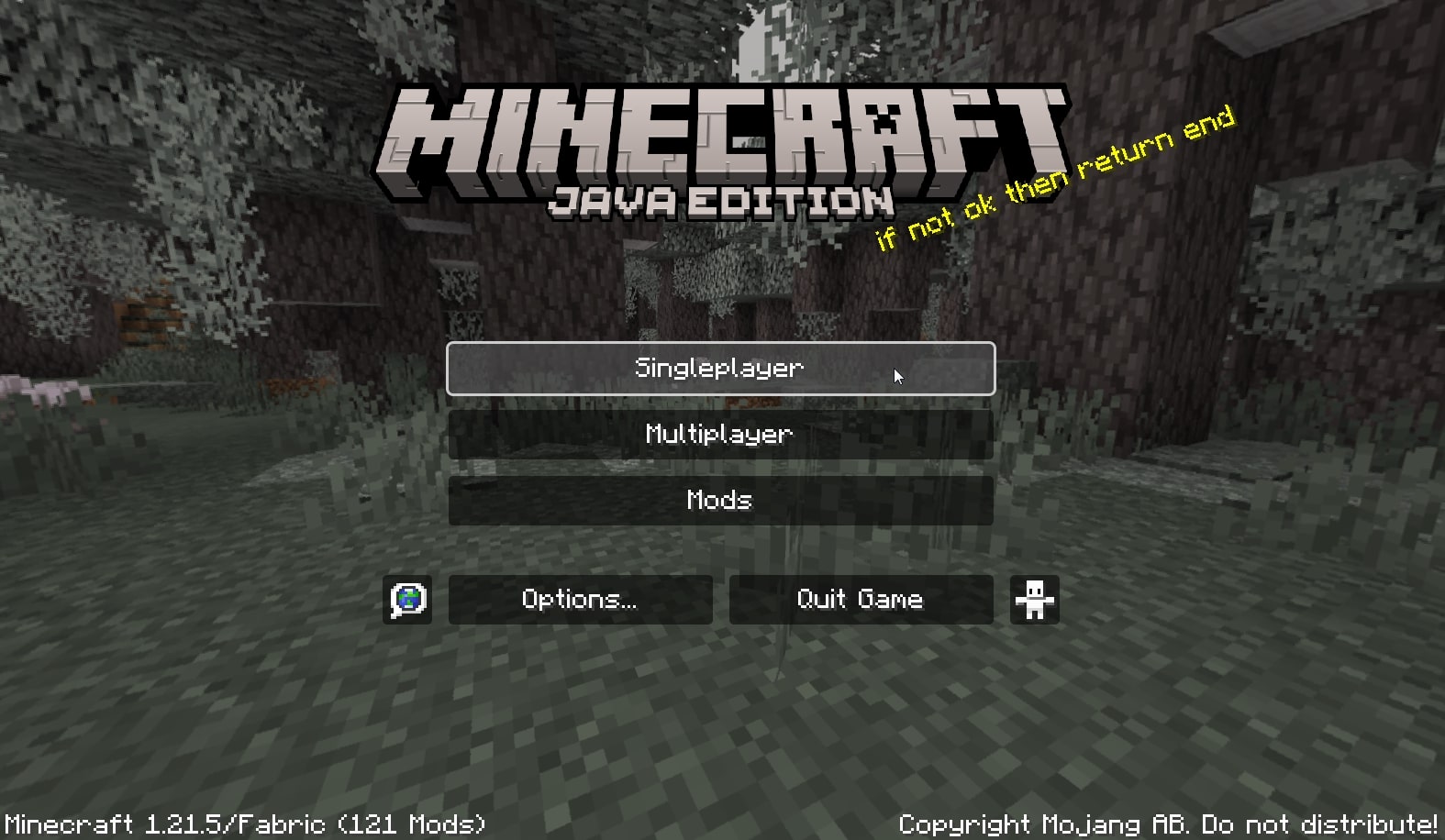
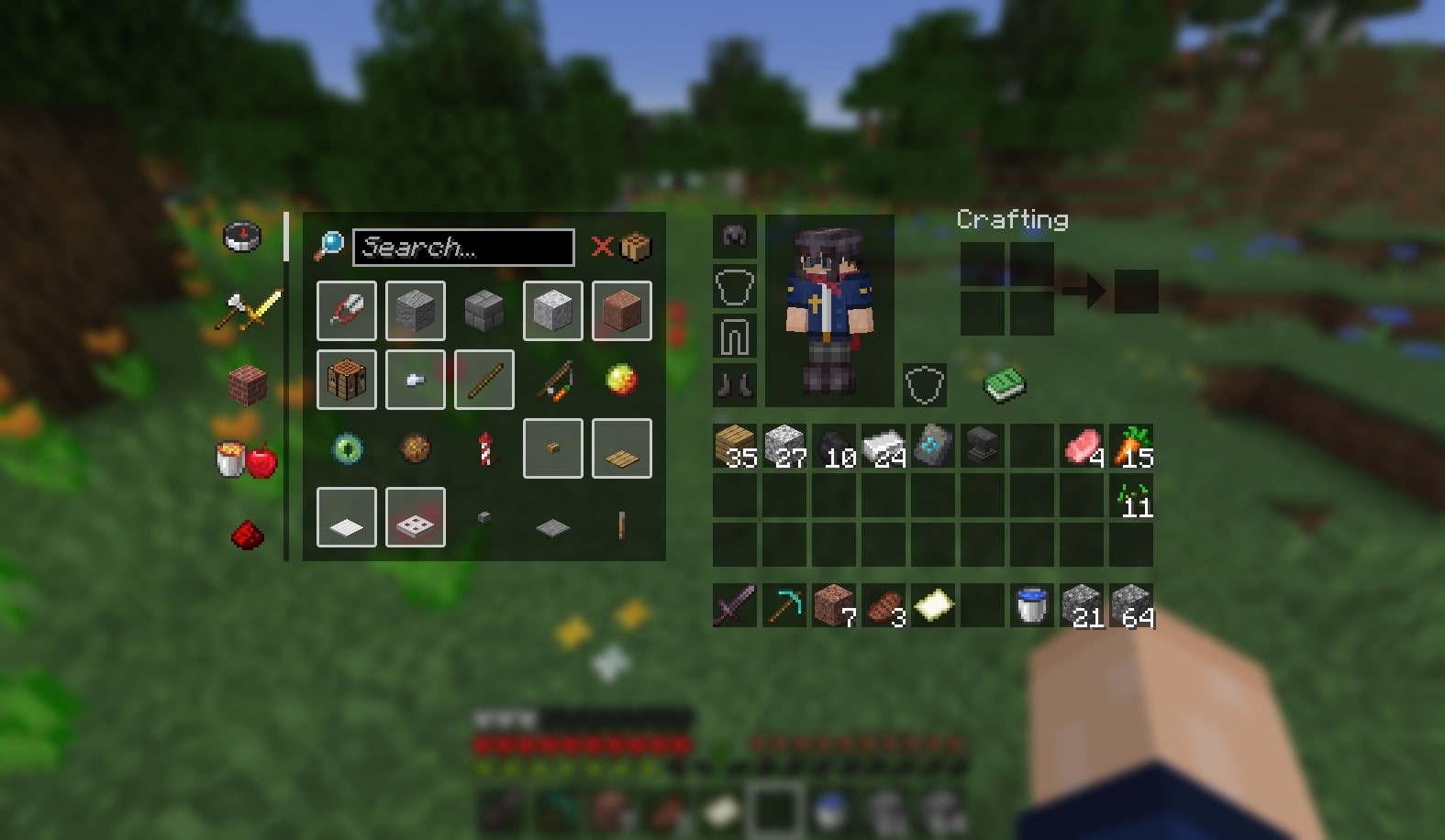
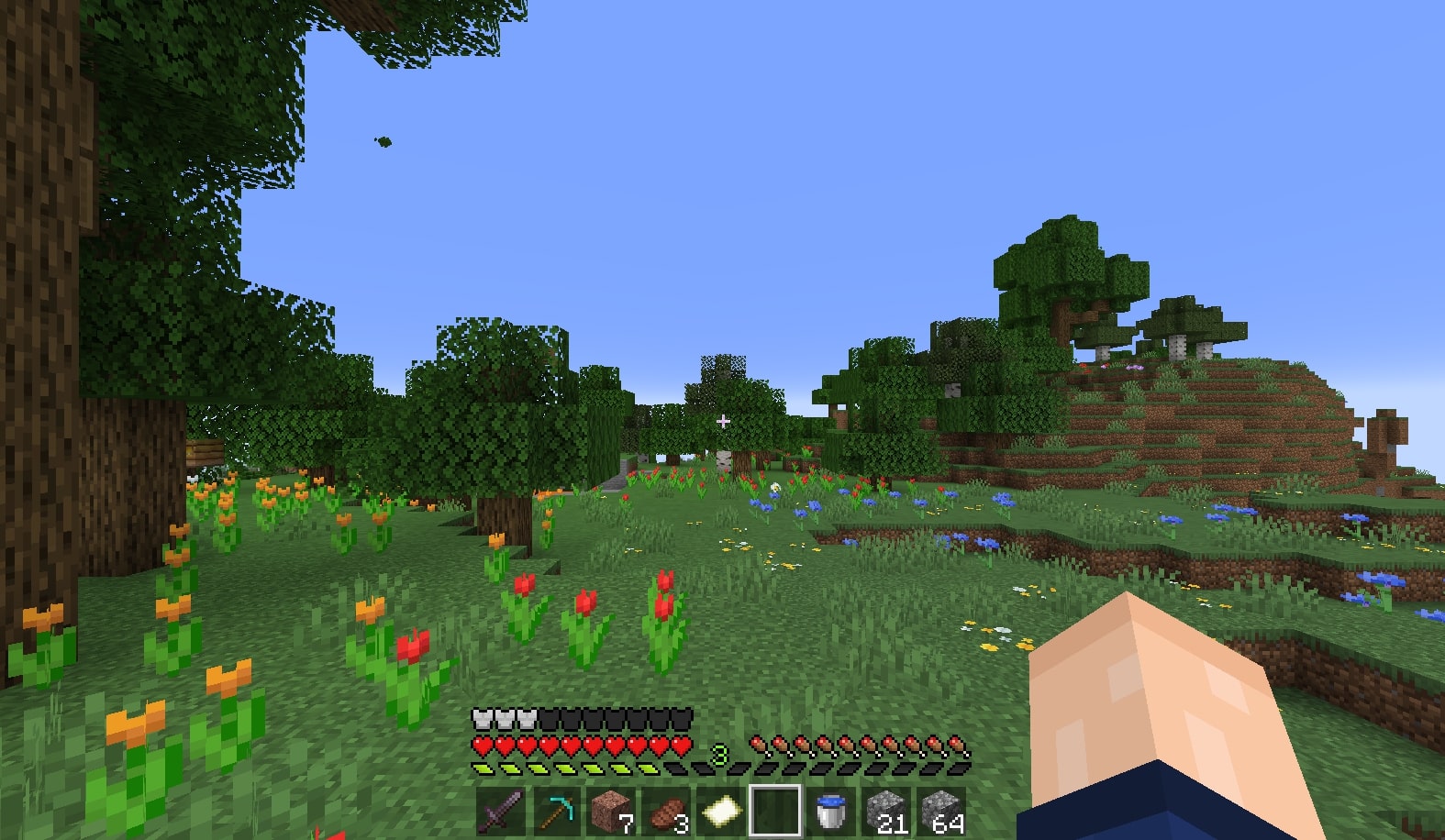
This resourcepack adds translucency to the Minecraft GUI, which was previously not possible in vanilla for versions 1.21.1 and below. To add support for older versions of the game, a pixel perfect combination of black and transparent pixels was used. This results in a seemingly translucent look. Newer versions have luckily added translucency support making this approach obsolete.
The goal of this pack was to keep the vanilla look of the game but add transparency so the interfaces are less distracting when playing.

Screenshots
Kako instalirati Translucent GUI
With Millida Launcher
Install Millida Launcher
The launcher is free: download it at millida.net/launcher and sign in with any nickname.
Click “Install” on this page
The launcher opens and installs the resource pack for Minecraft 1.20–26.3 automatically.
Launch the game
A profile with it appears in the launcher: click “Play”.
Manually
Download the archive
Pick the file Translucent GUI.zip (578 KB) for your game version. No need to unpack it.
Put it in the resourcepacks folder
The easiest way: “Options”, then “Resource Packs”, then “Open Pack Folder”, and drag the archive there.
Enable the pack
In the same window, move the pack to the right-hand “Selected” column and click “Done”.
Verzije
Sa zavisnostima
| Minecraft | Loader | Fajl | Datum | Akcije |
|---|---|---|---|---|
| 26.3 | — | 26.3578 KB 23 | ||
| 1.21.11 | — | 1.21.11576 KB 12 | ||
| 26.2 | — | 26.2577 KB 1 | ||
| 26.1 | — | 26.1577 KB |
Recenzije
Budi prvi koji će oceniti Translucent GUI



