

THE LAST TEXTURE! za Minecraft 1.21, 26.30
🎨 Moj najnoviji texture pack! Napravljen za sve! Ovaj texture pack je dizajniran za vanilla i tehničke Minecraft igrače koji žele bolje performanse, čistiju grafiku i korisne PvP/QoL funkcije.
💜 THE LAST TEXTURE!
My latest and most complete texture pack ever made!
Designed for vanilla, technical, PvP, survival, and optimization players who want a clean, beautiful, and high-performance experience.
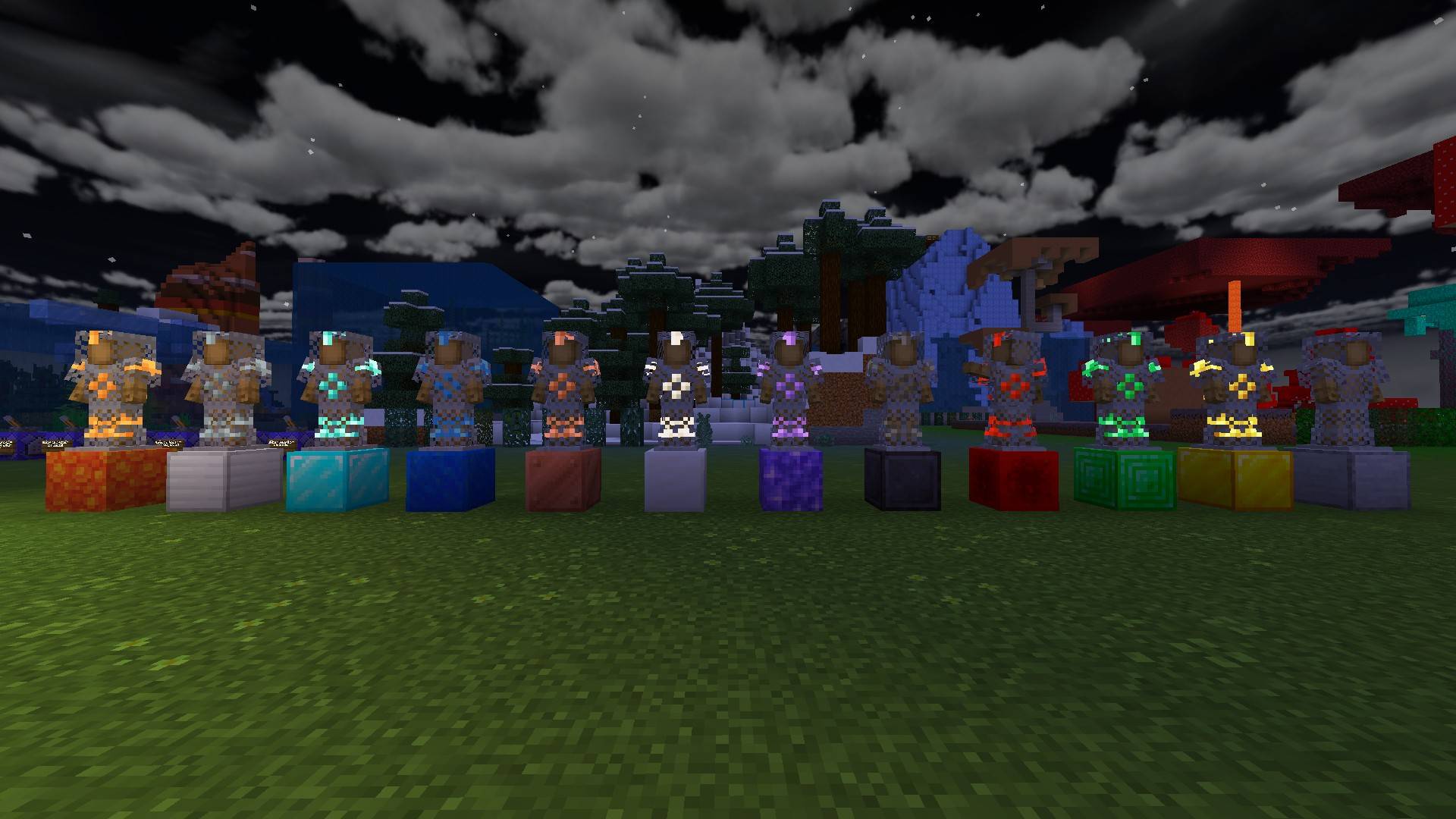
✨ Features
- 🌈 RGB XP Bar
- ❤️ Custom Hearts
- 🛡️ Armor Durability Display
- ⚒️ Tool Durability Display
- ⚔️ Mini Sword
- 🪓 Mini Tools
- 👤 HUD Character Viewer
- ✨ Glowing Armor
- ✨ Glowing Enchantments
- ⚡ Fast Item Animations
- ⚡ Fast Crafting
- 📍 Coordinates & Day Counter
- 🎨 Custom Purple GUI
- 🚫 No Fog In Any Biome
- 🚫 Optional No Particles Mode
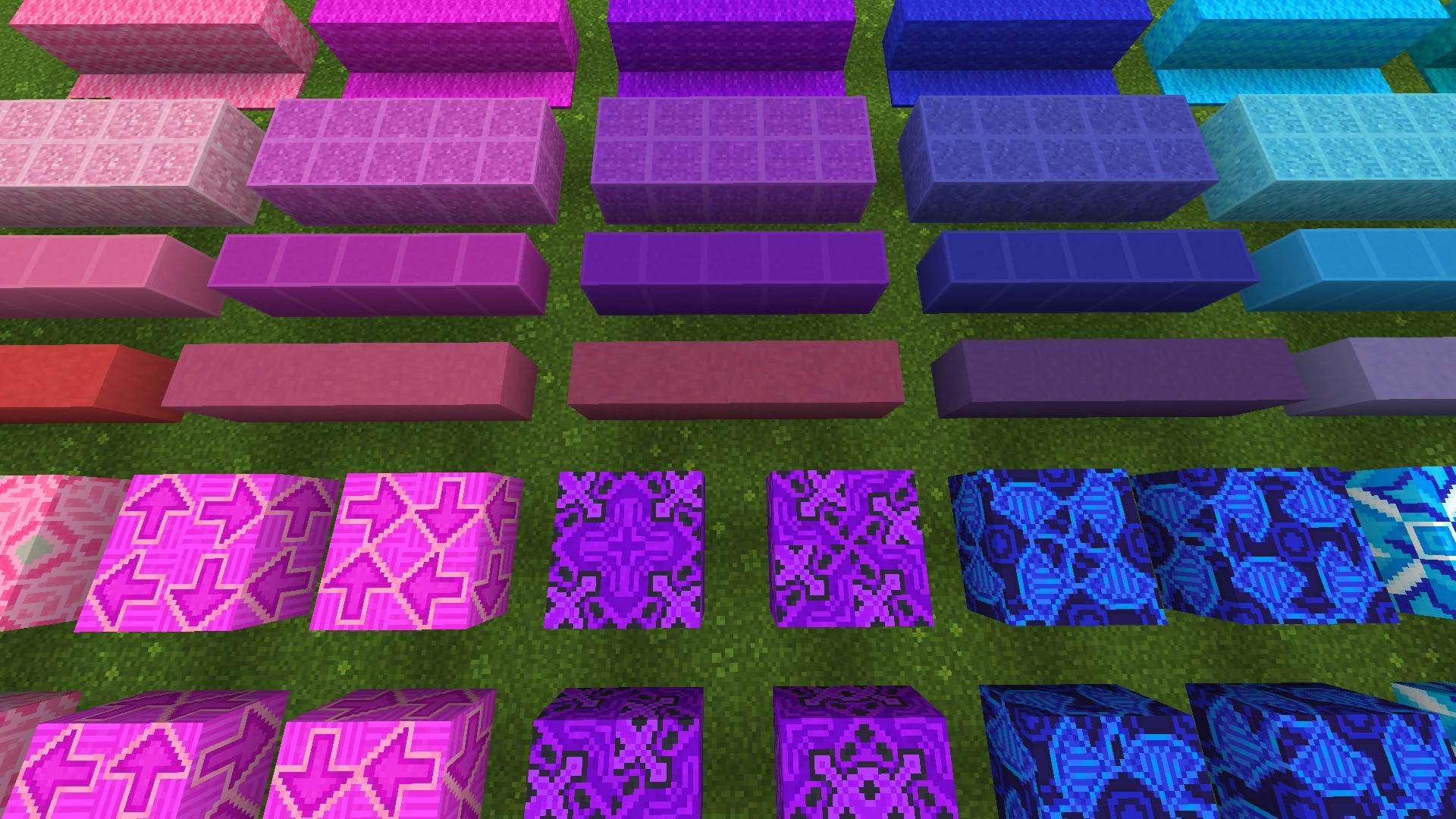
🎮 4 Modes Included
- PARTICLES
- NO PARTICLES
- WITH ANIMATIONS
- DEFAULT
🚀 Ultimate Optimization
This pack contains the best optimization I've ever made, improving visibility, reducing visual clutter, and helping you enjoy smoother gameplay while keeping Minecraft looking amazing.
💜 Made By KoD KinGG :)
"The Last Texture you'll ever need!" 🔥
Kako instalirati THE LAST TEXTURE!
With Millida Launcher
Install Millida Launcher
The launcher is free: download it at millida.net/launcher and sign in with any nickname.
Click “Install” on this page
The launcher opens and installs the resource pack for Minecraft 1.21–26.30 automatically.
Launch the game
A profile with it appears in the launcher: click “Play”.
Manually
Download the archive
Pick the file THE LAST TEXTURE 26.30!.mcpack (125 MB) for your game version. No need to unpack it.
Put it in the resourcepacks folder
The easiest way: “Options”, then “Resource Packs”, then “Open Pack Folder”, and drag the archive there.
Enable the pack
In the same window, move the pack to the right-hand “Selected” column and click “Done”.
Verzije
Sa zavisnostima
| Minecraft | Loader | Fajl | Datum | Akcije |
|---|---|---|---|---|
| 1.21.30 | — | THE LAST TEXTURE 26.30!.mcpack125 MB 22 |
Recenzije
Budi prvi koji će oceniti THE LAST TEXTURE!



