
Simple Clean Resurs pak za Minecraft 1.21.120
Clean MC je paket koji čini Minecraft jasnijim i glatkijim. Poboljšava vizuale čistom vodom, povezanim staklom i još mnogo toga, pružajući vam čisto iskustvo bez kašnjenja.
About this pack - Clean MC
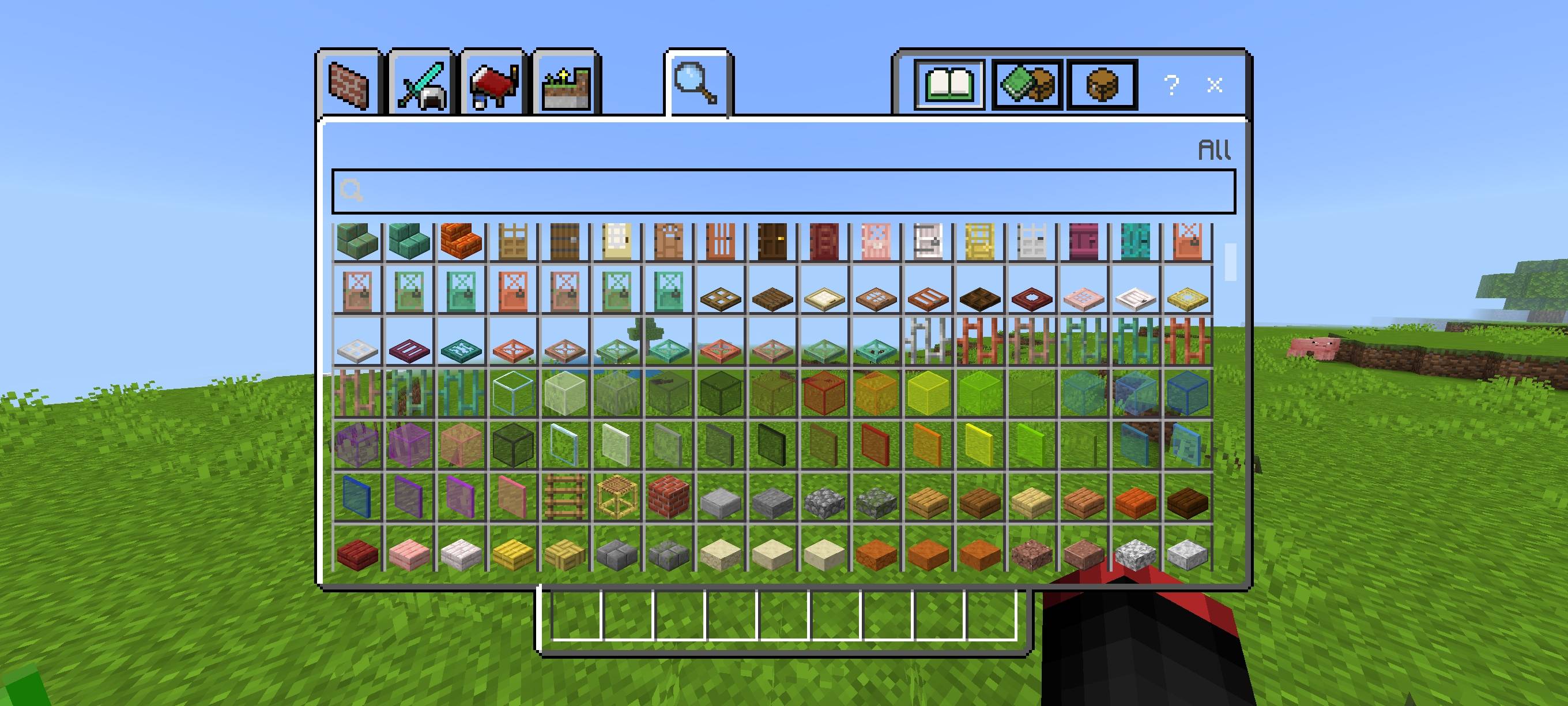
Clean MC makes your Minecraft look clean and distraction-free. It simplifies the interface, removes or reduces fog, and gives clearer water so you can see farther and play with less clutter.
Key features:
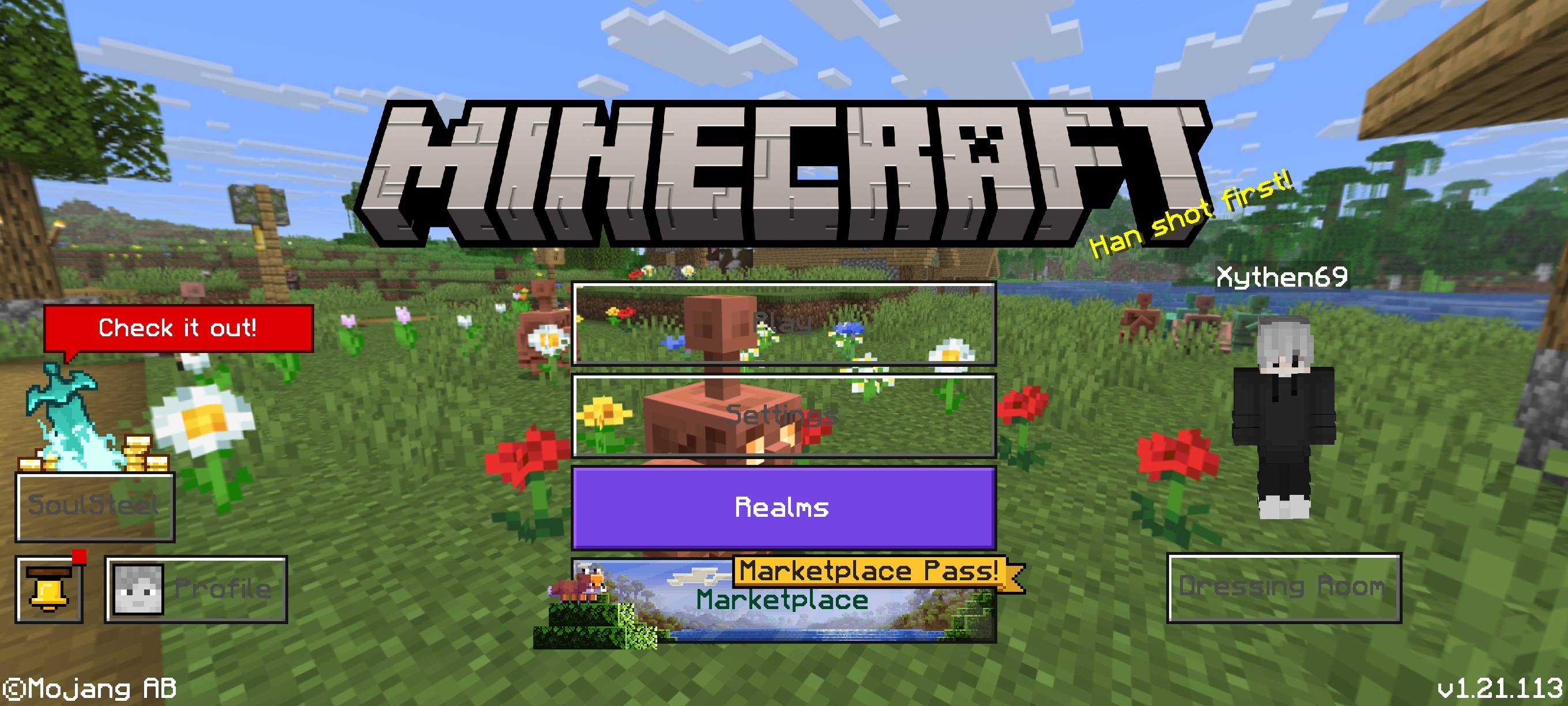
- Transparent and simplified UI for a minimal HUD
- Fog removed or reduced for clearer distant views
- Clearer, less-tinted water for better visibility
- Small visual tweaks that keep FPS stable
Ideal for players who want a neat, modern look without losing performance.
Kako instalirati Simple Clean
With Millida Launcher
Install Millida Launcher
The launcher is free: download it at millida.net/launcher and sign in with any nickname.
Click “Install” on this page
The launcher opens and installs the resource pack for Minecraft 1.21.120 automatically.
Launch the game
A profile with it appears in the launcher: click “Play”.
Manually
Download the archive
Pick the file Clear_MC(v1.4).mcpack (599 KB) for your game version. No need to unpack it.
Put it in the resourcepacks folder
The easiest way: “Options”, then “Resource Packs”, then “Open Pack Folder”, and drag the archive there.
Enable the pack
In the same window, move the pack to the right-hand “Selected” column and click “Done”.
Verzije
Sa zavisnostima
| Minecraft | Loader | Fajl | Datum | Akcije |
|---|---|---|---|---|
| 1.21.120 | — | Clear_MC(v1.4).mcpack599 KB |
Česta pitanja
Which Minecraft versions does Simple Clean work on?
Only Minecraft 1.21.120: there are no files for other versions.
Where can I download Simple Clean safely?
On this page: the file Clear_MC(v1.4).mcpack (599 KB) is stored on Millida’s server, with no link shorteners. SHA-1 checksum: 47e08170eacec0100de4443e6fa479469d7d19d5.
Recenzije
Budi prvi koji će oceniti Simple Clean



