
O RedstoneTech Shader resurs paku
RedstoneTech Shader is a technical shader designed for redstone contents, supporting Windows, Android, and iOS platforms, compatible with version 26.10 and above.
This shader includes the following features:
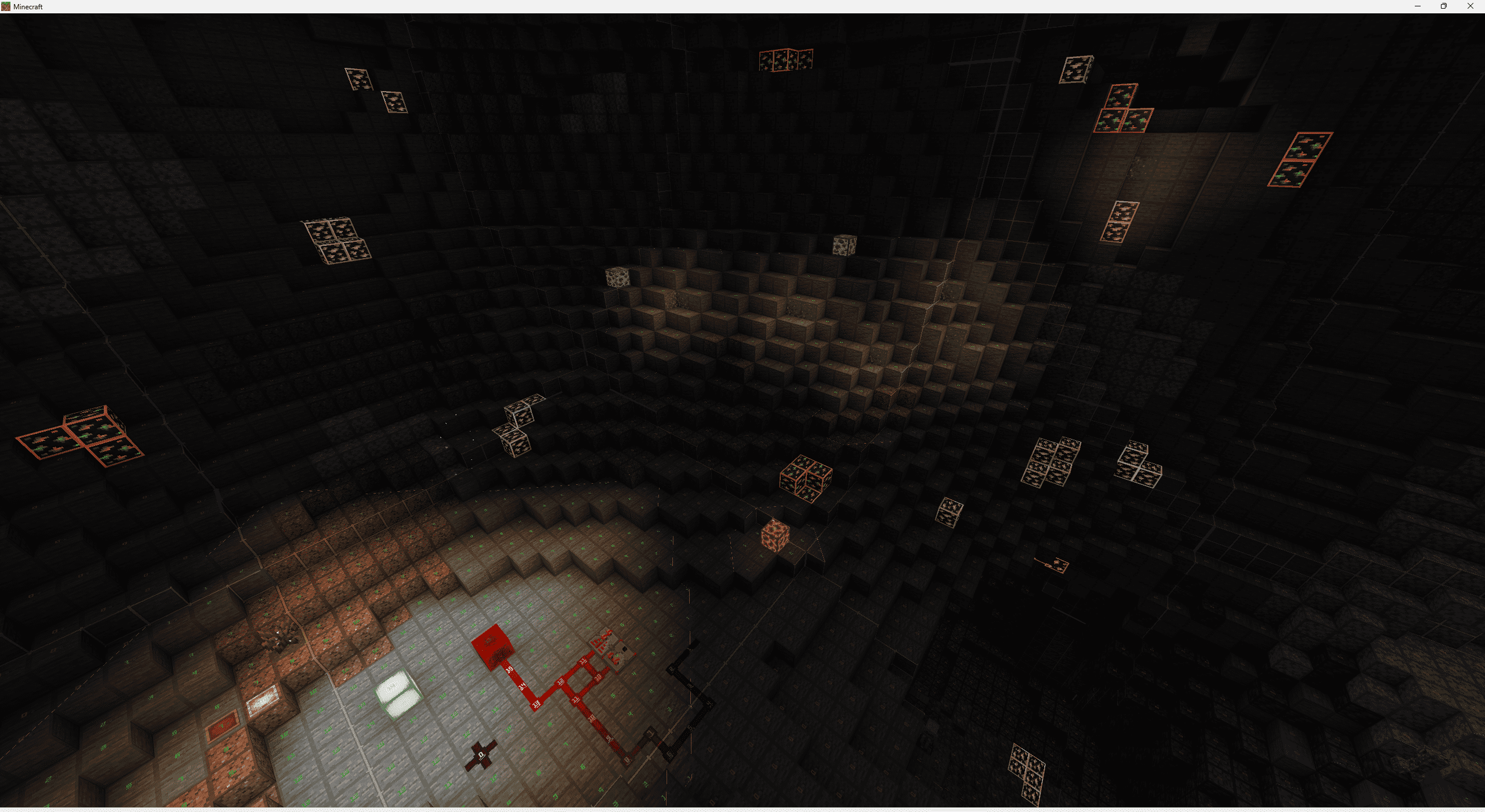
- Redstone signal strength display
- Chunk border display
- Block light level display
- Mob spawnable light level indicators
- Glowing ores
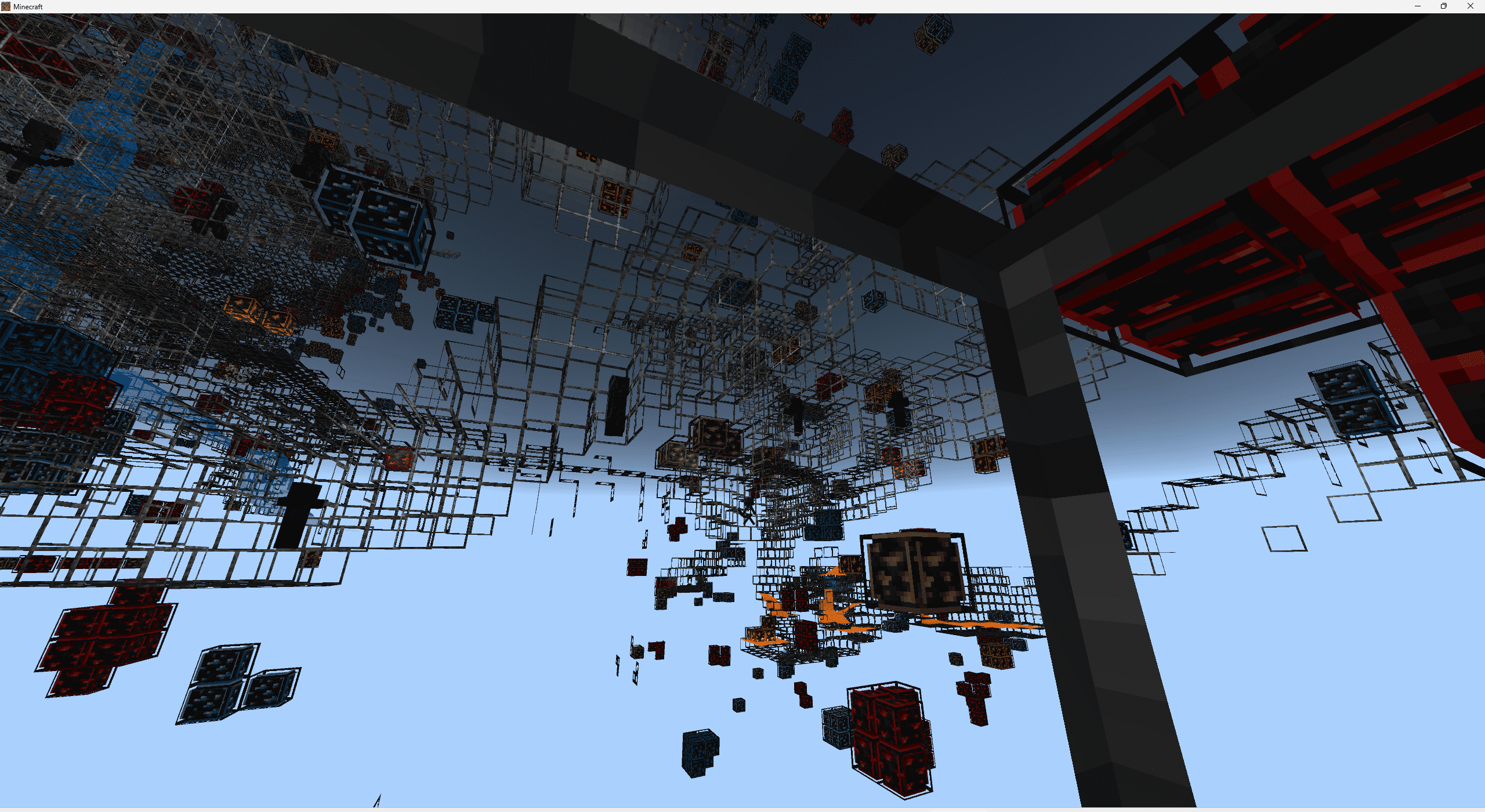
- Water and lava fog removal
- Global night vision
These features can be freely configured through subpacks.
How to use the shader:
- Keep the Redstone shader version consistent with the game version.
- Use LeviLauncher (Windows or Android) / mbl2 (Android) / HynisLoader (iOS) to load the resource pack, and switch to the subpack you would like.
Or manually replace the relevant part of the original file renderer/materials/RenderChunk.material.bin.
- Enjoy the game :)
Note: Due to differences in shader code-such as lighting calculations-across different game versions, please ensure that the resource pack version you download matches your Minecraft game version. If there is no change, try minimizing the game and then tapping back into it; if it turns into the void, it is because the shader and game version are inconsistent.
Project address: https://github.com/Jumao15071/RedstoneTech-Shaders
Kako instalirati RedstoneTech Shader
With Millida Launcher
Install Millida Launcher
The launcher is free: download it at millida.net/launcher and sign in with any nickname.
Click “Install” on this page
The launcher opens and installs the resource pack for Minecraft 26.50 automatically.
Launch the game
A profile with it appears in the launcher: click “Play”.
Manually
Download the archive
Pick the file RedstoneTechShader[26.50].mcpack (975 KB) for your game version. No need to unpack it.
Put it in the resourcepacks folder
The easiest way: “Options”, then “Resource Packs”, then “Open Pack Folder”, and drag the archive there.
Enable the pack
In the same window, move the pack to the right-hand “Selected” column and click “Done”.
Verzije
Sa zavisnostima
| Minecraft | Loader | Fajl | Datum | Akcije |
|---|---|---|---|---|
| 26.50 | — | RedstoneTechShader_2650.mcpack975 KB 2 |
Česta pitanja
Which Minecraft versions does RedstoneTech Shader work on?
Only Minecraft 26.50: there are no files for other versions.
Where can I download RedstoneTech Shader safely?
On this page: the file RedstoneTechShader[26.50].mcpack (975 KB) is stored on Millida’s server, with no link shorteners. SHA-1 checksum: 04ffa844449633a4e9dd0db7075f740135c247c5.
Recenzije
Budi prvi koji će oceniti RedstoneTech Shader


