

Pixlli Resurs pak za Minecraft 1.20.1, 1.21.1
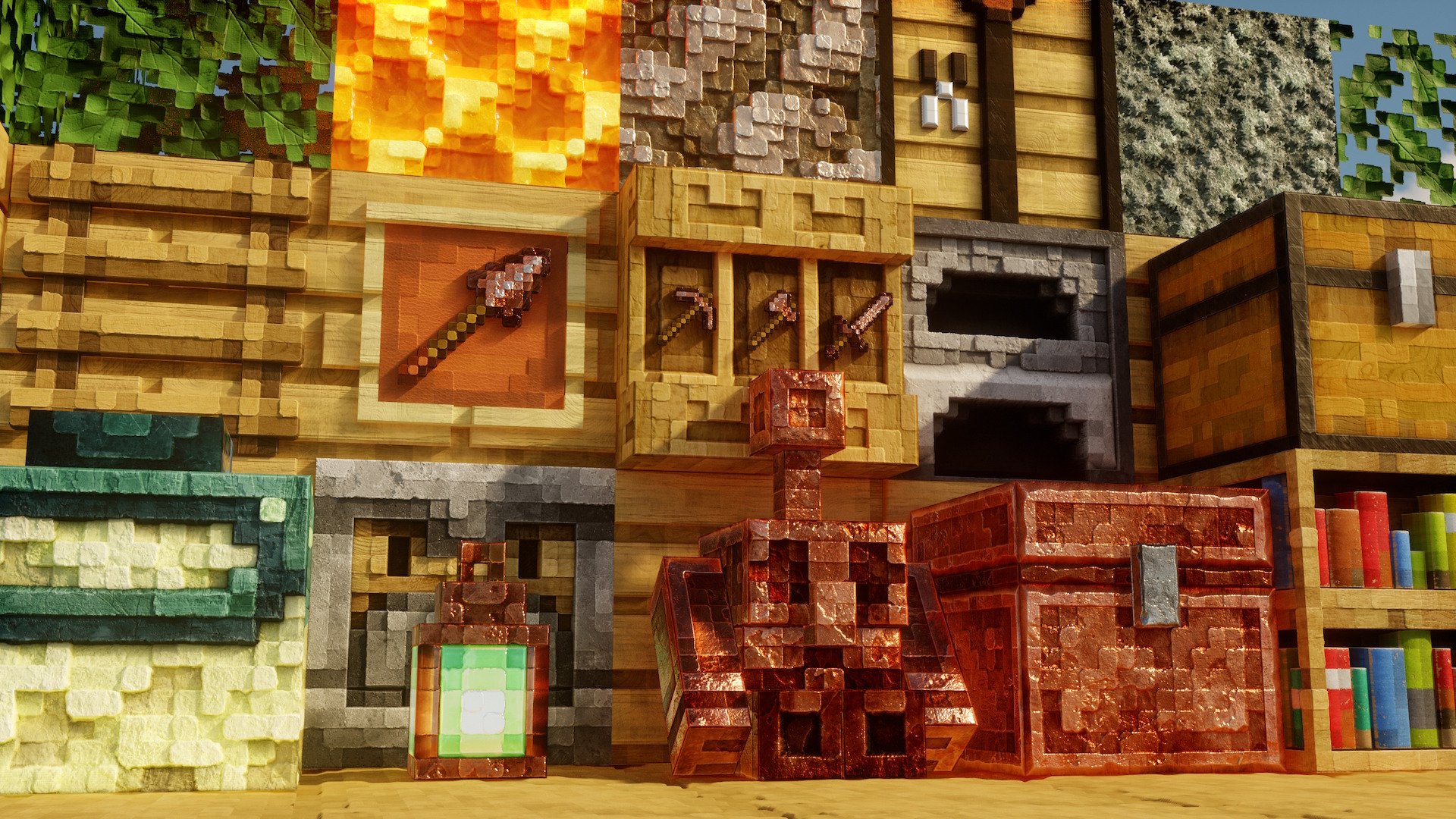
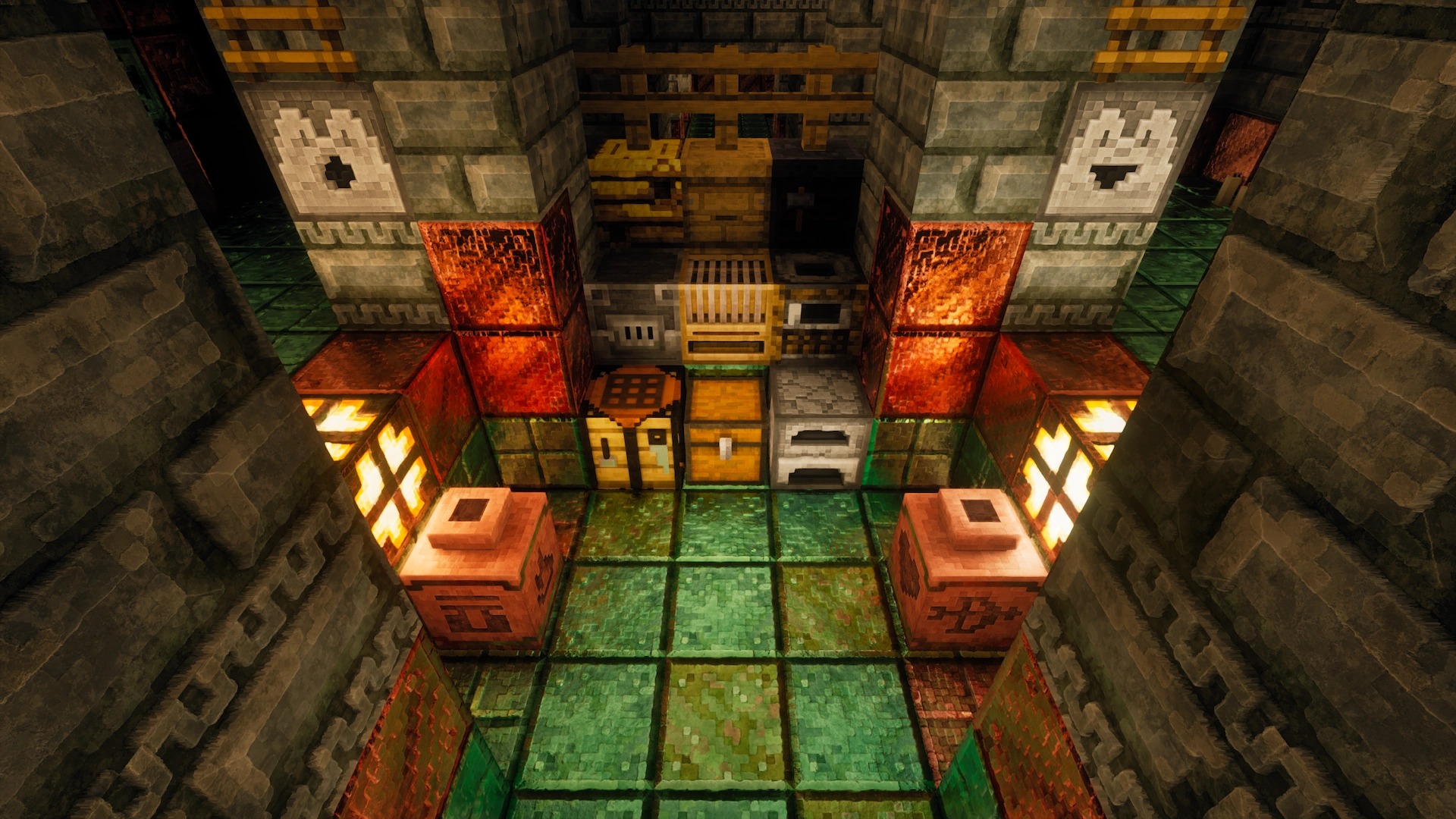
Novi pbr/pom resource pack koji će ti dati više detalja, čuvajući vanilla tvoje igre i stvarajući osećaj tvoje omiljene pikselacije.
- preuzimanja
- 18 preuzimanja
- pregleda
- 132 pregleda
- Ažurirano
- Ažurirano 03.10.2026
- 1.11 — 26.2
 Vanila igra
- Klijent
O Pixlli resurs paku
A new pbr/pom resource pack that will give you more detail, preserving the vanilla of your game and creating a feeling of your favorite pixelation.

You can find 256-512x versions on Boosty or Patreon | Official site
CTM and other Addons can be found here Update every month, on the 2nd and 16th Are there any problems with the resource pack? Check the FAQ
Join us in Discord!

26.3 update is now available!

Kako instalirati Pixlli
With Millida Launcher
Install Millida Launcher
The launcher is free: download it at millida.net/launcher and sign in with any nickname.
Click “Install” on this page
The launcher opens and installs the resource pack for Minecraft 1.11–26.2 automatically.
Launch the game
A profile with it appears in the launcher: click “Play”.
Manually
Download the archive
Pick the file Pixlli V57 26.3-1.13 128x.zip (147 MB) for your game version. No need to unpack it.
Put it in the resourcepacks folder
The easiest way: “Options”, then “Resource Packs”, then “Open Pack Folder”, and drag the archive there.
Enable the pack
In the same window, move the pack to the right-hand “Selected” column and click “Done”.
Verzije
Sa zavisnostima
| Minecraft | Loader | Fajl | Akcije |
|---|---|---|---|
| 26.2 | — | 26.2147 MB 4 | |
| 26.1 | — | 26.1147 MB | |
| 1.21.11 | — | 1.21.11147 MB 12 | |
| 1.21 | — | 1.21147 MB | |
| 1.20.1 | — | 1.20.1147 MB | |
| 1.19.2 | — | 1.19.2147 MB | |
| 1.18.2 | — | 1.18.2147 MB | |
| 1.16.5 | — | 1.16.5147 MB |
Česta pitanja
Which Minecraft versions does Pixlli work on?
There are files for 1.11–26.2, 56 versions in total. The newest is 26.2.
Does Pixlli need mods?
No, the resource pack works in the plain game without loaders: put it into the resourcepacks folder and enable it in the options.
How do I download Pixlli?
With Millida Launcher: it installs Pixlli into a modpack by itself, for the right game version and loader. The launcher is free.
Recenzije
Budi prvi koji će oceniti Pixlli



