
Pixel Edge Resurs pak za Minecraft 26.30
Pixel Edge poboljšava vizuale Minecrafta HD jasnoćom i oštrim piksel ivicama, dajući svakoj teksturi bistar, čist i lepo definisan izgled dok originalni vanilla stil ostaje netaknut.
Pixel Edge
Pixel Edge enhances Minecraft’s visuals with HD clarity and sharp pixel borders, giving every texture a crisp, clean, and well-defined look while keeping the original vanilla style intact.
Future Updates
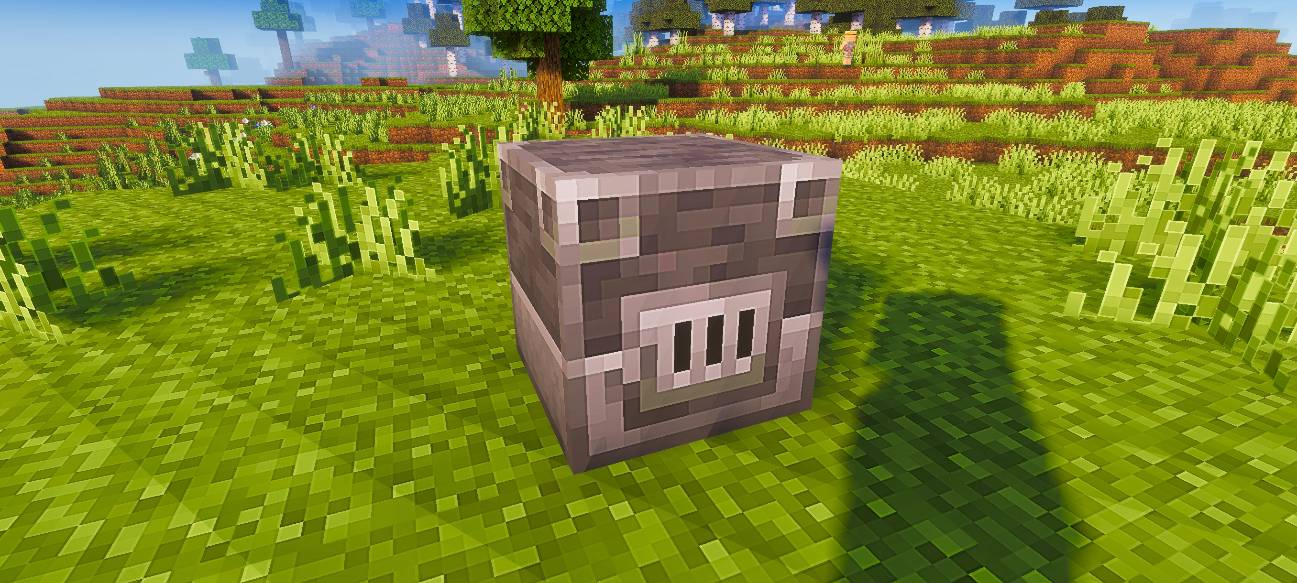
This pack is currently available in 128x resolution. More resolutions will be added soon.
Recommendation
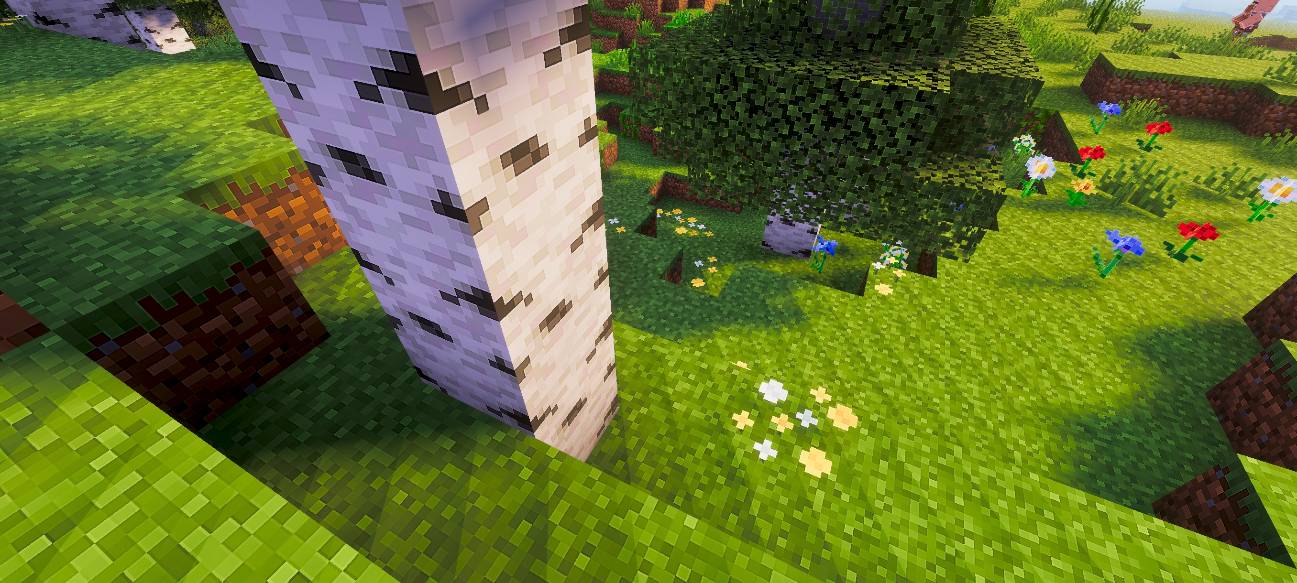
For the best visual experience, use this pack with a shader. In the preview images, I used Relta Visuals for enhanced lighting and overall appearance.
Kako instalirati Pixel Edge
With Millida Launcher
Install Millida Launcher
The launcher is free: download it at millida.net/launcher and sign in with any nickname.
Click “Install” on this page
The launcher opens and installs the resource pack for Minecraft 26.30 automatically.
Launch the game
A profile with it appears in the launcher: click “Play”.
Manually
Download the archive
Pick the file Pixel-Edge-128x-v1.1.3.mcpack (20 MB) for your game version. No need to unpack it.
Put it in the resourcepacks folder
The easiest way: “Options”, then “Resource Packs”, then “Open Pack Folder”, and drag the archive there.
Enable the pack
In the same window, move the pack to the right-hand “Selected” column and click “Done”.
Verzije
Sa zavisnostima
| Minecraft | Loader | Fajl | Datum | Akcije |
|---|---|---|---|---|
| 26.30 | — | Pixel-Edge-128x-v1.1.3.mcpack19.9 MB |
Recenzije
Budi prvi koji će oceniti Pixel Edge



