
Outlined Grass Resurs pak za Minecraft 26.30
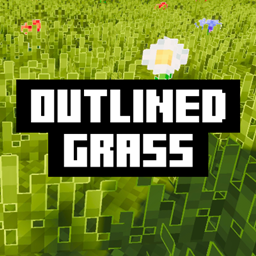
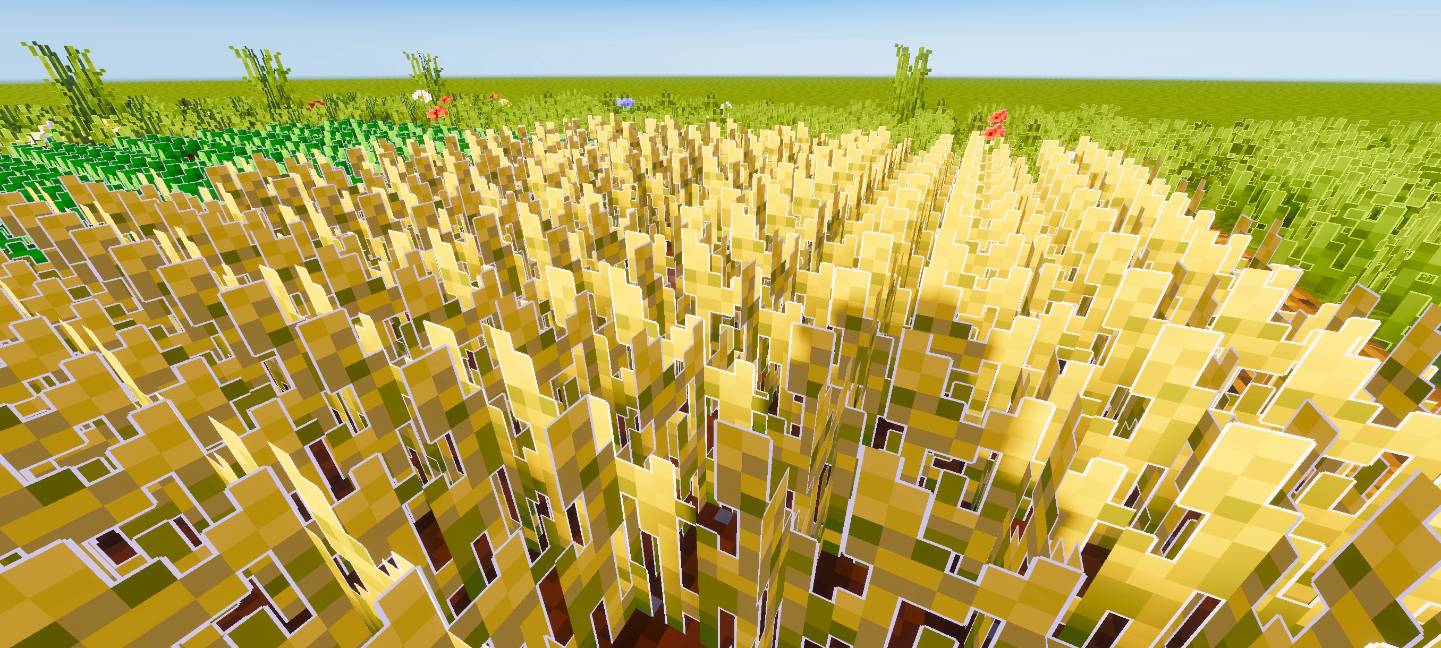
Ovaj pack dodaje bele obrise travi, usevima, cveću i drugom rastinju, dajući svetu čistiji, stilizovan izgled koji se savršeno slaže sa shader-ima.
Outlined Grass
Have you seen those Minecraft Java shaders where grass and other blocks have a clean outline? This pack adds a similar not identical, but close outlined effect to your world.
It adds white outlines to grass, wheat, flowers, potatoes, carrots, planks, and other vegetation, making everything look cleaner and more defined. The effect looks especially good when playing with shaders.
Feedback & Suggestions
I created these outlines based on my own style, but if you think I should improve anything or adjust the look, feel free to leave your suggestions in the comments. Your feedback will help me make this pack even better let’s improve it together!

Kako instalirati Outlined Grass
With Millida Launcher
Install Millida Launcher
The launcher is free: download it at millida.net/launcher and sign in with any nickname.
Click “Install” on this page
The launcher opens and installs the resource pack for Minecraft 26.30 automatically.
Launch the game
A profile with it appears in the launcher: click “Play”.
Manually
Download the archive
Pick the file Outlined-Grass.mcpack (7.7 MB) for your game version. No need to unpack it.
Put it in the resourcepacks folder
The easiest way: “Options”, then “Resource Packs”, then “Open Pack Folder”, and drag the archive there.
Enable the pack
In the same window, move the pack to the right-hand “Selected” column and click “Done”.
Verzije
Sa zavisnostima
| Minecraft | Loader | Fajl | Datum | Akcije |
|---|---|---|---|---|
| 26.30 | — | Outlined-Grass.mcpack7.7 MB |
Recenzije
Budi prvi koji će oceniti Outlined Grass



