

Mellowv Shaders Resurs pak za Minecraft 1.21, 26.40
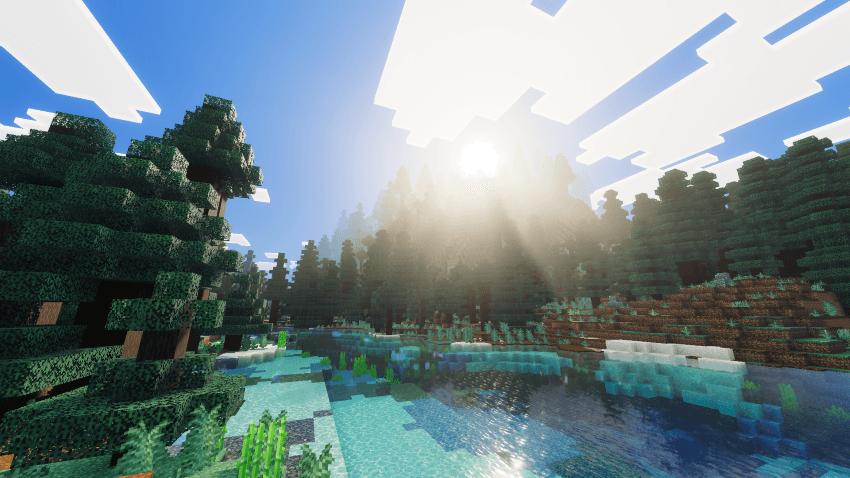
Mellow Shaders donosi tople, zlatne kinematografske efekte u Bedrock bez troškova performansi. Lagano volumetrijsko osvetljenje, meka atmosferska magla i blistavi zalasci sunca—sve optimizovano da radi glatko na svakom uređaju.
O Mellowv Shaders resurs paku
Experience a serene, golden-hour world with Mellow Shaders. Designed for smooth, lag-free gameplay, this lightweight shader transforms your Minecraft Bedrock experience with warm, cinematic lighting without the performance hit.

Perfect golden-hour sunsets and sunrises paint the sky in soft amber and cream tones. Dynamic cloud rendering creates depth and atmosphere. Water reflects the glowing sun while maintaining clarity. Volumetric fog glows gently around the light source, creating immersive depth. Forests shimmer with dappled light filtering through canopies. Caves and buildings gain warm, natural shadows that bring out detail without crushing contrast.
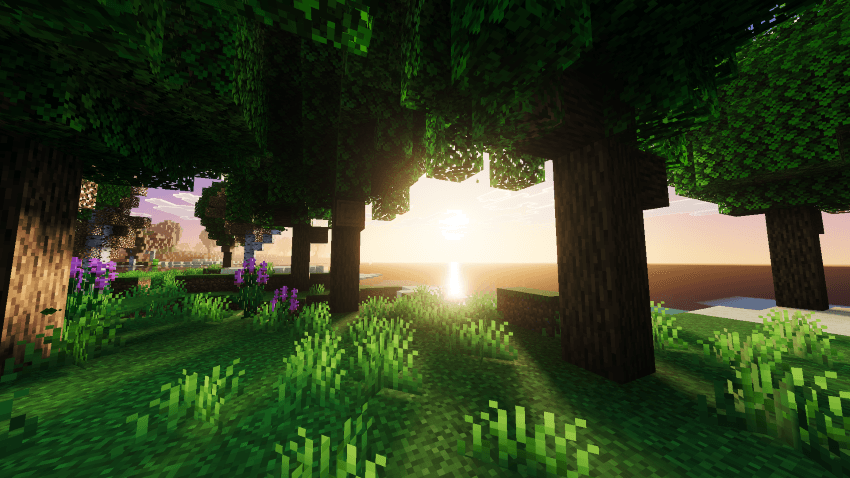
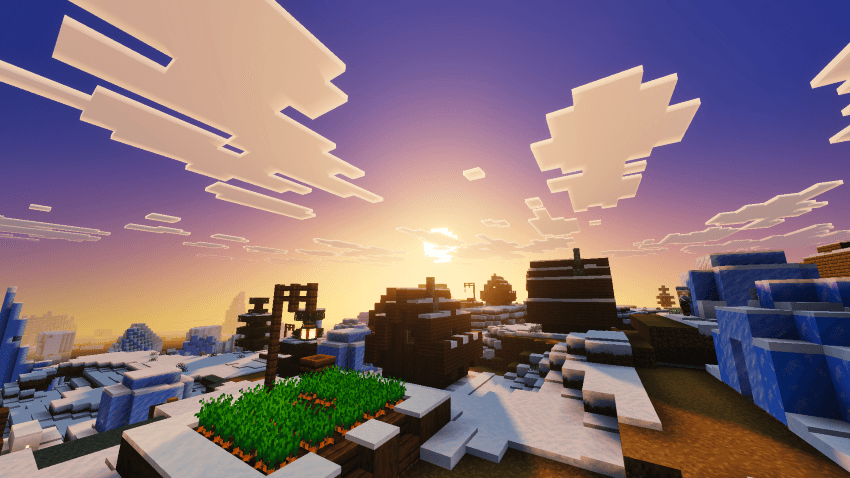
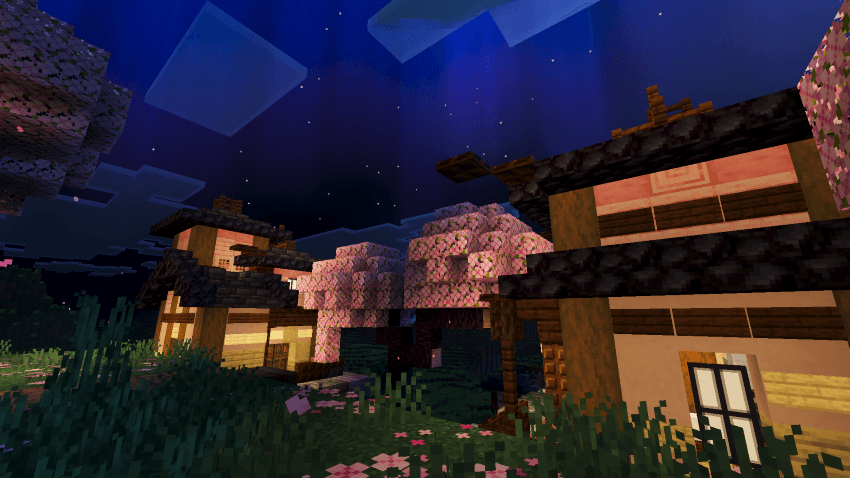
Features:
- Warm, cohesive golden-hour aesthetic
- Lightweight performance optimization
- Volumetric fog and atmospheric depth
- Enhanced water rendering
- Natural shadow definition
- Cloud atmosphere and sky gradients
- Fantasy-style aurora effects
- Works across all Bedrock biomes
- Device-friendly-optimized for stability
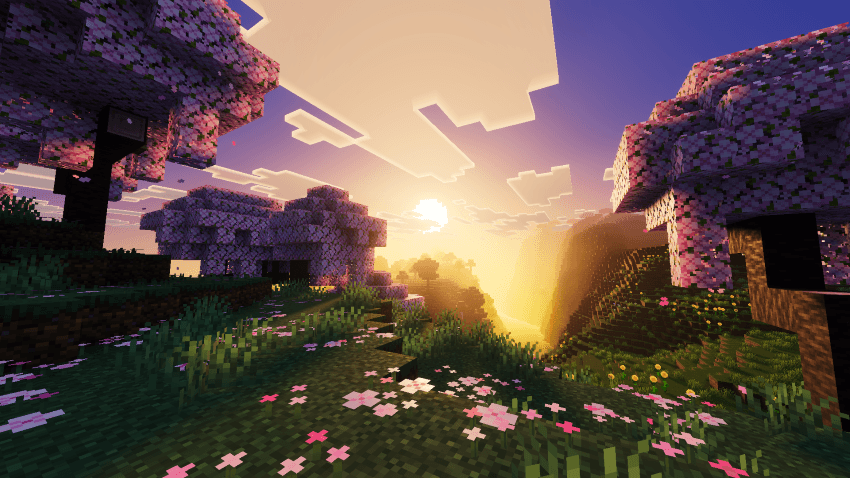
Turn on Mellow Shaders and discover how stunning Bedrock can look without sacrifice.
- Mellow Shaders Team
Kako instalirati Mellowv Shaders
With Millida Launcher
Install Millida Launcher
The launcher is free: download it at millida.net/launcher and sign in with any nickname.
Click “Install” on this page
The launcher opens and installs the resource pack for Minecraft 1.21–26.40 automatically.
Launch the game
A profile with it appears in the launcher: click “Play”.
Manually
Download the archive
Pick the file Mellow Shaders v1.4.mcpack (1.4 MB) for your game version. No need to unpack it.
Put it in the resourcepacks folder
The easiest way: “Options”, then “Resource Packs”, then “Open Pack Folder”, and drag the archive there.
Enable the pack
In the same window, move the pack to the right-hand “Selected” column and click “Done”.
Verzije
Sa zavisnostima
| Minecraft | Loader | Fajl | Datum | Akcije |
|---|---|---|---|---|
| 1.21.30 | — | Mellow Shaders v1.4.mcpack1.4 MB 44 |
Česta pitanja
Which Minecraft versions does Mellowv Shaders work on?
There are files for 1.21–26.40, 23 versions in total. The newest is 26.40.
Where can I download Mellowv Shaders safely?
On this page: the file Mellow Shaders v1.4.mcpack (1.4 MB) is stored on Millida’s server, with no link shorteners. SHA-1 checksum: 8e9a5b3cf9ae70c9d5c9cd6e6b0501a32ce26f6b.
Recenzije
Budi prvi koji će oceniti Mellowv Shaders



