
Makima Visual Theme Resurs pak za Minecraft 26.30
Makima Visual Theme donosi Makima atmosferu iz Chainsaw Man, čineći da se osećate prijatno ujutru ali nelagodno noću.
ANIMA DISCORD
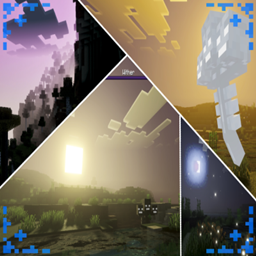
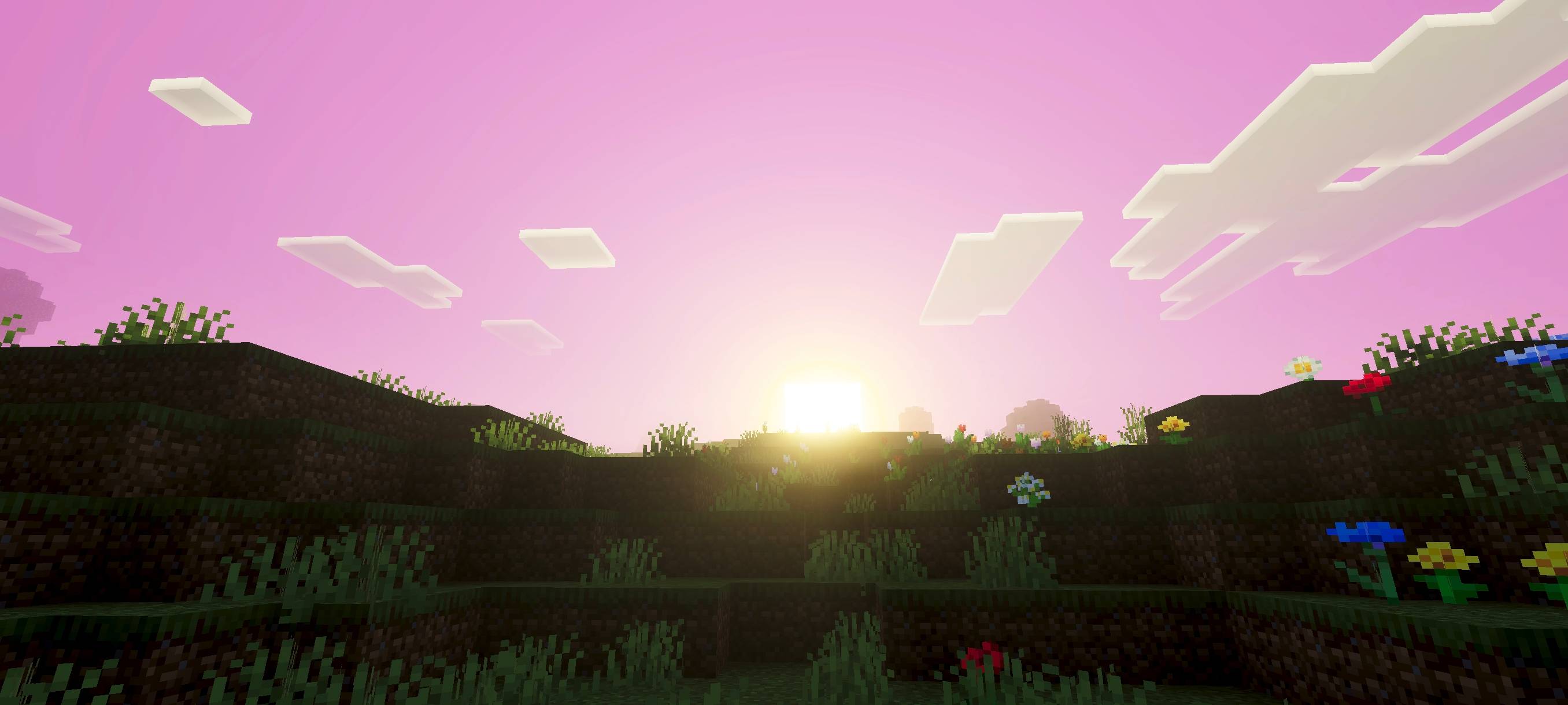
Makima Visual Theme brings the Makima atmosphere from Chainsaw Man, wrapping your world in a calm, almost comforting presence during the morning pink soft light, quiet warmth, and a subtle sense of control that feels strangely reassuring. But as night falls, that same atmosphere slowly shifts into something unsettling, where the silence feels heavier, the shadows linger longer, and a quiet horror creeps inlike you’re never truly alone.
Dynamic Water by Ei
(You can see all the features of this addon/shader in the photo below)
Kako instalirati Makima Visual Theme
With Millida Launcher
Install Millida Launcher
The launcher is free: download it at millida.net/launcher and sign in with any nickname.
Click “Install” on this page
The launcher opens and installs the resource pack for Minecraft 26.10–26.30 automatically.
Launch the game
A profile with it appears in the launcher: click “Play”.
Manually
Download the archive
Pick the file makima visual theme 1.6.mcpack (286 KB) for your game version. No need to unpack it.
Put it in the resourcepacks folder
The easiest way: “Options”, then “Resource Packs”, then “Open Pack Folder”, and drag the archive there.
Enable the pack
In the same window, move the pack to the right-hand “Selected” column and click “Done”.
Verzije
Sa zavisnostima
| Minecraft | Loader | Fajl | Datum | Akcije |
|---|---|---|---|---|
| 26.10 | — | makima visual theme 1.6286 KB 4 |
Česta pitanja
Which Minecraft versions does Makima Visual Theme work on?
There are files for 26.30, 26.20, 26.10. The newest is 26.30.
Where can I download Makima Visual Theme safely?
On this page: the file makima visual theme 1.6.mcpack (286 KB) is stored on Millida’s server, with no link shorteners. SHA-1 checksum: 425c00654dca458df90cd7e57612d27428753592.
Recenzije
Budi prvi koji će oceniti Makima Visual Theme



