

Lower Defaults (Shield & Fire) Resurs pak za Minecraft 1.20.1, 1.21.1
Snižava vatru, štit i totem za bolji pregled! Čini totem manjim pri aktiviranju.
- preuzimanja
- 2 preuzimanja
- pregleda
- 43 pregleda
- Ažurirano
- Ažurirano 29.10.2026
- 1.14 — 26.2
 Vanila igra
- Klijent
O Lower Defaults (Shield & Fire) resurs paku
⚠️ This pack does NOT need Optifine! ⚠️
Lower Defaults
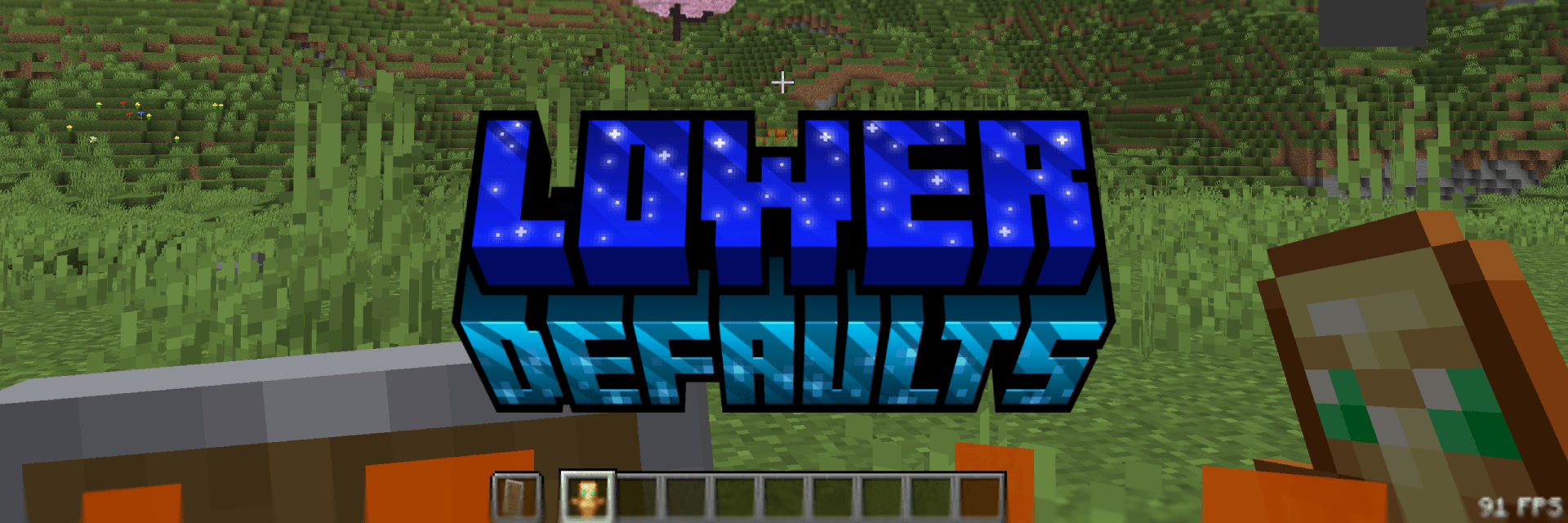
This pack makes the shield, totem and fire appear lower in first person and also shrinking the totem pop animation. Nothing more. This pack is consistent across all versions. View the Gallery for a better look!

Thanks
You can support me at Ko-Fi! ♥️

Kako instalirati Lower Defaults (Shield & Fire)
With Millida Launcher
Install Millida Launcher
The launcher is free: download it at millida.net/launcher and sign in with any nickname.
Click “Install” on this page
The launcher opens and installs the resource pack for Minecraft 1.14–26.2 automatically.
Launch the game
A profile with it appears in the launcher: click “Play”.
Manually
Download the archive
Pick the file Lower Defaults (Shield & Fire) - Release 1.0.0 1.21.8.zip (105 KB) for your game version. No need to unpack it.
Put it in the resourcepacks folder
The easiest way: “Options”, then “Resource Packs”, then “Open Pack Folder”, and drag the archive there.
Enable the pack
In the same window, move the pack to the right-hand “Selected” column and click “Done”.
Verzije
Sa zavisnostima
| Minecraft | Loader | Fajl | Datum | Akcije |
|---|---|---|---|---|
| 1.21.4 | — | 1.21.4105 KB 1 | ||
| 26.2 | — | 26.2105 KB 1 | ||
| 26.1 | — | 26.1105 KB |
Recenzije
Budi prvi koji će oceniti Lower Defaults (Shield & Fire)



